01
Annual Sustainability Reporting
A sustainability officer presents milestones to the board, using the bold chapter flooding to separate environmental, social, and governance sections clearly.
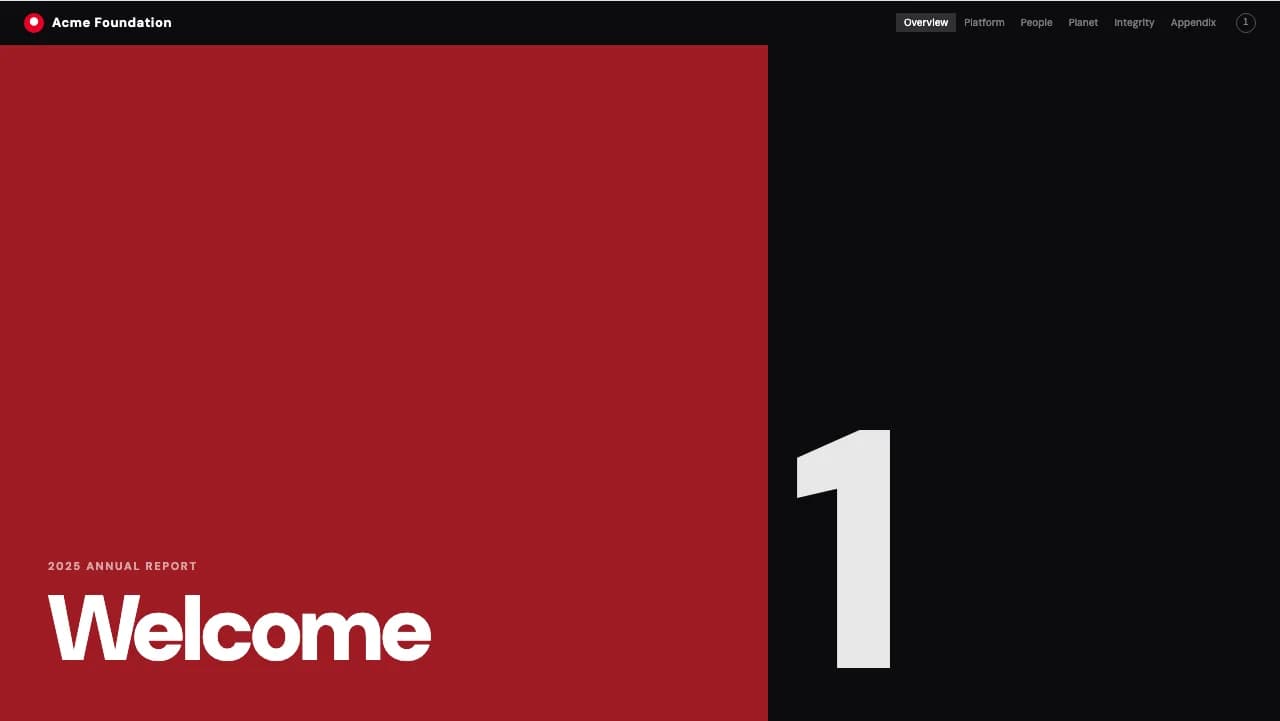
A multi-column editorial layout with massive typography for structured corporate reporting.
Impact Folio is a magazine-grade editorial template designed for information-dense reports that require a strong visual hierarchy.
The design uses a strict Swiss multi-column grid, ensuring that long-form text remains readable alongside documentary-style imagery.
Each chapter transition features a dramatic monochrome color flood—such as deep crimson or royal purple—paired with massive, flush-left sans-serif numerals that establish a clear pace.
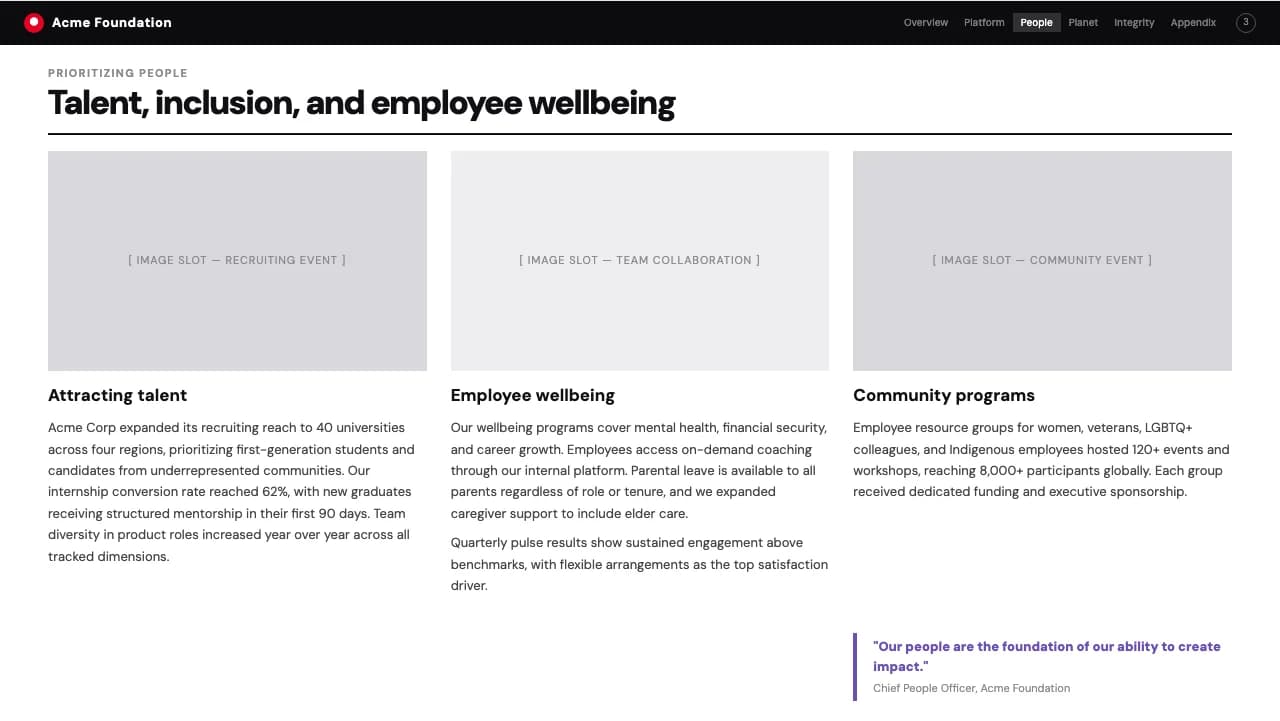
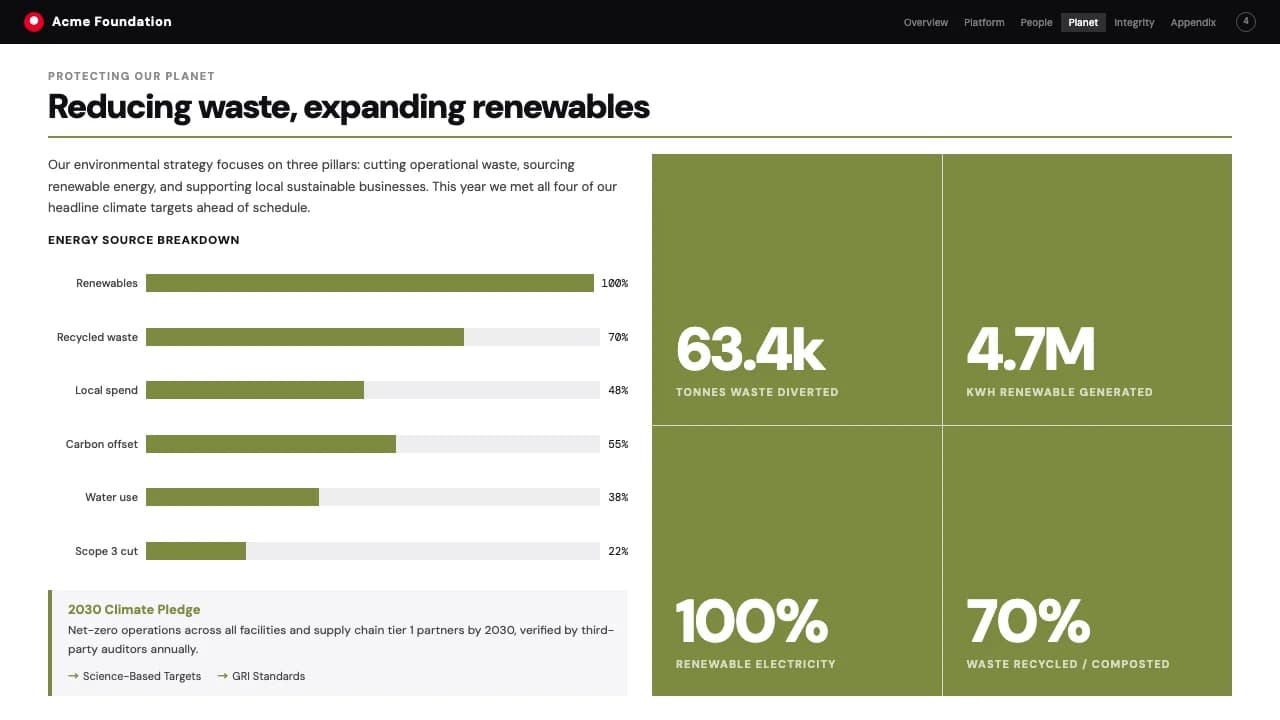
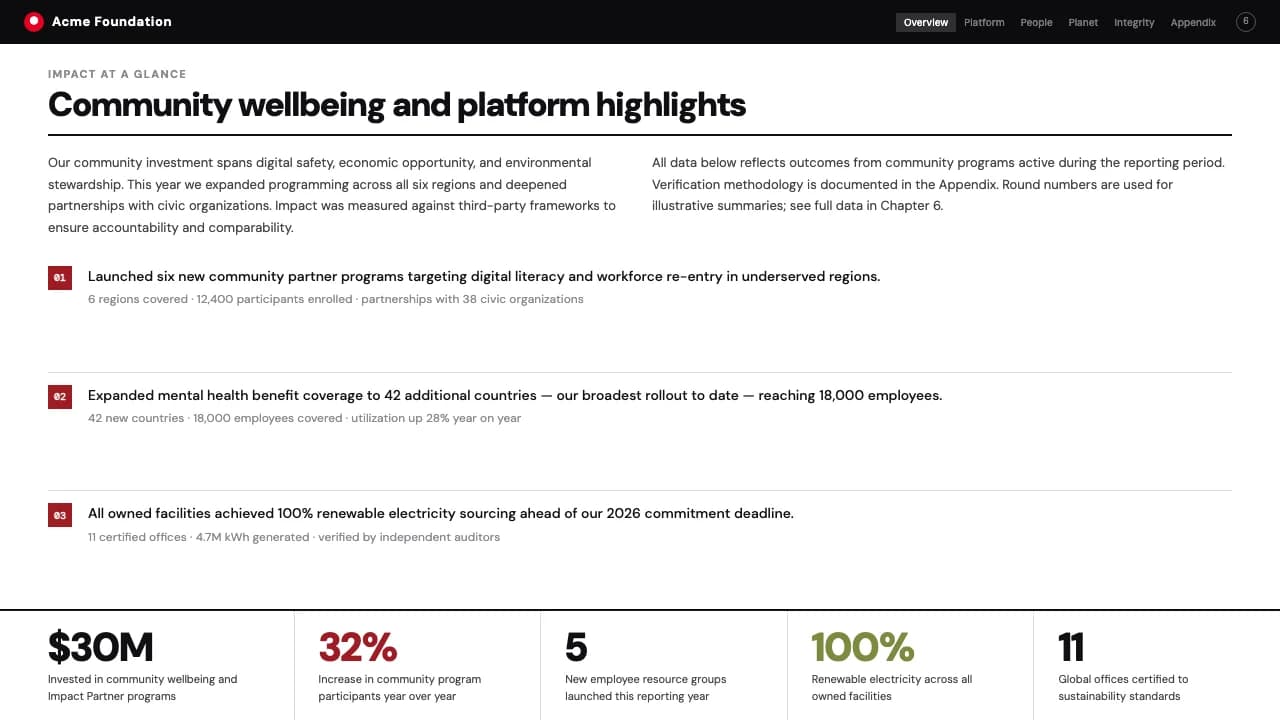
The interior slides include a functional top navigation bar for orientation, thin 1px horizontal rules for content separation, and a three-card grid for modular storytelling.
This structure suits ESG reports, annual reviews, or industry white papers where factual density and bold communication are required.
The visual system is built on DM Sans, utilizing its geometric grotesque weights to create high contrast between body copy and headers.
The color palette centers on a deep #0B0B0E black background, which allows the per-chapter color flooding to act as a visual wayfinding tool.
Layouts follow a modular logic: a persistent top navigation menu provides constant context, while the main content area utilizes a three-column split.
Photography is presented in full-bleed or large-format rectangular containers, emphasizing a documentary aesthetic.
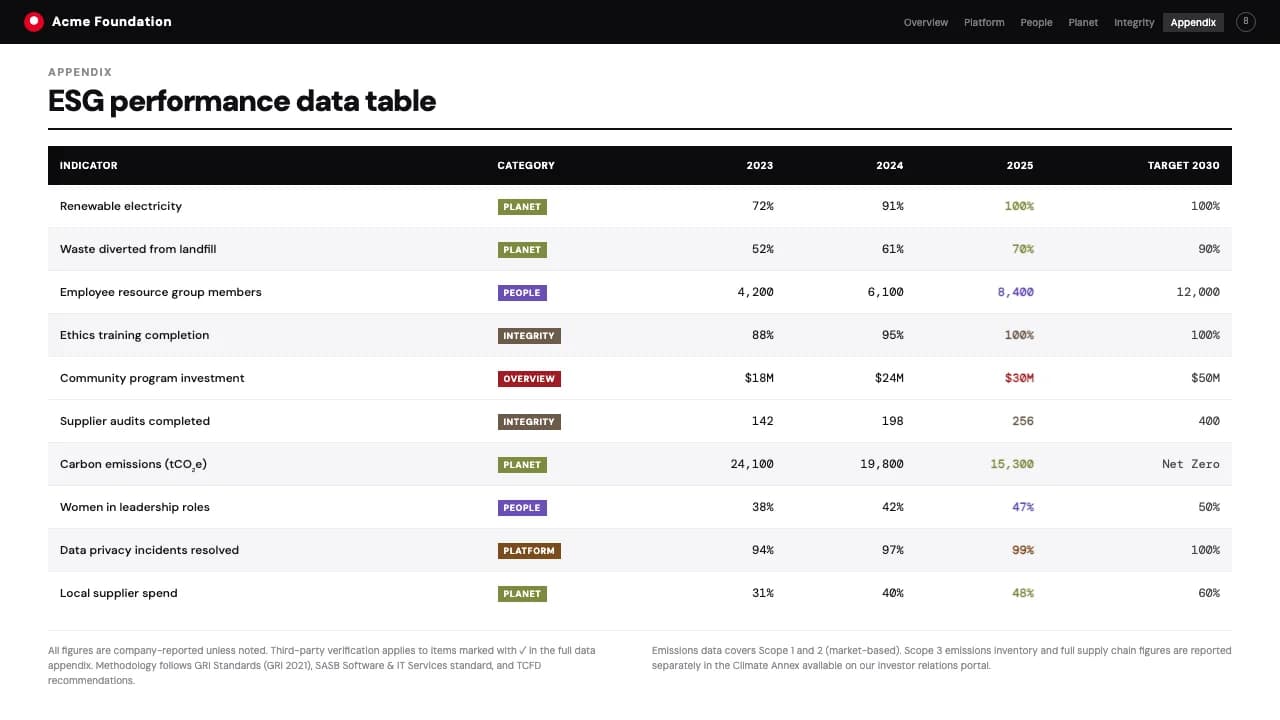
Thin strokes define content zones without cluttering the negative space, maintaining a clean, high-contrast look throughout the 8-slide deck.
Every theme has a stage it belongs on. These are the moments this one was built for.
A sustainability officer presents milestones to the board, using the bold chapter flooding to separate environmental, social, and governance sections clearly.
A research lead publishes a 40-page market analysis, utilizing the multi-column grid to balance data charts with long-form expert analysis.
A communications director showcases a company's history, using documentary photo slots and oversized typography to create a digital museum experience.
01 / 8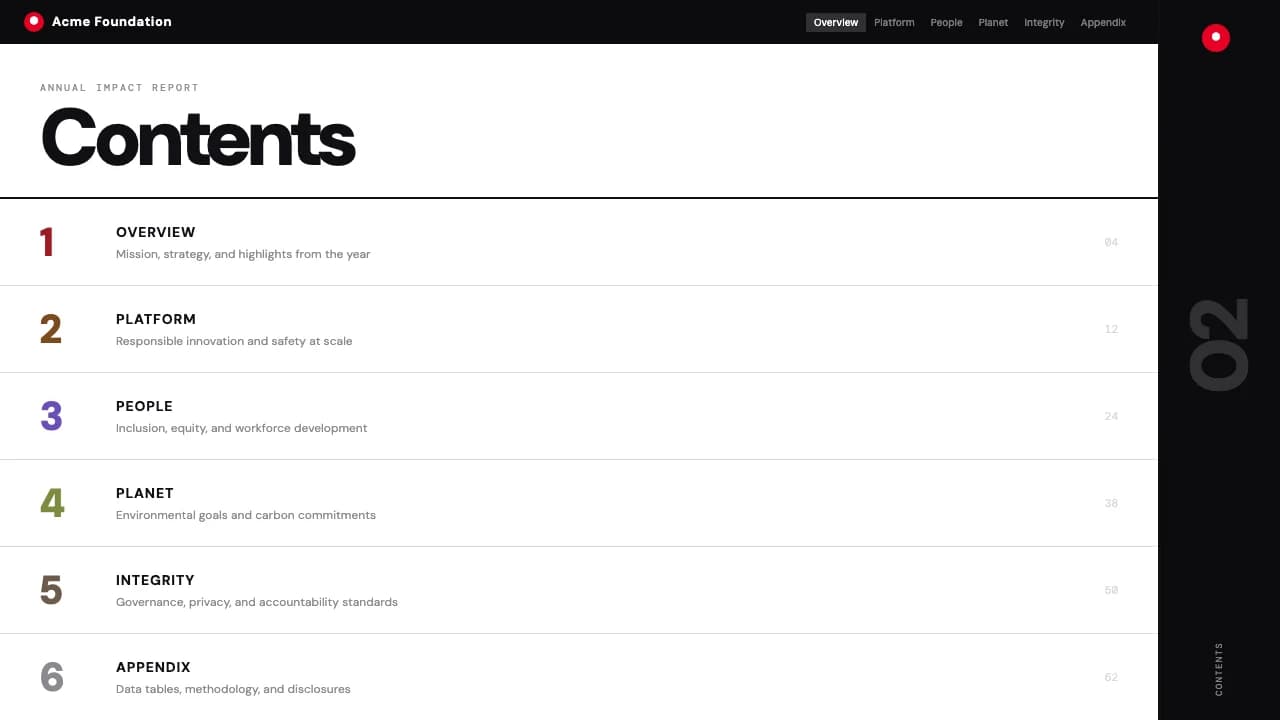 02 / 8
 03 / 8
 04 / 8
 05 / 8
 06 / 8
 07 / 8
 08 / 8
Pick this template, upload your content, and our AI will compose it into the 8-slide arc of Impact Folio Swiss Grid Annual Report Template — your job is just to polish the key data.