What's New

Every change to Tosea, newest first.

A rebuilt canvas editor, plus editable chart data

The slide workspace is now a canvas: drag to reorder, switch between versions, retry a single failed page. The new Data Studio opens up the data and styling behind every chart and table — and Ultra joins the plan lineup.

  • Canvas editor: drag to reorder pages, switch versions, retry individual pages, and edit speaker notes in place
  • Data Studio: edit the data, chart type and styling behind any chart or table — recognized from the source figure or imported from Excel / CSV
  • New Ultra plan: 16,000 credits a month
Try it nowv1.3.0 · Editing

GPT Image 2.5 is here

OpenAI's newest image model is now the default for image slides in Tosea — sharper text, better layout understanding, and roughly twice the generation speed of the previous model.

  • OpenAI's newest image model — sharper text, richer layouts, and 2× faster generation
  • Four tiers: 2K, 2K Max, 4K High and 4K Max — the 2K tier is open to every user
  • All four tiers support region editing and full-slide AI edits
Try it nowv1.2.0 · Images

Kimi K3, a faster default model, and image-to-editable-PPT

A round of model updates: Kimi K3 joins the high-capability tier, free users move to a faster default, and a new set of free tools turns slide images back into editable PowerPoint.

  • Kimi K3 is available in the model selector for Pro and Max users
  • Free users now render on Gemini 3.7 Flash; GLM 5.3 and GLM 5.3 Flash join the selector
  • Image to editable PPT: turn PNG, JPG, WebP or GIF slide images into PowerPoint files
  • Google one-tap sign-in: sign up or sign in with a single click
  • Noticeably better outlines for scanned and image-heavy documents
Try itv1.1.0 · Models

Editable PPTX export, fully upgraded

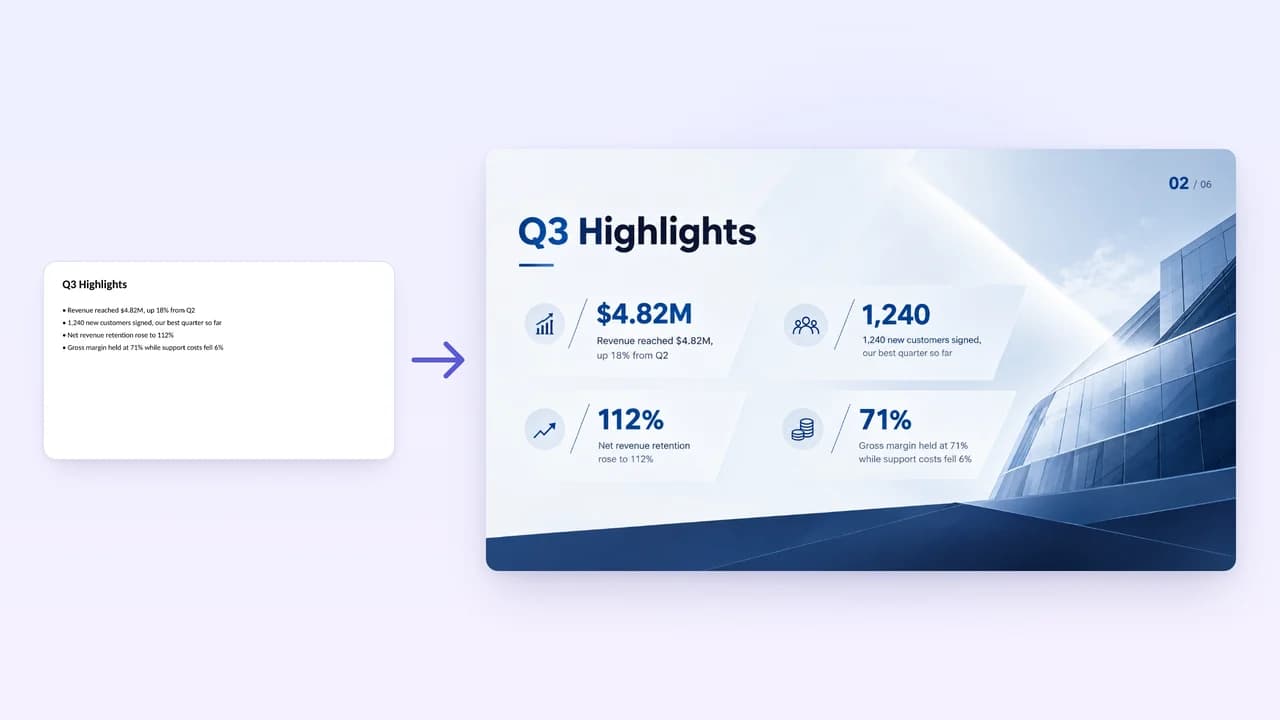
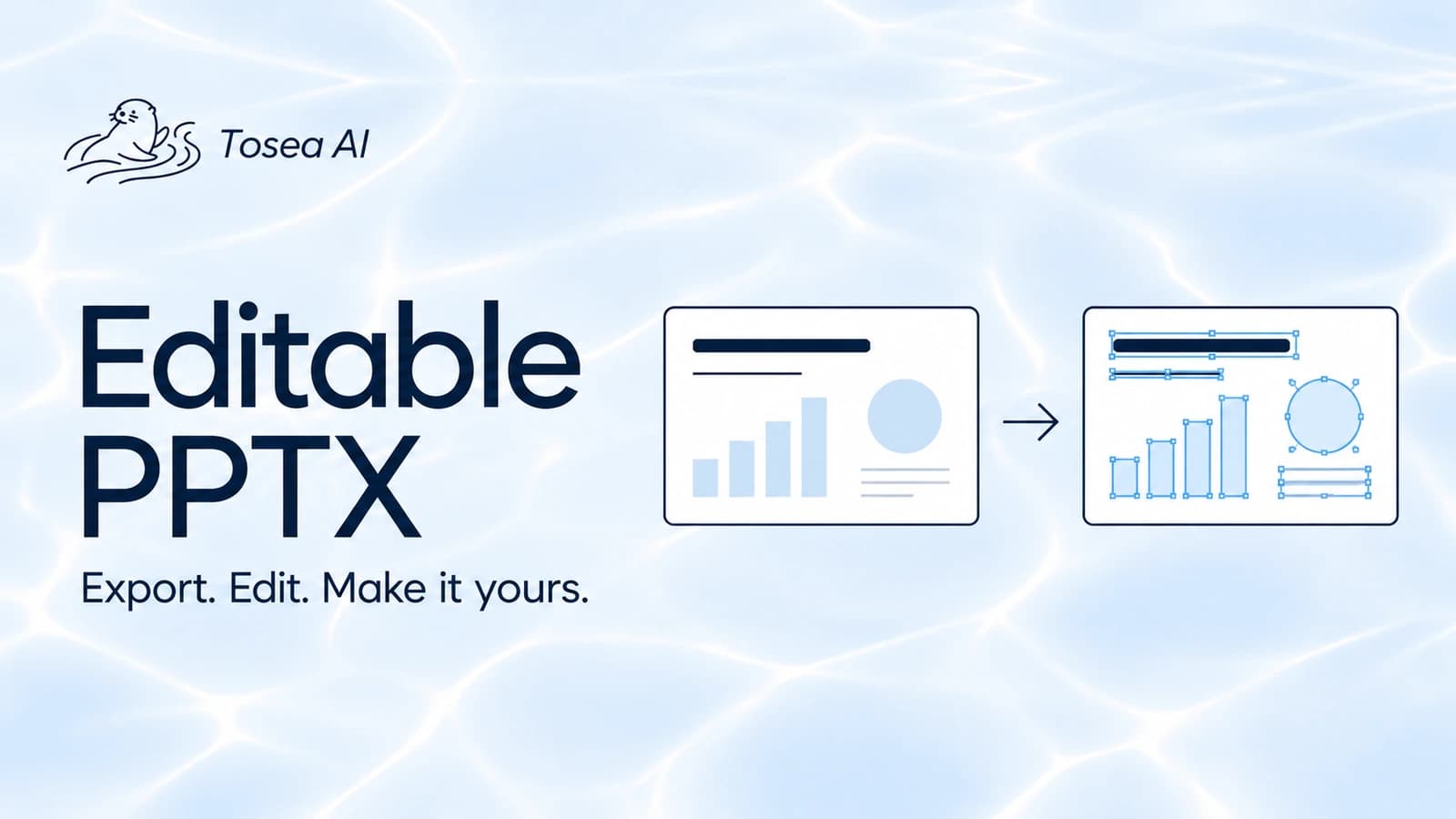
Every exported slide is rebuilt into objects you can keep editing. Layout, composition and visuals match the preview, so picking up in PowerPoint is far less work.

  • What you see is what you get — exports closely match the preview, keeping layout and visuals intact
  • Text, text boxes, icons, and shapes come through as editable objects, ready to fine-tune in PowerPoint
  • Pick exactly which pages to export with the new page selection

Nano Banana image generation, templates, and file chat

The quarter image mode came together: two new image models, system and custom templates merged into a single panel, and documents you can ask questions about.

  • Nano Banana Pro and Nano Banana 2 join image generation; the latter is free for everyone
  • Image mode gains the system template library and custom template upload — models follow the template's style and layout
  • File chat: upload a document and ask questions or pull out key points
  • Generate artwork while still editing the outline; PPTX 2.0 editable export (agent mode) added
  • Richer logo editing, now a Pro feature; a set of business templates; redesigned dashboard
  • Fixed font mismatches between web preview and PDF / PPTX export — CJK fonts are appended as fallbacks instead of overriding the template's primary font
About image modev1.0.9 · Generation

Tosea.ai launches

The first release of AI slide generation built for academic work.

  • Turn long documents — papers, reports — into a deck you can actually present
Get startedv1.0.0 · Launch