From Smart Homes to Smart Workflows: What Alexa+ Means for Professional AI
Amazon's Alexa+ brings AI agents to consumers. But professional workflows demand specialized tools. Here's why general and specialized AI serve different needs.
On February 4, 2026, Amazon announced that Alexa+ is now available to all U.S. customers as a free benefit for Prime members. Powered by a hybrid architecture of Amazon Nova and Anthropic models, Alexa+ has moved well beyond setting timers and playing music. It can now order takeout, schedule home repairs, manage family calendars, and hold multi-day conversations that remember context across sessions.
For the general public, this is a meaningful upgrade in home convenience. But for data scientists, researchers, and corporate strategists, the Alexa+ launch raises a question worth thinking about: as AI agents become embedded in consumer products, what does that mean for the specialized tools that professionals rely on for high-stakes work?
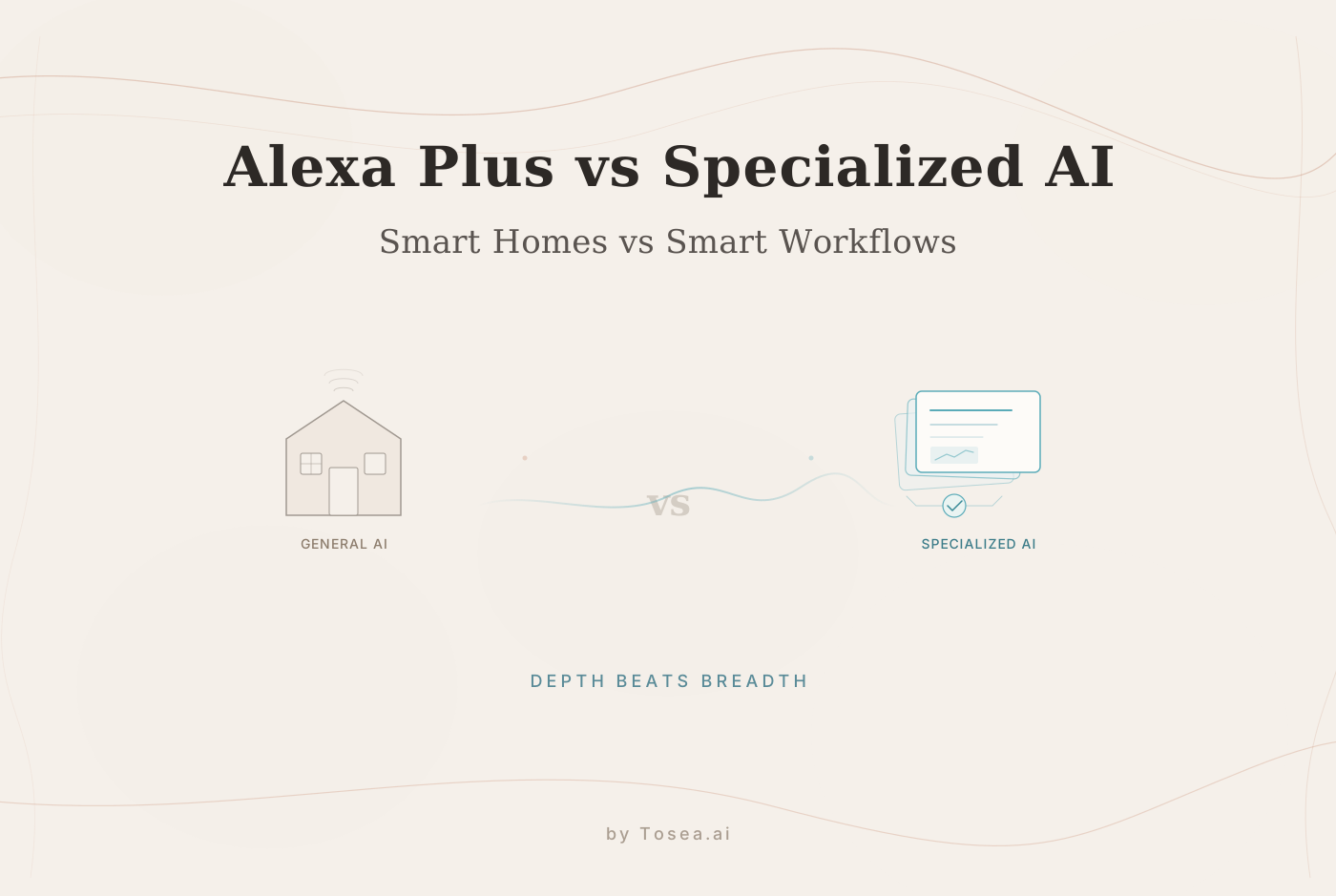
The short answer is that consumer AI and professional AI are solving fundamentally different problems — and the gap between them is widening, not narrowing.
The Rise of the Everyday Agent
The Alexa+ launch is significant because it introduces agentic capabilities — the ability to take multi-step actions autonomously — to a mass-market audience. Amazon's Vice President Daniel Rausch highlighted that customers are no longer making simple requests; they're having sustained conversations and letting the AI act on their behalf across connected services.
What Consumer AI Does Well
Alexa+ excels in what we might call "life management." It integrates with Ring cameras, family calendars, grocery lists, smart home devices, and third-party services like Uber and Instacart. If you need to coordinate a dinner party — finding a recipe, ordering ingredients, setting a reminder, and adjusting the thermostat — Alexa+ handles that workflow seamlessly.
This is genuinely impressive engineering. The ability to chain together actions across multiple services, maintain conversation context, and handle the ambiguity of natural language requests represents a real advance in consumer AI.
Where Consumer AI Falls Short
The challenge arises when you try to apply this same technology to professional workflows. Consumer agents are optimized for breadth — handling thousands of different request types at a "good enough" level for billions of users. Professional work requires the opposite: deep specialization in specific domains with very high accuracy standards.
When you're dealing with data that represents years of research or significant financial decisions, "good enough" becomes a liability. A misinterpreted regression coefficient or a visualization that subtly misrepresents a trend isn't just an inconvenience — it can undermine your credibility or lead to poor decisions.
Consider the difference in stakes:
| Scenario | Consumer AI (Alexa+) | Professional AI (Tosea.ai) |
|---|---|---|
| Gets a detail wrong | You order the wrong groceries | Your board presentation has a flawed analysis |
| Loses context | You repeat a request | Your 15-slide deck becomes inconsistent |
| Can't handle complexity | You do the task manually | You spend 4 hours on a task that should take 30 minutes |
| Output format | Voice response or action | Editable PPTX with verified data |
The Specialization Gap
The distinction between consumer and professional AI isn't just about accuracy — it's about what the AI can actually do with your data.
The Copy-Paste Trap
The most common frustration with general AI assistants in professional settings is what we call the "Copy-Paste Trap." You ask a question, get a text response, and then spend hours manually transferring that information into a slide deck, a report, or a visualization. The AI helped with the thinking, but you still did all the production work.
Specialized professional tools break this pattern entirely. Tosea.ai, for example, doesn't just summarize your data — it processes it through a pipeline of specialized agents that handle different aspects of the workflow:
- An analysis agent that ingests raw data files, validates data integrity, and runs appropriate statistical models
- A visualization agent that creates charts and tables following professional design standards
- A narrative agent that structures the presentation's story arc and ensures logical flow across slides
The output isn't a chat response that you need to manually format. It's a finished, editable presentation that you can review, refine, and present.
Multi-Agent Architecture vs. Single-Thread Conversation
Alexa+ uses language models to handle conversational tasks in a single thread. You ask, it responds, you refine. This works well for the kinds of tasks it handles — scheduling, ordering, home control.
Professional workflows, however, often require multiple specialized capabilities working in parallel. When you're building an analytical presentation, you need simultaneous attention to data accuracy, statistical methodology, visual design, and narrative structure. A single conversational agent struggles to maintain all of these concerns at once, especially across longer, more complex projects.
This is why multi-agent architectures — where different specialized agents handle different aspects of the work — tend to produce better results for professional use cases. The trade-off is complexity and cost, but for high-stakes work where accuracy matters, that trade-off is worthwhile.
Where Each Tool Belongs in Your Workflow
The consumer vs. professional AI distinction isn't an either/or choice. Most professionals will use both, for different purposes.
Alexa+ for Life Management
Alexa+ is genuinely useful for managing the logistics of daily life. Use it for scheduling, reminders, home automation, quick information lookups, and the kind of routine coordination that consumes surprising amounts of time. If it saves you 20 minutes a day on household logistics, that's time you can redirect toward professional work.
Specialized AI for Professional Output
For work that involves data analysis, presentation creation, or research communication, specialized tools are worth the investment. The key question to ask about any AI tool for professional use:
Does it produce a finished, usable output? If you still need to manually assemble the final deliverable, the tool is saving you thinking time but not production time. Professional AI tools should handle both.
Can you verify the work? In professional contexts, you need to be able to audit the AI's reasoning. Tools with observable workflows — where you can see the code executed, the models applied, and the reasoning behind design choices — enable you to take ownership of the output even when the AI did the heavy lifting.
Does it handle your domain's requirements? A general assistant doesn't know the formatting conventions of academic journals, the design standards of top consulting firms, or the statistical requirements of your specific field. Specialized tools encode this domain knowledge directly.
The Data Pipeline Difference
Beyond architecture and accuracy, there's a practical difference between consumer and professional AI that often gets overlooked: how data flows through the system.
Consumer AI: Input-Response
Consumer AI tools like Alexa+ operate on an input-response model. You provide a natural language request, the AI processes it, and returns a single response — a voice answer, an action taken, or a piece of information displayed. If you need to build on that response, you issue another request and hope the context carries over.
This works for discrete tasks. "What's the weather?" "Order more coffee." "Add a meeting at 3 PM." Each request is largely independent, and the response format is simple.
Professional AI: Input-Pipeline-Output
Professional data work doesn't follow this pattern. When you're building a quarterly report from raw data, the workflow involves multiple interdependent steps: data ingestion, validation, analysis, visualization, narrative construction, and formatting. Each step depends on the previous one, and errors in early stages cascade through the entire output.
This is why professional AI tools are built as pipelines rather than chatbots. The data enters one end, passes through multiple specialized processing stages, and emerges as a structured deliverable on the other end. At each stage, you can inspect what's happening and intervene if needed.
The practical implication is straightforward: if your AI tool produces a chat response that you then need to manually transform into your deliverable, you're using a consumer-grade tool for professional work. The production time you save on thinking is consumed by the manual assembly work. Professional-grade tools eliminate both the thinking bottleneck and the production bottleneck by producing finished, editable output directly.
Why This Matters for Your Workflow
Consider the difference in a concrete scenario. You have a dataset of quarterly sales performance and need to build a board presentation.
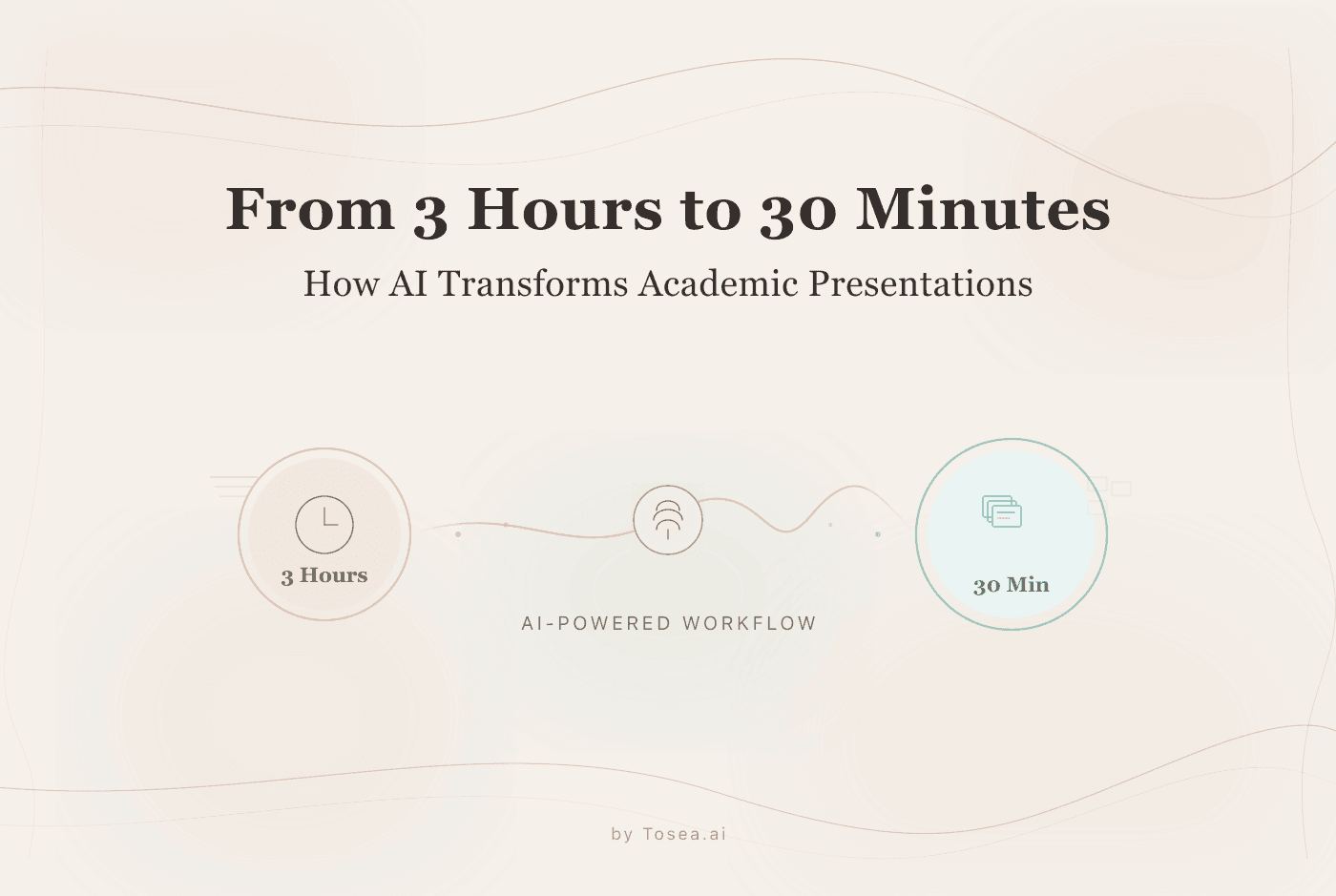
With consumer AI: You upload the data to a chatbot, ask for an analysis, receive a text summary, manually create charts in a spreadsheet, copy them into slides, format the deck, write the narrative, and review for consistency. The AI saved you 30 minutes of analysis time but you spent 3 hours on production.
With specialized professional AI: You upload the data, describe your objectives and audience, and receive a complete slide deck with verified charts, structured narrative, and consistent formatting. You spend 30 minutes reviewing and refining. The total time investment shifted from the production work to the strategic work.
The Convergence Ahead
Looking forward, the line between consumer and professional AI will likely blur. As consumer agents become more capable, they'll handle increasingly complex tasks. And as professional tools become more accessible, they'll reach broader audiences.
But for the near term — and especially for professionals whose careers depend on the quality of their analytical work — the specialization matters. The PhD candidate defending a thesis needs different AI capabilities than someone ordering dinner. The marketing director building a quarterly report needs different support than someone managing a family calendar.
The Shared Shift in User Role
What both consumer and professional AI share is a redefinition of the user's role. With Alexa+, you're not pressing buttons on a thermostat; you're describing what you want and letting the AI figure out how to achieve it. With professional AI tools, you're not manually formatting charts; you're describing your analytical goals and reviewing the agent's execution.
In both cases, the user moves from operator to supervisor — defining objectives and evaluating outputs rather than executing each step manually. The difference is in the stakes, the complexity, and the quality standards required.
A Practical Framework for Choosing AI Tools
When evaluating whether a consumer or professional AI tool is right for a specific task, consider these three factors:
1. Consequences of error: If a mistake is easily corrected (wrong grocery order), a general tool is fine. If a mistake could damage your professional credibility (flawed analysis in a board presentation), use a specialized tool with verification capabilities.
2. Output requirements: If you need a voice response or a simple action, consumer AI handles it. If you need a formatted, editable document like a PPTX with properly rendered data visualizations, you need a tool designed for that output format.
3. Domain complexity: If the task requires general knowledge, consumer AI is sufficient. If it requires understanding of statistical methods, academic conventions, or industry-specific standards, look for tools with embedded domain expertise.
The smart approach isn't choosing one type of AI over another — it's matching each tool to the task. Alexa+ for the mundane logistics that eat into your day. Specialized tools for the mission-critical deliverables that your reputation depends on. And your own time reserved for the strategic thinking that neither type of AI can replicate.
FAQ
Can I use Alexa+ and Tosea.ai together?
Yes, and many professionals do. Use Alexa+ for scheduling, quick lookups, and life management. Use Tosea.ai for the deep work — analyzing data, building presentations, and producing deliverables that need to withstand professional scrutiny.
Will consumer AI eventually replace specialized professional tools?
It's possible in the long run, but unlikely in the near term. Professional work has domain-specific requirements (statistical rigor, formatting standards, regulatory compliance) that consumer-focused AI isn't designed to handle. The specialization gap tends to persist because the incentives for consumer AI favor breadth over depth.
How fast can specialized AI tools produce a presentation?
It varies by complexity, but for standard data-to-presentation workflows, tools like Tosea.ai can produce a draft deck in minutes rather than hours. The real time savings come from eliminating the manual copy-paste-format cycle that typically consumes most of the production time.