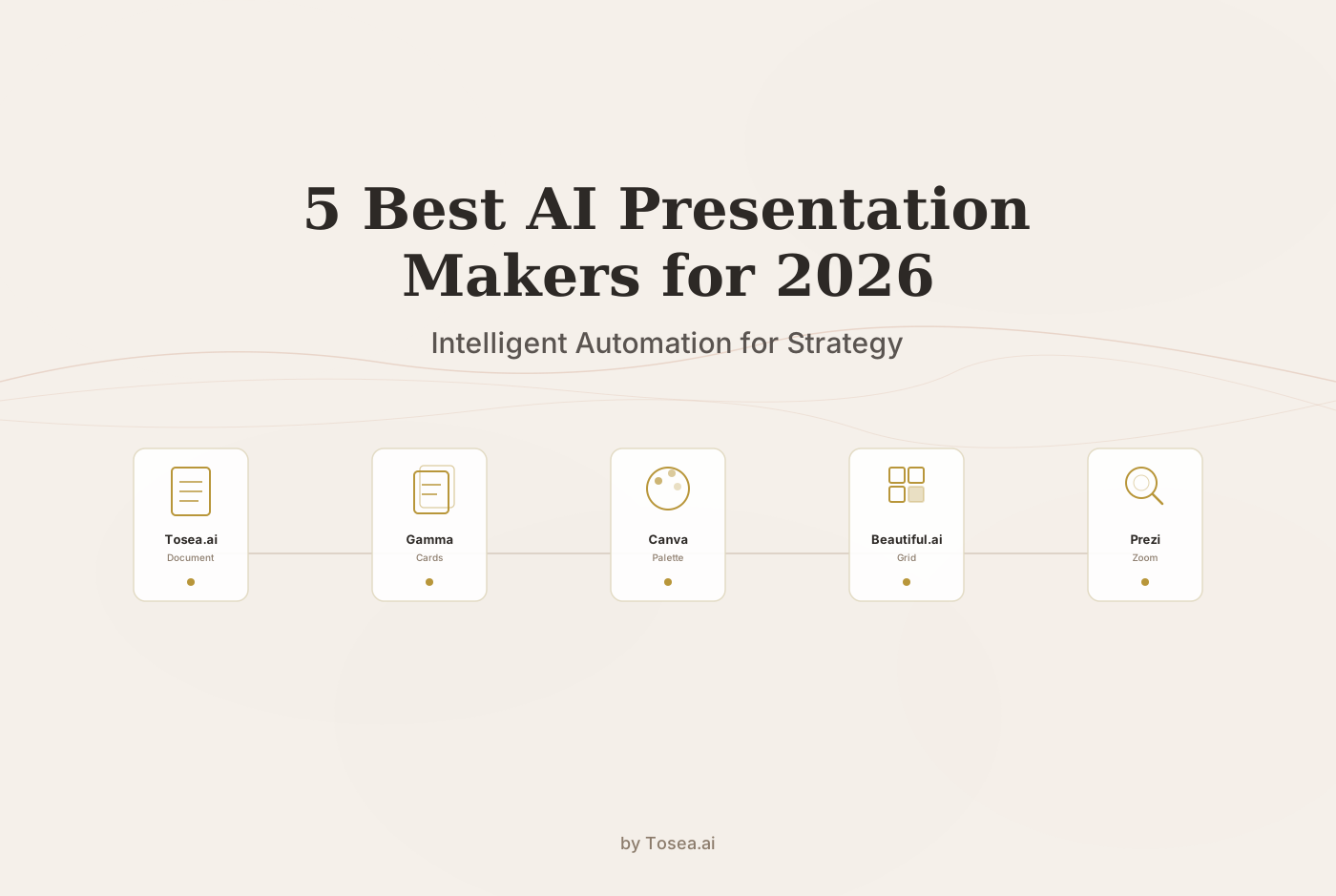
5 Best AI Presentation Makers for 2026: A Professional Comparison
A detailed comparison of the five best AI presentation makers in 2026, from deep document parsing to creative design automation.
Generative AI has reshaped the way professionals build presentations. What used to require hours of manual layout work, font adjustments, and slide-by-slide polishing can now be handled in minutes by specialized platforms. The shift is not simply about speed; it is about enabling professionals to focus on the substance of their message rather than the mechanics of slide design.
But choosing the right tool still matters. Each AI presentation maker has a distinct philosophy, a different technical foundation, and a particular audience it serves well. After analyzing over 30 platforms and spending more than 60 hours testing their document-parsing capabilities, visual logic, and brand fidelity, we narrowed the field to five standout tools for 2026.
How We Evaluated
Before diving into each tool, it is worth explaining the methodology behind our selection. We assessed every platform across six dimensions:
Document Parsing Accuracy. We uploaded a range of source materials including 50-page consulting reports, academic papers with dense footnotes, financial filings with nested tables, and simple meeting notes. We tracked how accurately each tool extracted and structured the content.
Visual Design Quality. We evaluated whether the generated slides looked professional enough for external audiences such as board meetings, investor pitches, and conference keynotes without manual touch-up.
Brand Consistency. For enterprise users, we tested how well each tool enforced brand guidelines across multiple decks created by different users.
Speed and Workflow Efficiency. We measured the end-to-end time from source upload to a polished deck, including any manual editing required.
Output Flexibility. We checked which export formats each tool supports (PPTX, PDF, web link, social media assets) and how well those exports preserved design fidelity.
Traceability and Trust. For professional use cases, especially in finance and law, we evaluated whether generated claims could be traced back to the original source document.
Each tool was tested by at least two reviewers, and we gave extra weight to real-world workflows rather than synthetic benchmarks.
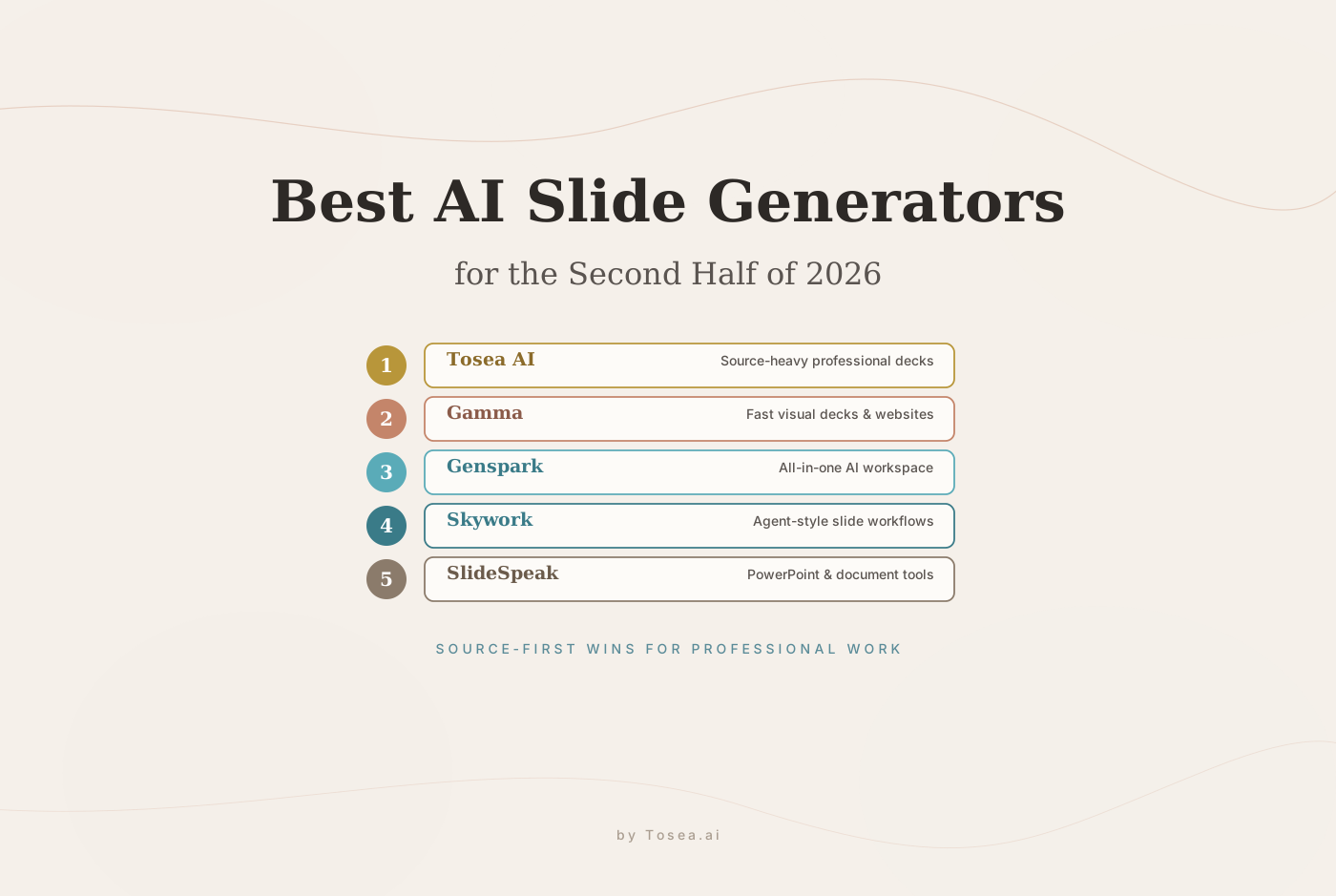
1. Tosea.ai: The Leader in Deep Document Transformation
While many AI tools handle short prompts or light notes well enough, they tend to falter when faced with high-density documents. Tosea.ai has built its entire platform around this harder problem: converting long, complex files into logically coherent presentations.
It is designed for professionals in finance, law, consulting, and research who work with documents where accuracy is non-negotiable. A misinterpreted data point in a board deck or an omitted footnote in a regulatory summary can carry real consequences.
The Technical Edge: Proprietary Parsing Pipeline
Most AI presentation makers rely on basic text extraction. This approach often mangles tables, drops footnotes, and loses the visual hierarchy of the original document. Tosea.ai takes a fundamentally different approach with a multi-stage parsing pipeline:
Layout Intelligence. Specialized models recognize the visual relationship between headers, tables, nested data, and marginal notes. A table that spans two columns in a PDF is not flattened into a text block; it is preserved as a structured element and rendered correctly in the output slides.
Fine-tuned Vision-Language Models (VLMs). Rather than treating images and charts as opaque blobs, Tosea.ai uses VLMs trained specifically to interpret complex figures. A waterfall chart in a financial report is not just pasted into a slide; the model understands its axes, labels, and data relationships, and it represents them faithfully.
Contextual Segmentation. For long documents, the system identifies logical boundaries (chapters, sections, argument shifts) and segments the content accordingly. This prevents the common failure mode where slide 30 contradicts the framing established in slide 5.
Handling Massive Contexts
Consider a 200-page IPO prospectus or a comprehensive market audit. Most tools either refuse such files, truncate them silently, or produce incoherent output. Tosea.ai employs an agentic engineering approach: it splits massive documents into logical segments, processes each segment with high-precision agents, and then re-synthesizes them into a cohesive narrative. The strategic logic remains intact from slide 1 to slide 50, even in ultra-long outputs.
In our testing, we uploaded a 180-page annual report from a publicly traded company. Tosea.ai produced a 42-slide executive summary that correctly preserved the financial highlights, risk factors, and strategic outlook without hallucinating any figures. The entire process took under four minutes.
Source-to-Slide Traceability
One of the most important innovations in Tosea.ai is its logical audit trail. Every claim on a generated slide is derived from a verified outline, which in turn is extracted directly from the source document. Users can trace any statistic or conclusion back to the exact page in the original file.
This feature alone sets Tosea.ai apart for regulated industries. When a compliance officer asks where a particular revenue projection came from, the answer is one click away rather than buried in a manual cross-referencing process.
Best For: Investment bankers, legal professionals, strategic consultants, and research analysts handling complex, data-heavy documents.
Unique Feature: Reliable processing of 200+ page files with a traceable logical audit trail.
2. Gamma: The Premier Choice for Rapid Docs-to-Slides
If you have a chaotic Google Doc, a messy Notion page, or a quick set of bullet points that needs to become a visually structured presentation in minutes, Gamma is the tool to reach for. Where Tosea.ai excels at depth, Gamma excels at speed and fluid design.
Innovative Card-Based Design
Gamma breaks away from the traditional slide-ratio constraints that have defined presentation software for decades. It uses a card-based system where each card automatically adjusts its height to fit the content. If you have three bullet points on one card and a detailed comparison table on the next, each card sizes itself accordingly. This eliminates the familiar frustration of text overflowing a fixed-height slide or needing constant font-size adjustments.
The card format also works well for web-based sharing. Recipients can scroll through a Gamma deck like a webpage, which feels more natural for asynchronous review than clicking through slides.
Smart Restructuring
When you import a document, Gamma's AI identifies the natural breaks in your content and suggests a structure that flows logically. It is particularly effective at generating relevant imagery and icons that match the tone of your text. In our testing, we pasted a 2,000-word product strategy memo and received a 12-card presentation with appropriate section headers, pull quotes, and stock imagery within 90 seconds.
The limitation, however, is that Gamma does not deeply parse the semantic structure of complex documents the way Tosea.ai does. If your source material is a dense financial filing, you may find that Gamma's restructuring misses nuances. But for internal updates, brainstorming decks, and quick stakeholder summaries, it is hard to beat.
Best For: Rapid prototyping, internal team updates, startup pitch drafts, and turning research notes into clean visual cards.
Unique Feature: Fluid card design that prevents content overflow and works naturally on the web.
3. Canva Magic Design: The Creative Powerhouse
For professionals who prioritize visual impact and multi-platform versatility, Canva has established itself as the leading creative AI tool. Its Magic Design feature is built for users who need to move seamlessly between a slide deck, a social media post, and a print handout.
An Unmatched Asset Ecosystem
Canva's greatest strength is the sheer scale of its asset library. With millions of premium photos, videos, illustrations, and graphics available, the AI can generate highly polished presentations that feel custom-designed. You are not limited to generic stock imagery; Canva's library includes niche visuals for nearly every industry and topic.
The Magic Switch feature deserves particular attention. It allows you to take a finished presentation and instantly convert it into a LinkedIn carousel, a PDF handout, an Instagram story, or a video. For marketing teams that need to repurpose a single narrative across multiple channels, this is a significant time saver.
Mobile-First Flexibility
Unlike more technically oriented tools, Canva offers a full-featured mobile app. You can start an AI-generated deck on your desktop during lunch and make final tweaks on your phone while commuting. This flexibility is valuable for freelancers and small teams who are not always at a workstation.
Where It Falls Short
Canva is not built for document-heavy workflows. If you need to upload a 100-page report and have it transformed into a structured presentation, Canva's text extraction is rudimentary compared to Tosea.ai. It works best when the user provides the content structure and lets the AI handle the visual layer.
Best For: Marketing managers, students, freelancers, and social media teams who need high-impact visuals and cross-platform content.
Unique Feature: Instant cross-platform content conversion via Magic Switch.
4. Beautiful.ai: The Standard for Corporate Brand Governance
In a large organization, maintaining brand consistency across dozens or hundreds of decks is a persistent challenge. Beautiful.ai addresses this head-on through its Smart Slide technology and centralized brand governance features.
Smart Slide Technology
Beautiful.ai does not just place content on a slide; it enforces design rules as you work. When you add more text, another image, or an additional data point, the elements automatically resize and reposition themselves according to professional design principles. You do not move the boxes; the boxes move for you.
This is more than a convenience feature. In practice, it means that a sales representative with no design training can produce a deck that looks like it came from the marketing department. The system prevents common mistakes such as misaligned elements, inconsistent spacing, and clashing font sizes.
Brand Locking for Enterprise Teams
Administrators can lock in company colors, fonts, logo placements, and layout templates. When a salesperson in a different time zone or a regional office creates a new deck, the AI ensures it remains on-brand. This prevents the "Frankenstein decks" that plague corporate environments, where different team members paste in slides from old decks with outdated branding.
In our testing, we set up a brand kit with specific color palettes and logo guidelines, then had three different users create decks independently. All three outputs were visually consistent, which is a result that would be difficult to achieve with general-purpose tools.
Limitations
Beautiful.ai's AI generation capabilities are more focused on layout than on content intelligence. It does not deeply parse uploaded documents, and its text generation tends toward generic phrasing. It is strongest when used as a design enforcement layer on top of human-written content.
Best For: Large corporate teams, sales departments, and marketing organizations that require strict brand consistency at scale.
Unique Feature: Layouts that adapt automatically as content is added or removed, with enterprise-grade brand locking.
5. Prezi: Unmatched for Non-Linear Storytelling
When the goal is to captivate an audience during a live keynote or a complex product launch, Prezi offers something that a linear slide deck cannot: a cinematic, zooming canvas that reveals the relationship between ideas spatially.
Visual Storytelling That Improves Retention
Research on presentation effectiveness suggests that non-linear navigation can help audiences build mental models of complex information. Instead of clicking "Next" through a sequence of disconnected slides, a Prezi presenter zooms into different clusters of information on an infinite canvas. This creates a spatial map of ideas in the audience's mind, which can improve retention of the overall structure.
Prezi is particularly effective for topics that involve systems, hierarchies, or interconnected concepts. A product architecture overview, an organizational restructuring plan, or a market landscape analysis all benefit from the ability to zoom out for the big picture and then dive into specific details.
AI-Powered Path Generation
Prezi's AI now generates complex zooming paths in under 30 seconds. You provide a prompt or paste in your content, and the AI constructs the spatial layout and the navigation journey. This removes the primary barrier that historically made Prezi time-consuming to use: the manual creation of paths and spatial arrangements.
When Prezi Is Not the Right Choice
Prezi's format is less suitable for data-heavy presentations where the audience needs to compare numbers across slides. It is also less practical for asynchronous sharing, since the zooming experience is best appreciated in a live setting. For financial reports or compliance summaries, a linear format from tools like Tosea.ai or Beautiful.ai is more appropriate.
Best For: Keynote speakers, product managers, educators, and anyone presenting complex systems or interconnected ideas to a live audience.
Unique Feature: Cinematic zooming transitions that reveal spatial relationships between ideas.
Comparative Analysis: Choosing Your Tool
To help you select the right platform for your specific needs, here is a decision matrix summarizing the core attributes:
| Tool | Core Strength | Technical Pillar | Best Output Format |
|---|---|---|---|
| Tosea.ai | High-Stakes Accuracy | Deep Document Parsing (VLM) | Professional PPTX / PDF |
| Gamma | Quick Structuring | Docs-to-Slides Card System | Web Link / PDF |
| Canva | Creative Versatility | Massive Asset Library | Multi-platform Social / PPT |
| Beautiful.ai | Brand Consistency | Adaptive Smart Slides | Online / PPTX |
| Prezi | Visual Impact | Non-linear Zooming Canvas | Interactive URL / MP4 |
Who Is This For?
Different professionals will gravitate toward different tools depending on their daily workflows:
Consultants and analysts who regularly convert lengthy reports into client-facing decks will benefit most from Tosea.ai. The ability to upload a 150-page document and receive a logically structured, source-traceable presentation is a significant workflow improvement.
Startup founders and product teams who need to iterate quickly on pitch decks and internal updates will find Gamma's speed and card-based format ideal. It reduces the friction between thinking and presenting.
Marketing and creative teams who produce content across multiple channels will get the most value from Canva. The ability to repurpose a single presentation into social media assets, handouts, and videos saves hours of reformatting.
Enterprise sales and corporate communications teams that need brand consistency across a distributed workforce should look to Beautiful.ai. The brand-locking features and adaptive layouts reduce the need for design review.
Public speakers and educators who present to live audiences and want to create memorable, non-linear experiences will find Prezi's zooming canvas uniquely powerful.
Expert Tips for Getting the Most From AI Presentations
Ground your content in source documents. Whenever possible, upload your actual reports, memos, or data files rather than writing prompts from scratch. Tools like Tosea.ai that parse directly from source material produce more accurate and trustworthy output than those relying on free-form generation.
Apply the 80/20 rule. Use AI to handle the 80 percent of the work involving structure, parsing, and initial layout. Reserve the final 20 percent for human expertise: adding nuance, adjusting the narrative arc for a specific audience, and incorporating insights that only come from domain experience.
Verify your data. In finance, legal, and regulatory presentations, ensure every statistic is verifiable. Tools with audit trails save hours of manual fact-checking and protect you from embarrassing errors.
Tailor your prompt to the audience. Rather than asking for a generic presentation on market trends, specify the audience and the objective. For example: "Create a presentation for a CFO audience focused on cost reduction opportunities identified in this quarterly report." The more context you provide, the better the output.
Test with real documents before committing. Most of these tools offer free tiers or trial periods. Before purchasing a team license, upload the kind of documents your team actually works with and evaluate the output quality firsthand.
Frequently Asked Questions
Can I use multiple tools together? Yes, and many teams do. A common workflow is to use Tosea.ai for the initial document-to-presentation conversion, then import the PPTX into Canva for visual polish, or use Gamma for a quick first draft before refining in Beautiful.ai with brand templates.
Are these tools secure enough for confidential documents? Security varies by platform. Tosea.ai and Beautiful.ai both offer enterprise plans with data encryption, SOC 2 compliance discussions, and options for data residency. Always review a platform's privacy policy and data handling practices before uploading sensitive files.
How do these tools handle non-English content? Most platforms support multiple languages to varying degrees. Tosea.ai handles multilingual documents well due to its VLM-based parsing, which reads the visual layout rather than relying purely on language-specific text extraction. Canva and Gamma also support a wide range of languages for text generation and templates.
What happens if the AI makes an error in a critical slide? Every tool in this list allows manual editing after generation. The key difference is traceability: with Tosea.ai, you can check whether a disputed claim actually appears in the source document. With other tools, you would need to verify manually.
Do I still need PowerPoint? For many workflows, these tools can replace PowerPoint entirely. However, some organizations have entrenched PowerPoint workflows, and in those cases, tools like Tosea.ai and Beautiful.ai that export clean PPTX files provide the best compatibility.
What about pricing? Pricing models vary. Gamma and Canva offer generous free tiers suitable for individual use. Tosea.ai and Beautiful.ai are oriented toward professional and enterprise users with subscription plans. Prezi offers both free and paid tiers with the AI features primarily in paid plans. We recommend evaluating based on the volume and complexity of your actual work rather than feature lists alone.
Conclusion: Choosing Substance Over Surface
In 2026, presentation quality is increasingly measured by the clarity of logic and the precision of data, not just the polish of the visuals. Tools like Canva and Prezi lead in visual engagement and creative flexibility. Platforms like Tosea.ai are setting a new standard for what it means to work with complex source material, bridging the gap between dense professional documents and authoritative visual narratives.
The right choice depends on your specific workflow. For high-stakes, document-driven work, depth and traceability matter most. For rapid iteration and creative output, speed and design flexibility take priority. In either case, the tools available today make it possible to spend less time on slide mechanics and more time on the ideas that actually matter.