Canva vs Gamma: Choosing the Right AI Tool for Professional Presentations
A detailed comparison of Canva and Gamma for professional document-to-PPT conversion, with analysis of when specialized tools provide better results.
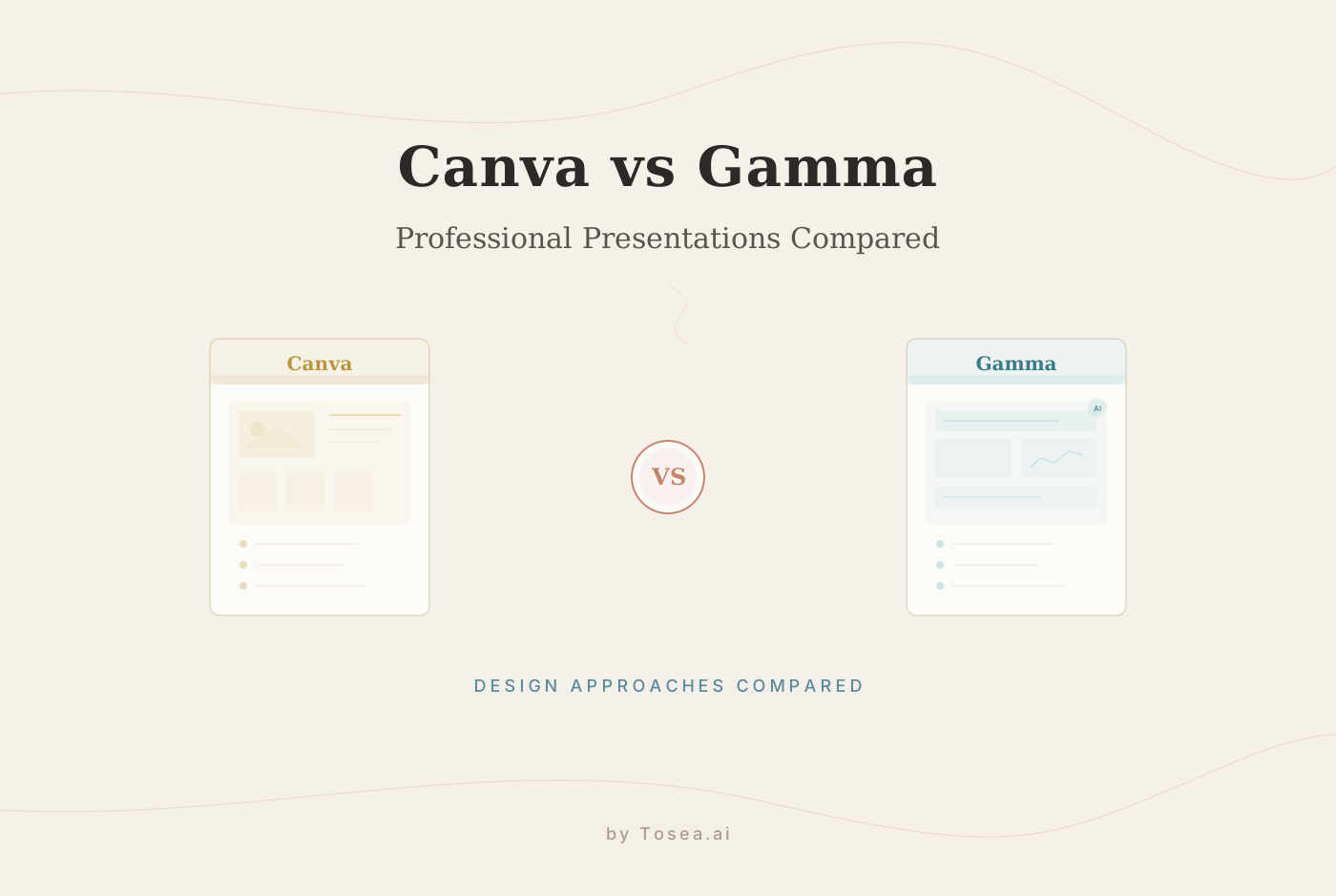
In the professional landscape of 2026, presentations have evolved from static visual aids into the primary medium for high-stakes decision-making. As the market for AI-powered presentation tools continues to expand, two platforms consistently surface in the conversation: Canva and Gamma. While both have brought genuine innovation to slide creation, they are built on fundamentally different philosophies. Canva is a visual design powerhouse with an enormous asset library, while Gamma is a rapid, web-centric generation engine built around AI prompts.
For consultants, researchers, and corporate executives who need to transform long-form reports, financial audits, or technical papers into professional presentations, the question is whether either tool can handle the full complexity of professional document conversion. This article provides a detailed comparison, outlines where each platform excels and falls short, and discusses when a specialized alternative may produce better results.
How We Evaluated These Tools
Before diving into the head-to-head comparison, it is worth explaining the methodology behind this analysis. We tested both Canva and Gamma against three representative document types commonly encountered in professional settings:
- A 40-page financial audit report containing nested tables, footnotes, multi-level headings, and appendices with supporting data.
- A 25-page market research paper with charts, cited sources, and a structured argument spanning multiple sections.
- A 55-page legal compliance document featuring dense paragraph text, cross-references, and regulatory citation formatting.
For each document, we evaluated the tools on five criteria:
- Ease of upload and ingestion -- how smoothly the tool handles a raw file upload.
- Structural preservation -- whether the conversion maintains headings, sub-points, and data hierarchies.
- Design quality -- the aesthetic and professional polish of the output.
- Export fidelity -- especially to .pptx format, since many enterprise environments still rely on PowerPoint.
- Time to completion -- the total time from upload to a presentation-ready deck.
Round 1: User Experience and Workflow
The Canva Experience: Design Without Limits
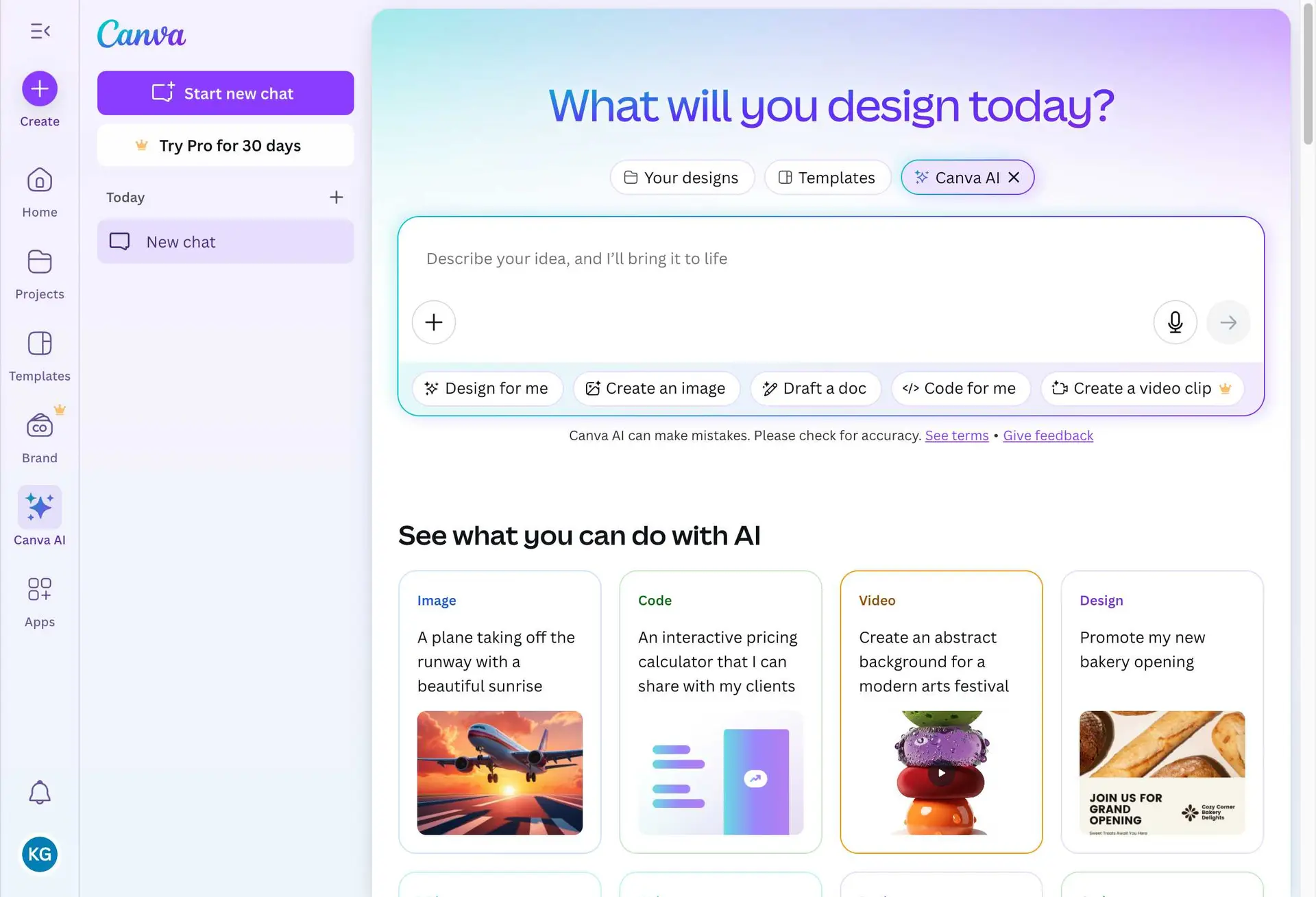
Canva has evolved into a comprehensive Visual Suite. It is an effective platform for users who prioritize creative control and need access to an immense library of visual assets. Its strength lies in its expansive editing environment, where you can move elements, add AI-generated images, and customize every pixel of a design.
However, this flexibility introduces a tradeoff. For a busy professional converting a 40-page audit into a 15-slide deck, the sheer number of options can turn what should be a straightforward conversion into a design project. In our testing, producing a polished deck from the financial audit document took approximately 90 minutes in Canva, with much of that time spent on design decisions rather than content organization.
Canva's AI features, including Magic Design and text-to-image generation, are impressive for creative workflows. But they are oriented toward generating new visual content rather than faithfully interpreting the structure of an existing document. If your starting point is a blank canvas and a creative brief, Canva excels. If your starting point is a 50-page PDF, the workflow requires more manual intervention.
The Gamma Experience: Streamlined Prompting
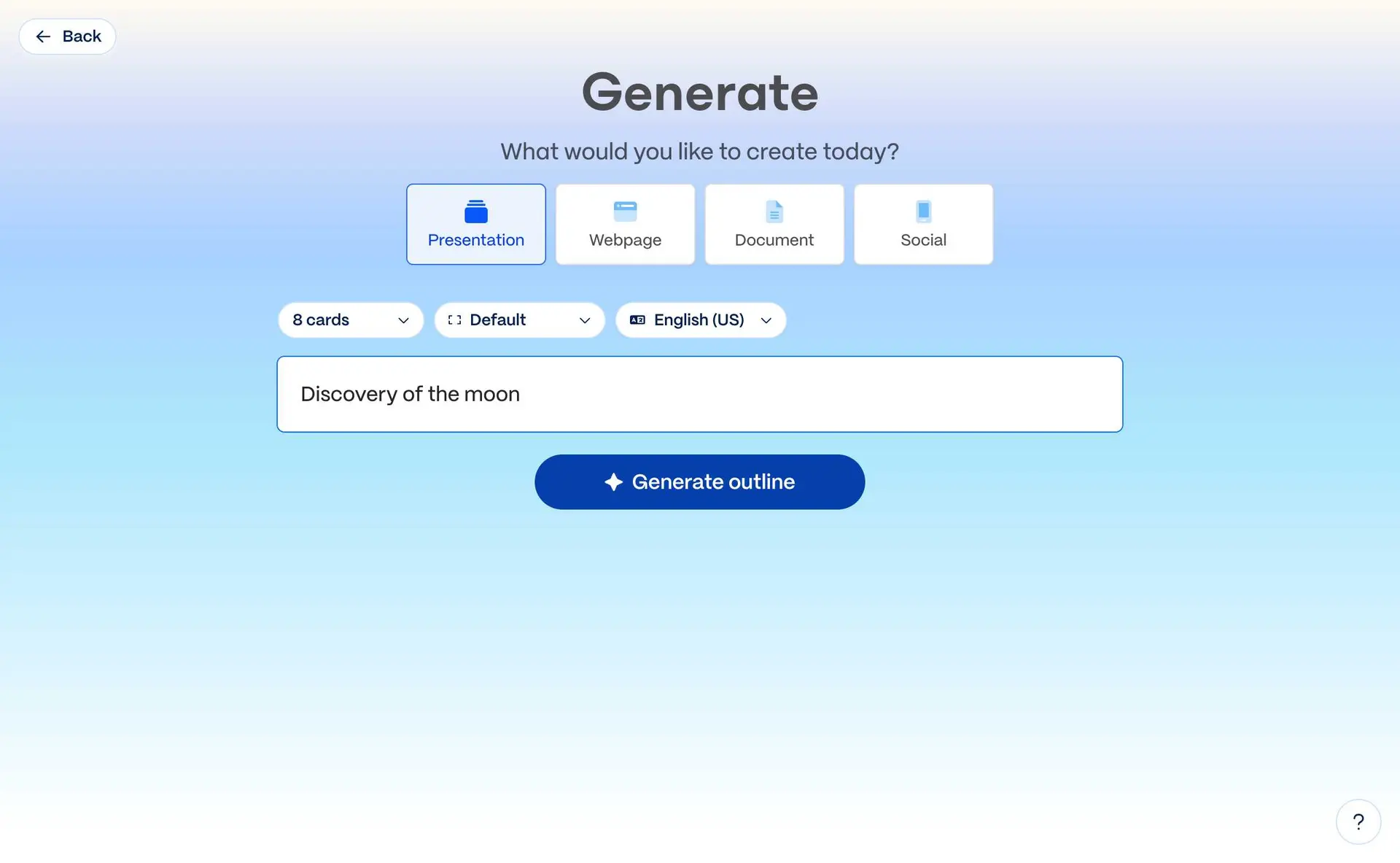
Gamma focuses on efficiency. By prioritizing AI prompts and a card-based generation system, it allows users to go from a simple topic description to a finished slide deck with minimal intervention. The interface is clean, the generation speed is fast, and the results are often visually modern.
For quick pitches, internal syncs, and marketing decks generated from a brief prompt, Gamma is highly effective. However, when users upload dense documents, Gamma's summary-based approach often lacks the structural depth required for complex, data-heavy reports. In our testing with the legal compliance document, Gamma condensed 55 pages into eight high-level summary slides, losing the critical nested structure and cross-references that made the original document useful.
The Verdict on Usability
Gamma offers a faster route to completion for simple prompts and topic-based generation. Canva offers superior creative freedom for hands-on design work. Neither, however, is purpose-built for preserving the logical integrity of technical documents during conversion.
| Criteria | Canva | Gamma |
|---|---|---|
| Speed (simple prompt) | Moderate | Fast |
| Speed (complex document) | Slow | Moderate |
| Creative freedom | High | Low |
| Document upload support | Yes (limited parsing) | Yes (summary-based) |
| Learning curve | Moderate | Low |
Round 2: Presentation Design and Aesthetics
Canva: The Infinite Design Library
With over 100,000 templates, Canva provides a wide variety of aesthetic options. If your primary goal is visual flair, branding, or creative marketing, Canva remains an industry leader. It is strong for social media assets, pitch decks with heavy imagery, and creative presentations.
The limitation for the professional user is consistency. With so many choices, it is easy to inadvertently create a deck that lacks a unified visual identity unless the user exercises careful brand management. Canva's design engine is optimized for visual appeal, but it does not prioritize the structured, hierarchical layouts that complex business documents demand. A consulting deck needs clear data hierarchies, consistent typography scales, and visual cues that guide the reader through an argument. Canva can achieve this, but it requires significant manual effort.
Gamma: Modern and Web-Oriented
Gamma's design language is sleek, modern, and well-adapted for digital viewing. It excels at creating presentations that function effectively as web pages or interactive documents. For internal team syncs or digital-first communication, Gamma's style is effective and visually consistent.
The primary challenge arises in formal settings. Gamma's templates are optimized for browser viewing, which can lead to layout inconsistencies when presented on a projector, printed as a reference document, or exported for use in a traditional slide environment. In our testing, the financial audit deck exported from Gamma had noticeable spacing issues when opened in PowerPoint, and several chart elements shifted position during export.
Design Comparison Table
| Criteria | Canva | Gamma |
|---|---|---|
| Template variety | 100,000+ | ~50 themes |
| Brand consistency tools | Extensive (Brand Kit) | Limited |
| Print-readiness | Good with effort | Weak |
| Web/digital presentation | Good | Excellent |
| PowerPoint export fidelity | Moderate | Moderate-Low |
| Data-heavy slide layouts | Requires manual work | Auto-generated but simplified |
Round 3: Advanced AI Features and Document Synthesis
This is where the limitations of generalist AI tools become most apparent.
The Document Handling Challenge
Both Canva and Gamma allow users to upload files. However, in our analysis, both platforms struggle with the nuances of professional document synthesis:
- Structural Logic: Both tools often collapse complex hierarchies -- nested sub-points, multi-layered data tables, appendix references -- into flat text. A three-level outline in the source document becomes a single-level bullet list on the slide.
- Accuracy and Verification: When processing long-form papers or financial filings, there is a risk of losing the strategic thread of the original document. Key figures may be omitted, and the relationship between evidence and conclusions can be severed.
- Layout Integrity: When exporting to PowerPoint (.pptx), users frequently encounter broken layouts, locked layers, and inconsistent fonts. This is particularly problematic for enterprise users who need to share editable files with colleagues.
- Table and Chart Handling: Neither platform reliably converts complex tables from source documents into native, editable slide elements. Charts are often rendered as static images rather than data-driven objects.
For the professional, a presentation is not just a collection of slides -- it is a logical argument with supporting evidence. When that argument gets flattened or distorted during conversion, the presentation loses its value.
AI Feature Comparison
| Feature | Canva | Gamma |
|---|---|---|
| AI text generation | Yes (Magic Write) | Yes (built-in) |
| AI image generation | Yes (Text to Image) | No |
| Document upload & parsing | Basic | Summary-based |
| Structural hierarchy preservation | Weak | Weak |
| Source traceability | No | No |
| Multi-format input (PDF, DOCX, MD) | Limited | Limited |
Who Is This Comparison For?
This analysis is most relevant if you fall into one of these professional categories:
- Consultants preparing client-facing deliverables from research reports or audit findings. You need the output to look like it came from a top-tier firm, with clear data hierarchies and defensible claims.
- Researchers converting academic papers or grant proposals into conference presentations or defense decks. Structural integrity and citation accuracy are non-negotiable.
- Corporate managers transforming quarterly reports, strategic plans, or compliance documents into executive summaries for board presentations.
- Agency professionals converting performance reports and campaign analyses into client-ready decks under tight deadlines.
- Legal professionals who need to distill dense regulatory filings into clear, structured presentations for stakeholder communication.
If your workflow regularly involves taking a substantive document and turning it into a presentation that must withstand scrutiny, the choice of tool matters significantly.
When Specialized Tools Provide Better Results
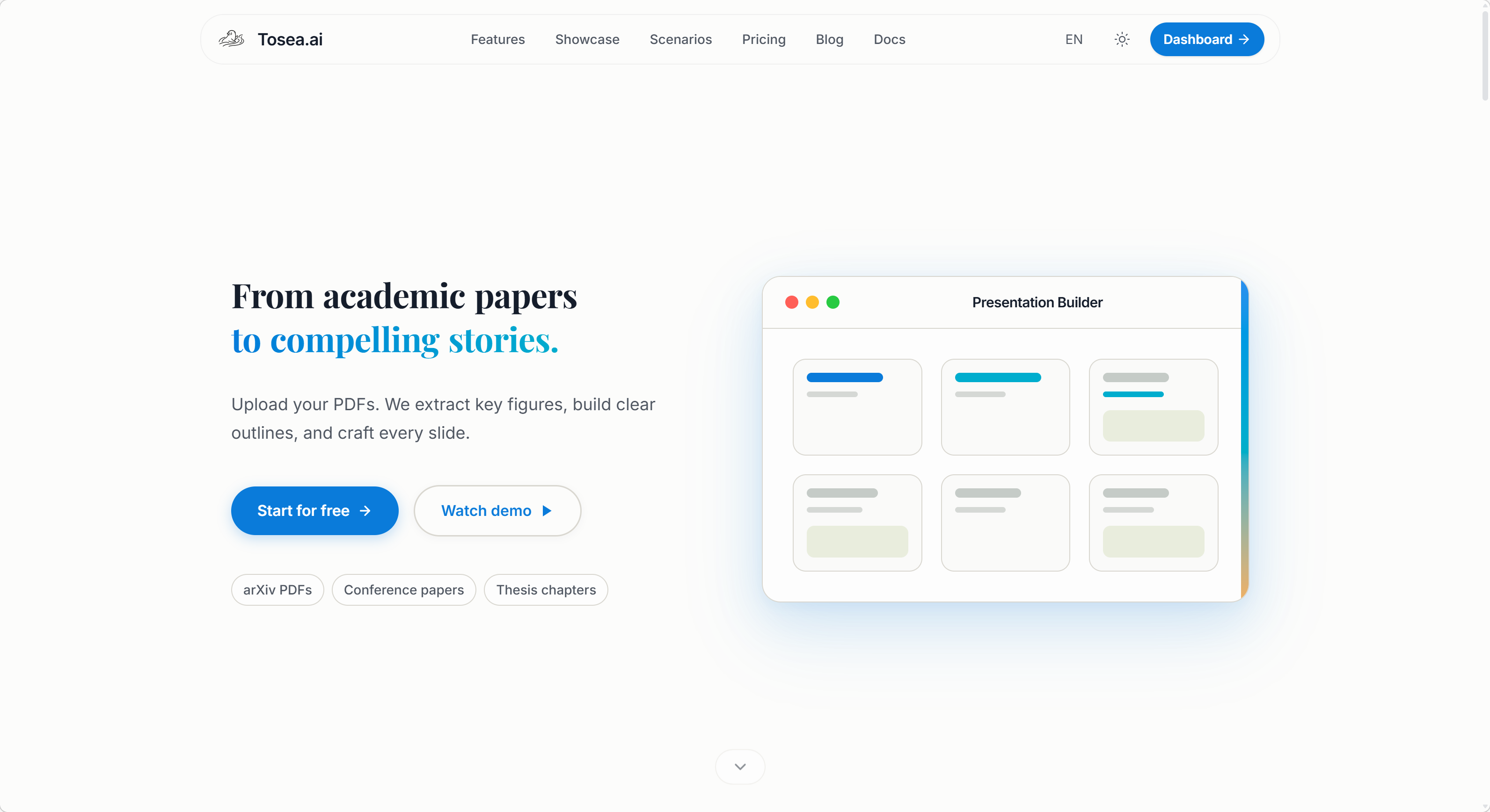
Canva and Gamma are strong tools for their intended use cases. Canva is excellent for creative design work and visual content creation. Gamma is effective for fast, topic-based slide generation. However, when the task is to translate complex professional data into a high-stakes presentation, the requirements for accuracy, traceability, and logical structure go beyond what generalist platforms were designed to handle.
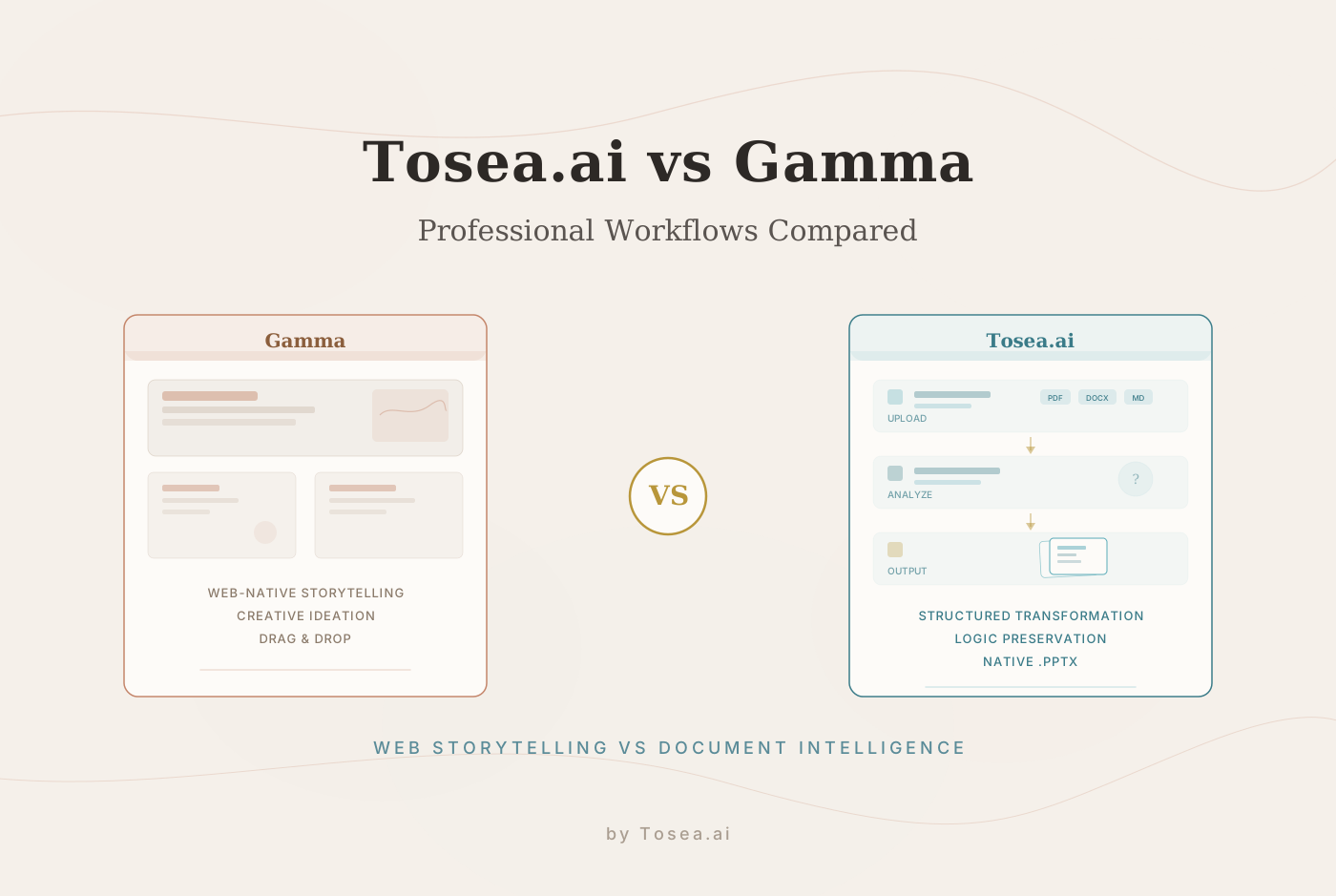
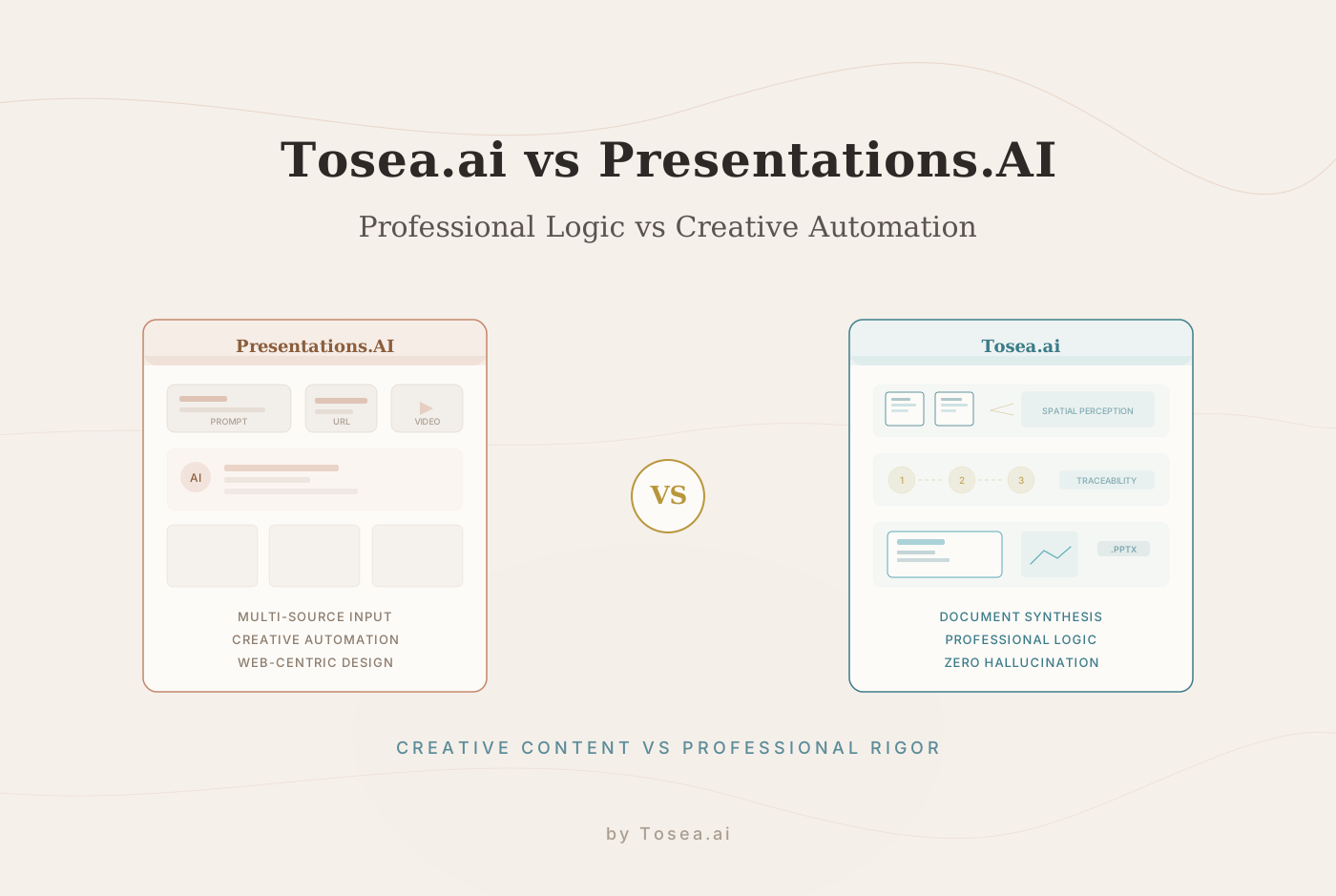
Specialized document-to-PPT tools like Tosea.ai address these gaps directly. Rather than treating a document as raw text to be summarized, a specialized engine maps the logical architecture of the source material -- understanding that a table on page 12 provides the evidence for a conclusion on page 45, or that a footnote on page 3 qualifies a claim made in the executive summary.
Key Advantages of Specialized Approaches
Spatial Semantic Perception. Unlike general design tools that process text linearly, specialized engines understand the structural relationship between headings, paragraphs, charts, and appendices. They preserve the logical integrity of the document, ensuring that the presentation is a faithful representation of the original research rather than a surface-level summary.
Source Traceability. In professional settings, every claim on a slide should be traceable to its origin in the source document. Specialized tools maintain this chain of evidence, allowing presenters to defend any data point during a Q&A session or board review.
Native PPTX Compatibility. Enterprise environments still run on PowerPoint. Specialized tools prioritize clean, fully editable .pptx output that does not break when opened in Microsoft Office -- a critical requirement where both Canva and Gamma show weaknesses.
Professional-Grade Templates. Rather than offering thousands of general-purpose templates, specialized tools provide curated layouts designed for the aesthetics and conventions of consulting, finance, and academic presentations.
Practical Recommendations
Based on our testing, here are concrete recommendations for choosing the right tool:
Choose Canva when:
- You are creating a presentation from scratch based on a creative brief.
- The project is design-heavy with significant imagery, branding, or social media assets.
- You have time to invest in manual design refinement.
- The final output will be shared digitally and does not need to be a .pptx file.
Choose Gamma when:
- You need a quick draft from a simple topic or outline.
- The presentation is for an internal sync, brainstorm, or informal pitch.
- Speed matters more than structural depth.
- The audience will view the presentation in a web browser.
Choose a specialized tool when:
- Your source material is a long-form document (20+ pages) with complex structure.
- Accuracy and traceability of data points are critical.
- The output must be a clean, editable .pptx file for enterprise distribution.
- The presentation will face scrutiny in a boardroom, defense, or client review.
Frequently Asked Questions
Q: Can I use Canva or Gamma for free? A: Both platforms offer free tiers. Canva's free plan includes access to a limited template library and basic AI features. Gamma provides a free plan with a limited number of AI-generated presentations per month. Advanced features such as Canva's Brand Kit and Gamma's premium themes require paid subscriptions.
Q: How does Gamma handle data-heavy slides compared to Canva? A: Gamma auto-generates layouts that can accommodate data, but it tends to simplify complex tables and multi-dimensional charts into high-level summaries. Canva gives you more manual control to build data visualizations, but it requires significant hands-on effort to recreate complex tables from a source document.
Q: What file formats can I upload to each platform? A: Canva supports uploads of images, PDFs, and videos, though its document parsing for conversion purposes is limited. Gamma supports text paste, PDF, and DOCX uploads, processing them through its AI summarization engine. Neither platform provides deep structural parsing of uploaded documents.
Q: Is the PowerPoint export from these tools truly editable? A: Both tools can export to .pptx, but the results vary. Canva exports tend to include grouped elements and embedded images that can be difficult to edit in PowerPoint. Gamma exports sometimes show spacing and alignment issues. For fully editable, enterprise-grade .pptx output, specialized tools like Tosea.ai are designed to produce clean, native PowerPoint files.
Q: Can Canva or Gamma preserve citations and footnotes from academic papers? A: Neither platform is designed for citation management. Both will include footnote text if it appears in the uploaded content, but they do not maintain the structural relationship between citations and the claims they support. Academic professionals should consider tools built for document intelligence if citation integrity is important.
Q: How long does it take to go from a PDF to a finished deck with each tool? A: In our testing, Gamma produced a first draft in under 5 minutes from a document upload, but the draft required 30-45 minutes of manual editing to restore lost structure. Canva did not offer direct document-to-slide conversion, so the process involved manual content transfer, taking 60-90 minutes for a complex document. Specialized tools like Tosea.ai produced a structurally accurate first draft in under 2 minutes for documents of similar complexity.
Conclusion: Matching the Tool to the Task
Canva and Gamma are capable platforms that serve their respective audiences well. Canva is a strong choice for creative, design-forward presentations built from scratch. Gamma is effective for fast, AI-generated decks from simple prompts and topic descriptions.
However, when the task is to translate a complex professional document into a high-stakes presentation -- where accuracy matters, where data must be defensible, and where the output needs to work seamlessly in PowerPoint -- the requirements exceed what generalist platforms were designed to deliver. In those cases, specialized document intelligence tools provide measurably better outcomes by preserving the logical structure, maintaining source traceability, and producing enterprise-ready output.
The best approach is not to pick one tool for every situation, but to understand the strengths and boundaries of each and select the right tool for the specific task at hand.