Tosea.ai vs Gamma: Aligning AI Tools with Professional Workflows
A neutral comparison of Tosea.ai and Gamma across workflow integration, design philosophy, and document intelligence for professional presentations.
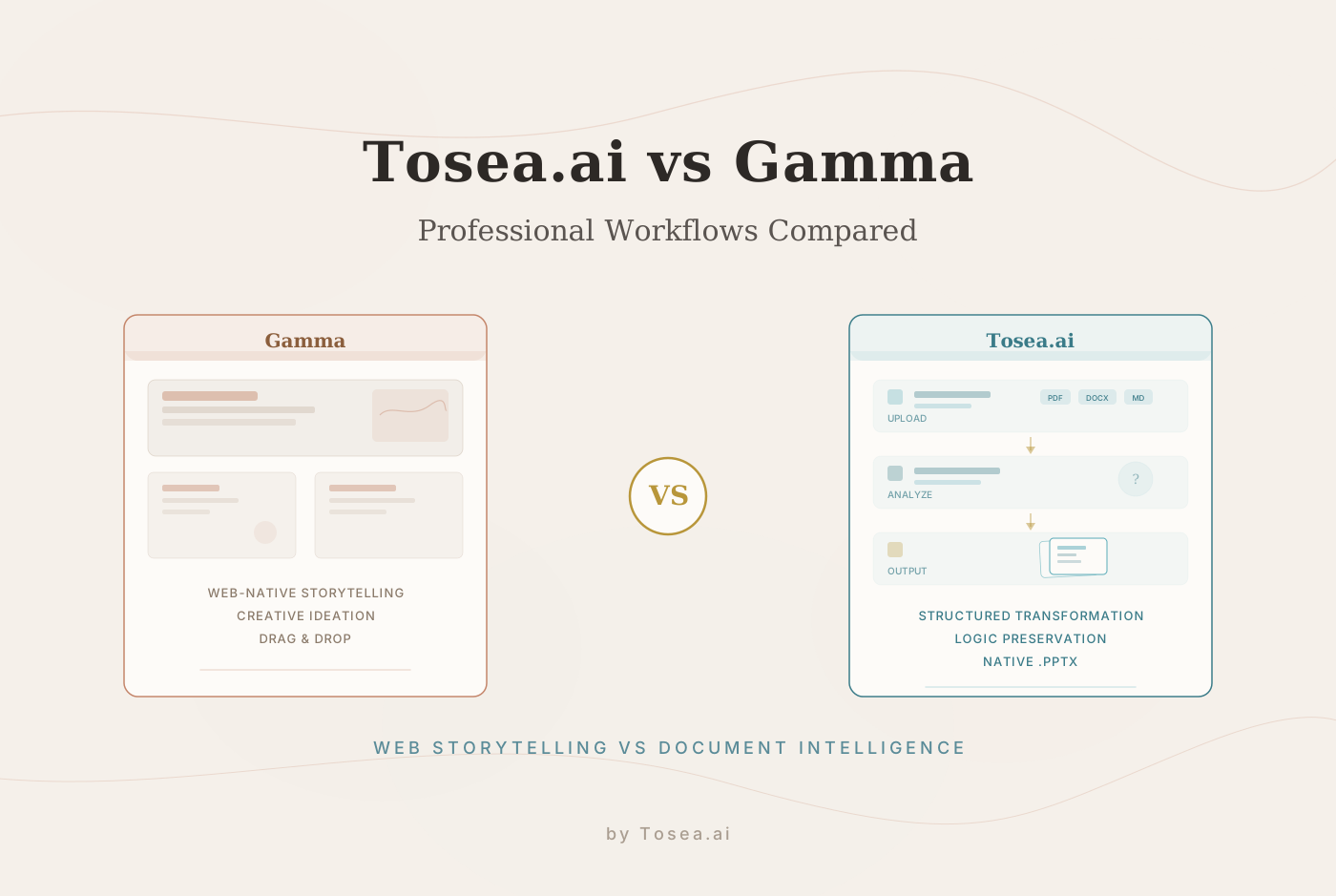
In the professional landscape of 2026, the challenge of communication has evolved from simple content creation to the synthesis of complex data. As AI-powered presentation tools mature, two distinct philosophies have taken shape. Gamma has built a strong reputation for inspiration-driven, web-centric storytelling, while Tosea.ai has become a preferred option for those requiring precise, logical transformation of dense documents into boardroom-ready presentations.
Choosing between these platforms is not a matter of finding the objectively better tool, but rather identifying which system complements your specific output requirements. This article provides a technical comparison of Tosea.ai and Gamma across three critical pillars: Workflow Integration, Design Philosophy, and Document Intelligence.
How We Evaluated Both Platforms
To ensure a fair and transparent comparison, we tested both Tosea.ai and Gamma using a standardized evaluation methodology. We selected four representative documents covering common professional scenarios: a 28-page quarterly financial report with embedded charts, a 15-page academic literature review with citations, a 40-page consulting strategy deck in PDF format, and a mixed-format internal operations report containing tables, images, and footnotes.
Each document was processed through both platforms under comparable conditions during the first week of March 2026. We assessed the results across five dimensions: input flexibility and file support, logical fidelity to source material, design quality and professional suitability, export compatibility with desktop software, and end-to-end time from upload to finished deck. Our evaluators included a financial analyst, a research coordinator, and a marketing director, each rating the outputs relevant to their domain.
It is worth noting that both tools performed well in their respective areas of strength. The goal here is not to declare a winner, but to help professionals identify which tool best fits their particular workflow.
Workflow Integration and User Experience
The effectiveness of an AI tool is often measured by how much cognitive load it removes from the user. Depending on whether you are starting with a blank slate or a 50-page technical report, the ideal experience differs significantly.
The Tosea.ai Approach: Proactive Collaboration
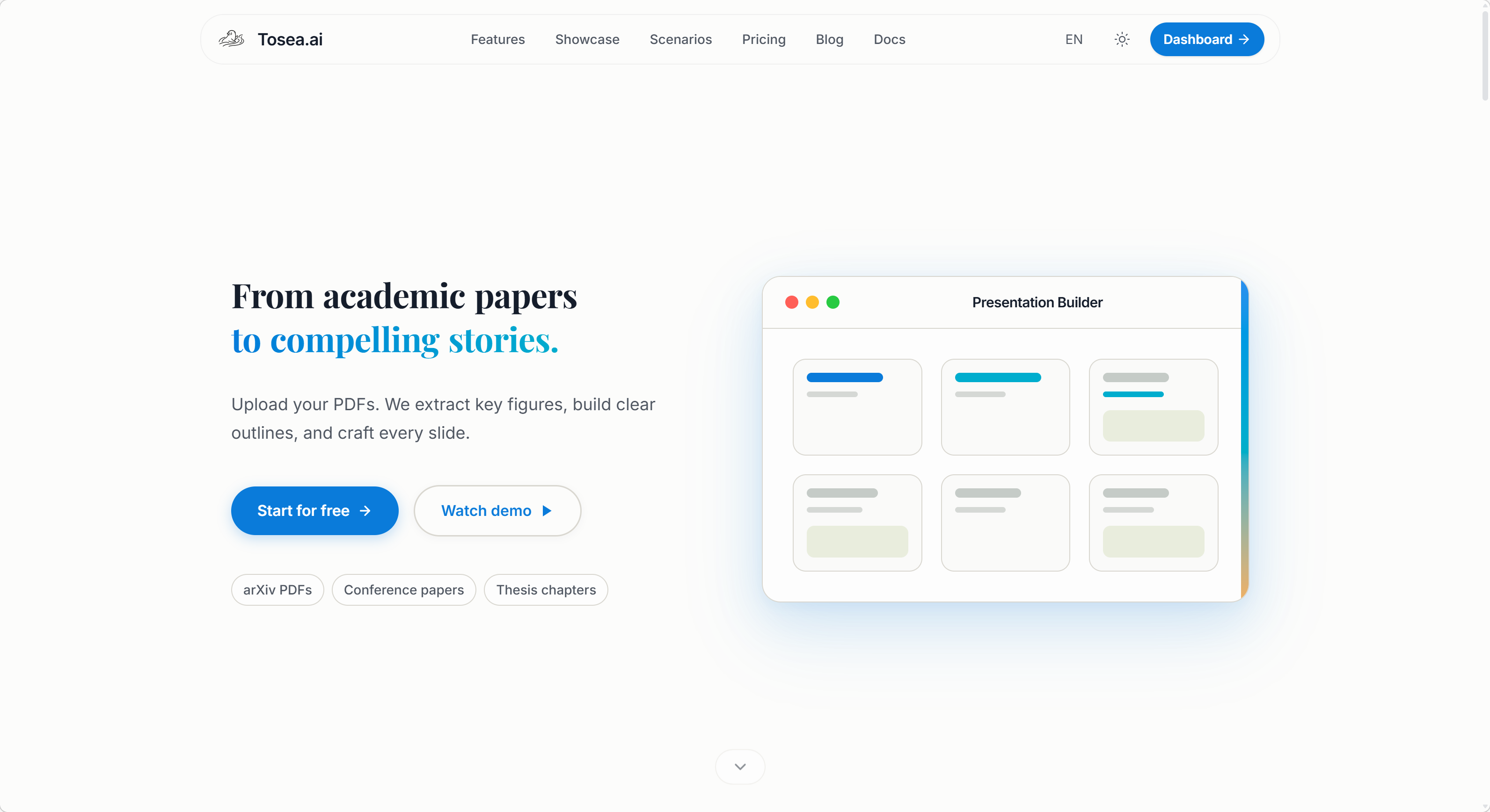
Tosea.ai is designed for users who operate within the constraints of existing, complex data. The workflow is built on a foundation of proactive collaboration rather than passive generation. After a user uploads a source file -- whether PDF, Word, txt, Markdown, or images -- the system does not immediately generate slides. Instead, it enters an active inquiry phase.
The AI asks specific questions to refine the presentation goals and requires a logic confirmation step. This means the system presents the identified document hierarchy and strategic intent for human approval before a single slide is rendered. For researchers and managers, this provides a professional assistant experience that prioritizes accuracy over speed. The trade-off is that first-time users may need a few minutes to familiarize themselves with this collaborative flow, but the payoff in output quality is significant for complex source material.
The Gamma Experience: Creative Autonomy
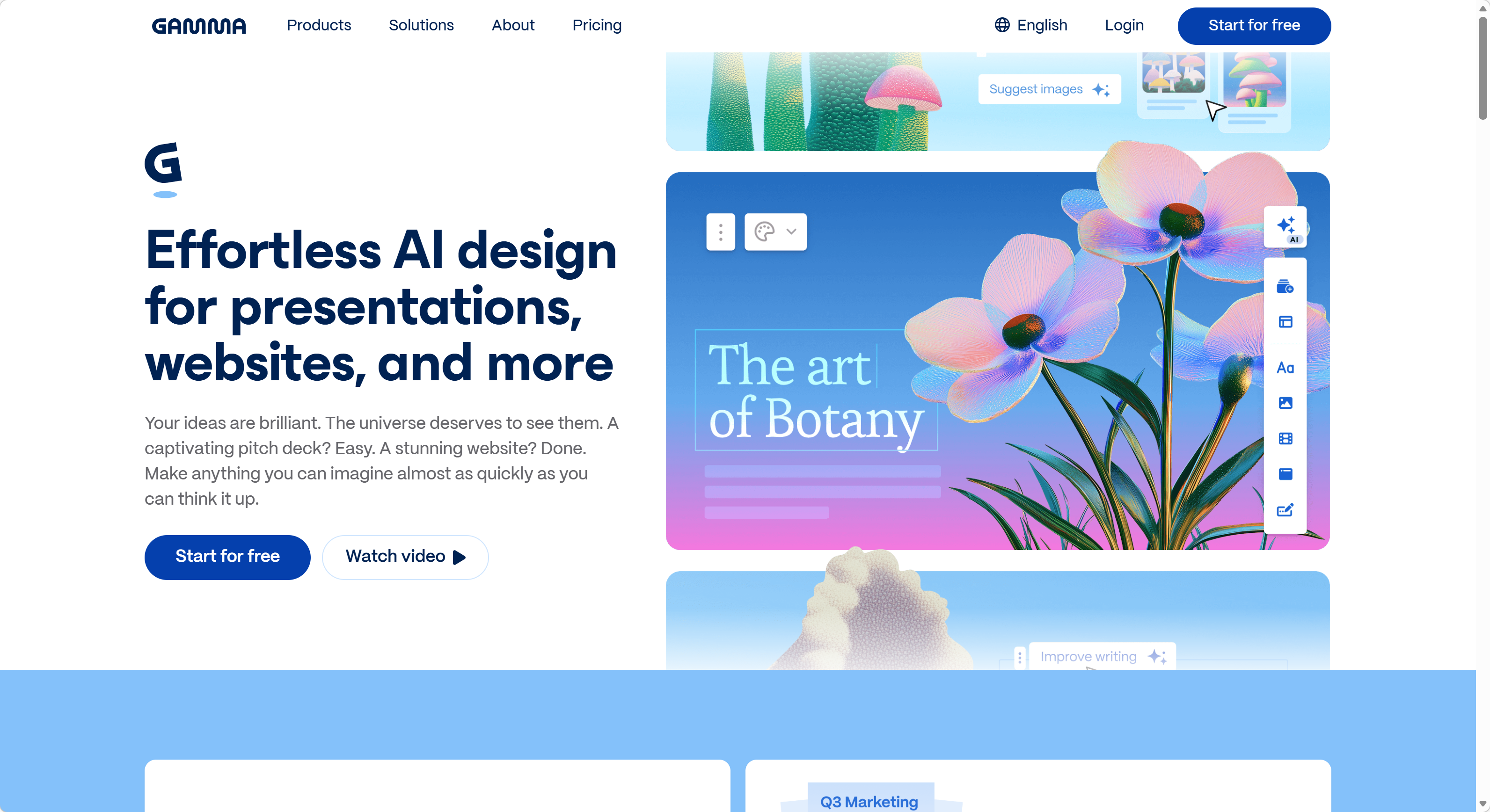
Gamma offers a highly interactive environment that excels at rapid ideation. It is optimized for users who want to transform a short prompt or a simple outline into a visually engaging deck. Its drag-and-drop editor is feature-rich, providing significant creative flexibility. Users can start from a text prompt, paste in content, or upload a document, and Gamma will quickly generate a visually polished web-based presentation.
The platform provides a wide range of card-based layouts and supports embedded media, making it particularly effective for storytelling and narrative-driven decks. However, the density of options and the multitude of sidebars can occasionally slow down professionals under strict deadlines who need a focused, linear path from document to final output.
Use-Case Alignment
Tosea.ai is optimized for high-speed efficiency in transforming pre-existing technical content, whereas Gamma is ideal for creative brainstorming and iterative design exploration. If your starting point is a dense PDF and your end goal is a board meeting, Tosea.ai's structured workflow tends to save more time overall. If your starting point is a rough idea and your end goal is a visually compelling web page, Gamma's creative environment will feel more natural.
Design Philosophy and Professional Aesthetics
There is a fundamental distinction between a presentation designed for a web browser and one designed for a high-stakes board meeting or an academic defense. Both approaches have legitimate value, but the context of delivery matters.
Tosea.ai: Consulting Logic and Print-Grade Layouts
Tosea.ai utilizes a design philosophy rooted in professional authority. Its library of 12 master-crafted templates is built for the corporate and academic sectors, featuring styles reminiscent of top-tier consulting firms. The focus is on print-grade typography and structured logic.
These layouts ensure that information is readable and authoritative, adhering to the traditional norms of business communication. Each template enforces consistent heading hierarchies, strategic use of white space, and data visualization standards that hold up whether projected in a conference room or printed as a leave-behind document. For organizations with rigid brand guidelines, the upcoming custom template feature will allow for the integration of proprietary design systems into the AI workflow.
Gamma: Web Motion and Narrative Fluidity
Gamma excels in the medium of digital-first presentations. Its strength lies in its ability to create fluid, web-like experiences with smooth transitions and varied visual elements. The platform supports interactive cards, embedded videos, and scroll-based navigation that feels more like a modern website than a traditional slide deck.
While these decks are highly effective for landing pages, casual pitches, or internal team syncs, the aesthetic is often more informal than what is expected for formal financial audits or scientific reporting. When exported to traditional formats like PPTX, some of the web-centric motion and interactivity that makes Gamma unique can be lost in translation.
Professional Suitability
Tosea.ai provides the structural rigor often required for executive-level reporting, while Gamma offers the visual variety and modern flair suitable for dynamic, web-based storytelling. Neither approach is inherently superior; the right choice depends on where and how the presentation will be delivered.
Technical Capabilities and Document Synthesis
The core differentiator in the AI presentation market is the depth of document analysis. The ability to ingest a complex file and reconstruct its logic is a significant technical challenge that each platform approaches differently.
Tosea.ai: Spatial Semantic Perception and Traceability
Tosea.ai is powered by Spatial Semantic Perception technology. Unlike systems that rely on simple text scraping, Tosea.ai analyzes the spatial relationships and structural hierarchies within a document. This allows the system to accurately extract data from complex charts, maintain nested list integrity, and automate academic citations.
Tosea.ai also addresses the industry-wide challenge of AI hallucinations through what it calls Absolute Traceability. Every statement or data point on a generated slide is linked back to its specific source in the original document. For legal and medical professionals, this level of verification can be essential for maintaining professional integrity and regulatory compliance.
Gamma: Content Ingestion and Visual Transformation
Gamma is capable of importing files and URLs, transforming them into a series of visually appealing cards. The process is smooth and produces attractive results quickly. However, the conversion logic tends to be oriented toward summarizing content into a visual narrative rather than restoring the deep, structural logic of a multi-layered report. While this is excellent for creating a summarized overview, users working with highly technical source material may need to make manual adjustments to ensure that all nuances from the original document are fully preserved.
Native Compatibility
A significant factor for office professionals is the final file format. Tosea.ai generates native .pptx files that are fully compatible with Microsoft Office. The formatting remains intact whether editing in the Tosea online suite or on a local desktop. Gamma's primary output is its web-based format, and while it does offer export options, users may encounter some formatting differences when moving from the cloud-native environment to traditional offline presentation software.
Feature Comparison Table
| Feature | Tosea.ai | Gamma |
|---|---|---|
| Primary Input | PDF, Word, txt, Markdown, images | Text prompts, documents, URLs |
| Workflow Style | Structured collaboration with AI inquiry | Freeform creative with drag-and-drop |
| Template Library | 12 professional/consulting templates | Extensive web-oriented card templates |
| Design Aesthetic | Print-grade, consulting firm style | Modern web, interactive cards |
| Document Parsing | Spatial Semantic Perception | Content summarization |
| Traceability | Source-linked verification | Not a primary feature |
| Primary Output | Native .pptx files | Web-based presentations |
| Export Fidelity | High (Office-native) | Good (some formatting variance on export) |
| Best For | Dense document conversion | Creative ideation and web storytelling |
| Collaboration | AI-guided review before rendering | Real-time multi-user editing |
| Learning Curve | Moderate (structured flow) | Low (intuitive drag-and-drop) |
Who Is This Comparison For?
Understanding which tool fits your needs starts with understanding your role and your typical deliverables. Here is a breakdown by professional profile:
Financial analysts and consultants who regularly convert quarterly reports, audit findings, or strategy documents into client-facing decks will likely find Tosea.ai's structured pipeline and traceability features more aligned with their requirements. The ability to verify that every data point traces back to the source document is particularly valuable in regulated industries.
Marketing professionals and content creators who need to quickly visualize campaign concepts, create pitch decks from rough ideas, or build interactive web presentations will appreciate Gamma's creative flexibility and modern aesthetic. The drag-and-drop interface and card-based layouts make it easy to iterate on visual ideas.
Academic researchers presenting at conferences or defending dissertations may benefit from Tosea.ai's handling of citations, nested hierarchies, and complex document structures. The consulting-style templates also lend a professional polish that is appropriate for academic settings.
Startup founders and small business owners who need to produce investor decks or client proposals quickly, often starting from a loose outline rather than a formal document, may find Gamma's prompt-to-presentation workflow more efficient for their purposes.
Project managers who need to transform weekly or monthly status reports into presentation format for stakeholder meetings could go either way, depending on whether the source material is a structured document (favoring Tosea.ai) or a collection of notes and bullet points (favoring Gamma).
Concrete Use Cases
Use Case 1: Quarterly Business Review
A director of operations needs to convert a 35-page quarterly report into a 15-slide executive summary for the board. The report contains financial tables, project status matrices, and risk assessments. In this scenario, Tosea.ai's Spatial Semantic Perception can parse the tables and hierarchies accurately, producing slides that preserve the logical relationships between data points. Gamma could also produce a visually appealing summary, but the user would likely need to manually verify that complex table data was correctly represented.
Use Case 2: Product Launch Pitch
A product manager wants to create an engaging pitch deck for a new feature launch, starting with a few bullet points and a product screenshot. Gamma's prompt-driven workflow would allow them to generate a polished, visually dynamic deck in minutes, complete with embedded media and smooth transitions. Tosea.ai would require a more structured input document to produce its best results in this scenario.
Use Case 3: Academic Conference Presentation
A PhD candidate needs to condense a 90-page dissertation chapter into a 20-minute conference talk with supporting slides. The chapter includes literature citations, statistical tables, and multi-level section headings. Tosea.ai's ability to parse academic document structures and automatically handle citation formatting makes it well-suited for this task. Gamma could produce attractive slides from the content, but the user would need to manually manage the citation and hierarchy preservation.
Frequently Asked Questions
Q: Can I use both Tosea.ai and Gamma in the same workflow? A: Yes, and some professionals do exactly that. You might use Tosea.ai to convert a complex source document into an accurate, structured deck, then use Gamma to create a more visually dynamic version for a different audience. The tools address different stages of the communication pipeline.
Q: How do the pricing models compare? A: Both platforms offer free tiers with limited features. Gamma operates on a subscription model with tiered access, while Tosea.ai uses a credit-based system where new users receive free credits upon registration. Tosea.ai also offers a referral program for earning additional credits. Pricing structures evolve, so check each platform's current offerings for the latest details.
Q: Which tool handles non-English documents better? A: Tosea.ai supports multilingual document parsing and can process documents in various languages while maintaining structural integrity. Gamma also supports multiple languages in its generation pipeline. For documents with mixed-language content or specialized terminology, testing with a sample document on both platforms is recommended.
Q: What about data privacy and security? A: Both platforms take data security seriously. Tosea.ai emphasizes that uploaded documents are processed in isolated environments and are not used to train public models. Gamma also provides privacy protections for uploaded content. For organizations with strict data governance requirements, reviewing each platform's current privacy policy and terms of service is advisable before uploading sensitive material.
Q: Can Gamma produce native PPTX files? A: Gamma's primary format is its web-based presentation. It does offer export functionality, including PPTX, but some interactive elements and web-specific formatting may not translate perfectly to the desktop PowerPoint environment. Tosea.ai generates native PPTX as its default output format, which tends to provide higher fidelity in traditional Office workflows.
Conclusion: Determining the Optimal System for Your Output
The choice between Tosea.ai and Gamma depends on the nature of the task at hand and the expectations of the audience.
Gamma is a capable solution for those who prioritize creative flexibility, web-based engagement, and rapid ideation from simple prompts. It is a strong tool for modern creators and small business owners who want to stand out with contemporary design.
Tosea.ai is a professional architecture system designed for those who must transform complex, private data into accurate and defensible presentations. Its commitment to logical restoration, native compatibility, and source-level traceability makes it a strong fit for consultants, researchers, and corporate managers who need confidence in the accuracy of their communication.
Both tools represent meaningful advances in how professionals create presentations, and the best choice is the one that aligns with your specific workflow, source material, and audience expectations.