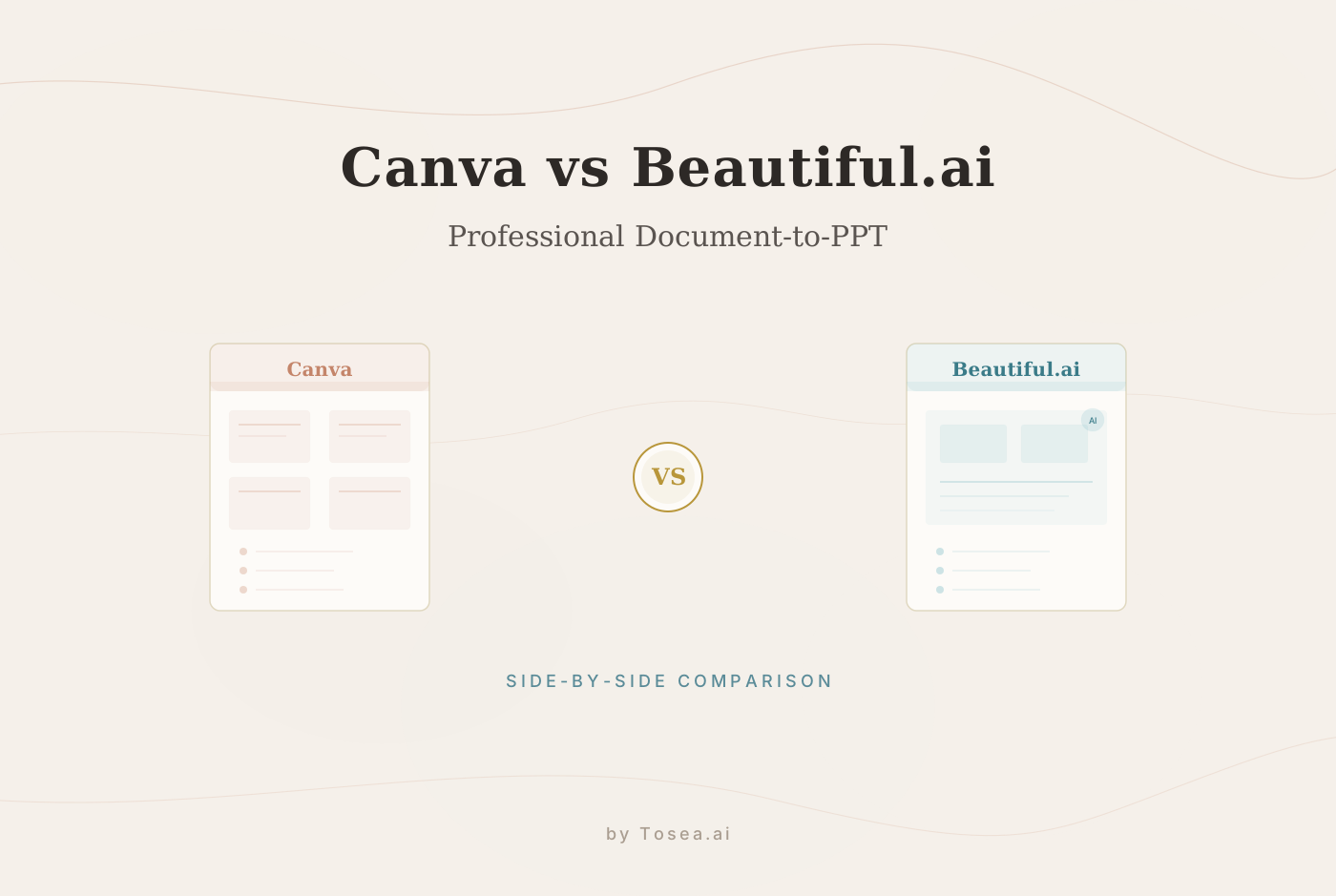
Tosea.ai vs Beautiful.ai: Comparing AI Presentation Strategy and Capability
A balanced comparison of Tosea.ai and Beautiful.ai across workflow, design, and document synthesis.

Two Distinct Approaches to AI Presentations
In the professional landscape of 2026, a presentation is often the final, visible product of weeks of deep research and strategic synthesis. As AI presentation tools have matured, the market has split into two distinct specialized paths. Beautiful.ai has built its reputation on smart layout automation and aesthetic fluidity. Tosea.ai, meanwhile, has emerged as a specialized architecture for professionals who need to convert high-density, complex documents into structured, authoritative presentations.
For consultants, researchers, and senior managers, the choice between these platforms depends on the nature of the source material and the expectations of the audience. This article examines how these two platforms differ across workflow integration, design logic, technical synthesis, and practical use cases.
Who Is This Comparison For?
This analysis is intended for professionals evaluating AI presentation tools for regular use in demanding environments:
- Management consultants who need to convert research reports and client deliverables into polished slide decks
- Academic researchers preparing conference presentations from dense papers and data sets
- Corporate strategists building board-level presentations from internal analyses
- Marketing directors who oscillate between creative pitches and data-heavy performance reviews
- Operations managers standardizing reporting across teams or departments
If your work regularly involves translating complex documents into presentations --- or if you frequently build decks from scratch around a central idea --- this comparison addresses the strengths each platform brings to those distinct workflows.
Pillar 1: Workflow Integration and User Experience
The primary differentiator in user experience is whether the tool is designed for ideation or for information restoration.
Beautiful.ai: The Adaptive Canvas
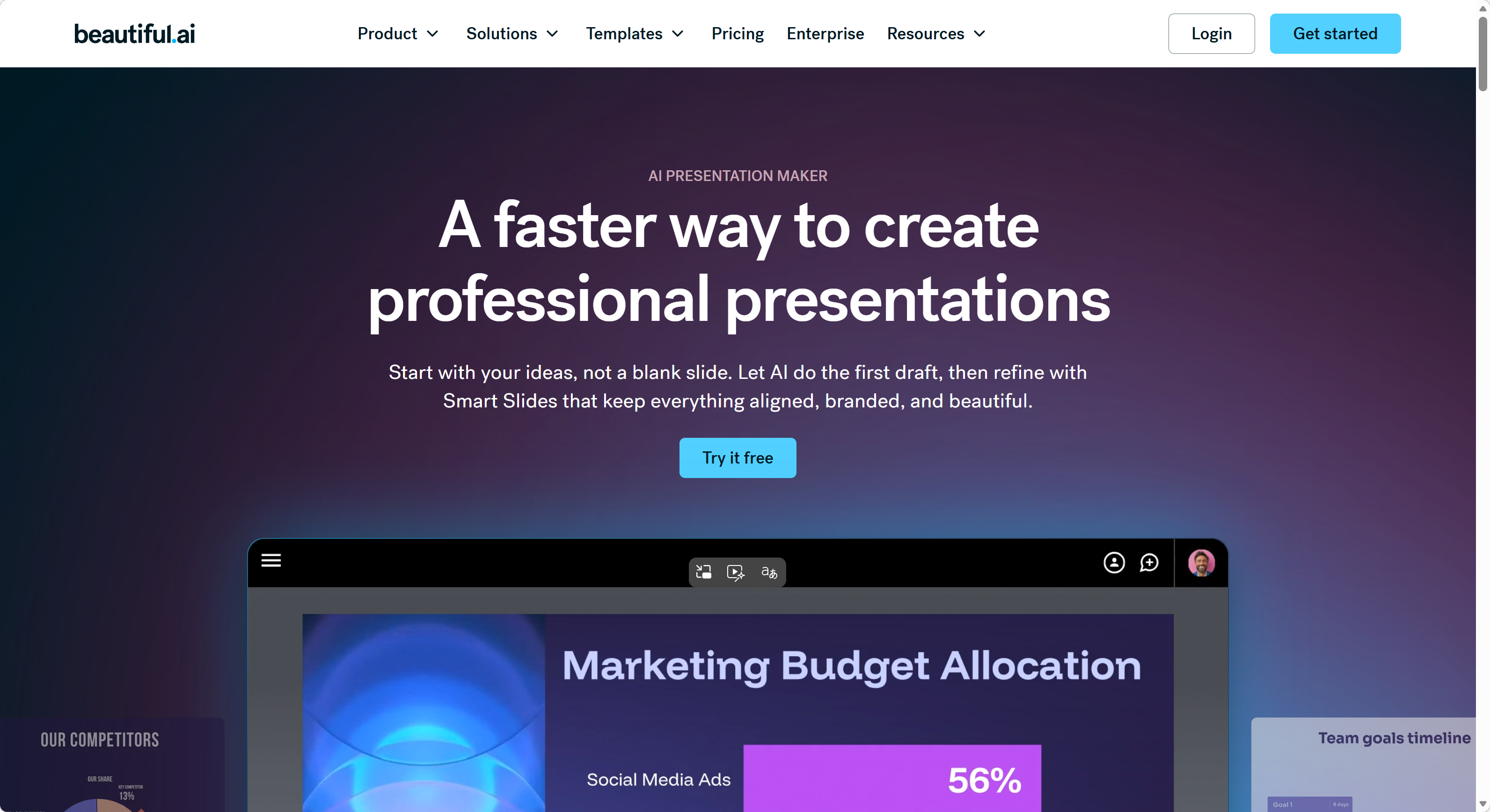
Beautiful.ai is designed to be a frictionless environment for users starting with a core idea or a brief outline. Its hallmark feature is smart slide technology, where the layout automatically adapts as the user adds or removes content. Elements snap into place, spacing adjusts dynamically, and the result is a visually balanced slide without manual alignment work.
This creates a highly intuitive experience for those building a deck from scratch. The drag-and-drop interface and real-time layout adjustments make it approachable for users of all skill levels. However, when a user attempts to ingest a 50-page technical report, the platform's focus on visual balance can sometimes result in oversimplified content, requiring the user to manually reorganize heavy data sets to fit the pre-set visual containers.
Tosea.ai: The Structured Transformation Engine
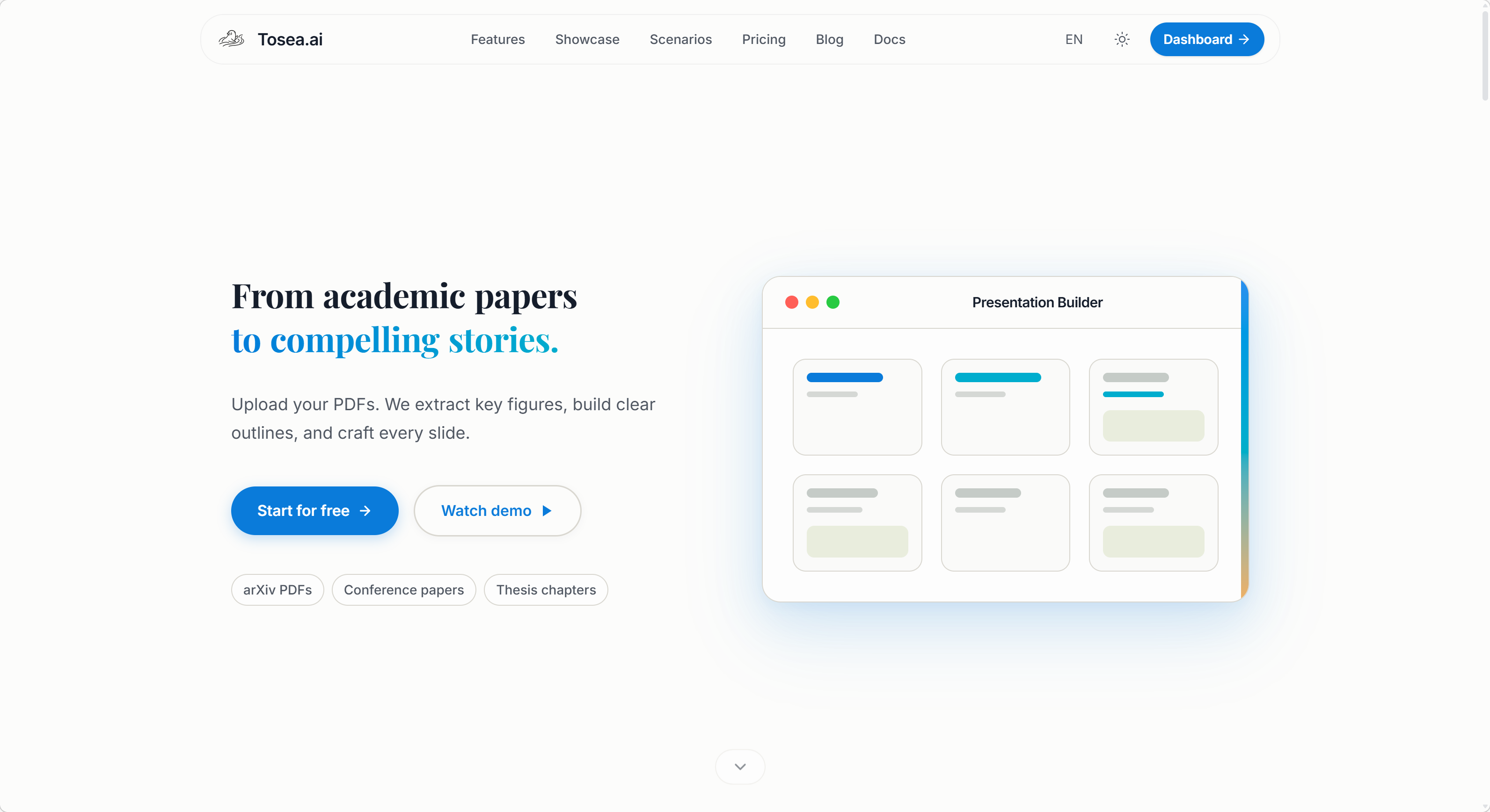
Tosea.ai approaches the task from the perspective of an information architect. The workflow is built to ensure that the logic of a complex document is preserved before the design is even applied. The process follows a deliberate sequence:
- Information Ingestion: Support for PDF, Word, plain text, Markdown, and images.
- Contextual Inquiry: The AI engages the user with specific questions regarding the goals and target audience of the presentation.
- Logic Confirmation: The system provides a structural overview for the user to approve, ensuring the AI has accurately captured the document's hierarchy.
This inquiry phase acts as a safeguard against misinterpretation, making it a reliable choice for users who are converting existing, high-stakes documents rather than brainstorming new ones. The emphasis is on respecting the source material's logical architecture throughout the transformation process.
Pillar 2: Design Logic and Professional Aesthetics
Aesthetic choice is rarely just about style; in a professional context, it is about establishing credibility and supporting the narrative logic.
Beautiful.ai: Modern Fluidity and Creative Variety
Beautiful.ai offers an expansive library of over 60 templates characterized by modern, sleek, and high-impact aesthetics. It is a strong environment for marketing pitches, creative portfolios, or internal communications where visual engagement is a high priority. The platform's ability to produce high-quality graphics with minimal effort allows users to create decks that feel polished and contemporary.
The design language leans toward clean lines, bold color palettes, and layouts that are optimized for screen-based presentations. For teams that present frequently in live settings --- town halls, webinars, or sales calls --- the visual energy of Beautiful.ai templates can be a significant advantage.
Tosea.ai: Consulting Rigor and Structural Authority
Tosea.ai prioritizes what is known as professional rigor. Its 12 core templates are curated for the boardroom and the lecture hall, drawing inspiration from the frameworks of leading consulting firms and academic institutions.
While Beautiful.ai focuses on web-centric aesthetics, Tosea.ai emphasizes print-grade layouts. The focus is on font hierarchy, logical spacing, and data visualizations that look as authoritative on a printed page as they do on a screen. The upcoming custom template feature will also allow organizations to upload their own proprietary brand guides to ensure consistency across all professional outputs.
Pillar 3: AI Capabilities and Document Synthesis
The technical divide between these tools is most apparent in how they process and verify data.
Beautiful.ai: Prompt-to-Slide Automation
Beautiful.ai is highly effective at transforming text prompts into visually consistent cards. It acts as a creative assistant that handles the aesthetic heavy lifting. For general business needs, this automation is a significant time-saver. The platform excels when the user provides a clear prompt or outline and wants the AI to handle layout, iconography, and visual consistency.
However, in highly technical fields, the AI may prioritize the template's visual constraints over the granular details of complex financial data or legal terminology. This is not a flaw so much as a reflection of the platform's design philosophy: visual polish first, content density second.
Tosea.ai: Spatial Semantic Perception and Traceability
Tosea.ai is specifically engineered for high-density document processing. It utilizes spatial semantic perception to analyze not just the words in a document, but the relationship between sections, charts, and data points.
- Factual Rigor: Tosea.ai addresses the risk of AI hallucinations through traceability mechanisms. Every claim or data point on a generated slide is linked back to its origin in the source document.
- Complex Data Management: The system is designed to handle nested lists, multi-dimensional tables, and technical appendices without losing the structural nuance of the original file.
- Native Ecosystem: Tosea.ai produces native
.pptxfiles. This ensures that when a file is exported, the formatting remains intact and every element remains fully editable within the Microsoft Office ecosystem.
Feature Comparison Table
| Feature | Beautiful.ai | Tosea.ai |
|---|---|---|
| Primary Use Case | Build presentations from ideas and outlines | Transform existing documents into presentations |
| Input Formats | Text prompts, manual content entry | PDF, Word, Markdown, plain text, images |
| Template Library | 60+ modern, creative templates | 12 consulting-grade, print-ready templates |
| Layout Engine | Smart slide auto-layout | Spatial semantic perception |
| Design Philosophy | Web-centric, visually dynamic | Print-grade, structurally authoritative |
| AI Interaction Model | Prompt-to-slide generation | Contextual inquiry with logic confirmation |
| Output Format | Web-based, exportable | Native .pptx with full editability |
| Content Traceability | Not available | Source-linked traceability per slide |
| Complex Data Handling | Moderate (visual constraints may simplify) | High (nested lists, multi-dimensional tables) |
| Brand Customization | Extensive template and color options | Custom template upload (upcoming) |
| Collaboration | Team workspaces, real-time editing | Export-based workflow with Office compatibility |
| Best For | Marketing, creative, internal comms | Consulting, research, executive reporting |
Pillar 4: Collaboration and Team Workflow
Beautiful.ai: Real-Time Team Editing
Beautiful.ai includes built-in team collaboration features, including shared workspaces and real-time co-editing. For organizations where multiple team members contribute to a single deck simultaneously, this is a meaningful advantage. The platform also integrates with tools like Slack and offers presentation analytics to track viewer engagement.
Tosea.ai: Export-First, Edit Anywhere
Tosea.ai takes an export-first approach. Because the output is a standard .pptx file, collaboration happens within the tools teams already use --- Microsoft PowerPoint, Google Slides, or any compatible application. This approach avoids vendor lock-in and ensures that the final product can be edited, shared, and archived using existing enterprise infrastructure. The platform also offers an online editor that closely mirrors the Office experience for users who prefer to make adjustments before downloading.
Practical Use Case Scenarios
Scenario 1: A Startup Pitch Deck
A founder has a rough idea and a few bullet points. They need a visually compelling deck for an investor meeting. Beautiful.ai excels here. The smart layout engine turns sparse content into a polished, professional-looking presentation without requiring design skills. The focus is on visual impact and storytelling from minimal input.
Scenario 2: A Consulting Engagement Deliverable
A management consultant has a 40-page strategy document that needs to become a client-facing presentation. The document contains financial projections, org charts, and competitive analysis tables. Tosea.ai is the stronger fit. The spatial semantic perception engine preserves the logical hierarchy of the source material, and the traceability feature ensures every data point on the slides can be verified against the original document.
Scenario 3: A Weekly Team Update
A marketing manager needs a quick, visually appealing deck for a Monday morning standup. The content is light --- a few metrics, a couple of highlights, and next week's priorities. Beautiful.ai handles this efficiently with minimal setup time.
Scenario 4: A Regulatory Filing Presentation
A compliance officer must convert a detailed regulatory report into a board presentation. Accuracy is non-negotiable, and every figure must be traceable. Tosea.ai is the appropriate choice, as the traceability and document fidelity features directly address the requirements of regulated industries.
Scenario 5: A Conference Paper Presentation
An academic researcher needs to convert a published paper into a conference slide deck. The paper includes citations, complex figures, and a structured argument. Tosea.ai handles the conversion while preserving citation formatting and the logical flow of the argument.
Pricing and Accessibility Considerations
Both platforms offer tiered pricing models. Beautiful.ai provides a free tier with limited features and paid plans that unlock team collaboration, custom branding, and advanced export options. Tosea.ai operates on a credit-based system where users receive free credits upon registration, with additional credits available through subscription plans or referral programs.
The choice of pricing model depends on usage patterns. Teams that build many presentations from scratch may find Beautiful.ai's subscription model more predictable. Professionals who convert documents on a periodic but intensive basis may prefer Tosea.ai's credit-based approach, which aligns cost with actual usage.
Strategic Decision: Which Platform Aligns With Your Goals?
Selecting the right tool is a matter of identifying the primary source of your content and the standard of your output.
Beautiful.ai is a strong fit for users who:
- Start from an idea or outline and need a partner in visual brainstorming
- Require a wide variety of modern, sleek templates for creative or marketing pitches
- Prioritize web-based fluidity and rapid, smart-layout adjustments
- Work in teams that need real-time collaborative editing on a single platform
Tosea.ai is a strong fit for users who:
- Are researchers, consultants, or executives converting complex, existing files into presentations
- Demand factual accuracy and the ability to trace every slide back to a source document
- Require the logical rigor of consulting-style layouts and native PowerPoint compatibility
- Need to maintain the structural integrity of dense documents through the transformation process
Neither tool is universally superior. The right choice depends on where your content starts and what your audience expects from the finished product.
FAQ: Choosing Between Tosea.ai and Beautiful.ai
Q: Can I use both platforms for different tasks? A: Yes. Many professionals use Beautiful.ai for quick, visually driven decks and Tosea.ai for document-heavy, high-stakes presentations. The two tools address different parts of the presentation workflow and can coexist in the same professional toolkit.
Q: Does Beautiful.ai support document upload for conversion? A: Beautiful.ai is primarily designed around prompt-based and manual content entry workflows. While it can import content, its strength is in building presentations from ideas rather than converting existing documents.
Q: Does Tosea.ai support real-time team collaboration within the platform?
A: Tosea.ai focuses on producing high-fidelity .pptx exports that can be collaboratively edited in Microsoft PowerPoint, Google Slides, or any compatible tool. Its online editor supports individual adjustments before export.
Q: Which platform is better for academic presentations? A: For presentations derived from research papers or technical reports, Tosea.ai's spatial semantic perception and traceability features are better suited to preserving the logical structure and citation integrity of academic content. Beautiful.ai is a better fit for lighter academic talks where visual engagement is the priority.
Q: How do the two platforms handle data-heavy slides? A: Beautiful.ai manages data through its smart layout templates, which automatically adjust spacing and sizing. However, very dense tables or nested data structures may be simplified to fit the visual framework. Tosea.ai is specifically designed to handle complex data structures, maintaining the relationships and hierarchies present in the original document.