Canva vs Beautiful.ai: Which Tool Handles Professional Document-to-PPT Best?
A detailed comparison of Canva and Beautiful.ai for converting complex documents to presentations, with feature breakdowns and professional use cases.
In the professional landscape of 2026, presentations serve as the critical bridge between dense research and executive-level decision-making. As the market for AI-powered presentation tools matures, Canva and Beautiful.ai have established themselves as widely used platforms. While both have streamlined the slide creation process, they are built on fundamentally different philosophies. Canva functions as a visual design powerhouse, while Beautiful.ai acts as an automated layout assistant that adjusts designs in real time.
For consultants, researchers, and corporate executives tasked with transforming long-form reports, financial audits, or technical papers into boardroom-ready presentations, the question is whether these tools can handle the full complexity of professional document conversion. This article provides a detailed comparison between Canva and Beautiful.ai, examines where each tool excels and falls short, and discusses an alternative built specifically for rigorous document-to-PPT workflows.
How We Evaluated These Tools
Before diving into the comparison, it is worth explaining the methodology. We tested Canva and Beautiful.ai against three representative document types commonly encountered in professional settings:
- A 45-page financial audit report containing nested tables, footnotes, multi-level headings, and appendices with supporting data.
- A 30-page market research paper with charts, infographics, cited sources, and a structured argument spanning multiple sections.
- A 60-page legal compliance document featuring dense paragraph text, cross-references, and regulatory citation formatting.
For each document, we evaluated the tools on five criteria: ease of upload and ingestion, structural preservation during conversion, design quality of the output, export fidelity (especially to .pptx format), and the time required from upload to a presentation-ready deck.
Round 1: User Experience and Workflow
The Canva Experience: Design Without Limits
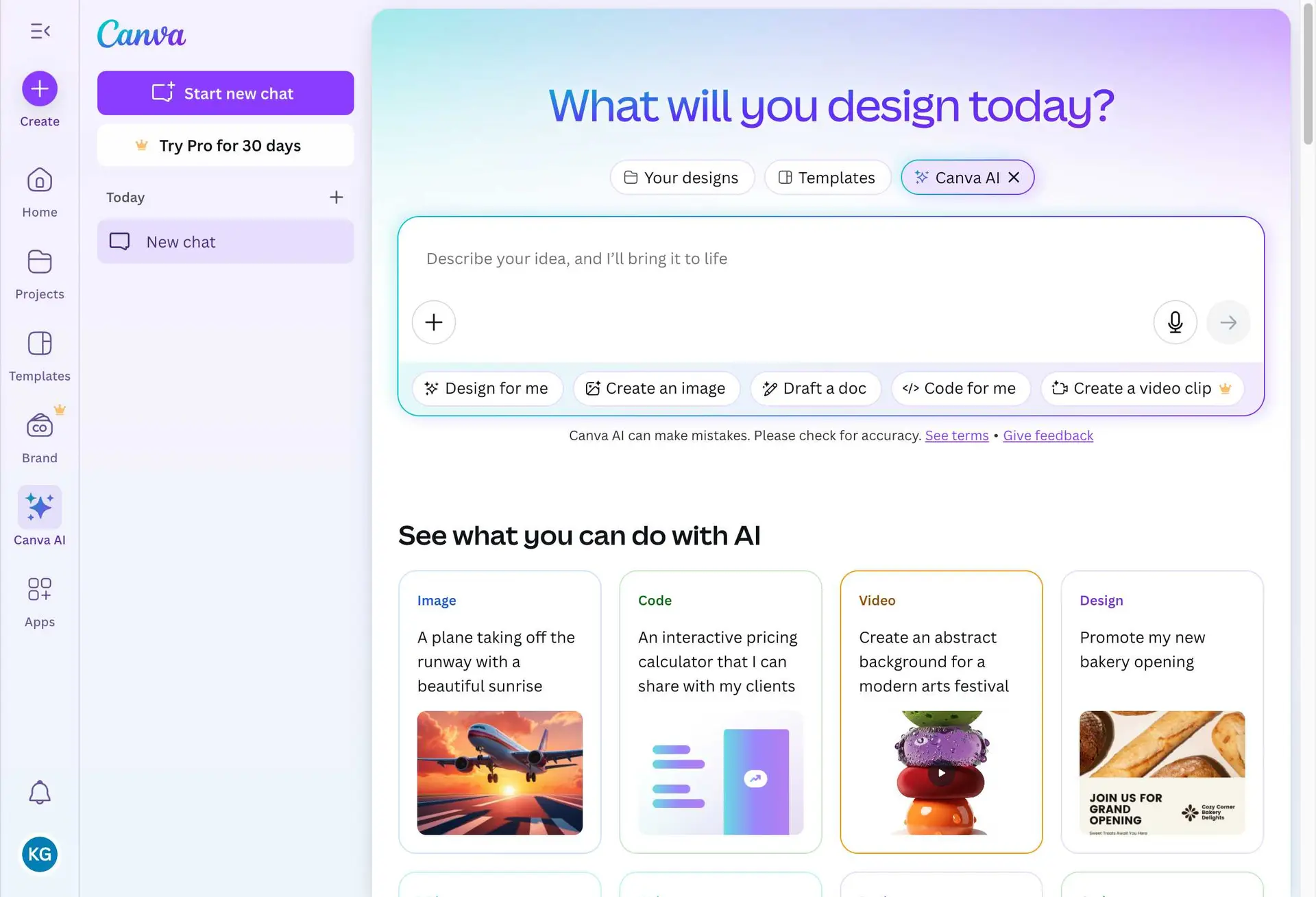
Canva has evolved into a comprehensive Visual Suite. It is a strong platform for users who prioritize creative control and need access to an immense library of visual assets. Its strength lies in its expansive editing environment, where you can manipulate every element and customize designs at a granular level.
However, this flexibility introduces a tradeoff. For a busy professional trying to convert a 50-page audit into a 15-slide deck, the volume of options can transform what should be a straightforward conversion into a design project. The cognitive load of choosing among thousands of templates, fonts, and layout options can slow down the process considerably. In our testing, producing a polished deck from the financial audit took approximately 90 minutes in Canva, with much of that time spent on design decisions rather than content organization.
The Beautiful.ai Experience: Streamlined Automation
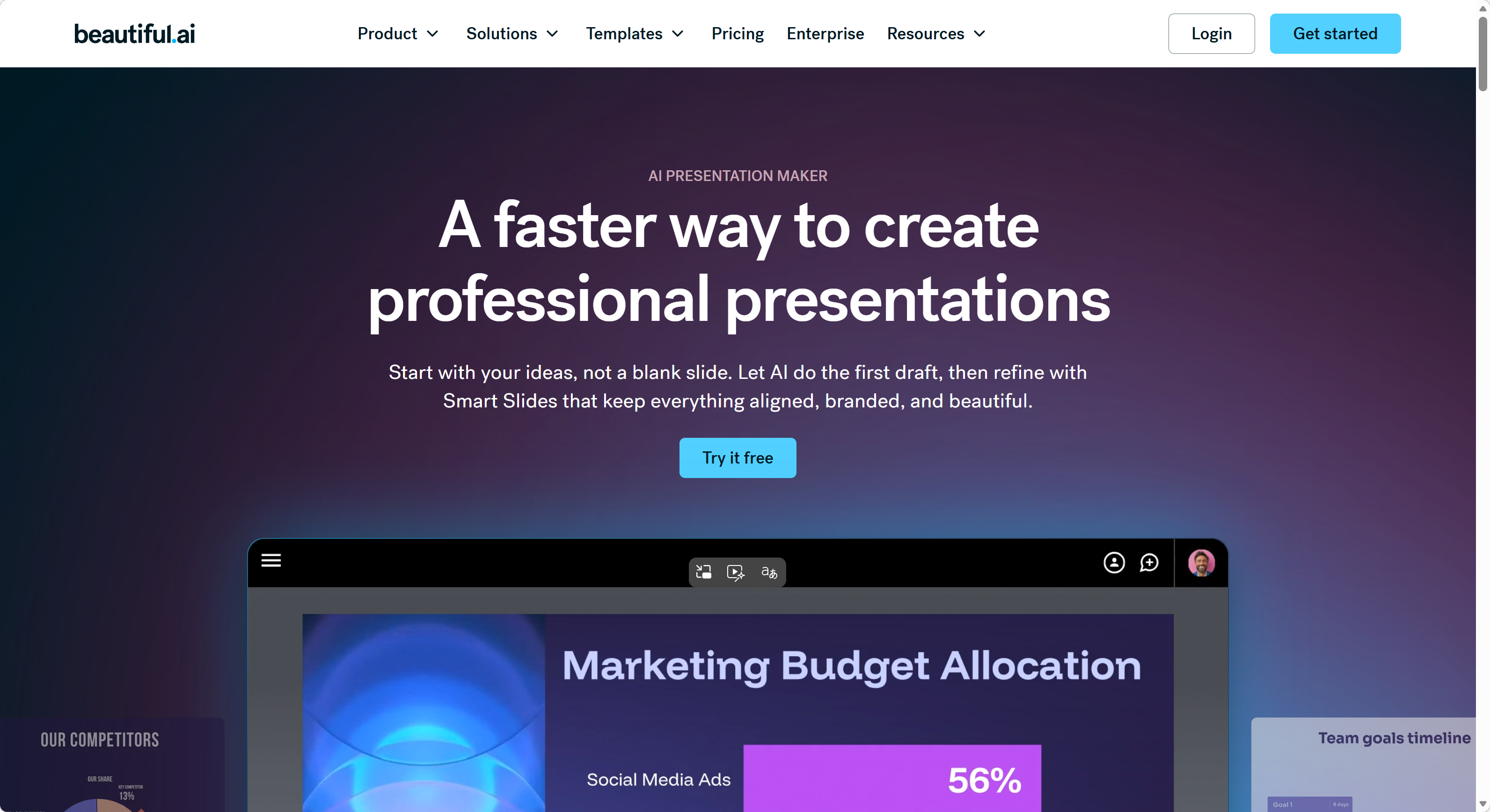
Beautiful.ai operates on the principle of smart automation. Its Smart Slide technology automatically adjusts layouts as content is added, ensuring that the deck remains visually balanced without manual resizing. It is efficient for generating quick drafts from bullet points or short text inputs.
When ingesting dense, multi-layered documents, however, the AI often struggles to parse structural hierarchies. In our testing with the market research paper, Beautiful.ai flattened complex nested information into simplistic blocks. Section headings were treated as regular text, and the relationship between supporting data and primary arguments was lost. The resulting deck required significant manual reformatting to restore the logical flow of the original document.
The Verdict on Usability
Canva is the stronger choice for hands-on designers who want pixel-level control. Beautiful.ai provides a faster, more automated path for general presentation needs. Neither, however, is purpose-built for preserving the logical integrity of technical documents during conversion.
Round 2: Presentation Design and Aesthetics
Canva: The Infinite Design Library
With over 100,000 templates, Canva provides a wide variety of aesthetic options. It excels for social media assets, marketing pitches, and creative mood boards. The limitation for the professional user is consistency. With so many choices, it is easy to inadvertently create a deck that lacks a unified visual identity unless the user exercises discipline in brand asset management.
Canva's design engine is optimized for visual appeal. However, it does not prioritize the kind of structured, hierarchical layouts that complex business documents demand. A consulting deck needs clear data hierarchies, consistent typography scales, and visual cues that guide the reader through an argument. Canva can achieve this, but it requires manual effort from the user.
Beautiful.ai: Modern, Minimalist Rigor
Beautiful.ai focuses on a clean, modern aesthetic. Its templates are designed to ensure that text and images are always aligned and professional. For internal team syncs or digital-first communication, its style is effective and visually consistent.
The primary challenge arises when the content exceeds the constraints of the template. Complex financial charts or technical appendices can feel out of place within Beautiful.ai's minimalist design framework. The platform's automated layout engine sometimes struggles with data-heavy slides, compressing or rearranging content in ways that obscure the intended emphasis.
Design Comparison at a Glance
| Design Feature | Canva | Beautiful.ai |
|---|---|---|
| Template variety | 100,000+ across all categories | ~100 curated professional templates |
| Layout automation | Manual with drag-and-drop | Automatic Smart Slide adjustment |
| Brand consistency tools | Brand Kit (paid plans) | Team branding features |
| Data visualization | Charts, graphs (manual setup) | Basic charts with auto-layout |
| Typography control | Full font library access | Curated font selection |
| Custom illustration | Extensive stock library + AI generation | Limited to template assets |
| Best suited for | Creative and marketing decks | Internal and team presentations |
Round 3: Advanced AI Features and Document Synthesis
This is where the distinction between general-purpose design and professional document synthesis becomes critical.
The Document Handling Gap
Both Canva and Beautiful.ai allow users to upload files. However, in our analysis of professional workflows, both platforms frequently encounter the same challenges:
Structural Erosion: Complex hierarchies, such as nested lists, citations, or multi-dimensional data tables, are often collapsed into flat text. The logical nuance of the document is stripped away during ingestion. In our testing, the financial audit's appendix tables were converted into plain text paragraphs, losing the tabular relationships entirely.
Accuracy Concerns: When summarizing complex papers, generative AI models carry an inherent risk of omitting key strategic insights. Neither Canva nor Beautiful.ai provides a mechanism for verifying that all critical points from the source document are represented in the output.
Layout Integrity on Export: Exporting presentations to PowerPoint (.pptx) format often leads to broken layouts, locked layers, and erratic font behavior. For professionals who need to share editable files with colleagues or present from a corporate laptop running PowerPoint, this is a practical problem that undermines the utility of both platforms.
For professionals, a presentation is not merely a collection of visuals. It is a logical, defensible argument. This is why researchers and consultants working with complex source material require a more specialized engine.
A Closer Look: Specific Feature Breakdowns
File Upload and Ingestion
| Capability | Canva | Beautiful.ai | Tosea.ai |
|---|---|---|---|
| PDF upload | Yes (text extraction) | Yes (text extraction) | Yes (spatial semantic parsing) |
| Table preservation | Partial (often flattened) | Partial (often flattened) | Full structural preservation |
| Chart/graph handling | Manual recreation needed | Limited auto-detection | Multimodal interpretation |
| Footnote/citation handling | Not supported | Not supported | Preserved with source linking |
| Multi-section document logic | Not analyzed | Not analyzed | Hierarchical mapping |
| Maximum document length | Varies by plan | Varies by plan | Up to 200 pages |
Collaboration and Sharing
| Feature | Canva | Beautiful.ai | Tosea.ai |
|---|---|---|---|
| Real-time collaboration | Yes | Yes | Online editor |
| Comment and feedback | Yes | Yes | Via exported file |
| Version history | Yes (paid plans) | Limited | N/A |
| Team workspaces | Yes | Yes | Per-user workspace |
| Export to .pptx | Yes (layout issues common) | Yes (layout issues common) | Native .pptx output |
Why Tosea.ai Fills the Gap for Professional Presentations
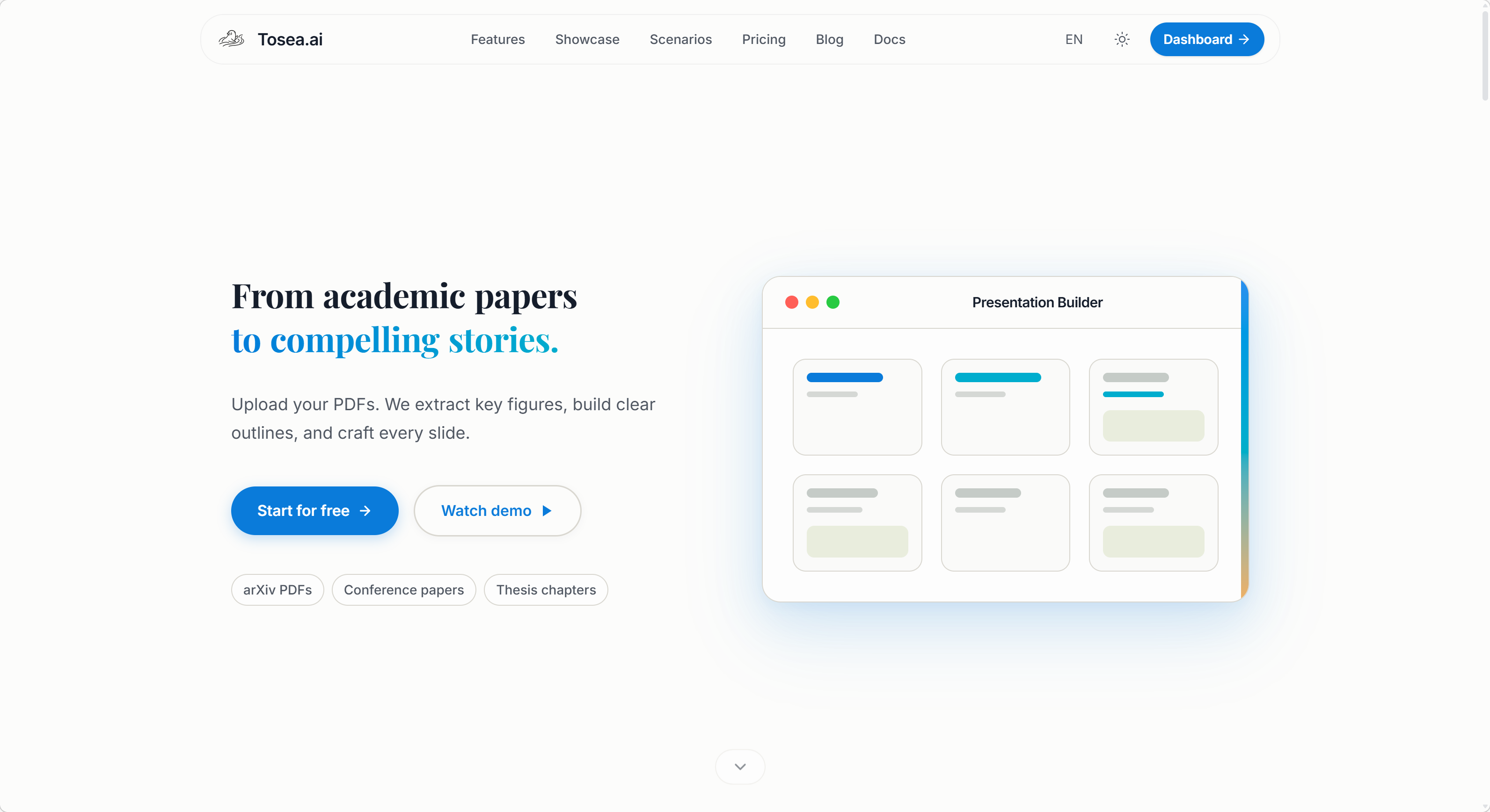
For consultants, researchers, and executives, the task is not simply making slides. It is translating a complex argument from document form into a visual narrative that withstands scrutiny. Tosea.ai was built specifically for this workflow. Here is what differentiates it:
1. Spatial Semantic Perception
Unlike tools that extract text as a flat stream, Tosea.ai uses Spatial Semantic Perception. It recognizes the structural relationships between headings, paragraphs, charts, and technical appendices. It preserves the logical integrity of the source document, ensuring the generated presentation reflects the depth and structure of the original research.
2. Traceability
AI hallucinations are a professional liability. Through its traceability system, every statement, figure, and bullet point on the generated slides remains linked to its origin in the source file. Professionals can trace any claim back to the exact page or paragraph, providing the verification required for high-stakes reporting.
3. Native PPTX Compatibility
Tosea.ai is engineered for native PowerPoint integration. The output is a standard, fully editable .pptx file. The online editor provides a professional experience that mirrors the Office environment, ensuring formatting remains intact whether editing online or presenting offline.
4. Consulting-Grade Design
Tosea.ai provides 12 master-crafted templates based on the design principles of consulting and academic firms. These layouts are designed for authority, clarity, and structural rigor, ensuring slides communicate the intended message without visual clutter.
5. Security and Data Integrity
Professional documents often contain confidential information. Tosea.ai provides a secure environment for processing sensitive files, with data isolation measures that prevent exposure to public-facing AI training pipelines.
Use Case Scenarios
Scenario 1: Quarterly Financial Review
A financial controller needs to convert a 40-page quarterly report into a board presentation. The report contains revenue tables, variance analyses, and trend charts.
- Canva: The controller would need to manually recreate each table and chart, selecting from templates that may not suit financial data. Estimated time: 2-3 hours.
- Beautiful.ai: The automated layout helps with basic slides, but the financial tables lose their structure during import. Manual reformatting is needed. Estimated time: 1.5-2 hours.
- Tosea.ai: The report is uploaded and parsed with structural awareness. Tables and charts are preserved. Output is ready for review in under 10 minutes.
Scenario 2: Legal Compliance Summary
A compliance officer must present findings from a 60-page regulatory audit to the executive team.
- Canva: The officer must extract key findings manually and build slides from scratch. Cross-references and citations require manual handling. Estimated time: 3-4 hours.
- Beautiful.ai: The AI generates a draft but misses the hierarchical relationship between findings, recommendations, and regulatory citations. Estimated time: 2-3 hours.
- Tosea.ai: The compliance document is parsed with full structural awareness, preserving the chain from finding to citation to recommendation. Estimated time: under 10 minutes.
Scenario 3: Research Conference Presentation
An academic researcher needs to convert a 25-page paper into a 20-minute conference presentation.
- Canva: Provides strong visual options but requires the researcher to manually determine slide structure and content hierarchy. Estimated time: 2 hours.
- Beautiful.ai: Generates a clean draft quickly but may oversimplify methodology sections and flatten data tables. Estimated time: 1 hour plus manual edits.
- Tosea.ai: Parses the paper's structure, preserving the progression from methodology to results to conclusions. Estimated time: under 10 minutes.
Who Is This Comparison For?
This comparison is most relevant for professionals who regularly convert existing documents into presentations. If your typical workflow involves starting a presentation from a blank slide and building it from scratch, both Canva and Beautiful.ai are capable tools. However, if you routinely work with:
- Long-form reports that must be faithfully represented in slide form
- Data-heavy documents with tables, charts, and cross-references
- Sensitive materials that require accuracy and traceability
- Tight deadlines where manual formatting is not feasible
Then the specialized document-to-PPT approach offered by Tosea.ai addresses a gap that general-purpose design tools do not fill.
Conclusion: Choose the Right Tool for the Right Task
Canva and Beautiful.ai are capable tools for creative expression and fast, general-purpose slide generation. Canva excels when visual creativity is the priority. Beautiful.ai excels when speed and layout automation matter most. However, when the task is to translate high-density, complex professional data into a high-stakes presentation, the requirements for logical accuracy, factual traceability, and structural integrity call for a more specialized approach.
Tosea.ai is designed to professionalize the output of document conversion. By automating the structural and analytical work, it allows professionals to focus on the high-level strategy that defines their work, rather than spending hours on slide formatting.
FAQ
Q: Can Canva handle PDF uploads for presentation conversion?
A: Canva allows PDF uploads, but it primarily extracts text and images as individual elements. The structural relationships between sections, the hierarchy of headings, and the logical flow of the document are not preserved during import. Users need to manually organize the extracted content into a coherent presentation.
Q: Does Beautiful.ai's Smart Slide technology work with complex data?
A: Beautiful.ai's Smart Slide feature works well for text-based content and basic layouts. However, when dealing with complex data tables, multi-level hierarchies, or technical appendices, the automation can oversimplify the structure. Users often need to manually adjust the output to restore the intended data relationships.
Q: How does Tosea.ai's traceability feature work in practice?
A: When Tosea.ai generates a presentation, each element on the slides maintains a connection to its source location in the original document. If a stakeholder questions a specific claim or data point during a meeting, the presenter can reference the exact page and paragraph in the source document where that information originated.
Q: Is the .pptx export from Canva and Beautiful.ai reliable for corporate use?
A: Both platforms offer .pptx export, but users frequently report layout inconsistencies when opening the exported files in Microsoft PowerPoint. Fonts may change, element positioning can shift, and some design features may not translate correctly. For corporate environments where PowerPoint is the standard presentation tool, this can create last-minute formatting issues.
Q: What types of documents work best with Tosea.ai?
A: Tosea.ai is optimized for professional documents including financial reports, research papers, legal filings, audit summaries, market analyses, and technical specifications. Documents with clear structural elements such as headings, tables, and charts tend to produce the best results, as the spatial semantic parsing can leverage these structural cues during conversion.