01
Spatial Design Research Pitch
An architectural lead presenting a study on how light affects mood to a property developer. The editorial tables help compare spatial typologies clearly.
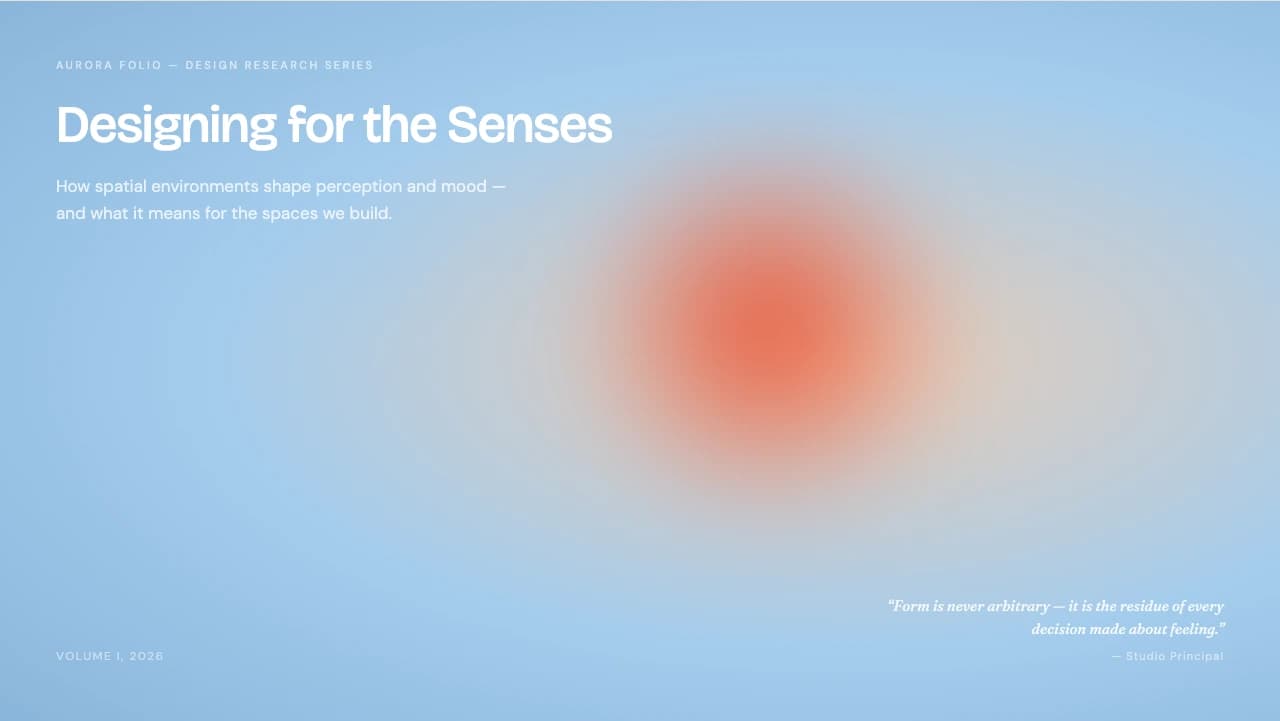
Artistic gradients meet structured editorial layouts for research and brand storytelling.
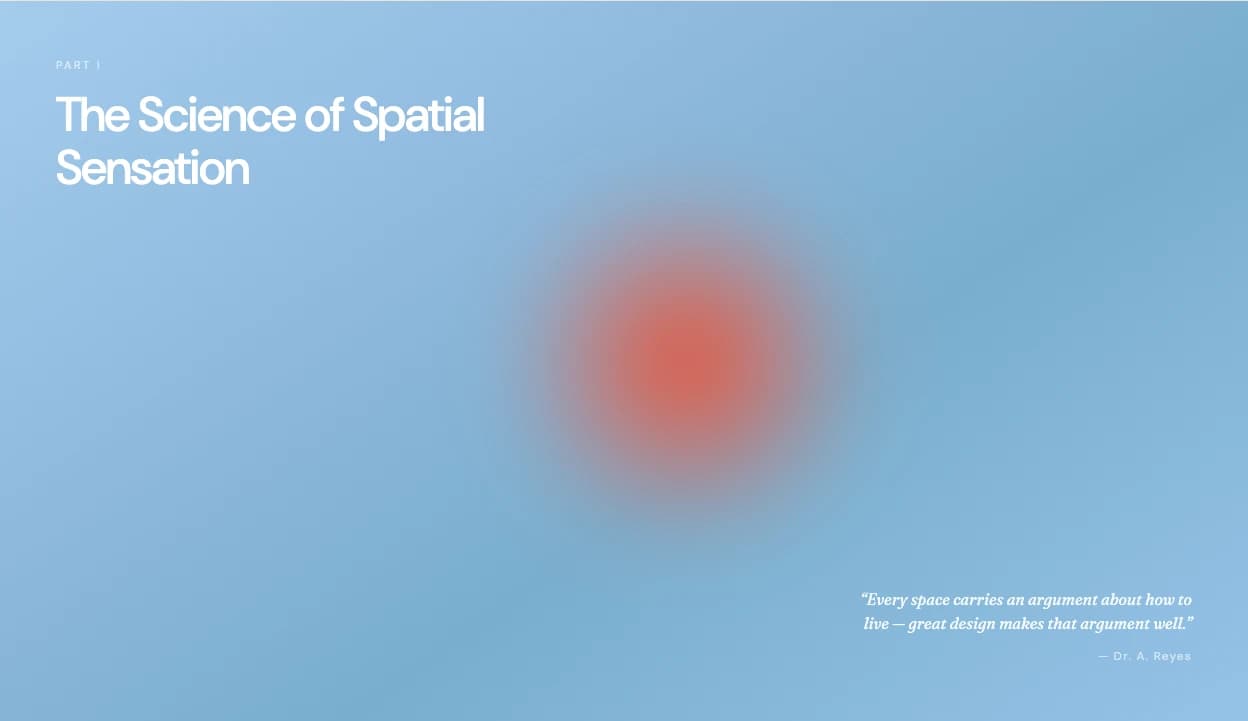
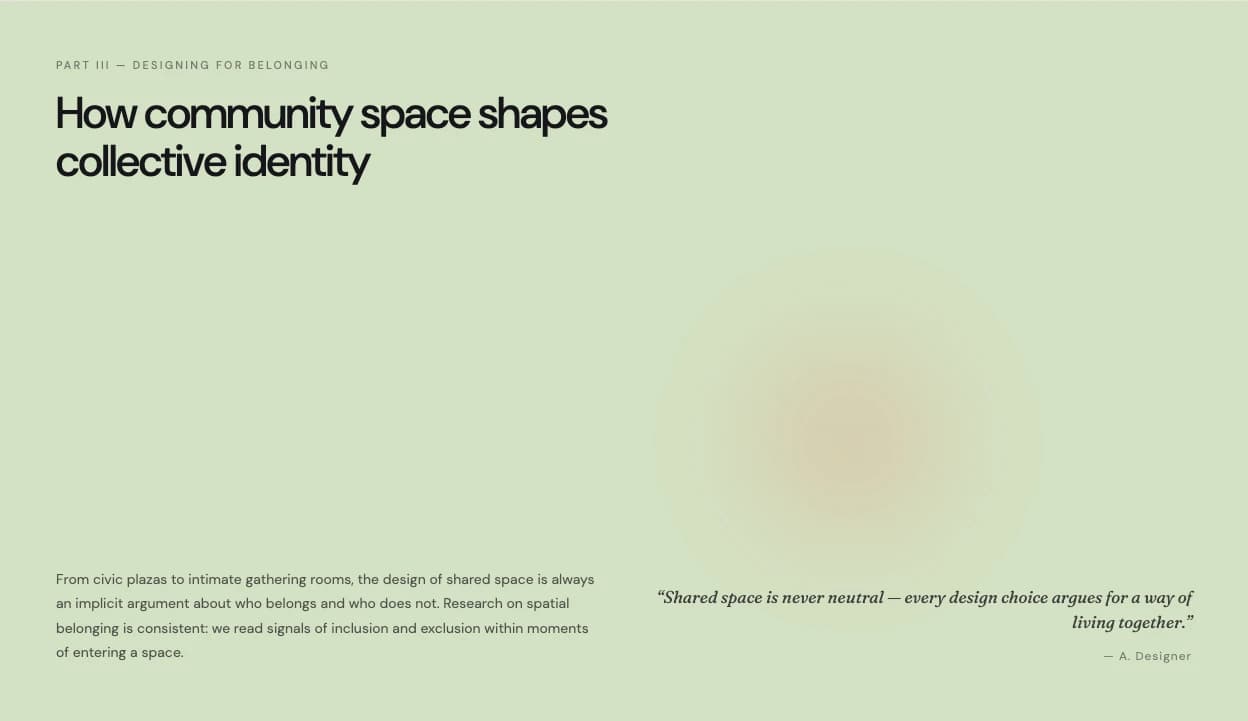
Aurora Folio draws inspiration from modern print journals, leading with a full-bleed hero cover that features a soft, multi-stop radial gradient—a warm orange sun glowing through a cool blue field.
This organic visual anchor is balanced by a disciplined interior grid.
The template utilizes Bricolage Grotesque for headlines, bringing a contemporary, slightly condensed feel to the text.
Interior slides move away from the gradient toward a clean #EDE9E2 off-white background, providing high contrast for long-form reading.
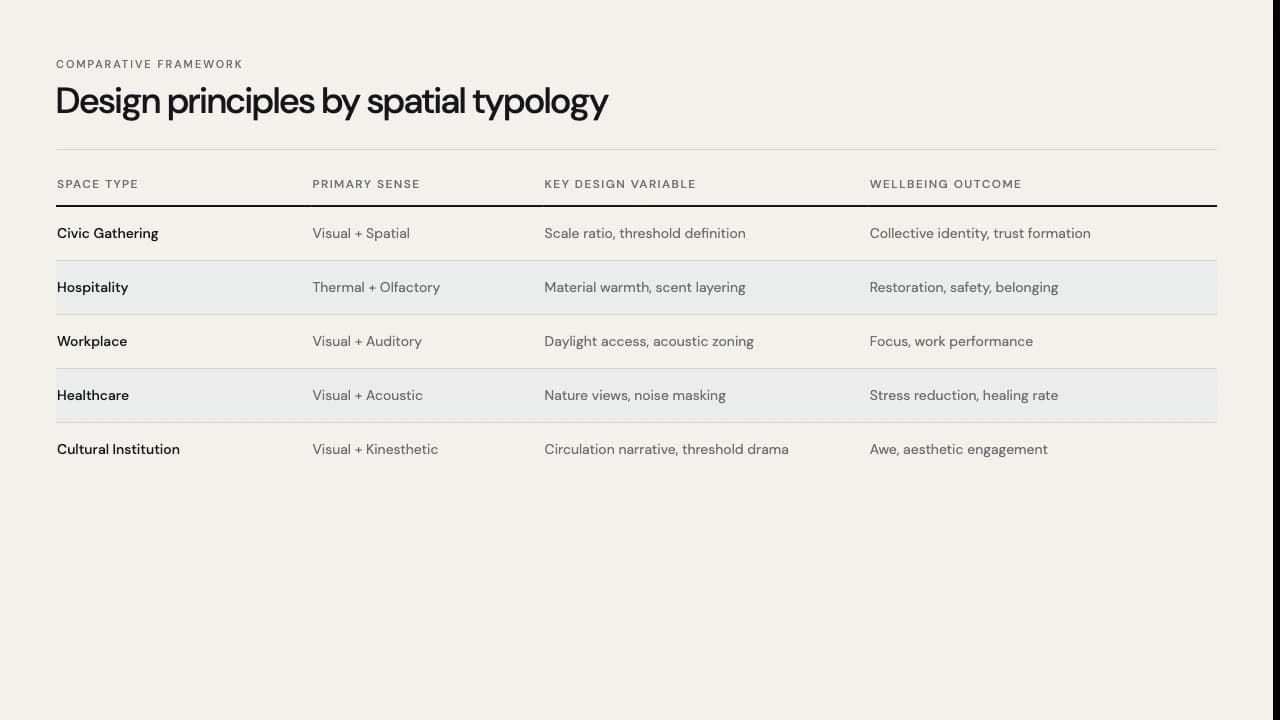
You will find specialized layouts for comparative frameworks, such as the zebra-striped data table for spatial typology, and multi-column text zones that mimic magazine spreads.
It is a deck designed for thinkers who need to present complex qualitative research without losing aesthetic soul.
The color system centers on the contrast between the vibrant #EA4D2E orange and the calming blue gradient, anchored by a neutral off-white background for readability.
Typography is a critical pillar: Bricolage Grotesque provides a distinctive, modern voice for titles, while Noto Sans SC ensures legibility for body copy.
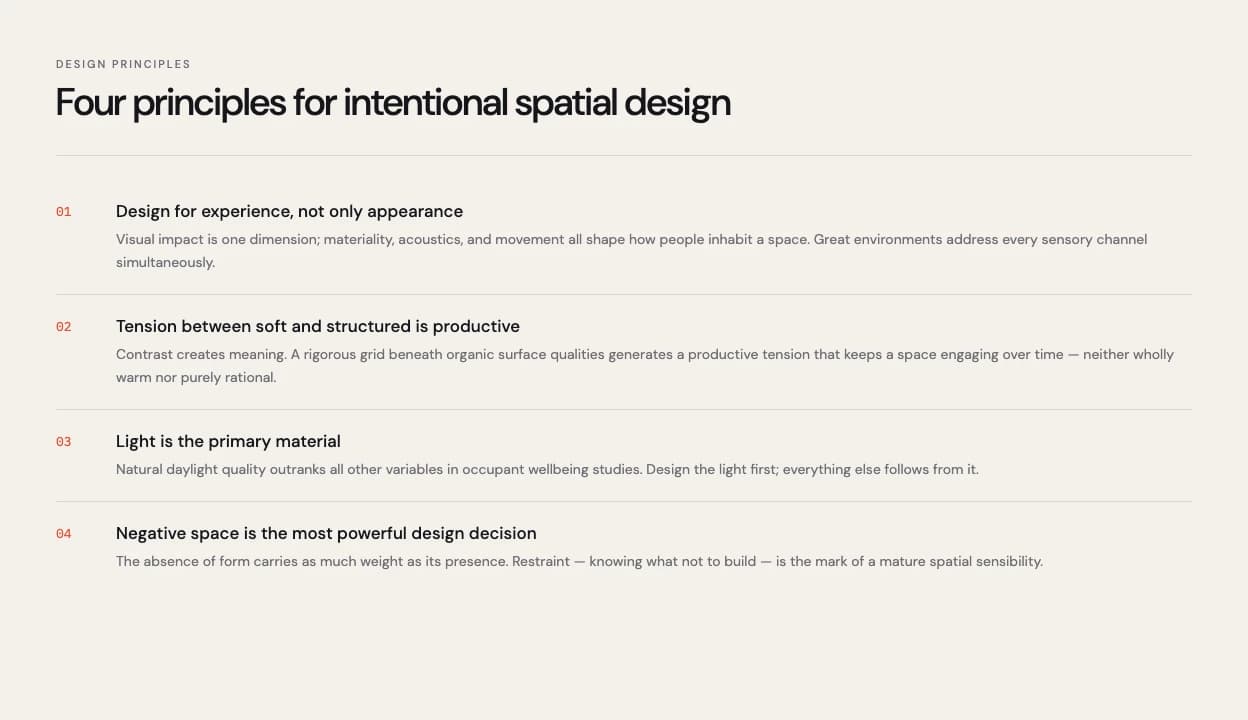
The layout patterns utilize thin horizontal rules to separate hierarchy, creating a 'folio' look.
Notable design decisions include the use of italicized serif quotes in the bottom-right corners and asymmetrical column widths that break the monotony of standard bullet points.
The data visualization is handled through minimalist tables with subtle background fills, emphasizing clean lines over heavy borders.
Every theme has a stage it belongs on. These are the moments this one was built for.
An architectural lead presenting a study on how light affects mood to a property developer. The editorial tables help compare spatial typologies clearly.
A creative director showcasing a new brand's sensory identity. The aurora gradient cover sets a sophisticated emotional tone before diving into the details.
Market researchers presenting qualitative data on consumer behavior. The multi-column layouts allow for deep analysis alongside high-impact quotes.
01 / 8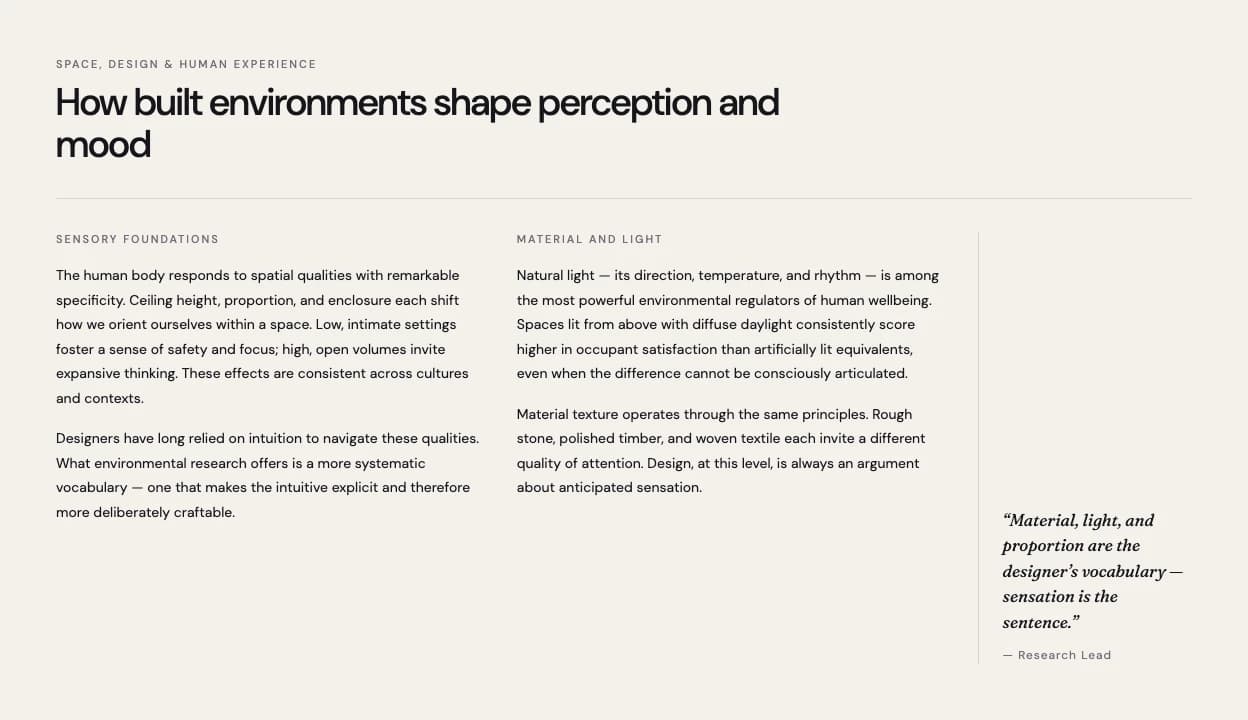 02 / 8
 03 / 8
 04 / 8
 05 / 8
 06 / 8
 07 / 8
 08 / 8
Pick this template, upload your content, and our AI will compose it into the 8-slide arc of Aurora Folio Gradient Editorial Research Presentation — your job is just to polish the key data.