Mastering Document Transformation: From Complex Files to Executive Presentations
A practical guide to transforming long-form research, legal audits, and financial reports into professional presentations using AI-powered workflows.
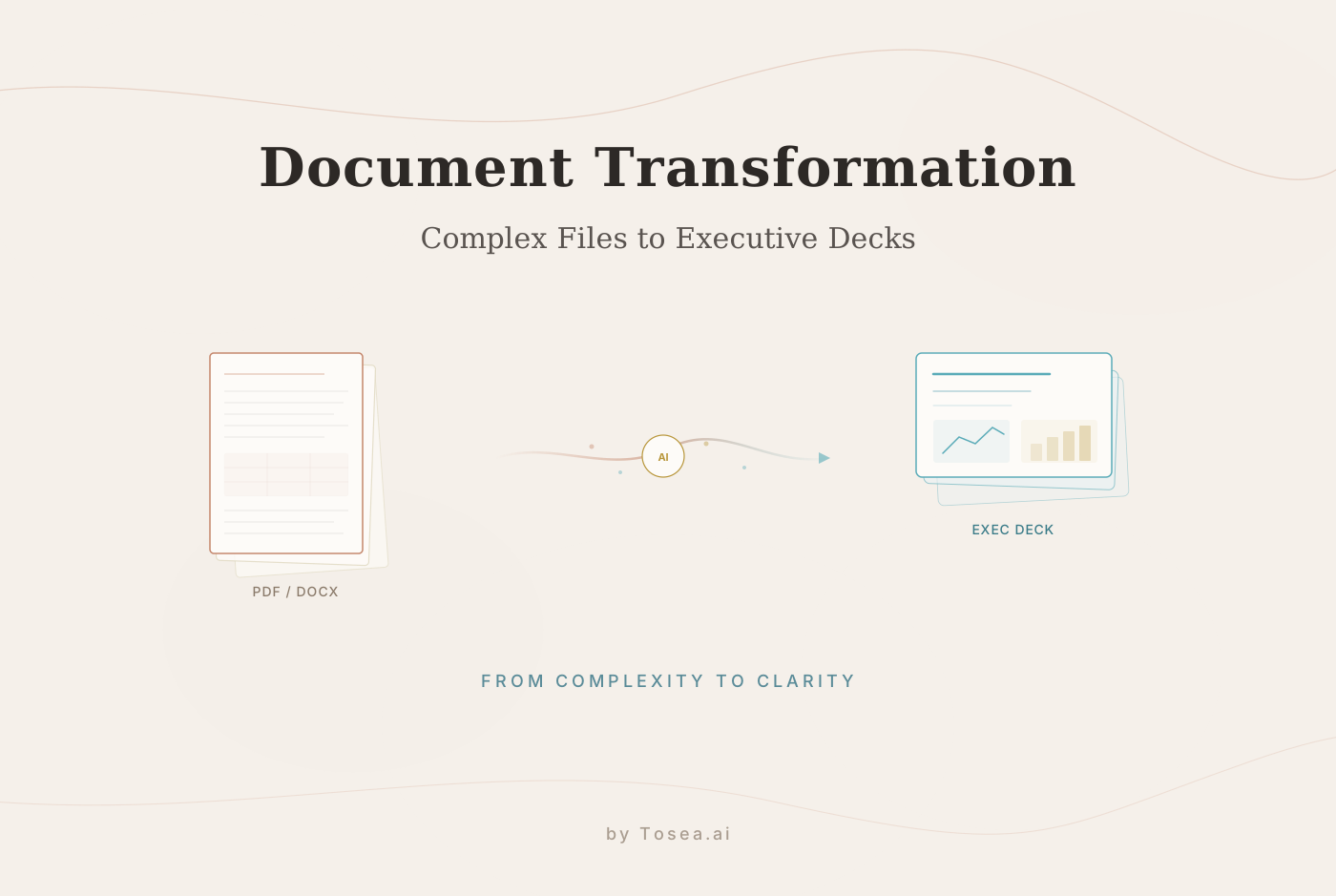
In the professional world of 2026, the real currency is no longer information alone -- it is the clarity with which that information is presented. For years, creating a high-stakes presentation meant a grueling process of sifting through dense reports, manually extracting key insights, and spending hours wrestling with alignment and formatting in PowerPoint.
AI-powered document transformation tools have changed the fundamental nature of this task. By moving beyond simple automation and into the realm of spatial semantic perception, modern tools allow users to transform long-form research, legal audits, and financial summaries into professional decks in minutes rather than hours. However, as with any advanced technology, the quality of the output reflects both the system's capabilities and your guidance.
To get consistently strong results, it helps to understand how professional-grade document AI interprets a file and how you can direct that intelligence to produce boardroom-ready presentations.
Who Is This Guide For?
This guide is written for professionals who regularly face the challenge of converting substantive documents into presentations:
- Management consultants preparing client deliverables from research findings, due diligence reports, or strategic assessments.
- Academic researchers turning papers, grant proposals, or literature reviews into conference presentations or thesis defense decks.
- Financial analysts converting quarterly earnings reports, audit findings, or investment memos into board-ready summaries.
- Legal professionals distilling regulatory filings, compliance reports, or case briefs into stakeholder communications.
- Marketing strategists transforming campaign performance reports, market analyses, or competitive research into executive summaries.
If you spend more than two hours per week manually transferring content from documents into slides, the techniques in this guide will be directly applicable to your workflow.
Beyond Text Scraping: How Professional Document AI Works
If you have ever wondered how an AI tool manages to convert a 50-page PDF into a coherent 10-slide deck without losing the core argument, the answer lies in how the system processes the source material.
Generic AI tools often treat text as a flat stream of data. They scrape paragraphs, summarize them, and distribute the output across slides. This approach works for simple content, but it fails when the source material contains complex hierarchies, cross-references, or data that supports arguments made in distant sections of the document.
Professional document AI operates differently through a process called spatial semantic perception. This means the system analyzes the document the way a human analyst would. It recognizes the difference between a minor footnote and a major strategic pivot. It understands that a data table on page 12 serves as evidence for a conclusion on page 45. It identifies the hierarchical relationship between headings, sub-headings, supporting data, and summary statements.
When you upload a file -- whether a PDF, a Word document, or a Markdown file -- the AI does not just read the words. It maps the logic. It identifies the structural architecture of the document and uses that architecture to determine how information should be organized across slides.
How This Differs from General-Purpose AI
| Approach | How It Works | Best For | Weakness |
|---|---|---|---|
| Text summarization | Extracts key sentences, compresses content | Short articles, blog posts | Loses structural relationships |
| Template matching | Fits content into pre-designed layouts | Simple slide decks | Cannot handle complex hierarchies |
| Spatial semantic perception | Maps logical architecture, preserves evidence chains | Long-form professional documents | Requires quality source formatting |
The Evaluation Framework: What Makes a Good Document Transformation
Before exploring specific techniques, it helps to establish criteria for evaluating the quality of a document-to-presentation conversion. A strong transformation should meet these standards:
- Structural fidelity -- The slide deck should reflect the logical organization of the source document. Major sections become major slides, and supporting details maintain their relationship to the claims they support.
- Data accuracy -- Every number, metric, and claim on a slide should match the source document exactly. No fabricated figures, no rounded numbers unless intentional, no context stripped from data points.
- Visual hierarchy -- The design should guide the viewer's eye through information in the correct order, using typography, spacing, and layout to reinforce the logical flow.
- Export compatibility -- The output should be a clean, fully editable .pptx file that works in Microsoft PowerPoint without broken elements, locked layers, or font substitutions.
- Source traceability -- Ideally, any claim on a slide can be traced back to its origin in the source document.
Why Professional Layouts Matter More Than Flashy Graphics
A common pitfall in the AI presentation market is the focus on eye-catching web animations and trendy visual effects at the expense of professional rigor. While tools optimized for web-centric displays can produce visually appealing results, they often fall short in the serious environments of consulting, research, and high-level corporate management.
Professional presentations prioritize what can be called print-grade layouts. These are designs built on the standards of leading consulting firms -- authoritative, readable, and perfectly aligned for both digital projection and physical printing. The key characteristics include:
- Consistent typography scales that create clear hierarchies between headlines, subheads, body text, and annotations.
- Structured data presentation with properly formatted tables, charts, and callout boxes that maintain their integrity across viewing contexts.
- White space management that prevents information overload on any single slide.
- Color systems that use accent colors for emphasis rather than decoration.
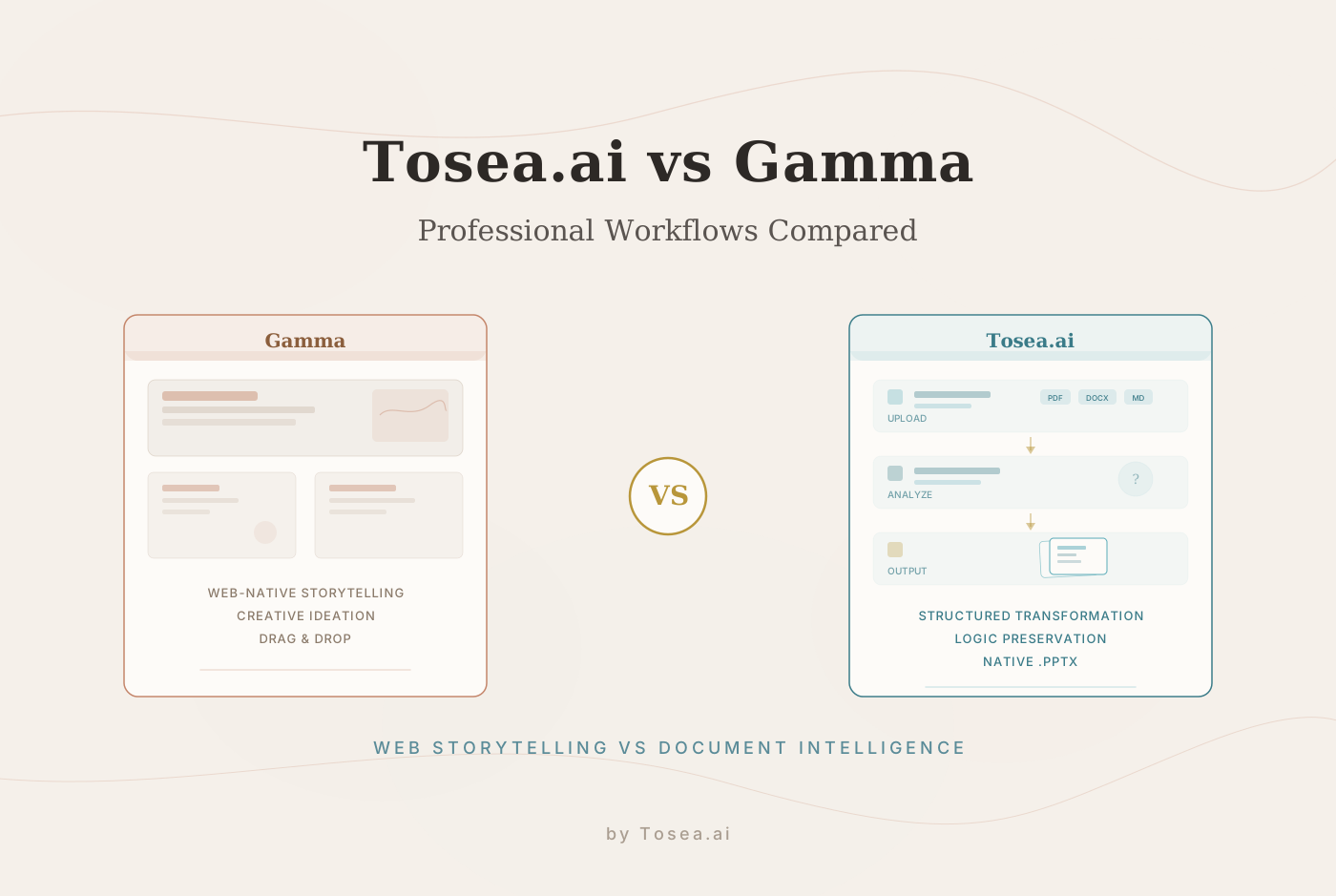
Tools like Tosea.ai provide curated template libraries designed specifically for these high-stakes scenarios. Whether you need an academic defense deck or a financial quarterly review, the templates ensure that the visual hierarchy supports your message rather than distracting from it. By maintaining native .pptx compatibility, the output remains intact when opened in Microsoft Office -- a critical step where many AI tools suffer from broken formatting and locked layers.
The Human-in-the-Loop Workflow
The path to a strong AI-generated presentation is not purely algorithmic. It is a collaboration between human expertise and machine speed. Effective document transformation tools implement a workflow that ensures the AI never operates in a vacuum.
Step 1: Upload and Initial Analysis
The process begins with uploading the source document. The AI performs an initial analysis, identifying the document's structure, key sections, data elements, and logical flow. This step typically takes seconds, even for documents exceeding 50 pages.
Step 2: Active Inquiry
Unlike tools that immediately jump to generation, professional-grade tools ask specific questions about your needs. Are you presenting to a technical board or a general audience? Is the focus on the financial metrics or the strategic vision? Should the deck emphasize historical performance or forward-looking projections? These questions help the AI calibrate its output to your specific context.
Step 3: Logic Confirmation
Before applying design, the tool presents the AI-detected structure for your review. This is where you can refine the outline, reorder sections, merge or split topics, and ensure the narrative flows exactly as you intended. By confirming the logic before the design is applied, you eliminate the need for hours of post-generation editing.
Step 4: Generation and Refinement
With the structure confirmed, the AI generates the full presentation, applying professional layouts, formatting data elements, and creating visual hierarchies that match the logical architecture of the source material. The output is immediately editable.
This iterative approach transforms you from a passive user into the director of an efficient design system. You provide the strategic judgment; the AI handles the structural analysis and visual execution.
Source Traceability: Eliminating Fabricated Content
In professional fields like law, medicine, and finance, a single fabricated figure can have serious consequences. This is why source traceability is a critical feature in any document transformation workflow.
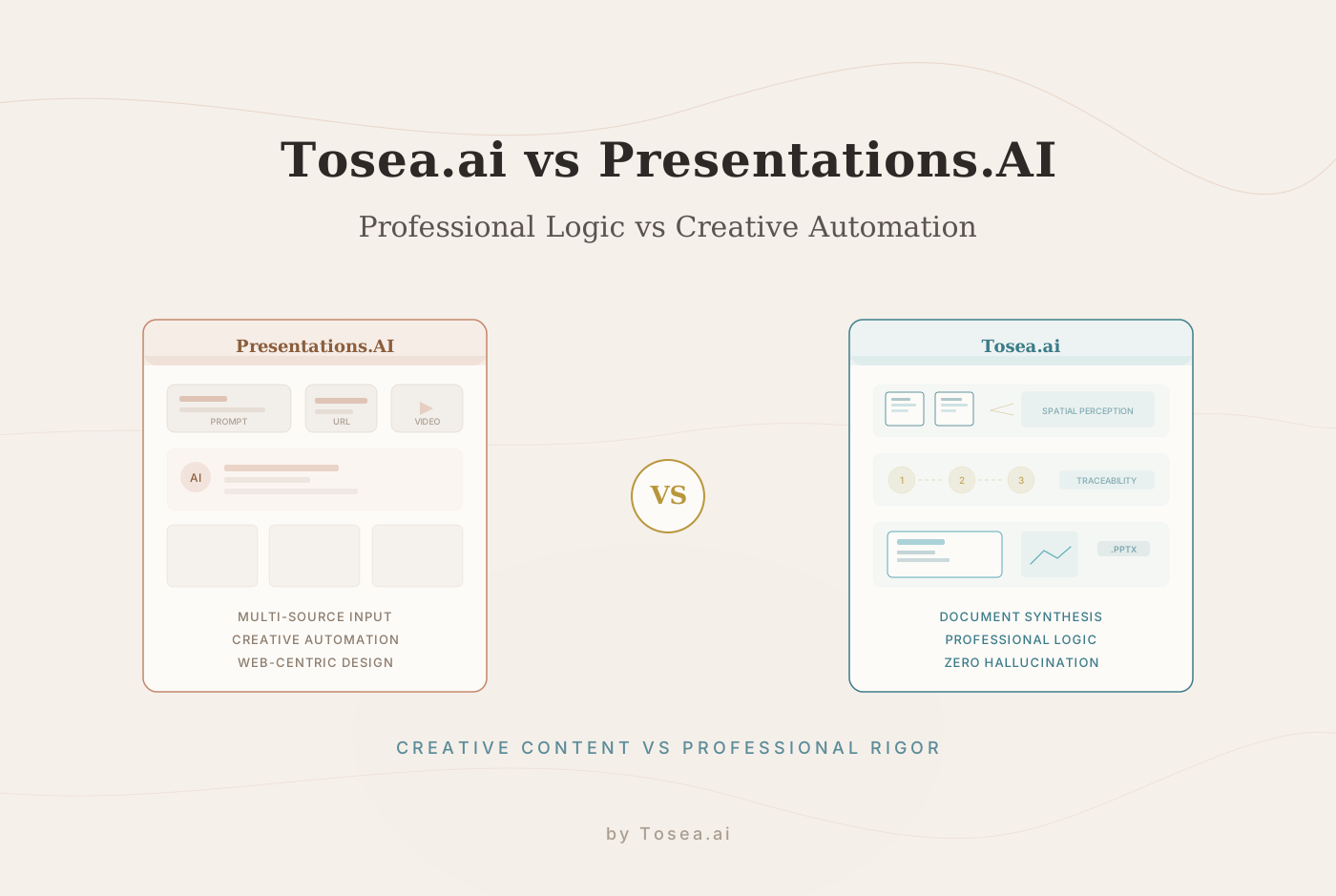
Many AI tools generate content based on probabilistic language models, which can lead to subtle fabrication of facts -- inserting plausible-sounding numbers that do not exist in the source material, or rephrasing conclusions in ways that shift their meaning. This phenomenon, commonly called "hallucination," represents a genuine professional risk.
Tools built for professional document transformation address this through strict source anchoring. Every data point, every bullet, and every strategic claim on the generated slides can be traced back to its specific location in the original document. If a stakeholder asks for the origin of a metric during a quarterly review, you can point directly to the source file.
This level of accountability transforms the presentation from a visual summary into a defensible record of the underlying analysis.
Managing Complexity: Tables, Lists, and Citations
The true test of a document-to-PPT tool is its ability to handle technical complexity. Manual conversion of nested lists or multi-dimensional data tables into slides is one of the most tedious tasks in professional life. Here is how effective tools handle these challenges:
Table Synthesis
Rather than simply screenshotting tables from the source document, professional tools interpret the data and build native PPT tables or charts that highlight the most relevant trends. The AI identifies which columns contain the primary metrics and which provide supporting context, then formats the table to emphasize the information that matters most for the audience.
Hierarchy Preservation
Nested lists and complex point structures are maintained with proper indentation and logical flow. A three-level outline in the source document remains a three-level outline on the slide, with visual formatting that clearly distinguishes between primary points, supporting details, and annotations.
Citation Management
For academic and legal professionals, automated citation handling ensures that references from the source material are preserved in the presentation. The tool maintains the connection between claims and their supporting citations, meeting the standards of professional and academic integrity.
Visual Data Integration
Charts, graphs, and diagrams from the source document are identified and placed strategically within the presentation. The AI generates supporting text based on the surrounding context to ensure a coherent narrative that connects visual data to the broader argument.
Practical Examples: Document Types and Transformation Strategies
Financial Quarterly Report (35 pages)
A typical quarterly report includes revenue breakdowns, expense analyses, year-over-year comparisons, and forward guidance. The transformation challenge is to preserve the numerical precision while creating a narrative that executives can absorb in a 20-minute presentation.
Strategy: Upload the full report and specify "board presentation" as the audience context. The AI will prioritize trend data and year-over-year comparisons over granular line items, while maintaining the exact figures from the source document. The output typically includes 12-15 slides with executive summary, revenue highlights, expense analysis, and forward outlook sections.
Academic Research Paper (40 pages)
Research papers follow a specific structure -- abstract, methodology, results, discussion, conclusion -- that needs to be preserved while making the content accessible to a conference audience.
Strategy: Specify "conference presentation" as the context and indicate the target slide count (typically 15-20 for a 20-minute talk). The AI preserves the methodology-results-conclusion flow while condensing literature review sections and emphasizing key findings with supporting data visualizations.
Legal Compliance Document (60 pages)
Compliance documents are dense, cross-referenced, and require extreme precision. The transformation must distill the key findings and recommendations without losing the regulatory context that justifies each conclusion.
Strategy: Use the logic confirmation step to identify the top-level compliance findings and their supporting evidence chains. The AI generates slides that pair each finding with its regulatory basis and recommended action, creating a clear decision-support document for stakeholders.
Common Mistakes to Avoid
Even with powerful tools, certain practices can undermine the quality of document transformation:
- Skipping the outline review. The logic confirmation step exists for a reason. Taking two minutes to verify the AI's structural interpretation saves 30 minutes of post-generation editing.
- Uploading poorly formatted source documents. The AI's ability to parse structure depends on the quality of the source formatting. Documents with inconsistent heading styles, missing section breaks, or embedded text-as-image elements will produce weaker results.
- Over-compressing content. Requesting a 5-slide deck from a 60-page document forces extreme summarization. It is better to generate a fuller deck and then manually remove slides than to ask the AI to compress too aggressively.
- Ignoring audience context. A deck for a technical review board should look different from a deck for a C-suite strategy session. Specifying the audience helps the AI calibrate both the depth of content and the visual treatment.
Looking Ahead: Expanding Capabilities
Document transformation technology continues to evolve. Emerging capabilities include agent-based web search features that allow AI to supplement private documents with real-time market data, custom branding template uploads that enable large organizations to standardize professional output at scale, and multi-language support that allows global teams to generate presentations in their preferred language.
As these capabilities mature, the core value proposition remains consistent: the rigorous processing of professional documents into presentations that maintain structural integrity, data accuracy, and visual authority.
Frequently Asked Questions
Q: What file formats are supported for document transformation? A: Professional tools like Tosea.ai support PDF, DOCX, and Markdown files. The AI handles each format's unique structural elements -- PDF layout parsing, Word heading hierarchies, and Markdown syntax -- to extract the logical architecture of the source material.
Q: How long does the transformation process take? A: For a 50-page PDF, the initial AI analysis and draft generation typically completes in under two minutes. The human review steps -- active inquiry and logic confirmation -- add 3-5 minutes depending on the complexity of the document and the level of customization needed.
Q: Can the output be customized after generation? A: Yes. The generated .pptx file is fully editable in Microsoft PowerPoint, Google Slides, or the tool's built-in online editor. You can modify layouts, adjust text, reorder slides, and apply your organization's brand guidelines after generation.
Q: How does the AI handle images and charts embedded in the source document? A: The spatial semantic perception engine identifies visual elements within the source document and places them strategically within the presentation. Charts and graphs are positioned alongside the relevant narrative text, and the AI generates supporting context to ensure the visual data is integrated into the overall argument.
Q: Is my data secure during the transformation process? A: Data privacy is a core consideration for professional document transformation. Enterprise-grade tools use secure, isolated processing environments and do not use uploaded documents to train public AI models. Your files and generated presentations remain your exclusive property.
Q: What is the ideal document length for transformation? A: Documents between 10 and 80 pages produce the strongest results. Shorter documents may not have enough structure for the AI to work with meaningfully, while documents exceeding 100 pages may benefit from being split into logical sections before upload.
Conclusion: From Manual Labor to Strategic Leadership
Creating a professional presentation should not be a test of your patience with formatting tools. It should be a demonstration of your strategic insight. Document transformation AI is designed to handle the structural analysis and layout logic, allowing you to focus on the high-level strategy that defines your work.
By understanding the workflow -- leveraging the logic confirmation step, utilizing professional templates, relying on source traceability, and specifying the right audience context -- you can reclaim hours of your time every week. The goal is not to remove human judgment from the process, but to redirect it from formatting tasks to strategic decisions.