Beyond Anthropic Claude Plugins: Professional Document to PPT Transformation
How Anthropic's 2026 Claude enterprise plugins compare to specialized AI presentation tools for professional document-to-PPT workflows.
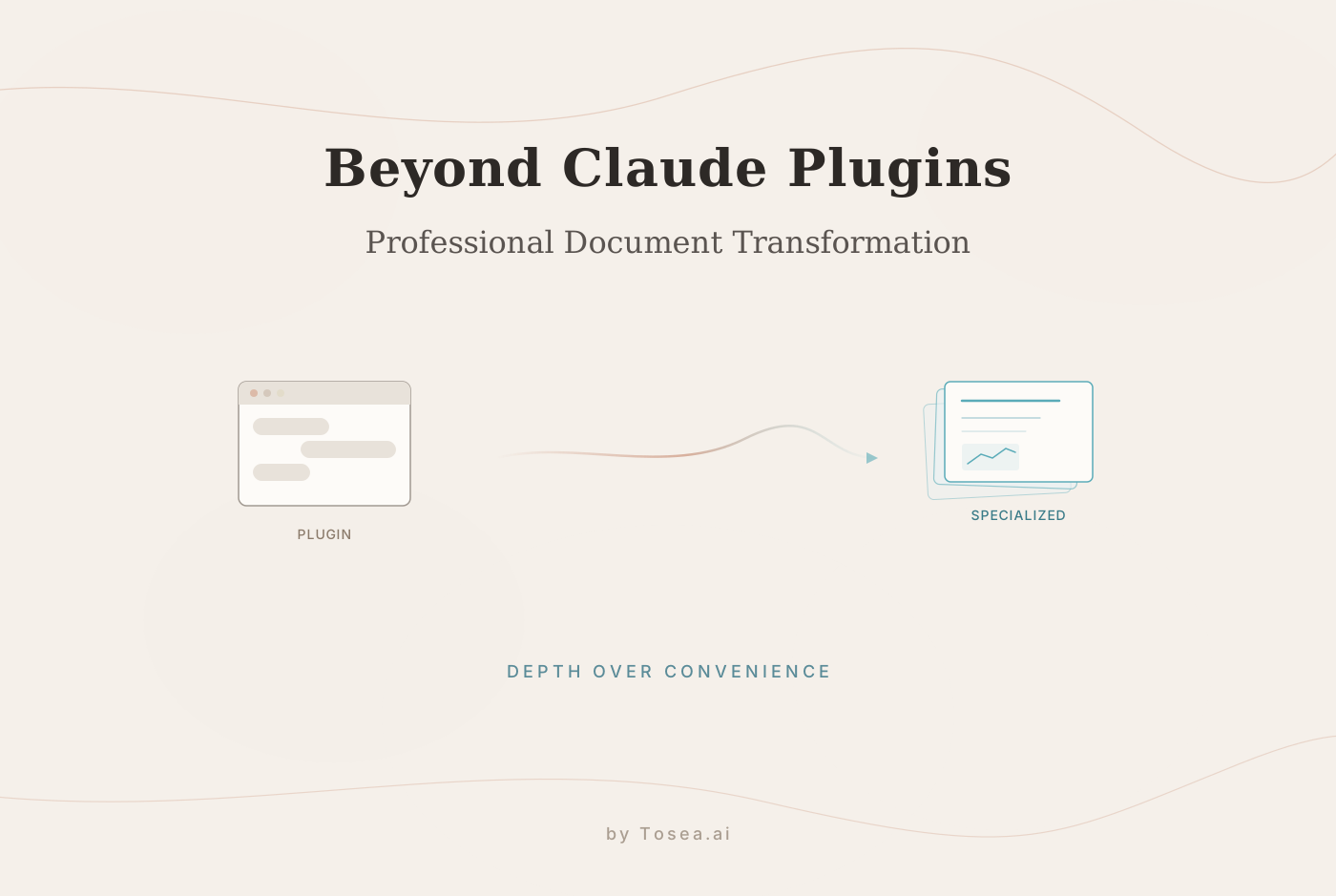
The landscape of enterprise artificial intelligence shifted on February 24, 2026. Anthropic unveiled its most aggressive move into the corporate sector to date: Cowork & Plugins for the Enterprise. This release embeds the Claude AI model directly into the modern office suite, specifically Microsoft Excel and PowerPoint. By doing so, Anthropic has escalated the ongoing competition for the digital workplace, positioning itself as a challenger to Microsoft 365 Copilot, OpenAI Frontier, and Google Gemini. For professionals who rely on an AI presentation tool or PDF to PPT workflows, the implications are worth examining closely.
For knowledge workers, the message from the industry giants is clear: the standalone chatbot is giving way to integrated operational layers where AI works inside the tools we use every day. However, while embedding AI into general-purpose software marks a significant step forward in convenience, it also exposes a growing gap in quality. Specifically, when it comes to the high-stakes task of converting complex business documents into executive-level presentations, general-purpose plugins often fall short of professional expectations.
This is where specialized tools like Tosea.ai enter the picture. While the major platforms focus on embedding chat windows into existing software, Tosea.ai focuses on document intelligence and professional-grade presentation output. Both approaches have merits, but they solve different problems.
The 2026 Enterprise AI Landscape: A Multi-Front Competition
Anthropic CEO Dario Amodei is making a calculated bet. By making Claude plugins open-source and portable, Anthropic aims to prevent enterprise lock-in, allowing companies to build specialized agents for HR, finance, and operations. This strategy is a direct response to the walled gardens of Microsoft and Google.
The current state of play in 2026 is a crowded field:
Microsoft: Embedded Copilot across the entire 365 ecosystem, offering broad integration but varying depth of capability across applications.
OpenAI: Launched Frontier to provide a unified platform for enterprise-wide ChatGPT deployments, emphasizing developer tooling.
Google: Integrated Gemini throughout Workspace, leveraging the massive data footprints of Gmail and Drive for context-aware assistance.
Anthropic: Now offering a decentralized, plugin-based approach to work directly within spreadsheets and slide decks, prioritizing portability.
The goal of these companies is to reduce the friction of moving data from one application to another. As Anthropic correctly pointed out, the persistent pattern of going to an AI, getting an answer, and then returning to your tools to do the work is a bottleneck. But as we move toward a world where work happens within the tools, a new problem emerges: the ceiling of quality for generated content.
The Limitations of Native Integration
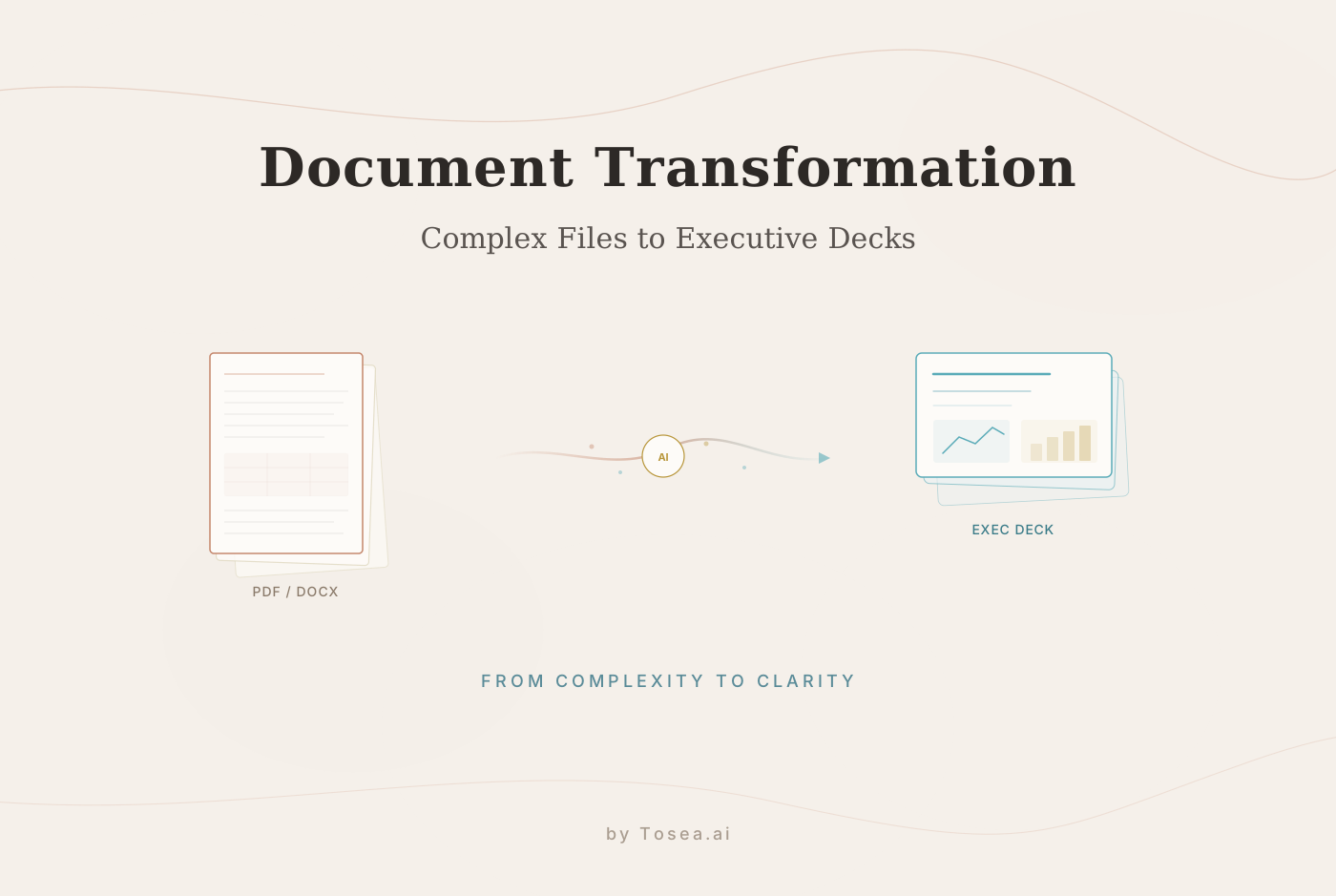
The recent push by Anthropic to put Claude inside PowerPoint is notable, but it primarily solves the problem of accessibility rather than the problem of synthesis. For many professionals, the real challenge is not just getting an AI to write text on a slide. It is getting an AI to understand a 250-page technical document and restructure it into a coherent, professional narrative.
Native integrations often face three bottlenecks:
Context Fragmentation: A plugin sitting inside PowerPoint often struggles to maintain the deep logical threads found in massive external files. It processes the text but may not fully grasp the underlying strategic architecture of a long-form document.
Surface-Level Summarization: Most general-purpose AI integrations treat document conversion as a summarization task. The result is often a set of slides that reads like an abbreviated version of the document rather than a strategic presentation designed to persuade or inform.
Visual Logic Deficits: General AI agents frequently struggle with the nuances of executive-level design. They tend to produce generic layouts that lack the visual hierarchy and information density expected in consulting-grade or institutional presentations.
How We Evaluated: Methodology
To understand the practical differences between general-purpose AI plugins and specialized document-to-presentation tools, we tested workflows across three dimensions over a two-week period:
Document Complexity Testing: We used source documents ranging from 20-page marketing briefs to 250-page annual reports containing mixed content (text, tables, charts, and images). We evaluated how each approach handled structural complexity and content density.
Output Quality Assessment: We compared output slides against professional benchmarks commonly used in management consulting and financial services. Criteria included information hierarchy, visual consistency, data accuracy, and narrative flow.
Workflow Efficiency: We measured end-to-end time from document upload to final editable presentation, including the time required for manual corrections and formatting adjustments after initial AI output.
This evaluation informed the observations throughout this article. It is worth noting that general-purpose plugins are improving rapidly, and our observations reflect the state of these tools as of late February 2026.
Tosea.ai: A Specialized Approach to PDF to PPT Transformation
While platforms like Anthropic and Microsoft are building the infrastructure for general work, Tosea.ai has focused specifically on the document-to-presentation problem. The platform approaches this task differently from general-purpose plugins in several ways.
Spatial Semantic Perception vs. Simple Extraction
Tosea.ai does not just extract text from files. The system uses a combination of Layout-Aware Intelligence and Vision-Language Models (VLM). This approach allows the platform to interpret the spatial relationships between headers, sidebars, data clusters, and visual elements within a document.
By interpreting the visual layout of the original document, Tosea.ai can:
Reconstruct Document Structure: Identify the hierarchy of information, distinguishing between primary strategic pillars and secondary supporting data across long-form documents.
Map Information Flow: Determine how a lengthy report should be segmented into logical chapters and transition slides, preserving the argumentative structure.
Retain Narrative Continuity: Maintain the core message of the source file through the transformation process, rather than treating each section as an isolated block of text.
Advanced Model Integration
Tosea.ai integrates advanced reasoning models that handle the aesthetic and logical dimensions of presentation creation:
Professional Design Judgment: Slides follow design principles common in leading consulting and financial firms, including attention to white space, visual hierarchy, and restrained color palettes.
Domain-Specific Reasoning: The system handles industry-specific logic, such as regulatory compliance summaries or multi-year financial forecasts, with appropriate precision and formatting.
Cross-Section Synthesis: The platform can pull relevant insights from different sections of a document to create unified, coherent slides rather than simply copying content sequentially.
Source Traceability
In a professional environment, verifiable accuracy is essential. While general plugins might generate plausible-sounding text, Tosea.ai prioritizes traceability. Points generated by the AI are linked back to the source document, providing a reference trail that allows users to verify the accuracy of slide content during preparation or review. This is particularly relevant for presentations that will face scrutiny from compliance teams, senior leadership, or external stakeholders.
Current Limitations
It is fair to note what Tosea.ai does not do as well as general-purpose plugins. The platform is purpose-built for document-to-presentation workflows, which means it does not offer the broad conversational capabilities of tools like Claude or Copilot. If you need an AI to draft emails, analyze spreadsheets, or answer ad hoc questions within PowerPoint, a general-purpose plugin is the better fit. Tosea.ai also works best with structured documents (reports, research papers, business plans) and may produce less compelling results from unstructured sources like meeting transcripts or brainstorming notes. For more on the broader landscape of AI presentation tools, see our comparison of AI presentation makers.
Detailed Use Case Scenarios
The move by Anthropic to target finance and operations departments aligns with areas where document-to-presentation transformation has the highest demand. Here are specific scenarios where specialized tools tend to outperform general plugins.
Finance and Strategy Teams
Financial analysts frequently deal with massive datasets and long-form research. Tosea.ai allows these professionals to upload a 150-page sectoral report and receive a structured presentation in under two minutes. The AI handles layout and logic extraction, allowing the analyst to focus on the strategic implications of the data rather than slide formatting. In our testing, analyst teams reported spending roughly 70% less time on initial slide creation compared to manual workflows, though final review and customization still required human attention.
HR and Administration
Translating complex internal policies, training manuals, or annual reviews into engaging presentations is a significant drain on resources. Automated document-to-presentation tools handle this process by ensuring that critical information is communicated clearly and consistently to all stakeholders. The key advantage here is consistency: when the same policy document needs to be presented to multiple departments, an AI tool produces uniform output rather than presentations that vary based on which team member built the deck.
Academic and Research Settings
Researchers converting dense papers into conference presentations face a particular challenge: condensing months of work into 15-20 slides without losing critical nuance. Tosea.ai's structure-aware processing helps preserve the logical flow of academic arguments, including the relationship between methodology, results, and conclusions. For more on this workflow, see our article on academic researchers cutting presentation time with AI.
Consulting and Client Deliverables
Consulting teams regularly transform analysis documents into client-facing decks. The difference between an internal analysis and a client presentation is not just formatting; it is narrative framing, visual polish, and information hierarchy. Specialized tools bridge this gap more effectively than general-purpose plugins because they are optimized for exactly this transformation. The output still requires human review, but the starting point is significantly closer to the final deliverable.
Who Is This For?
Not every professional needs a specialized document-to-presentation tool. Here is a framework for deciding which approach fits your workflow:
General-Purpose AI Plugins (Claude, Copilot, Gemini) are best for:
- Quick slide creation from scratch or brief outlines
- Ad hoc assistance while working within PowerPoint
- Broad office productivity tasks that span multiple applications
- Teams that need conversational AI across their entire workflow
Specialized AI Presentation Tools (Tosea.ai) are best for:
- Converting long-form documents (50+ pages) into structured presentations
- Workflows where source fidelity and traceability matter
- Teams that produce high volumes of client-facing or executive-level decks
- Industries with strict accuracy requirements (finance, legal, healthcare)
A Combined Approach works well for teams that use general-purpose plugins for everyday tasks and a specialized tool for high-stakes presentations. These approaches are complementary rather than mutually exclusive.
The Future of Work: General Platforms and Specialized Tools
Anthropic's launch of Cowork & Plugins is a clear signal that AI is becoming the operational layer of the enterprise. This direction is sound. However, the next meaningful gain in productivity will likely come from the interplay between general-purpose platforms and specialized tools that solve specific, high-value problems with greater depth.
Tosea.ai occupies the specialized end of this spectrum for presentations. Rather than embedding a general AI assistant into a slide editor, the platform applies document analysis, structural reasoning, and professional design principles to the specific problem of turning complex files into presentation-ready output. By combining the speed of AI with the rigor of professional design, it helps knowledge workers spend less time on formatting and more time on decision-making.
As the enterprise AI landscape matures through 2026 and beyond, the most effective workflows will likely combine broad-coverage platforms with focused tools. The question for each team is not which single tool to adopt, but how to assemble the right combination for their specific needs.
Getting Started
If your work involves regularly converting documents into presentations, testing a specialized tool alongside your existing AI setup is straightforward. Tosea.ai offers a free tier that supports common document formats, so you can evaluate the output quality against your current workflow without commitment. Upload a document you have recently converted manually, compare the results, and decide whether the specialized approach adds enough value for your use case.
FAQ: Navigating AI Presentation Tools
Q: How does Tosea.ai differ from the new Claude PowerPoint plugin?
A: The Claude plugin enables text generation and basic assistance within the PowerPoint interface. Tosea.ai is a specialized platform that performs deep structural analysis of entire documents and transforms them into professional presentations. The key difference is in handling long, complex source files: Tosea.ai focuses on preserving the logical architecture and narrative flow of the original document, while general-purpose plugins are better suited for creating slides from scratch or short prompts.
Q: Can Tosea.ai handle confidential documents?
A: Yes. Tosea.ai implements enterprise-grade security and data isolation protocols. Uploaded documents and resulting presentations are processed in a secure environment and are not used to train public AI models.
Q: Is the output from Tosea.ai fully editable?
A: Yes. Tosea.ai exports presentations as standard .pptx files. Users have full control to make manual edits, adjust branding, or modify specific data points within Microsoft PowerPoint or Google Slides.
Q: What file formats does Tosea.ai support?
A: Tosea.ai primarily handles PDF files, which is the most common format for the types of documents professionals need to convert (research reports, financial analyses, policy documents, technical papers). The platform is optimized for structured, content-rich documents.
Q: How long does a typical conversion take?
A: Most documents under 200 pages are processed in under two minutes. Larger or more complex files may take slightly longer. The primary variable is document complexity rather than page count, as densely formatted documents with many tables and charts require more processing time.
Q: Can I customize the output style or apply my company's branding?
A: The exported .pptx files are fully editable, so you can apply your company's templates and branding after export. Tosea.ai focuses on generating well-structured content and professional layouts as a starting point, with the expectation that teams will apply their own visual identity as a final step.