OpenClaw and the 2026 Agentic Shift in AI Tools
How OpenClaw (formerly Clawdbot) is redefining the AI tool ecosystem with local-first autonomous agents, and what this means for professional workflows.

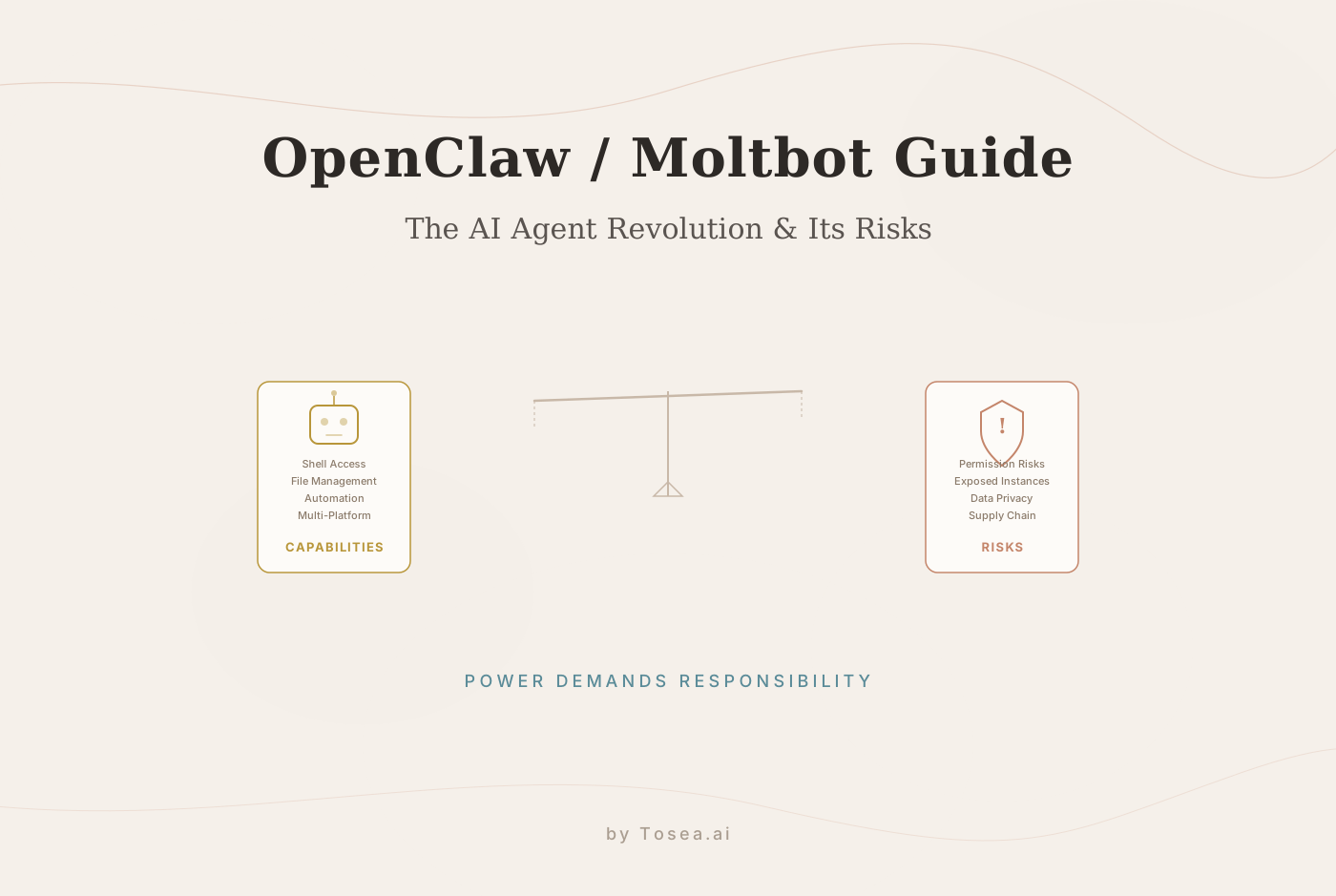
As we move through the first quarter of 2026, the artificial intelligence landscape is undergoing a notable structural shift. The passive chatbot model — where users engage in back-and-forth exchanges within a confined browser tab — is increasingly giving way to a new paradigm: the autonomous agent. One project at the center of this transition is OpenClaw (formerly known as Clawdbot), an open-source tool that gained remarkable momentum by crossing 60,000 GitHub stars within roughly 72 hours of wider visibility.
Unlike the sandboxed experiences offered by ChatGPT or Claude's web interfaces, OpenClaw runs on your own machine. It does not just generate text; it takes action. In this article, we explore the rise of OpenClaw, its local-gateway architecture, and why its rapid adoption reflects broader changes in how developers and professionals think about AI tools.
What Is OpenClaw (Clawdbot)?
Created in late 2025 by developer Peter Steinberger, the project originally gained traction under the name Clawdbot. After a brief transition through the moniker Moltbot due to trademark concerns, it settled on OpenClaw in January 2026. Its mascot, a red lobster, serves as a metaphor for the project's ability to molt — shedding the restrictive shells of traditional AI interfaces to adapt to the user's local environment.
The fundamental limitation of most mainstream AI tools is that they operate in isolation. A standard LLM interface cannot read a specific file on your desktop or execute a terminal command to fix a broken server configuration. OpenClaw addresses this by acting as a self-hosted bridge. It connects powerful Large Language Models — ranging from GPT-5 and Claude 3.5 to local models like DeepSeek — directly to your local operating system and preferred messaging applications.
The Technical Architecture: The Local Gateway
OpenClaw is built on Node.js and functions as a Local Gateway. Instead of visiting a centralized website to interact with AI, OpenClaw runs as a background service on your Mac, PC, or VPS. It listens for incoming messages from your preferred communication channels, such as Telegram, WhatsApp, or Slack.
The Execution Cycle
Instruction Receipt: The agent receives a text command via a messaging API.
Contextual Routing: It sends the context to your chosen LLM (Bring Your Own Key — BYOK).
Intent Interpretation: The model interprets the intent (e.g., "Check my server logs for errors in the last hour").
Local Execution: OpenClaw executes the actual shell scripts or file commands locally on your machine.
Feedback Loop: The results of the action are synthesized and sent back to your chat interface.
This cycle is what distinguishes agentic AI tools from traditional chatbots. Rather than presenting information for you to act on, the agent closes the loop by performing the action itself. For professionals already exploring how AI agents are reshaping slide creation and other workflows, OpenClaw represents a broader version of the same principle.
Core Features: What Makes OpenClaw Unique?
1. Omnichannel Interaction
OpenClaw removes the need for a dedicated app. You interact with your personal agent through the apps you already use: Signal, iMessage, Discord, or Telegram. This turns your messaging app into a command center for your digital life, lowering the barrier between intent and execution.
2. Full System Sovereignty
Unlike cloud-based bots, OpenClaw has read/write access to your filesystem. It can execute Bash/Shell commands and manage Docker containers. This is the difference between an AI that tells you how to fix a bug and an AI that logs into your terminal and applies the patch itself.
3. Proactive Heartbeat (The Cron Revolution)
One of the more significant developments in the 2026 AI tool landscape is the move from reactive to proactive behavior. OpenClaw features a Heartbeat function that allows it to run scheduled tasks (Cron jobs). It can monitor your disk space or stock prices and message you first: "Hey, your server is nearing capacity — should I clear the cache?"
4. Persistent Local Memory
Instead of relying on opaque cloud databases, OpenClaw uses local Markdown files to store long-term context. It remembers your preferences, past projects, and specific coding styles because it owns the files containing that history. This approach gives users full transparency over what the agent knows and allows them to edit or delete context at any time.
Practical Use Cases in the 2026 Landscape
The versatility of OpenClaw has led to a range of applications that were difficult or impossible with standard AI tools:
Autonomous DevOps: You can prompt the agent to monitor Nginx error logs. It will run grep commands, analyze the output, and summarize the root cause of a server crash without you ever opening a terminal.
Intelligent Briefings: Every morning, OpenClaw can scan your local calendar and unread emails, sending a summarized agenda directly to your WhatsApp.
Vibe Coding and Refactoring: You can point OpenClaw to a local project folder and say, "Refactor this entire directory to use a new API structure." It reads the files, rewrites the code, and saves the changes locally. This mirrors the broader vibe coding movement that has gained traction across the developer community.
Local Web Monitoring: It can run headless browser scripts to monitor competitor pricing and alert you immediately via Telegram if a threshold is met.
Smart Home Orchestration: By integrating with Home Assistant, OpenClaw can execute complex logic based on your activity, such as adjusting lighting or playing specific music if you haven't engaged with your work laptop by a certain time.
Why OpenClaw Hit the Viral Threshold in 2026
The rapid adoption of OpenClaw is not an accident; it reflects three converging trends in the AI industry:
The Shift Toward Agency
Users have reached what many call "copy-paste fatigue." In 2024 and 2025, people were largely content with AI generating code that they then had to manually transfer. In 2026, the expectation has shifted toward agentic AI — tools that carry out the entire task from start to finish. This same expectation is driving innovation across verticals, from automated presentation workflows to DevOps pipelines.
The Privacy Apex
Data privacy concerns intensified throughout early 2026. OpenClaw's architecture ensures that your private files and memory stay on your hardware. Only the tokens necessary for reasoning are sent to the LLM provider, offering a level of control that most SaaS platforms cannot match. For users who were already uneasy about uploading sensitive documents to cloud services, this is a meaningful differentiator.
The Rise of the BYO-Model Economy
Subscription fatigue is a real phenomenon. OpenClaw is free software. Users prefer to pay only for their raw API usage rather than a $20/month flat fee for a platform that limits their usage. This decoupling of the "Brain" (the model) from the "Body" (the runtime) represents a growing pattern in the AI economy — one that echoes larger shifts in the SaaS market.
OpenClaw vs. Traditional AI Tools: A Comparison
| Feature | OpenClaw (Clawdbot) | ChatGPT / Claude (Web) |
|---|---|---|
| Interaction | Proactive (Can message you first) | Passive (Waits for prompt) |
| Environment | Localhost (Full Shell Access) | Cloud Sandbox (Restricted) |
| Connectivity | WhatsApp, Telegram, Slack | Web UI / Dedicated App |
| Memory | Local Files (User-owned) | Cloud Database (Opaque) |
| Capability | Executes commands directly | Provides text-based guidance |
| Setup Complexity | Requires terminal/Docker knowledge | Sign up and start |
| Security Model | User-managed (higher responsibility) | Provider-managed (lower responsibility) |
It is worth noting that both approaches have their place. Cloud-based tools offer convenience and require no technical setup, which makes them more accessible to a broader audience. OpenClaw, by contrast, rewards users who are willing to invest in configuration with significantly more power and flexibility.
What This Means for the Future of AI Tools
The success of OpenClaw signals a meaningful change in how developers will build AI tools going forward:
The Declining Value of Simple Wrappers
AI "wrapper" applications that provide little more than a UI layer over an API are facing increasing pressure. Users are now building their own custom agents using OpenClaw's AgentSkills ecosystem — a plugin system that allows the agent to learn new capabilities, from Google Search to IoT control. For wrapper apps to survive, they need to offer genuine value beyond API access, whether through specialized workflows, domain expertise, or superior user experience.
Messaging as the New Interface Layer
We are seeing the emergence of what some call Invisible UI. Instead of navigating complex graphical interfaces, users are increasingly controlling their digital workflows through chat interfaces. The messaging app is becoming a primary interaction layer — not replacing traditional interfaces entirely, but supplementing them for a growing set of tasks.
The Security Challenge: The AI Firewall
Granting an AI agent access to a terminal is inherently risky. A hallucinating agent with rm -rf access could be catastrophic. The next critical frontier in autonomous AI tools will be the development of AI Firewalls — security layers that monitor agent behavior and block unauthorized or destructive commands in real time. This is arguably the most important unsolved problem in the agentic AI space, and it applies equally to OpenClaw and any tool that grants AI systems execution privileges.
What This Means for Professional Workflows
The agentic shift represented by OpenClaw is not limited to developer tooling. The same principles — local execution, proactive behavior, and user-owned memory — are beginning to appear in professional tools across industries.
For example, the same architectural philosophy that makes OpenClaw effective for DevOps automation is what makes agentic document processing possible. Tools that can read a source document, understand its structure, and autonomously generate a polished output — whether that output is a server configuration or a presentation deck — are all part of the same wave.
At Tosea, we have been following this agentic shift closely, and our own approach to AI-powered document-to-presentation conversion applies similar principles: the AI does not just suggest content but actively structures, designs, and produces a finished result. The difference is in the domain — where OpenClaw targets system administration and developer workflows, tools like Tosea.ai focus on professional communication and document transformation.
Conclusion: A Glimpse at What Is Coming
OpenClaw is a compelling window into the near future of personal computing. While it currently requires a degree of technical proficiency — specifically familiarity with the terminal and Docker — it represents one of the closest approximations we have to a truly autonomous personal AI agent.
For developers and power users, the appeal is clear: total ownership, extensive customizability, and proactive automation. For the broader AI industry, OpenClaw is a strong signal that the market is moving toward tools that act, not just tools that advise.
As we move further into 2026, the question for professionals is shifting from "What can AI tell me?" to "What can my agent handle while I focus on higher-value work?"
FAQ
Q: What is OpenClaw primarily used for?
A: OpenClaw is used to build personal AI agents that can automate local tasks, manage files, monitor systems, and interact with the user via messaging apps like WhatsApp or Telegram. It bridges the gap between cloud-based AI intelligence and local system execution.
Q: How does it differ from a standard GPT-5 subscription?
A: Unlike a standard subscription which is limited to a browser or app, OpenClaw runs locally on your hardware. It can execute shell commands, read your local files, and proactively send you messages based on scheduled tasks. The trade-off is that it requires more technical setup.
Q: Can I run OpenClaw entirely offline?
A: Yes. By connecting OpenClaw to a local LLM runner like Ollama, you can achieve a completely self-hosted, offline AI agent experience. Performance will depend on your local hardware specs, and you will not have access to the most capable cloud models.
Q: Is it safe to give an AI access to my terminal?
A: It carries significant risk and should not be done carelessly. It is strongly recommended to run OpenClaw in a sandboxed environment, such as a Docker container, and to implement strict permissions to prevent accidental file deletion or system changes. Never grant unrestricted root access to any AI agent.
Q: Does OpenClaw replace tools like ChatGPT or Claude?
A: Not necessarily. OpenClaw and cloud-based AI tools serve different needs. Cloud tools are convenient for general-purpose conversations, research, and content generation. OpenClaw excels when you need an agent that can take direct action on your local system. Many users run both, choosing the right tool for each task.
Q: What models does OpenClaw support?
A: OpenClaw follows a BYOK (Bring Your Own Key) model, meaning it supports any LLM you can connect via API. This includes GPT-5, Claude 3.5, DeepSeek, Gemini, and locally-hosted models via Ollama. The choice of model affects both capability and cost, giving users full control over the trade-off.