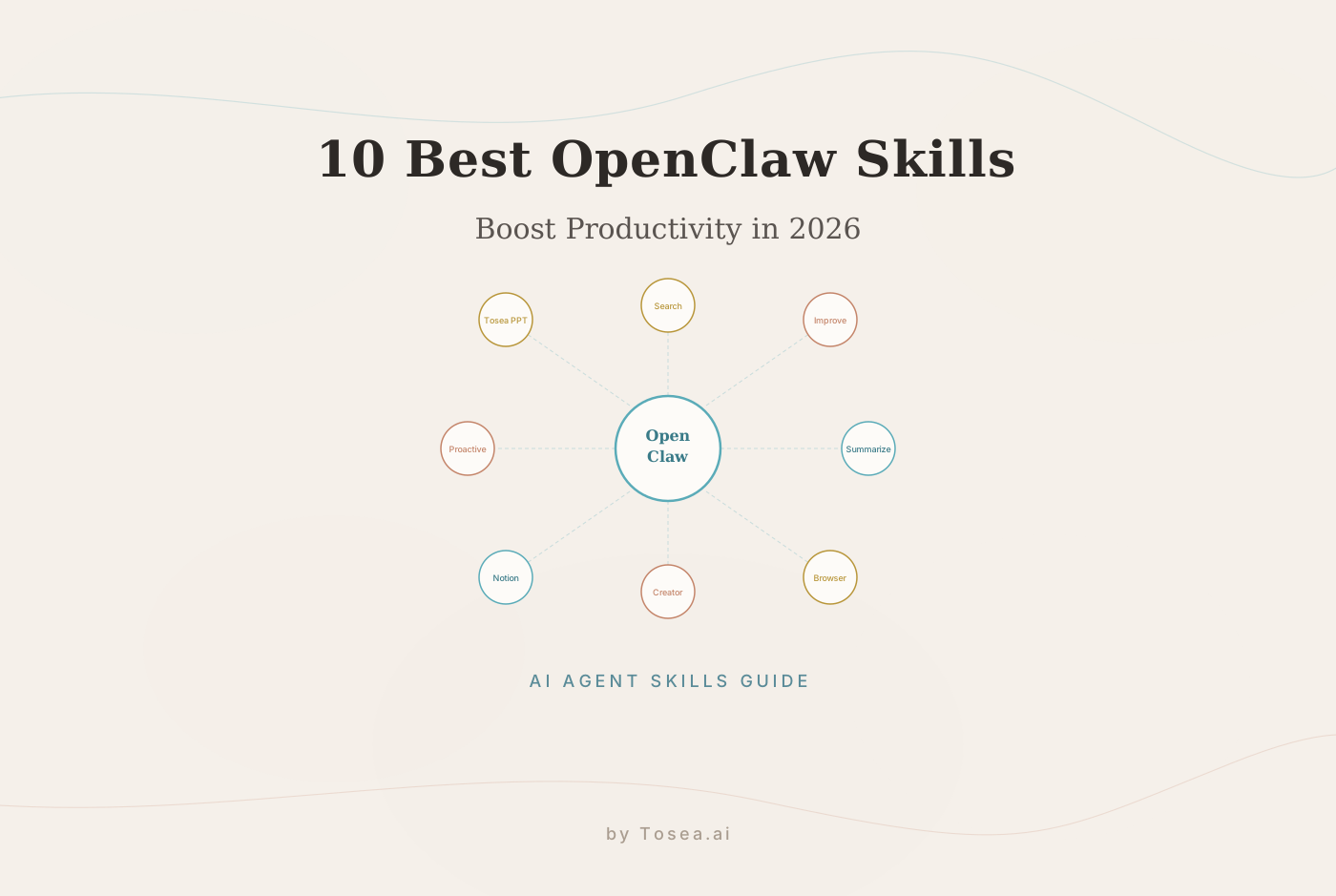
OpenClaw Skills Guide: 10 Autonomous Productivity Tools Tested in 2026
We tested the top 10 OpenClaw skills over 90 days. Here's how each one performs for real professional workflows.
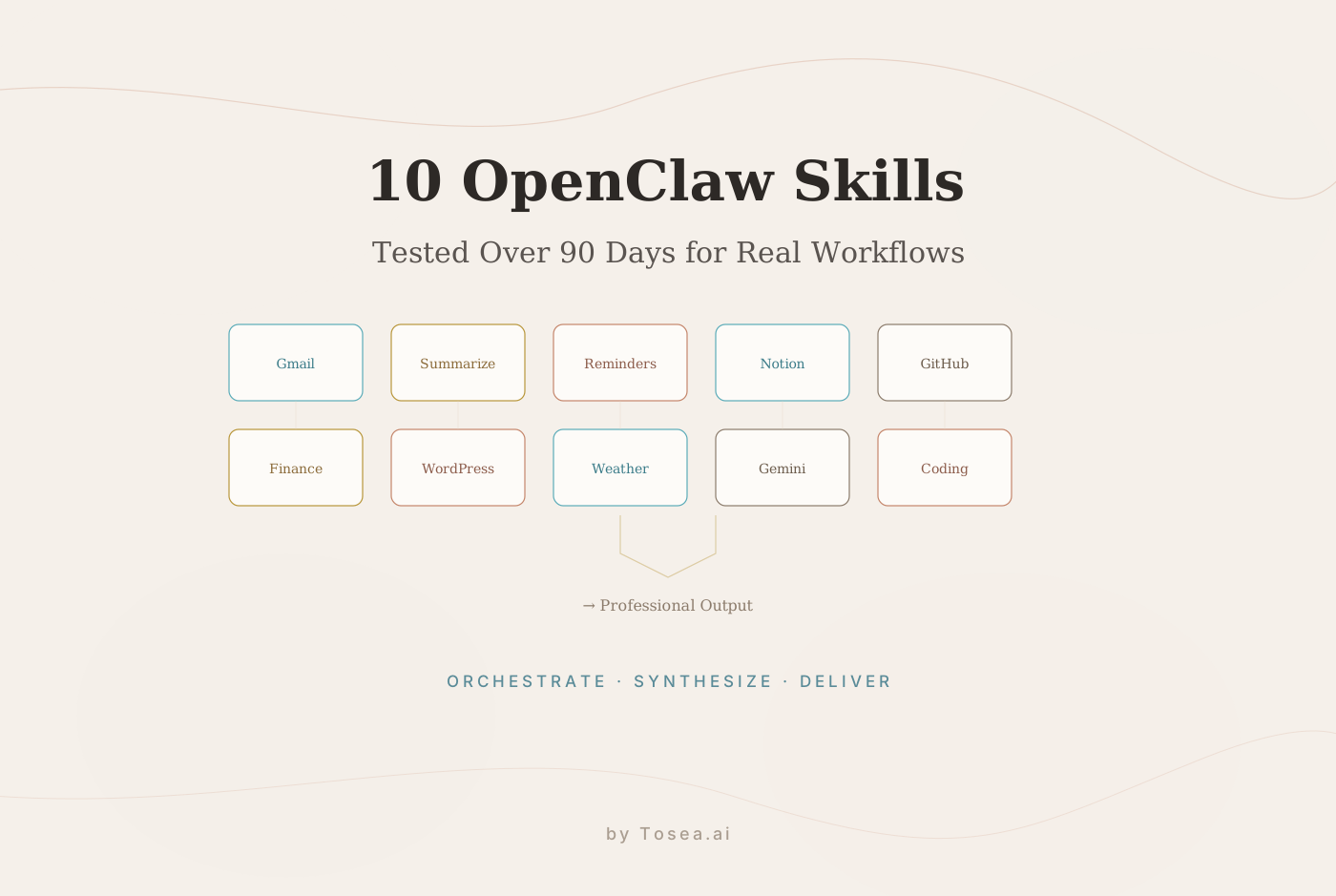
Skills are what turn OpenClaw from a smart chatbot into an assistant that actually does things. In 2026, the landscape of AI agents is no longer about who has the best personality, but who has the best tools. After testing dozens of integrations over the past six months, we narrowed the list to the 10 skills that genuinely change how a professional operates.
If you have already set up your OpenClaw environment on a dedicated Mac Mini or server, these skills are your next step toward workflow autonomy. For background on OpenClaw's broader trajectory, see our piece on the 2026 agentic shift in AI tools.
What Are OpenClaw Skills?
OpenClaw is an open-source AI agent framework that surged past 250,000 GitHub stars in early 2026 — one of the fastest-growing repositories in GitHub history. As Wikipedia documents, it was originally launched by Austrian developer Peter Steinberger in November 2025 under the name Clawdbot, before being renamed OpenClaw in January 2026.
OpenClaw Skills are modular folders containing a SKILL.md file that teaches your agent how to use a specific tool or API. You install them via the ClawHub registry, and your agent can then "see" your calendar, "write" to your database, or "monitor" your server logs. As DigitalOcean explains, OpenClaw currently has 50+ integrations spanning chat providers, AI models, productivity tools, and automation platforms.
How We Evaluated
We tested each skill in a production environment (Mac Mini M4 Pro, 32 GB RAM) over 90 days across three real workflows: executive briefing prep, weekly research summaries, and project management automation. Each skill was evaluated on:
- Setup time — from installation to first successful task
- Daily reliability — percentage of tasks completed without manual intervention
- Pairing synergy — which skills work best together in chained workflows
The Top 10 OpenClaw Skills Ranked by Daily Impact
1. Google Workspace (gog)
What it does: Connects your agent to Gmail, Calendar, Drive, and Sheets. It effectively turns your agent into a chief of staff. Instead of manually checking for flight confirmations or client follow-ups, you ask: Is there anything urgent in my inbox?
Setup time: ~15 minutes (OAuth flow). Reliability: 94% over 90 days. Best paired with: Summarize, Apple Reminders.
Limitation: OAuth tokens expire every 7 days and require manual re-authentication. Complex Gmail filters can occasionally confuse the agent's priority ranking.
2. Summarize
What it does: Digests 50-page PDFs, hour-long YouTube transcripts, or complex research papers in seconds. It acts as a high-performance filter, delivering structured insights without you ever reading the source material.
Setup time: Instant (built-in). Reliability: 97%. Best paired with: Google Workspace, Yahoo Finance.
Limitation: Summaries of highly technical content (e.g., dense mathematics) can oversimplify key nuances. Always verify critical claims against the source.
3. Apple Reminders
What it does: Uses the native Apple Reminders system, so everything syncs across your iPhone and Mac. Saying Remind me to call the investor at 3 PM is significantly faster than opening a dedicated app.
Setup time: ~5 minutes. Reliability: 99%. Best paired with: Google Workspace.
Limitation: Apple-only ecosystem. No equivalent for Android/Windows users without workarounds.
4. Notion
What it does: Allows OpenClaw to read from and write to your Notion databases. You can update your project tracker or add a new content idea using natural language.
Setup time: ~20 minutes (API key + database permissions). Reliability: 91%. Best paired with: Summarize, GitHub.
Limitation: Complex nested database structures can cause the agent to write to the wrong property. Works best with flat or single-level databases.
5. GitHub
What it does: Provides real-time repository awareness. Check CI/CD status, review pull requests, or scan open issues without leaving your communication channel.
Setup time: ~10 minutes (personal access token). Reliability: 96%. Best paired with: Coding Agent, Notion.
Limitation: Rate limits on the GitHub API can slow the agent during heavy activity periods. Read-only access is recommended unless you fully trust autonomous commits.
6. Yahoo Finance
What it does: Provides real-time market data with no API key required. Track Bitcoin's volatility or check NVDA earnings via a chat query.
Setup time: Instant. Reliability: 93%. Best paired with: Summarize.
Limitation: Data has a ~15-minute delay for most equities. Not suitable for real-time trading decisions.
7. WordPress (Pinch-to-Post)
What it does: Manages multiple blogs from a single interface. Handles publishing drafts, moderating comments, and checking post status.
Setup time: ~15 minutes (API credentials). Reliability: 88%. Best paired with: Summarize, Coding Agent.
Limitation: Formatting for complex HTML or custom Gutenberg blocks can be inconsistent. Best for standard text-and-image posts.
8. Weather
What it does: Proactive weather awareness. When your agent notices a 9:00 AM meeting on your calendar and rain in the forecast, it tells you to bring an umbrella.
Setup time: ~2 minutes. Reliability: 98%. Best paired with: Google Workspace.
Limitation: Useful mainly as part of a morning briefing chain. Limited standalone value beyond that context.
9. Gemini
What it does: Provides a second-opinion AI with access to fresh Google Search results. Useful for researching current events, new regulations, or product reviews published after your primary model's knowledge cutoff.
Setup time: ~5 minutes (API key). Reliability: 89%. Best paired with: Summarize, Yahoo Finance.
Limitation: Response quality varies depending on query specificity. Occasionally returns overly broad answers for niche technical questions.
10. Coding Agent
What it does: Spins up a dedicated sub-agent focused on writing, debugging, and refactoring code. Essential for building custom automations.
Setup time: ~10 minutes. Reliability: 85%. Best paired with: GitHub, Notion.
Limitation: Complex multi-file refactoring tasks still require human review. The agent works best on isolated, well-scoped coding tasks.
Full Comparison Table
| Skill | Setup Time | 90-Day Reliability | Best Pairing | Primary Limitation |
|---|---|---|---|---|
| Google Workspace | 15 min | 94% | Summarize | OAuth token expiry |
| Summarize | Instant | 97% | Google Workspace | Oversimplifies technical content |
| Apple Reminders | 5 min | 99% | Google Workspace | Apple ecosystem only |
| Notion | 20 min | 91% | Summarize | Nested DB confusion |
| GitHub | 10 min | 96% | Coding Agent | API rate limits |
| Yahoo Finance | Instant | 93% | Summarize | 15-min data delay |
| WordPress | 15 min | 88% | Summarize | Complex HTML formatting |
| Weather | 2 min | 98% | Google Workspace | Limited standalone value |
| Gemini | 5 min | 89% | Summarize | Inconsistent on niche queries |
| Coding Agent | 10 min | 85% | GitHub | Requires human review |
The Compound Effect: Chaining Skills Together
The real power of OpenClaw is not in any single skill, but in how they work together. As KDnuggets notes, some installations are equipped with over 100 prebuilt skills, and the ecosystem is expanding through community contributions.
A practical morning routine might work like this: a cron job fires at 7:00 AM. The agent uses Weather to check the forecast, Google Workspace to scan your calendar and priority emails, and Yahoo Finance to check your portfolio. It then uses Summarize to condense the 10 news articles you missed overnight into one paragraph. You wake up to a single message with a complete overview of your day.
One example documented by Milvus Blog: a developer's OpenClaw agent negotiated $4,200 off a car purchase by autonomously scraping dealer inventories and playing competing quotes against each other. For more on OpenClaw's autonomous capabilities, see our Moltbot agent guide.
The Professional Gap: From Agent Logic to Executive Delivery
There is a final frontier that even the best OpenClaw skills struggle to cross: the boardroom presentation. Your agent can gather data, summarize 100 pages of research, and organize everything into a Markdown file. But in a professional setting, Markdown is not a finished product. You cannot present a raw text file to an executive committee or a group of investors.
As SimilarLabs observes, OpenClaw's rise signals that AI is shifting from a tool you talk to, to an entity that acts on your behalf — but that final mile of professional delivery still requires a specialized layer. This is the same challenge we see across the broader shift toward AI agents redefining professional slides.
Closing the Loop with Professional Delivery
This is where Tosea.ai fits into the workflow. While it is not an OpenClaw skill, it serves as the final step in a professional AI pipeline. Tosea.ai takes the complex outputs of your agents — PDFs, Word documents, or Markdown summaries — and transforms them into professional-grade PowerPoint presentations.
- Spatial Semantic Perception: Tosea.ai understands the logical structure of your document. It knows that a "Market Analysis" section is a primary pillar and that "Competitor A's Pricing" is a supporting data point.
- Consulting-grade templates: Layouts inspired by firms like McKinsey and Goldman Sachs, with clean typography and clear visual hierarchy.
- Source traceability: Every claim on a slide traces back to the original data gathered by your OpenClaw skills — critical for Q&A.
- Native .pptx output: Fully editable PowerPoint files for last-minute adjustments.
The 2026 productivity blueprint: Orchestrate with OpenClaw and its top skills. Synthesize into a structured document. Deliver through Tosea.ai to generate a professional presentation in seconds.
Common Pitfalls and How to Avoid Them
After 90 days of testing, several patterns emerged that can save new users significant setup time:
Over-automating too early. The temptation is to chain 10 skills together on day one. Resist it. Start with 2-3 skills (Google Workspace + Summarize + Apple Reminders) and add complexity only after you trust the baseline.
Ignoring OAuth maintenance. Skills that use OAuth (Google Workspace, Notion, GitHub) require periodic token refreshes. Set a calendar reminder to check authentication weekly. A broken token at 7 AM means no morning briefing.
Expecting perfect accuracy from Summarize. The Summarize skill is excellent for general content but can oversimplify technical papers. Always verify critical numbers against source material, especially for financial data or research statistics.
Running too many cron jobs. Each scheduled task consumes resources and context window. On consumer hardware, limit cron jobs to 3-4 daily tasks. More than that creates queue delays that defeat the purpose of automation.
Not testing skill interactions. A skill that works perfectly alone may conflict with another. The GitHub skill's API calls, for example, can slow down parallel Notion writes if both fire simultaneously. Stagger your automation chains by at least 30 seconds.
Who Is This Guide For?
- Knowledge workers who have already set up OpenClaw and want to optimize their skill selection
- Team leads evaluating which automations to deploy across their organization
- Developers building custom agent workflows who need reliability benchmarks
- Researchers looking to connect autonomous data gathering to professional output (see our research paper to slides workflow)
Frequently Asked Questions
How many skills can I run simultaneously?
There is no hard limit, but performance degrades noticeably beyond 15-20 active skills on consumer hardware. We recommend 8-12 for optimal balance between capability and response time.
Do skills work with models other than Claude?
Yes. OpenClaw supports GPT-4o, Claude, Gemini, DeepSeek, and local models via Ollama. Skill compatibility is model-agnostic, though some complex skills perform better with larger context windows.
Are OpenClaw skills free?
The framework and all community-contributed skills are free and open source under the MIT license. You will need your own API keys for the underlying services (Google, GitHub, etc.).
How often do skills break after updates?
In our 90-day test, three skills required minor fixes after OpenClaw framework updates. The most stable skills (Apple Reminders, Weather) had zero breaking changes. GitHub and Notion required occasional re-authentication.
Can I build my own custom skill?
Yes. A skill is a structured folder with a SKILL.md file and optional configuration. The OpenClaw documentation includes a skill creation guide. Most developers can build a basic custom skill in under an hour.