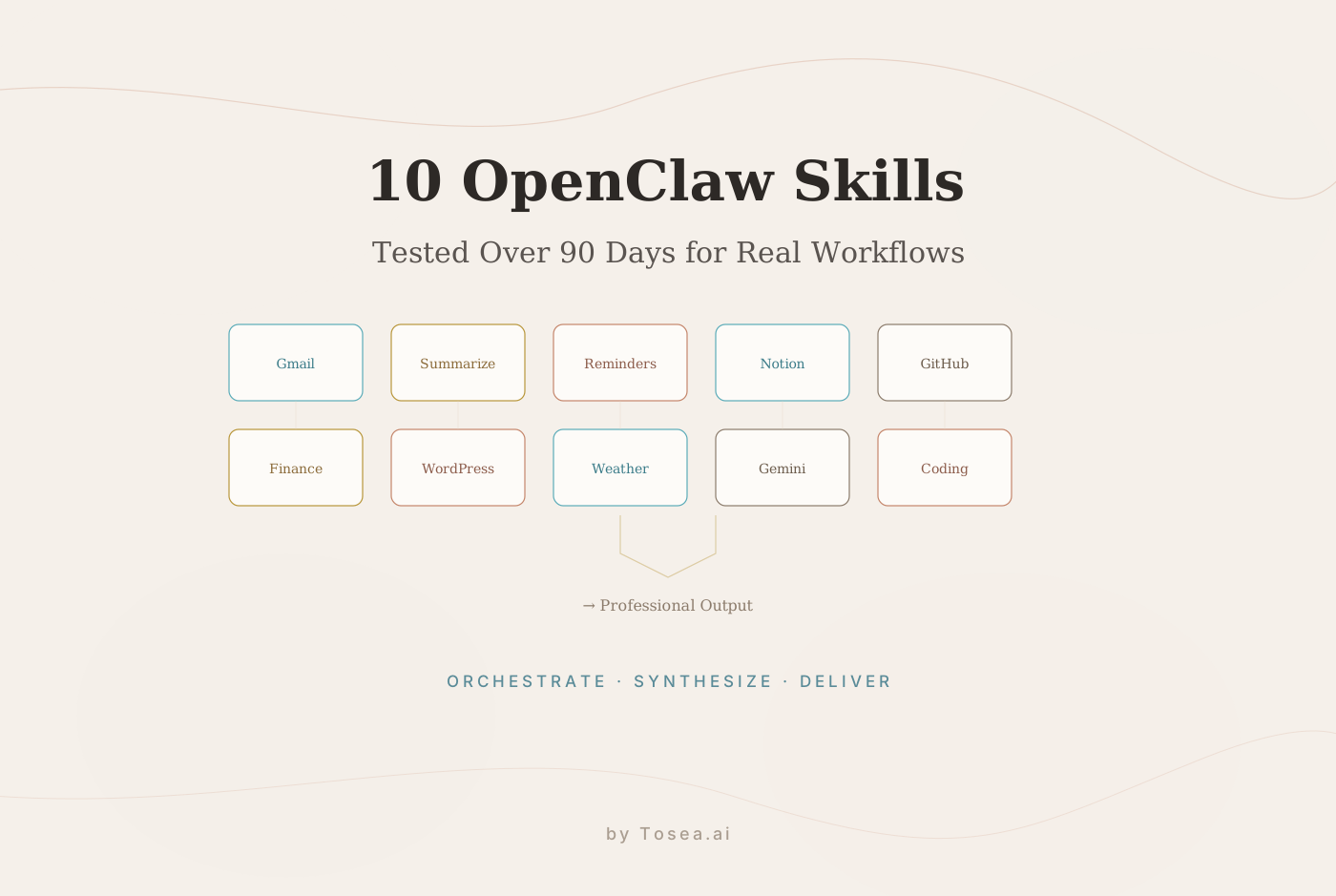
10 Best OpenClaw Skills to Make OpenClaw Smarter and Boost Productivity (2026 Updated Guide)
The 10 OpenClaw skills worth installing in 2026 — from real-time web search to professional document-to-PPT generation, with install notes and trade-offs for each.
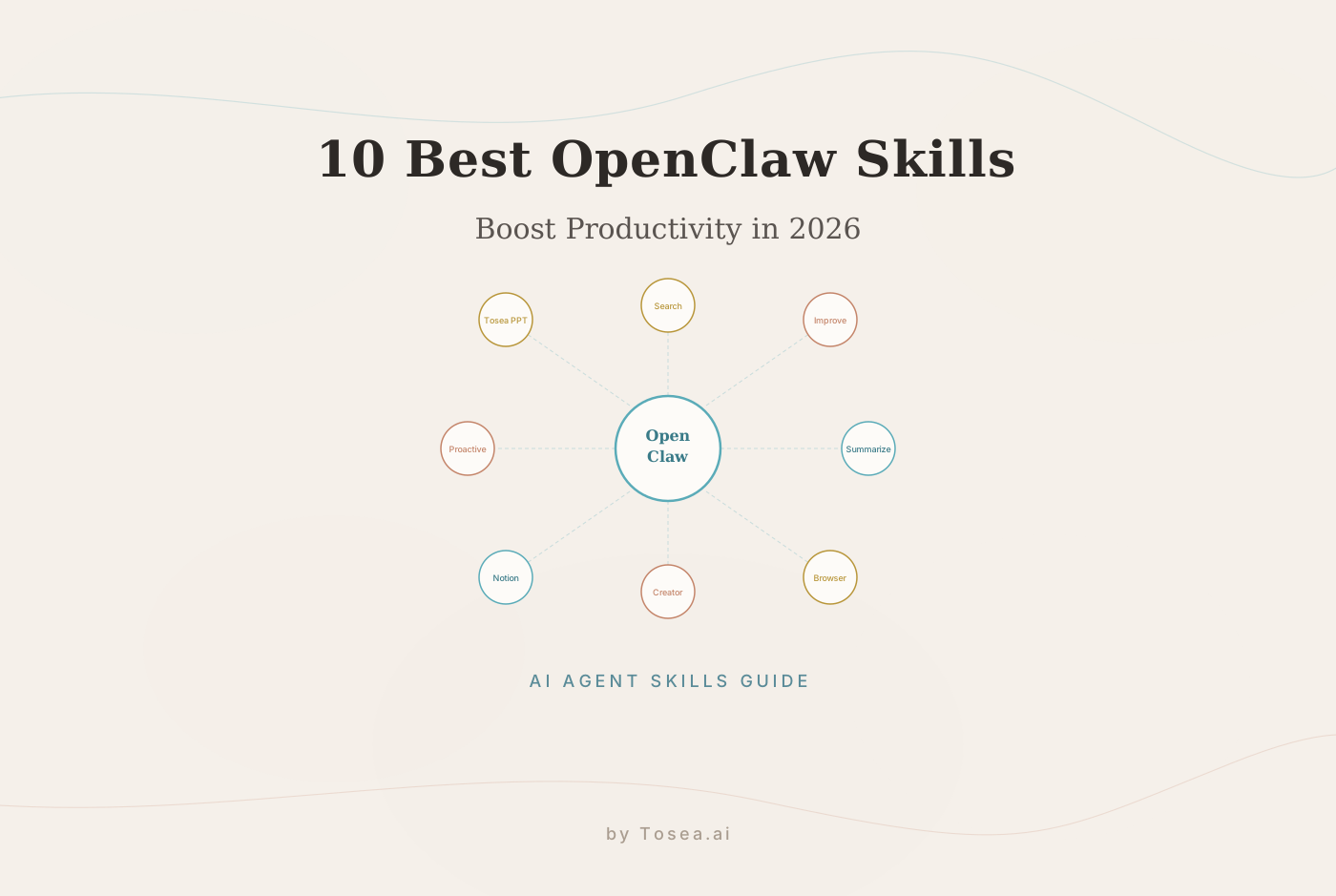
If you are running OpenClaw in 2026, the difference between an agent that saves you ten minutes a day and an agent that quietly absorbs entire workflows is which skills you install. The base agent is general-purpose; the skills are what give it the specific abilities — web access, file I/O, code execution, document transformation — that turn it into a workable substitute for a junior teammate on real tasks.
This guide walks through the ten OpenClaw skills that actually earn their place in a daily workflow as of early 2026. For each, we cover what it does, what it is best for, where the limits are, and how to install it. The article ends with the part of the workflow most teams underweight: turning the agent's output into something a stakeholder will actually read.
What Are OpenClaw Skills?
OpenClaw Skills are modular code extensions that grant your agent a new capability — a tool to call, an environment to interact with, or a structured output format to produce. They follow a common interface (input schema, execution function, output schema) so the agent can discover and chain them automatically. A skill might be as small as "fetch a URL and return the cleaned text" or as large as "navigate a multi-step web flow with form submissions and screenshots."
The 2026 version of the skill ecosystem is meaningfully different from the 2025 version in three ways. First, skills now declare cost and latency budgets, so the agent can route around slow or expensive tools when speed matters. Second, skill outputs are typed and verifiable, which dramatically cuts the rate of agent hallucination on tool results. Third, skills can compose — a "research and report" skill is now a thin shell over a web-search skill, a summarization skill, and a document-formatting skill, rather than a monolithic re-implementation.
For background on how this fits into the broader agentic shift, see our analysis of OpenClaw and the 2026 agentic shift and our comprehensive OpenClaw agent guide.
How We Picked These Ten
There are several hundred skills published on Clawhub at this point. The ten below were selected against four criteria:
- Production-readiness — has the skill been used by more than a handful of teams in real production for at least two months without major regressions
- Specificity — does the skill solve a concrete, scoped problem rather than promising a general capability
- Composition — does the skill play well with others in chained workflows, not just standalone
- Documentation maturity — is install, config, and failure-mode documentation honest enough that a new user can debug independently
Skills that scored well on three of these but failed on one (typically documentation) were left off, even when they had impressive demos. The set below is the working pile, not the marketing reel.
The 10 OpenClaw Skills Worth Installing in 2026
1. Tavily Web Search
Tavily is the de facto standard for giving OpenClaw real-time web access. It returns structured results (title, URL, snippet, full content) rather than raw HTML, which means the agent can reason over the response without an extra cleaning step. Crucially, it exposes a search_depth parameter — basic for quick lookups and advanced for research-grade queries that crawl deeper into top results. Best used as the first link in any research chain, with the agent's own summarization skill consuming the output.
Where it wins: timely facts, competitive analysis, news monitoring. Where it falls short: paywalled content (it surfaces titles and snippets but not full text from gated sources), and very recent events under 24 hours old where indexing latency matters.
2. self-improving-agent
The most-discussed skill of late 2025, and the one most teams either love or quietly remove after a month. It implements a closed reflection loop: after each task, the agent inspects its own trajectory, identifies inefficiencies, and writes updated instructions for itself to load on the next run. Concrete gains are real — well-tuned implementations report 25–40% reduction in tool calls per task over a four-week ramp.
Where it wins: repetitive task families where the same workflow runs hundreds of times. Where it falls short: ad-hoc one-off work, where the reflection overhead exceeds the savings.
3. Summarize
Sounds boring, is essential. The Summarize skill uses a chained-prompt structure that handles documents above the agent's native context window — chunking, hierarchical summarization, and a final coherence pass. The 2026 version supports structured output (JSON with sections, key claims, and source attribution) which is what makes it composable with downstream skills.
Where it wins: research synthesis, meeting transcripts, multi-document analysis. Where it falls short: documents that depend heavily on figures or tables — vision-augmented variants exist but are not the default.
4. Tosea-PPT-Architect
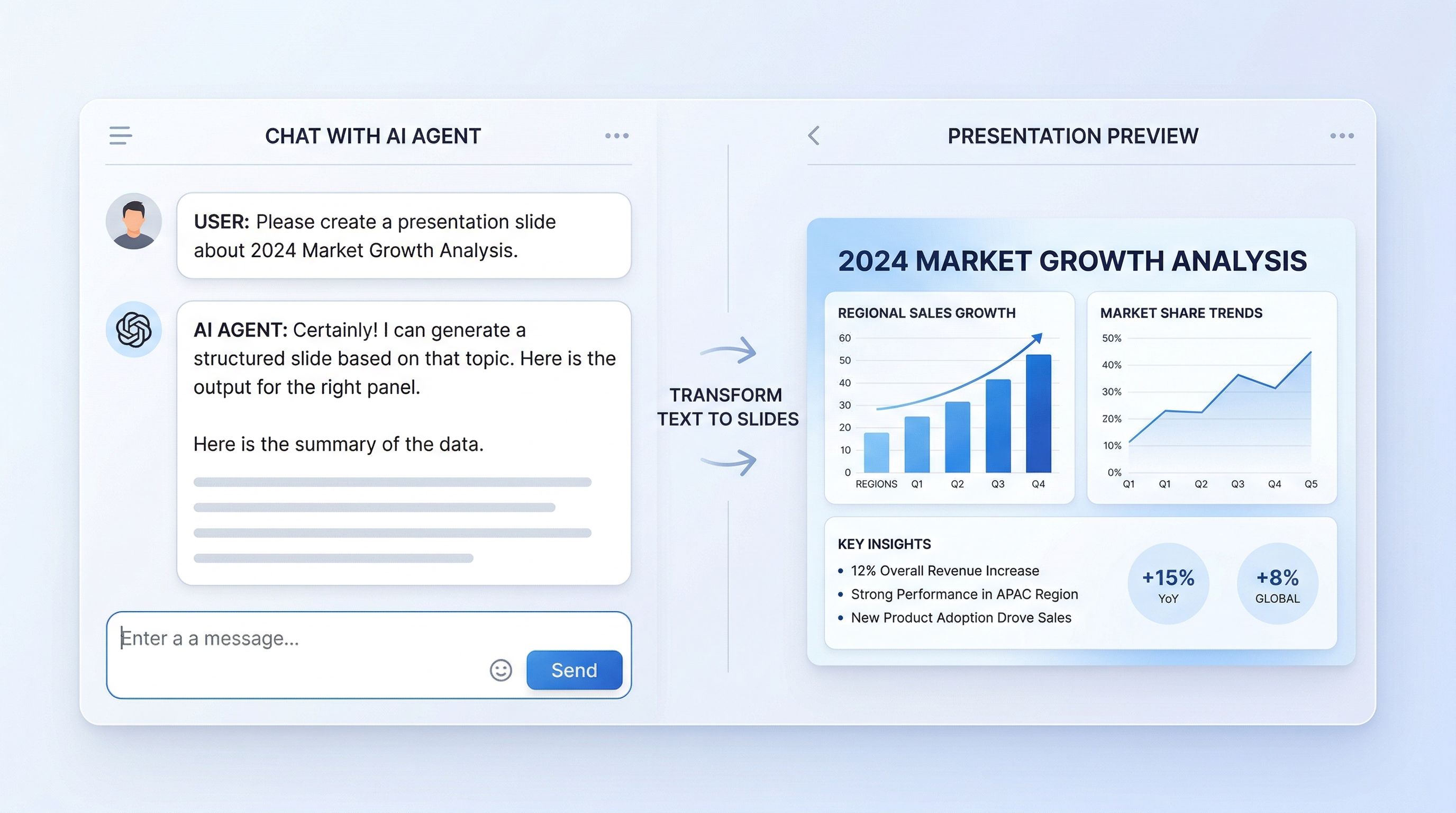
The skill that closes the gap between agent output and a finished deliverable. It accepts the agent's structured output (Markdown, JSON, or a freeform document handle) and posts it to the Tosea.ai document-to-PPT pipeline, which returns a professional-grade .pptx file. The skill exposes basic controls — slide count target, design template, citation handling — but defers heavy lifting to the Tosea pipeline.
Where it wins: any workflow where the deliverable is a presentation rather than a document. Where it falls short: simple one-page recaps where a slide deck is overkill.
5. Agent Browser
Headless browser control with a high-level action API — click, fill, screenshot, wait_for, scroll. Built on Playwright underneath but exposes a smaller surface area that is friendlier to the agent's reasoning loop. The 2026 update added a dom_outline action that returns a structured outline of the visible page elements, which dramatically reduces the back-and-forth needed for complex form flows.
Where it wins: portal navigation, multi-step submissions, scraping behind a login. Where it falls short: tasks that require sustained user simulation across days, where session management gets fragile.
6. Skill Creator
A meta-skill that generates new skills from a natural-language spec. The agent writes the skill code, generates the input/output schemas, and runs a test suite against examples. The 2026 version added a sandbox phase that verifies the generated skill actually executes before publishing it back into the agent's toolbox.
Where it wins: bridging gaps where no existing skill quite fits, especially for internal APIs. Where it falls short: mission-critical skills where you want a human-written, code-reviewed implementation.
7. Notion Sync
Bidirectional integration with Notion workspaces. Reads pages, databases, and inline blocks; writes back with proper block structure and database property handling. The 2026 update added incremental sync, so the agent can watch a database for changes and trigger workflows without polling on every iteration.
Where it wins: knowledge-management workflows where Notion is the system of record. Where it falls short: very large workspaces (>10K pages) where rate limits become the binding constraint.
8. Proactive Agent
A scheduling and trigger framework that lets the agent run on its own schedule rather than only on user prompt. Cron-style schedules for periodic runs, webhook triggers for event-driven runs, and a "watch" mode that polls a data source for change. Pairs well with Notion Sync, Tavily, and the Summarize skill for daily-briefing-class workflows.
Where it wins: morning briefings, anomaly alerts, scheduled report generation. Where it falls short: anything requiring tight latency on the trigger — webhook overhead is real.
9. Gog (Filesystem & Shell)
Local filesystem access plus shell command execution, scoped to a configurable root directory. Includes safety rails (read/write/execute permission flags per path, dry-run mode for destructive ops) that the prior generation lacked. Frequently paired with Skill Creator for local devops automation.
Where it wins: local file processing, build automation, environment management. Where it falls short: anything network-bound — Agent Browser is the right tool there.
10. Skill Vetter
Security-focused skill that scans third-party skills for known vulnerability patterns (credential exposure, prompt injection sinks, unsafe code execution paths) before they are loaded into the agent. Maintains a regularly updated rule set sourced from the OpenClaw community. Output is a structured risk assessment that can be wired into a CI gate for skill installation.
Where it wins: enterprise environments, multi-tenant agent platforms. Where it falls short: solo development, where the operational overhead exceeds the risk profile.
Skills at a Glance
| Skill | Best For | Time to install | Watch out for |
|---|---|---|---|
| Tavily Web Search | Real-time research | <5 min | Paywalled sources |
| self-improving-agent | Repetitive workflows | ~30 min config | Cold-start overhead |
| Summarize | Document synthesis | <5 min | Figure-heavy docs |
| Tosea-PPT-Architect | Presentation delivery | <10 min | Single-slide use cases |
| Agent Browser | Web automation | ~15 min | Long-lived sessions |
| Skill Creator | Custom integrations | <5 min | Critical-path code |
| Notion Sync | Knowledge management | ~20 min | Very large workspaces |
| Proactive Agent | Scheduled runs | ~15 min | Latency-sensitive triggers |
| Gog | Local devops | <10 min | Network-bound tasks |
| Skill Vetter | Enterprise security | ~30 min | Solo dev overhead |
A Realistic End-to-End Workflow
To see how the skills compose, walk through a market-research-to-board-deck flow that runs autonomously every Monday morning:
- Trigger (Proactive Agent) — cron schedule fires at 7am
- Gather (Tavily Web Search) —
search_depth=advancedacross competitor names and key topic keywords - Read (Agent Browser) — fetch full content from top three results that Tavily flagged but couldn't fully extract
- Synthesize (Summarize) — produce a structured brief with sections, key claims, and source attribution
- Persist (Notion Sync) — write the brief into the team's research database with proper tagging
- Deliver (Tosea-PPT-Architect) — convert the brief into a 12-slide board-ready deck
- Notify — drop the deck link into the leadership Slack channel
End-to-end runtime: roughly four minutes. Total monthly cost on the standard OpenClaw tier: well under what a single hour of analyst time would cost.
Bridging from Agent Output to Boardroom-Ready Slides
The realistic productivity gain from OpenClaw skills sits at the intelligence end of the pipeline — gathering, synthesizing, structuring information. The bottleneck most teams hit next is communication — getting that output into a form a stakeholder will read and act on. A 2,000-word Markdown brief is not what a board, an investor, or a non-technical executive expects to receive.
This is the gap Tosea.ai is built to close. The Tosea-PPT-Architect skill listed above wraps a document-to-PPT pipeline that takes the agent's structured output and produces a designed slide deck with proper visual hierarchy, traceable citations, and consulting-grade typography. Unlike generic chat-driven slide generators that produce template-shaped placeholder content, the pipeline reads the source document's actual structure — section nesting, claim hierarchy, supporting data — and translates that into slide-level information design.
For teams running this kind of workflow at scale, three properties matter most: traceability (every figure on a slide should resolve back to its source paragraph for stakeholder Q&A), structural fidelity (the slide outline should reflect the document's argument, not a generic template), and iteration speed (a single agent run should produce a slide-ready deliverable, not a Markdown file the human then spends 90 minutes reformatting). For deeper coverage of the design patterns this implies, see our guides on zero-hallucination AI slide generation, the research-paper-to-slides workflow, and converting PDF documents into PowerPoint slides.

How to Integrate Tosea.ai Into Your OpenClaw Workflow
The integration pattern that has worked best for teams running this in production:
- Gather: OpenClaw with Tavily and Summarize skills generates a structured research brief with explicit section headings and claim-level sources.
- Persist: Write the brief to a Word, PDF, or Markdown file (Gog skill) or to a Notion page (Notion Sync).
- Transform: Hand the file or page handle to the Tosea-PPT-Architect skill, which posts it to the Tosea.ai pipeline. The pipeline returns a slide outline plus the rendered
.pptx. - Review and ship: Open the deck, adjust framing on the cover and conclusion slides as needed, and ship.
The full loop typically completes in under five minutes for a 10–15 slide deck. The human review step is where any stylistic judgment lives; everything before it is automated.
Future of OpenClaw Skills
The trajectory through 2026 points toward two specific shifts. First, multi-modal skill composition — the next generation of skills will fluently mix text, image, audio, and video inputs and outputs in a single chain, rather than requiring discrete skills per modality. Second, skill marketplaces with vetted ratings — the current ad-hoc Clawhub model is likely to give way to a tier system where skills are graded on production reliability, security posture, and composability with other skills.
The deeper trend is the maturation of agents from a research curiosity into a production layer in real engineering and knowledge-work stacks. Skills are the primitive that makes that maturation possible. For more on how this shapes professional tools, see our piece on how AI agents are redefining professional slides and our Top 10 ChatGPT alternatives in 2026 overview.
Conclusion
The ten skills above are the working set worth installing in early 2026. The shorter list — Tavily, Summarize, Tosea-PPT-Architect, and Proactive Agent — is the minimum viable bundle for a research-and-deliver workflow that runs without supervision. Add Agent Browser when you need to interact with web portals, Notion Sync when your team's source of truth is in Notion, and Skill Vetter when the agent operates in a regulated environment.
The gain from the right skill bundle is not in any single skill. It is in the chain — the moment when an agent goes from "produces useful output that I then have to reformat" to "produces a finished deliverable I can hand to a stakeholder." Closing that last mile is what separates an interesting demo from a real productivity multiplier.