How to Generate Professional Presentations With OpenClaw and Tosea.ai
Step-by-step guide to the Tosea.ai Slides Skill for OpenClaw, enabling document-to-presentation and prompt-to-PPTX workflows.
OpenClaw can browse the web, write and execute code, manage your calendar, monitor your inbox, query databases, and spin up autonomous sub-agents to handle tasks that take hours. It is one of the most capable AI agent frameworks available in 2026.
And yet, if you ask it to make you a presentation, you will hit a wall.
Slide generation is the blind spot of the OpenClaw skill ecosystem. Go through any list of top OpenClaw skills — web search, browser automation, Telegram integration, GitHub tools, Notion sync — and you will find dozens of options for almost every professional task. Presentation generation is consistently absent. For something that knowledge workers do every week, that gap is worth paying attention to.
Before we get into the fix: if you already have documents you want turned into professional decks without the agent setup, Tosea.ai handles that directly. Upload your file, get a consulting-grade presentation. With a free account you can try both approaches — the OpenClaw skill workflow described below, or the platform's direct upload.
Now, here is how to close the presentation gap in your OpenClaw workflow.
Why the Gap Exists — and Why It Matters
The OpenClaw ecosystem has developed organically, driven by what developers found most useful to build first. Search, code execution, and messaging integrations have clear technical foundations and obvious immediate value. Presentation generation requires a more sophisticated pipeline: understanding document structure, applying design logic, generating editable output rather than images, and handling the asynchronous processing that complex slide generation requires.
The result is that most OpenClaw users have built impressive research and automation pipelines that terminate awkwardly at a Markdown file or a plain text summary — output that is intellectually complete but professionally unusable in a boardroom, a client meeting, or an investor pitch. This is the core tension at the heart of the agentic shift: agents that can do the thinking but not the packaging.
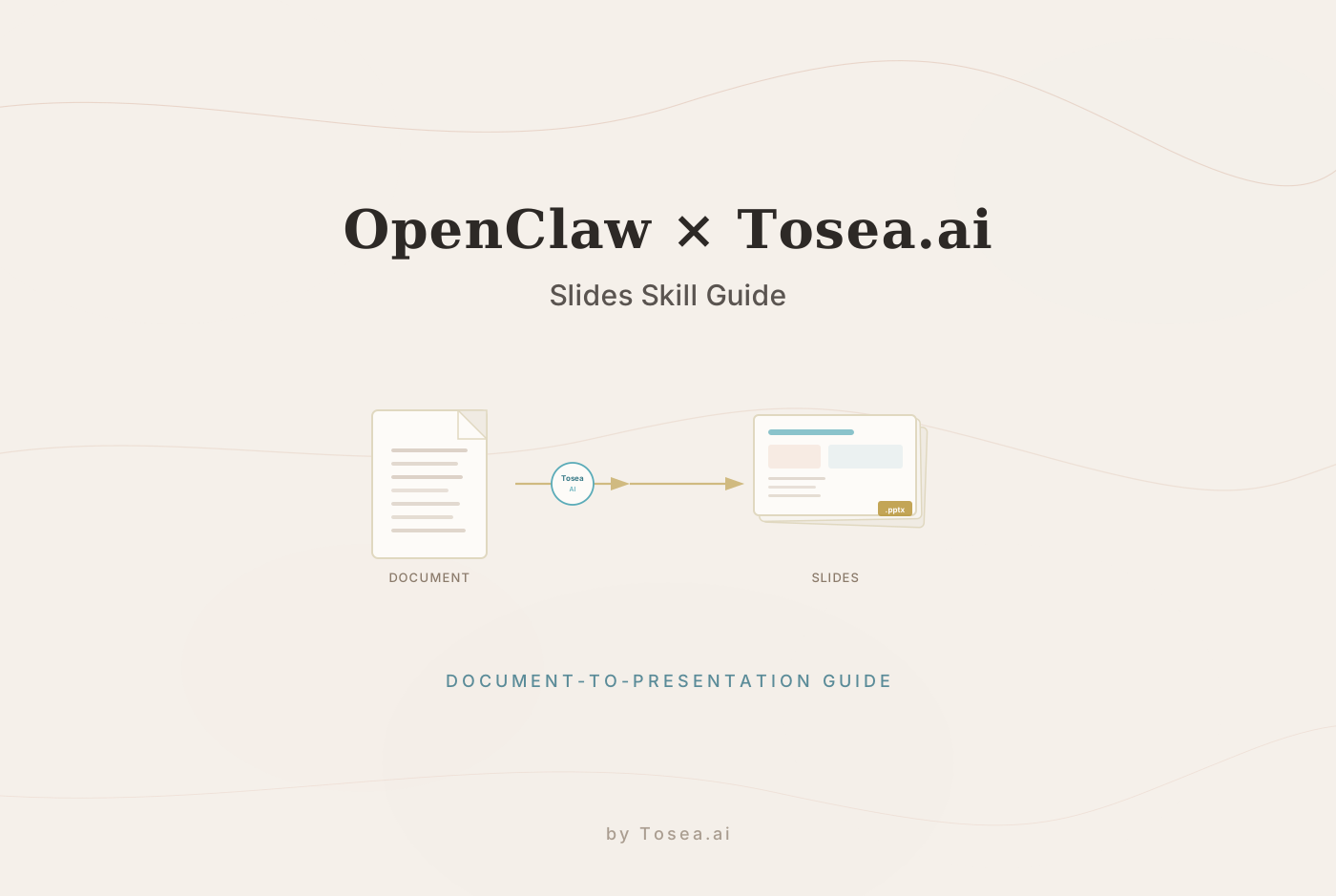
The Tosea.ai Slides Generation Skill fills this gap directly. It is an OpenClaw-native skill that connects your agent to Tosea.ai's presentation engine, enabling two distinct workflows: generating slides from a text prompt, and transforming existing documents into structured decks.
What You Need Before Starting
Setup is straightforward and takes under five minutes.
You need an active OpenClaw environment — if you have not set that up yet, the OpenClaw GitHub repository has full installation documentation. You also need a Tosea.ai API key, available free from your account settings at tosea.ai.
Once you have both, install the skill:
export TOSEA_API_KEY="your-api-key-here"
npx clawhub@latest install tosea-slides
That is the full setup. The skill is now available to your OpenClaw agent.
Workflow One: Text Prompt to Professional PPTX
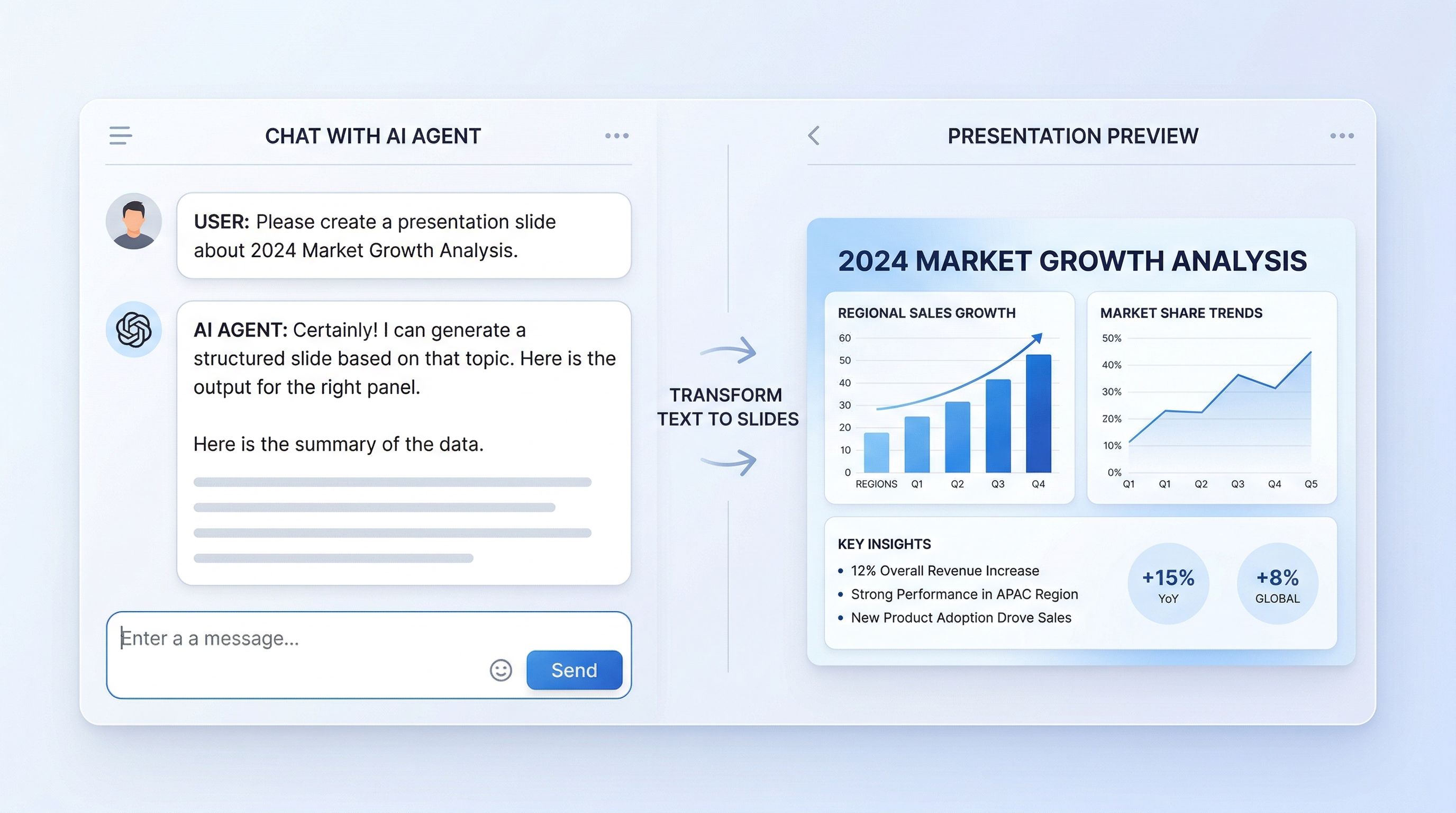
The first workflow is the most direct. You describe what you want, and the skill generates a complete slide deck.
How It Works
When you give your agent a presentation prompt, the skill sends the request to the Tosea.ai engine, which processes the content using its Spatial Semantic Perception technology. Generation is asynchronous — creating a properly structured deck takes between 30 and 60 seconds depending on the complexity and length of the output. The skill handles the polling automatically, so your agent waits for completion without requiring any manual monitoring.
When processing finishes, you receive two things: a download link for a native .pptx file and, optionally, a link to edit the deck directly in a browser interface.
The output format matters. Tosea.ai generates standard PowerPoint files with independently editable elements — text blocks, images, shapes, layout containers. This is meaningfully different from tools that produce slide images or locked PDFs. You can open the result in Microsoft PowerPoint or Google Slides and edit anything freely, just as you would with a deck you built manually. For a broader comparison of tools in this space, see our review of AI presentation makers in 2026.
Prompts That Produce Strong Results
The quality of your output is directly related to the specificity of your prompt. Vague prompts produce generic slides. Structured prompts produce focused, professional decks.
Effective prompt elements include the number of slides you want, the intended audience, the key sections or topics to cover, and any structural emphasis you need. Here are examples that work well:
Create a 12-slide presentation on our Q2 product roadmap for an executive audience, covering current status, upcoming features, timeline, and resource requirements.
Generate a competitive analysis deck with 10 slides comparing our SaaS platform against three competitors across pricing, features, and target market fit.
Build a 15-slide investor update covering ARR growth, customer acquisition, team expansion, and use of funds.
Each of these prompts gives the engine enough context to make meaningful structural decisions — which sections warrant their own slides, which points are supporting details, where visual summaries would be more effective than text lists.
Workflow Two: Document to Professional PPTX
The second workflow addresses a different and arguably more valuable use case: you already have a document — a research report, a business plan, a technical specification, a financial summary — and you need it transformed into a presentation without manually extracting and reformatting every point. If you have worked through this process by hand before, our research paper to slides walkthrough covers the pain points in detail.
How It Works
You pass a file to the skill alongside your presentation intent, and the Tosea.ai engine applies its document analysis pipeline to the source material. This is not summarization in the conventional sense. Standard AI summarization strips a document down to its most mentioned points, which often means losing the nuanced logical connections that make the document valuable in the first place.
Tosea.ai's approach is different. The Spatial Semantic Perception engine analyzes the structural and logical hierarchy of your document — recognizing which sections function as primary arguments, which paragraphs serve as supporting evidence, how data tables relate to surrounding text, and what the document's actual narrative arc is. It reconstructs that architecture into a slide sequence rather than generating a simplified version of the surface content. This is the same hallucination-free conversion approach that underpins the platform's direct upload pipeline.
The practical result is that a 40-page financial audit does not become a 10-slide document with generic bullet points pulling random sentences from each section. It becomes a structured presentation that follows the logic of the original analysis: executive summary, key findings, supporting data, risk factors, and recommended actions — in the order that makes strategic sense, not the order that minimizes processing effort.
Absolute Traceability in High-Stakes Contexts
One feature that matters significantly for professional use is Absolute Traceability. Every claim, data point, and conclusion on a generated slide links back to its specific origin in the source document. If a stakeholder in a meeting challenges a figure on slide eight, you can locate the exact paragraph, table, or section in your source file where that figure appears.
This is critical in contexts where accountability matters — investor presentations, legal briefings, board reports, regulatory submissions. The American Bar Association's guidance on AI use in legal practice consistently emphasizes that attorneys must be able to verify and stand behind any AI-assisted output. Absolute Traceability makes that verification possible and immediate.
Supported File Formats
The skill accepts PDF, Word (.docx), plain text, and Markdown files. For most professional workflows, this covers the full range of documents you are likely to work with — research briefs, strategy memos, exported reports, meeting notes compiled into structured documents. For a detailed walkthrough of the PDF path specifically, see our guide to converting PDF to PowerPoint.
Combining Both Workflows: The Complete Agent Pipeline
The real power of the Tosea.ai skill emerges when you chain it with other OpenClaw capabilities. Here is what a complete research-to-presentation pipeline looks like in practice.
Your agent uses a web search skill to gather current information on a topic — say, the competitive landscape in enterprise SaaS security tools. It pulls data from multiple sources, filters for relevance, and compiles findings into a structured report using a summarization skill. That report goes directly to the Tosea.ai skill, which transforms it into a 15-slide competitive analysis deck, formatted to consulting standards, ready for your Monday morning client meeting. This kind of multi-agent slide generation is where the OpenClaw ecosystem starts to look qualitatively different from standalone tools.
The entire sequence runs autonomously. You define the research brief and the presentation parameters. The agent handles the data gathering, the synthesis, and the slide generation. You receive a professional deck that reflects current intelligence rather than last quarter's static analysis.
A second common configuration pairs the Tosea.ai skill with the Watchlist feature in OpenClaw's open variant. You add a competitor, a market segment, or a regulatory topic to your watchlist. On a weekly schedule, the agent researches new developments, appends findings to a running brief, and generates a fresh summary presentation. Your standing client update becomes a living document that refreshes automatically.
Honest Limitations
Professional tools deserve honest disclosure about what they cannot do.
Slide generation takes 30 to 60 seconds per deck. This is not a criticism — generating a structured, properly formatted multi-slide presentation is computationally meaningful work — but it is worth setting expectations if you are building a pipeline that needs to complete quickly.
Design customization at the prompt level is bounded. You can specify tone, audience, structure, and content emphasis. You cannot currently specify exact color palettes, specific fonts, or pixel-level layout choices through a text prompt alone. For organizations with strict brand guidelines, the recommended workflow is to generate the deck, then apply your brand template in PowerPoint or Google Slides — a process that takes a few minutes rather than a few hours.
Complex data visualizations with specific data points may require manual review after generation. The engine handles structural logic and narrative organization well. Highly specific charts — a bar chart showing exact monthly revenue figures, for example — are better built in Excel and pasted into the generated deck than generated from scratch through the skill.
The skill requires an active internet connection and a valid Tosea.ai API key. Offline generation is not currently supported.
None of these limitations change the fundamental value of the workflow. What the skill does well — transforming complex documents into professionally structured decks, handling the logical architecture of multi-part arguments, producing native editable output — it does notably better than any alternative in the OpenClaw ecosystem.
How the Tosea.ai Skill Compares to Other Options
A small number of other presentation-adjacent tools exist in the OpenClaw skill ecosystem. Most fall into two categories: basic PPTX generators that produce simple template-based output with limited structural intelligence, and manual workflows where the agent writes slide content in Markdown that you then convert yourself.
The meaningful difference with the Tosea.ai skill is the document analysis layer. Tools that generate slides from prompts are building from a blank slate. The Tosea.ai skill is capable of analyzing what you already have — a dense research report, a technical specification, a years-long strategic plan — and reconstructing its logic into a presentation format. That capability is distinct from generating slides based on keywords.
For teams that regularly need to present the contents of complex documents to audiences who need the logic without the density, that distinction matters considerably.
Quick Start Checklist
Here is the fastest path from zero to your first generated deck:
- Get a free Tosea.ai API key at tosea.ai under account settings
- Run export TOSEA_API_KEY= followed by your key
- Run npx clawhub@latest install tosea-slides
- Ask your agent: Create a 10-slide presentation about [your topic]
- Download the .pptx or open the browser editing link
Total time from installation to first deck: under five minutes.
Close the Presentation Gap in Your Workflow

OpenClaw is a capable platform, and the Tosea.ai Slides Skill fills the one significant gap in its professional utility. Whether you are building research pipelines that need polished deliverables at the end, transforming existing documents into presentation-ready formats, or automating recurring client updates, the skill connects your agent's output to presentation quality that holds up in professional settings.
And if you want to use Tosea.ai's document-to-presentation engine directly — without the agent setup — the platform is ready for that too. Upload any file and receive a professional deck in under a minute.
Try Tosea.ai free and see what your documents look like as finished presentations.