2026's Best Websites for Free Google Slides Templates
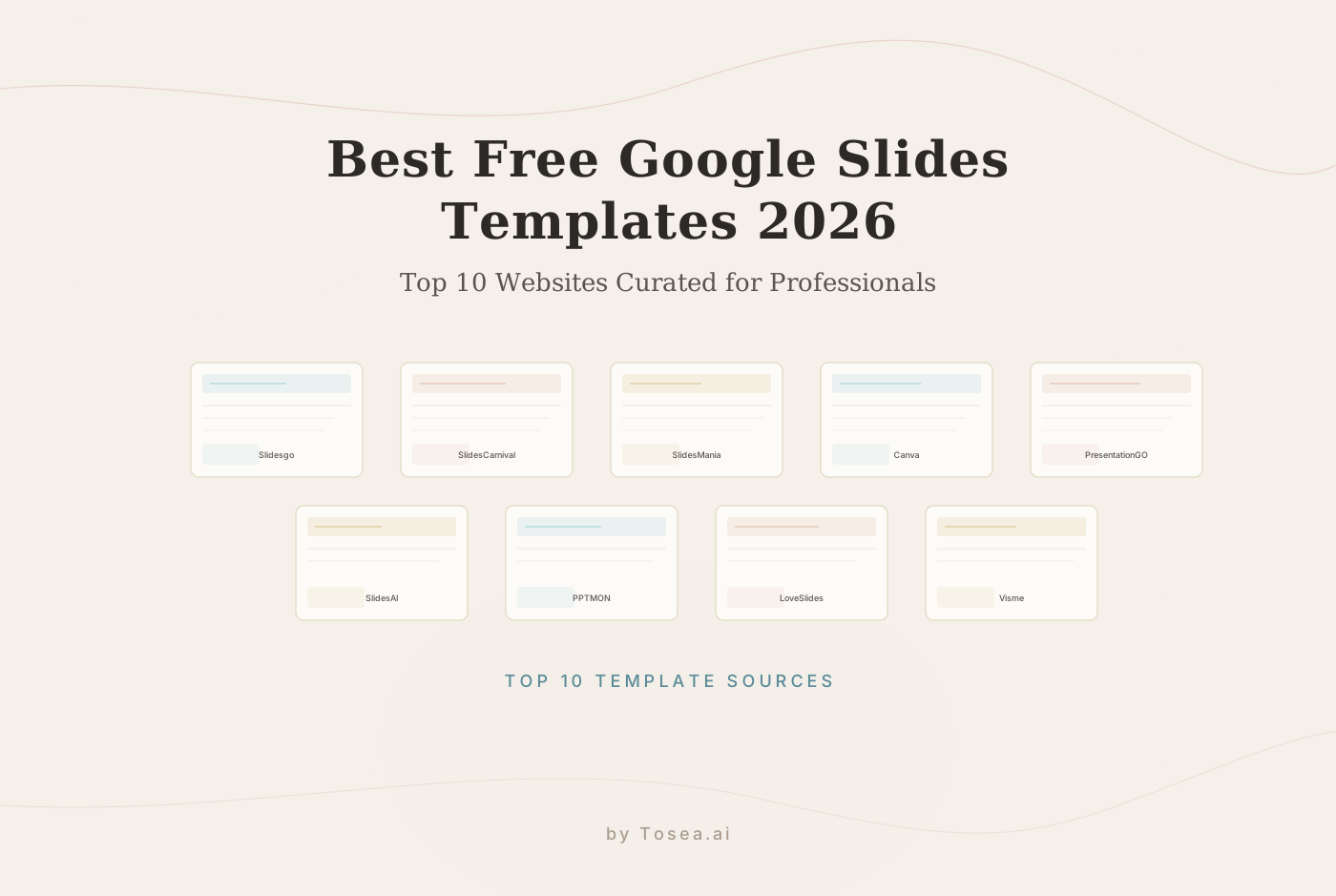
The definitive guide to the top 10 websites for free Google Slides templates in 2026, curated for quality, ease of use, and professional impact.
2026's Best Websites for Free Google Slides Templates
TL;DR
- Slidesgo remains the giant of themed templates with advanced AI integration.
- SlidesCarnival offers artistic, zero-barrier downloads for personal and commercial use.
- SlidesMania is the gold standard for interactive educational layouts.
- Canva provides the most intuitive drag-and-drop design ecosystem.
- PresentationGO specializes in high-end charts and process diagrams.
- Tosea.ai represents the next generation, transforming complex files into professional slides using logic-based AI.
In the fast-evolving landscape of 2026, a presentation is far more than a simple visual aid. It is a crystallized version of your professional authority, whether you are a researcher presenting a breakthrough paper, a consultant delivering a strategic audit, or a student defending a thesis. While Google Slides has become the go-to platform for its seamless collaboration and accessibility, the recurring nightmare remains the same: the blank white screen.
Design takes time—time that most professionals and students simply do not have. This is why the demand for high-quality, pre-made templates continues to skyrocket. Utilizing a well-structured template allows you to focus on your narrative while ensuring your visuals are sharp, engaging, and credible. If you're looking for broader AI-powered alternatives, check out our guide to the 5 Best AI Presentation Makers for 2026.
Below is the definitive guide to the top 10 websites providing free Google Slides templates in 2026, curated for quality, ease of use, and professional impact.
1. Slidesgo: The Industry Giant
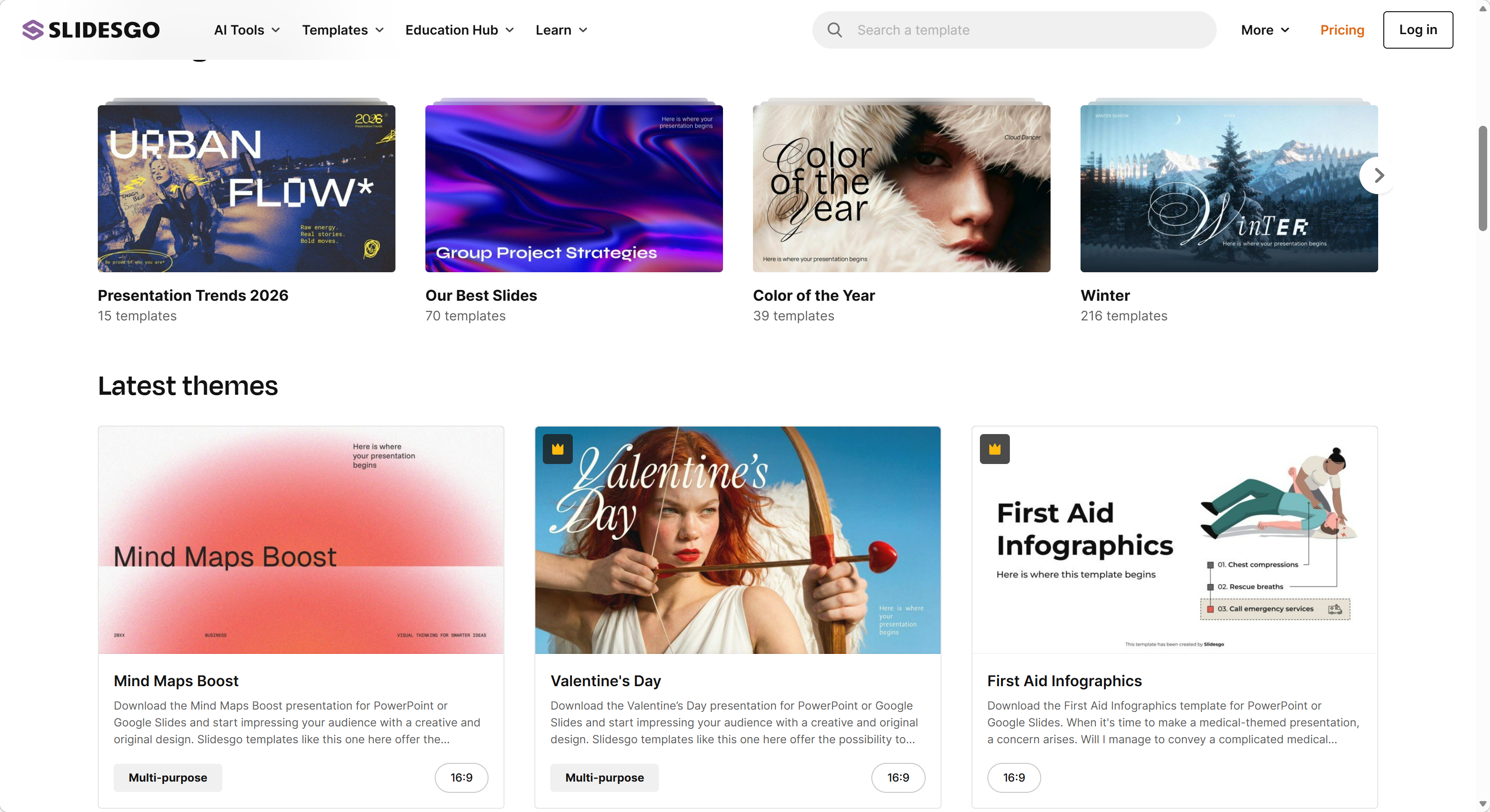
Slidesgo continues to dominate the market by offering an almost inexhaustible library of themed templates. In 2026, they have further integrated AI search capabilities to help users find the perfect match for their specific niche.
- Vast Niche Coverage: Whether it is medical research, marketing strategy, or a kindergarten lesson, Slidesgo has a dedicated category.
- Infographic Heavy: Most templates come with a massive set of extra slides containing icons, maps, and customizable charts.
- AI Customizer: Their built-in AI tool allows you to change the color palette or tone of a template before you even download it.
Top Pick: The Corporate Strategy Roadmap template, which utilizes a sophisticated navy and gold palette, perfect for high-level executive summaries.
2. SlidesCarnival: Artistic Freedom Without Limits
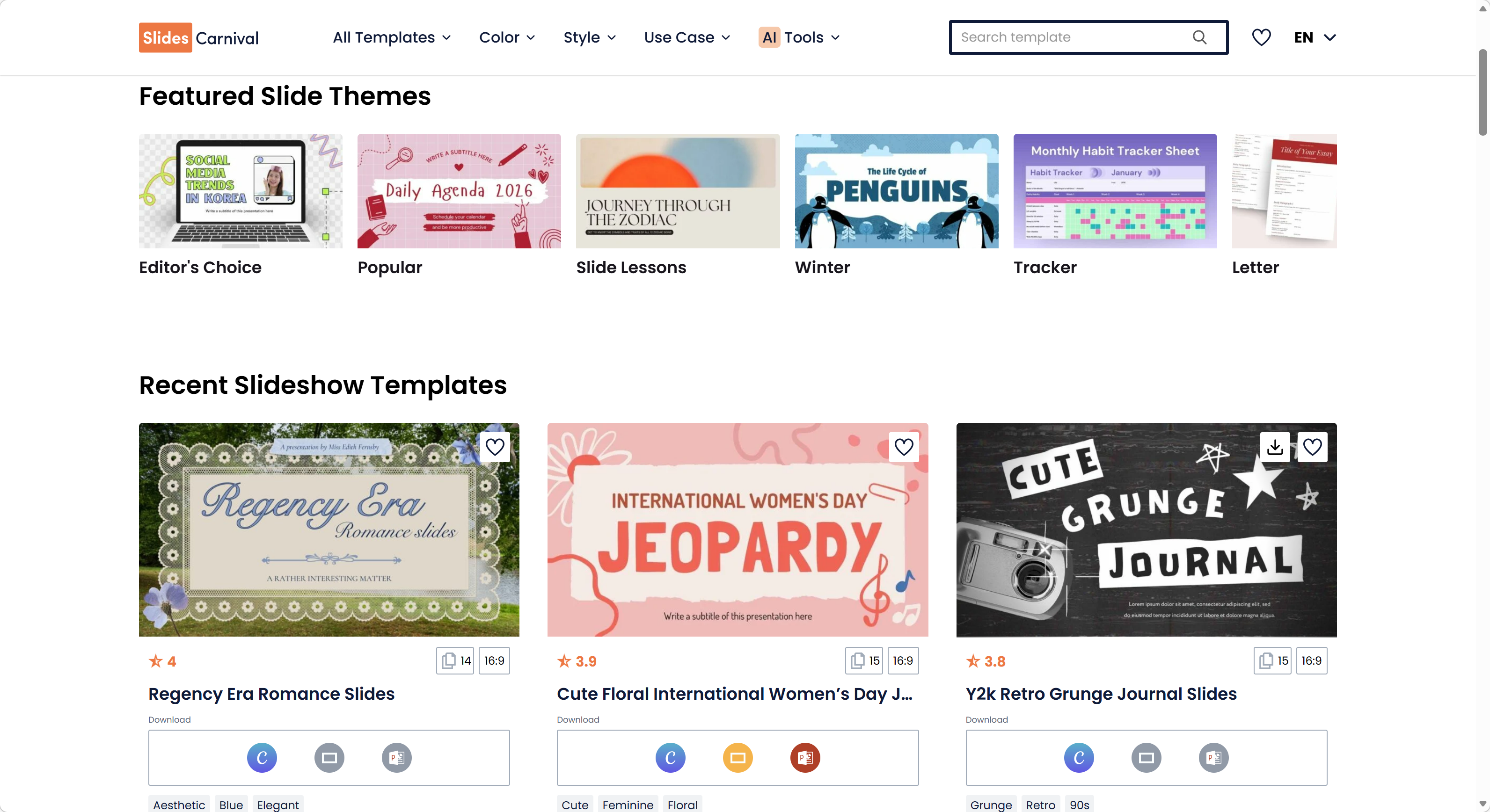
SlidesCarnival is beloved for its commitment to simplicity. There are no sign-ups, no paywalls, and no download limits. Each template is crafted by professional designers with a focus on storytelling.
- No Registration: You can go from browsing to editing in Google Slides in exactly three clicks.
- Artist-Driven Designs: The templates often feature hand-drawn elements and organic shapes that stand out from corporate clichés.
- Compatibility: Every design is optimized for Google Slides, PowerPoint, and Canva.
Top Pick: The Matisse-Inspired Creative Deck, which uses bold organic shapes to turn an ordinary presentation into a piece of visual art.
3. SlidesMania: The Educator's Secret Weapon
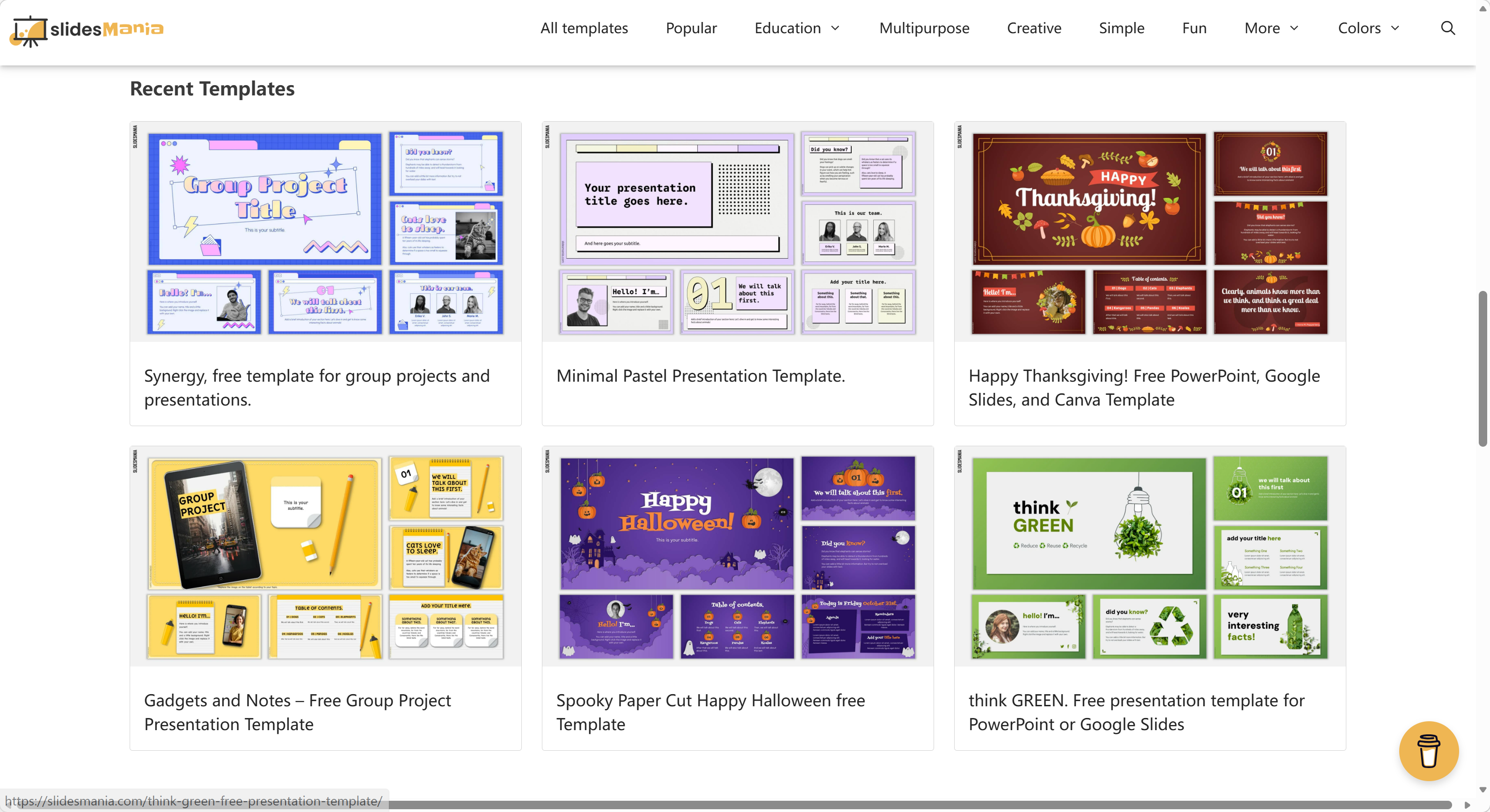
SlidesMania is a treasure trove for teachers and students. The site specializes in interactive templates that turn a presentation into an experience.
- Interactive Planners: They offer templates that mimic digital notebooks with clickable tabs.
- Education-Specific Logic: Includes game-based layouts, choice boards, and digital certificates.
- Fully Editable Shapes: Unlike many sites, SlidesMania templates are built using native Google Slides shapes, making them incredibly easy to recolor.
Top Pick: The Interactive Yearly Planner, which is a favorite among educators for organizing curriculum and engaging students remotely.
4. Canva: The Design Ecosystem
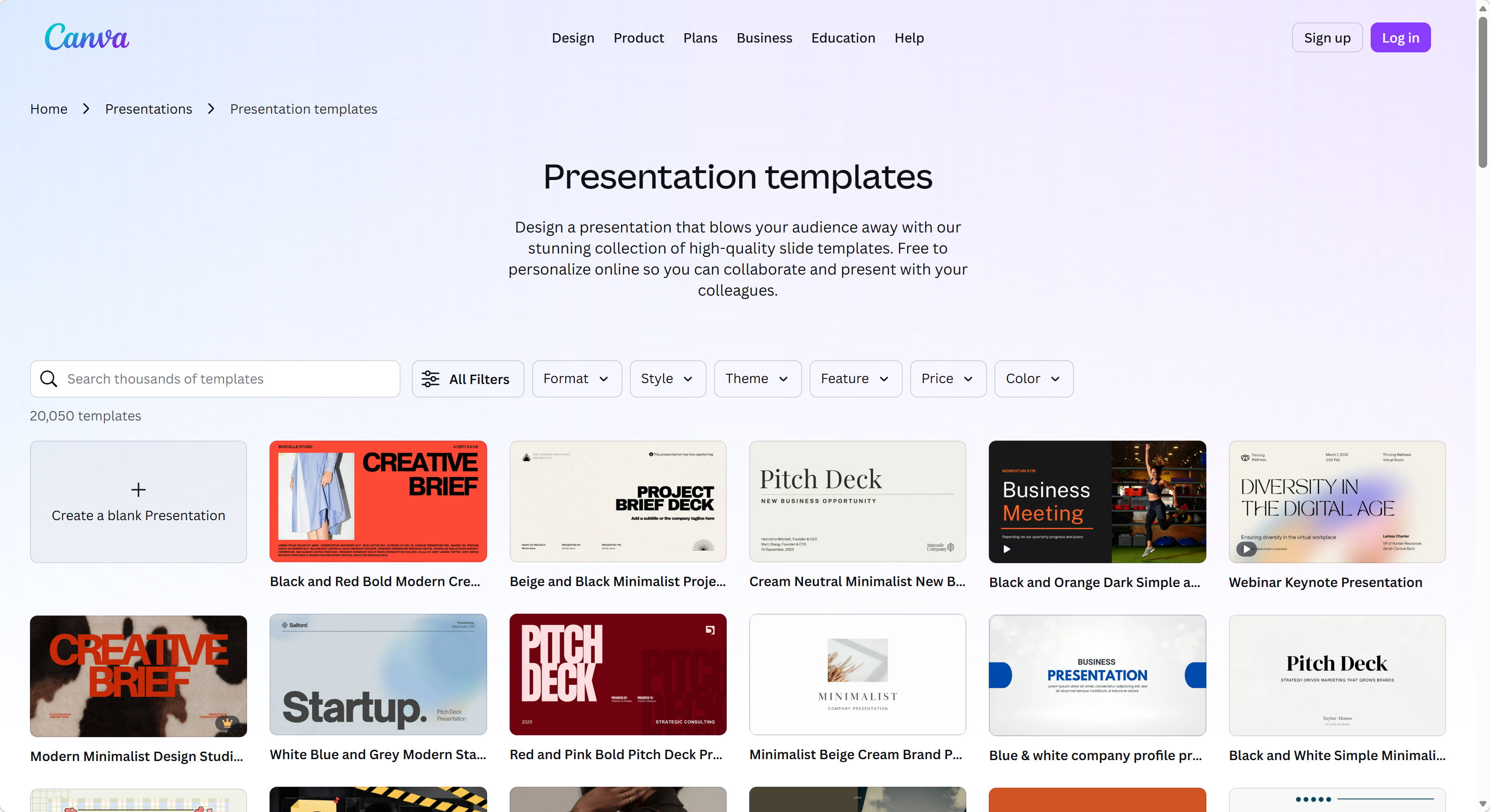
Canva is more than a template site; it is a full-blown design studio. In 2026, its Magic Studio features make it incredibly easy to bridge the gap between a design and a functional Google Slides deck. For a deeper look at how Canva stacks up against AI-native tools, read our Canva vs Gamma comparison.
- Cloud-Native Editing: You can edit the entire presentation within Canva and export it directly to Google Slides without losing formatting.
- Multimedia Integration: Easy access to millions of royalty-free stock photos, videos, and music.
- Team Branding: Save your brand colors and logos to apply them to any free template instantly.
Top Pick: The Gradient Tech Startup Pitch Deck, a sleek, high-contrast template designed to grab investor attention.
5. PresentationGO: The Master of Data Visualization
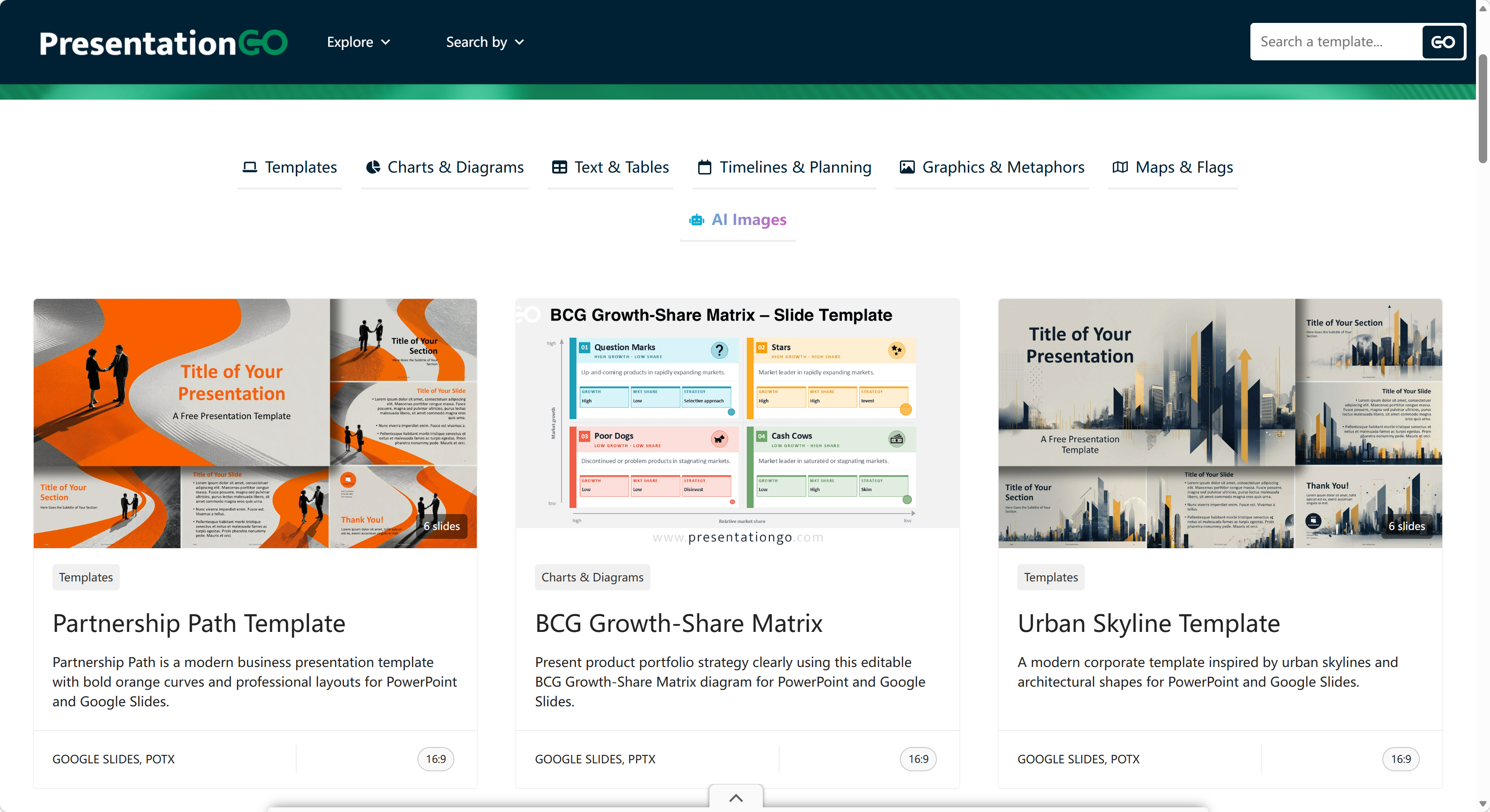
PresentationGO is the essential resource if your presentation relies heavily on data, workflows, or process maps. They focus on the components that make a professional deck functional.
- 3,000+ Graphic Assets: They offer individual slides for specific needs, such as SWOT analyses, Venn diagrams, and Gantt charts.
- Professional Polish: The designs are sober and corporate, avoiding the fluff often found on creative sites.
- Flexible Backgrounds: Most templates are offered in both light and dark versions.
Top Pick: The Modern Horizon Timeline, a clean and professional layout for project management and roadmapping.
6. SlidesAI: Text-to-Template Efficiency
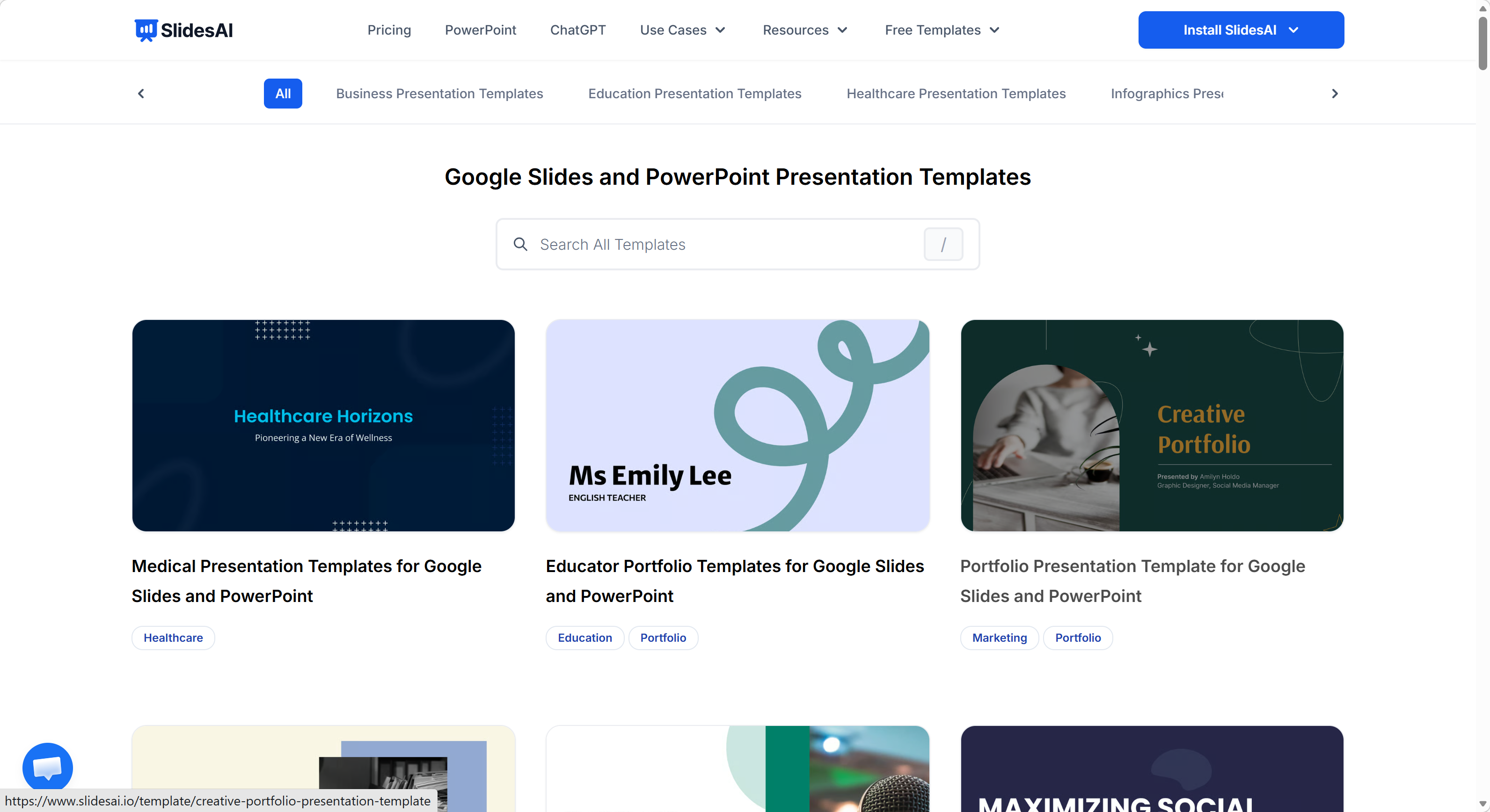
SlidesAI has moved beyond just being a plugin. Their website now hosts a library of AI-optimized templates that work in tandem with their generation engine.
- Smart Formatting: Templates are designed to expand or contract based on the amount of text the AI generates.
- Topic Specificity: You can input a prompt, and the site will suggest the three best templates for that specific subject matter.
- Integration: Designed to be installed as a Google Slides add-on for a seamless workflow.
7. PPTMON: Minimalist and Modern
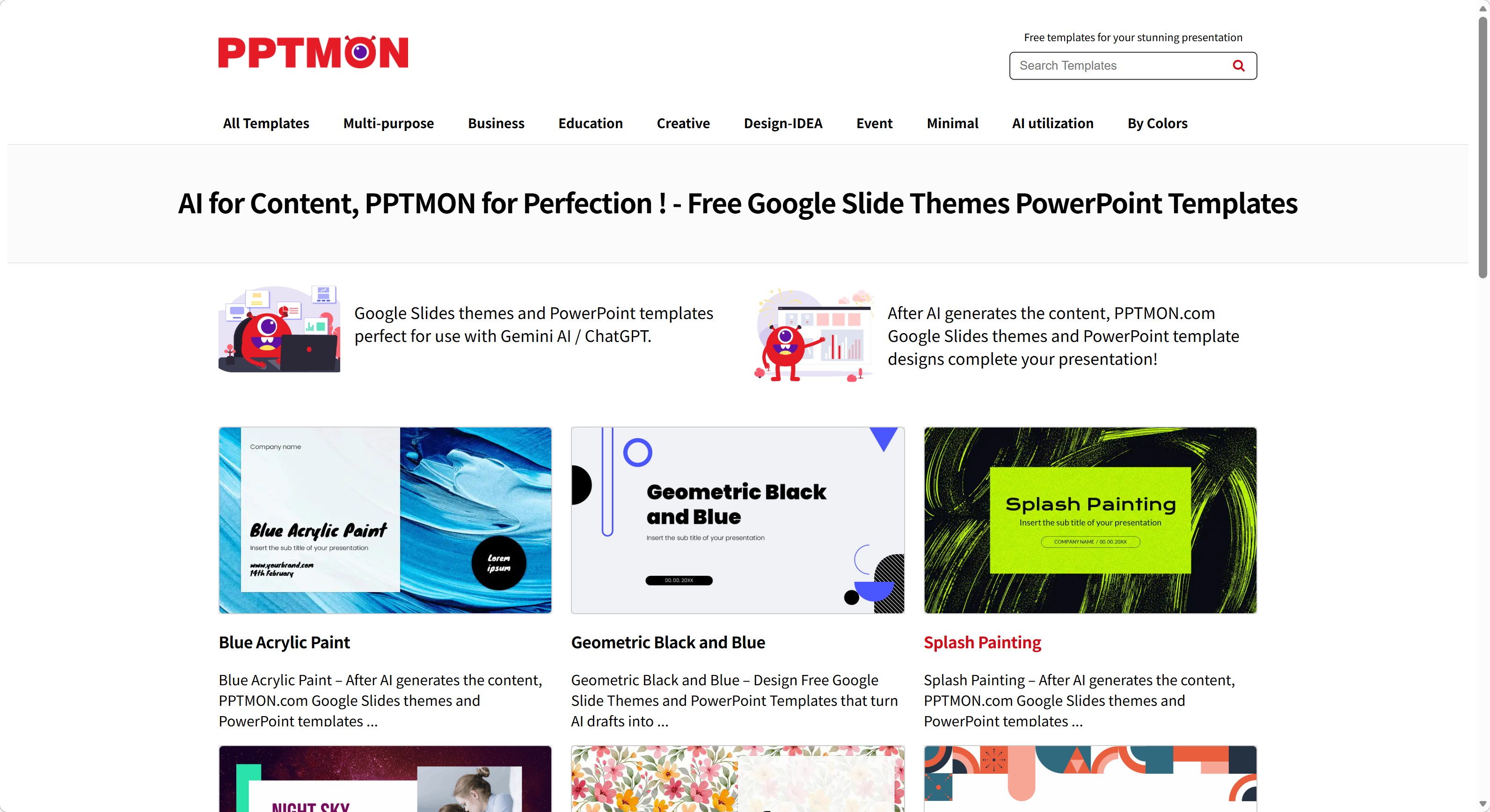
PPTMON focuses on 25-slide packs that cover all the bases of a standard presentation—intro, data, team, and conclusion—with a very modern aesthetic.
- No-Frills Access: Just like SlidesCarnival, there is no need to create an account.
- High-Quality Icons: Each pack comes with a dedicated slide of themed icons that match the presentation's style.
- Educational Variety: They have a surprising depth of templates for specialized subjects like history and geography.
8. LoveSlides: High-Fashion Presentations
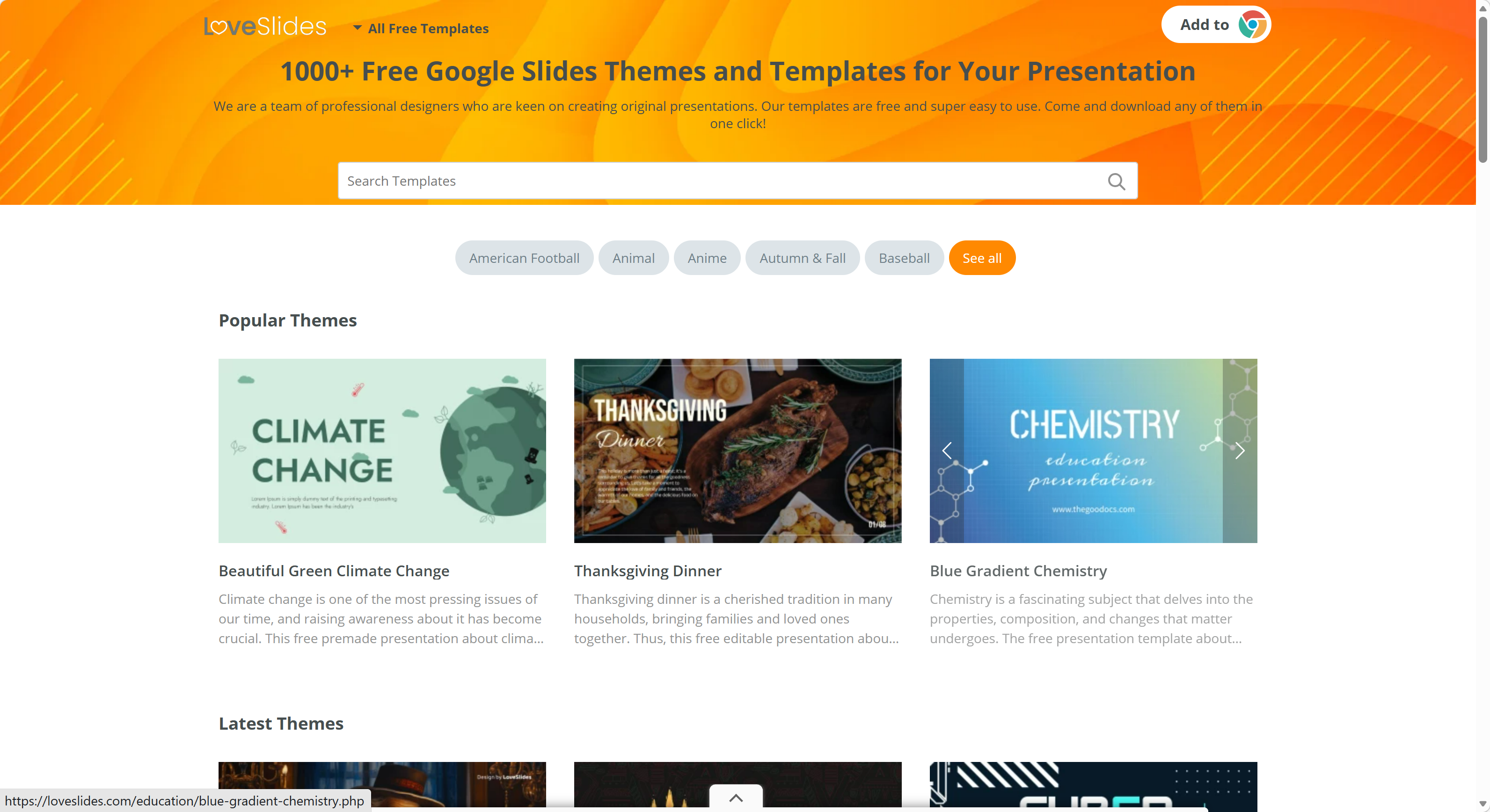
LoveSlides is perfect for those who find standard corporate templates a bit too boring. Their designs lean toward the stylish, the colorful, and the trendy.
- Stylized Categories: Categories like Beauty, Fashion, and Luxury are well-represented.
- Ease of Use: A simple one-button click opens the template directly in your Google Drive.
- Clean Layouts: Despite the stylish elements, the focus remains on readability and white space.
9. Visme: Interactive and Analytical
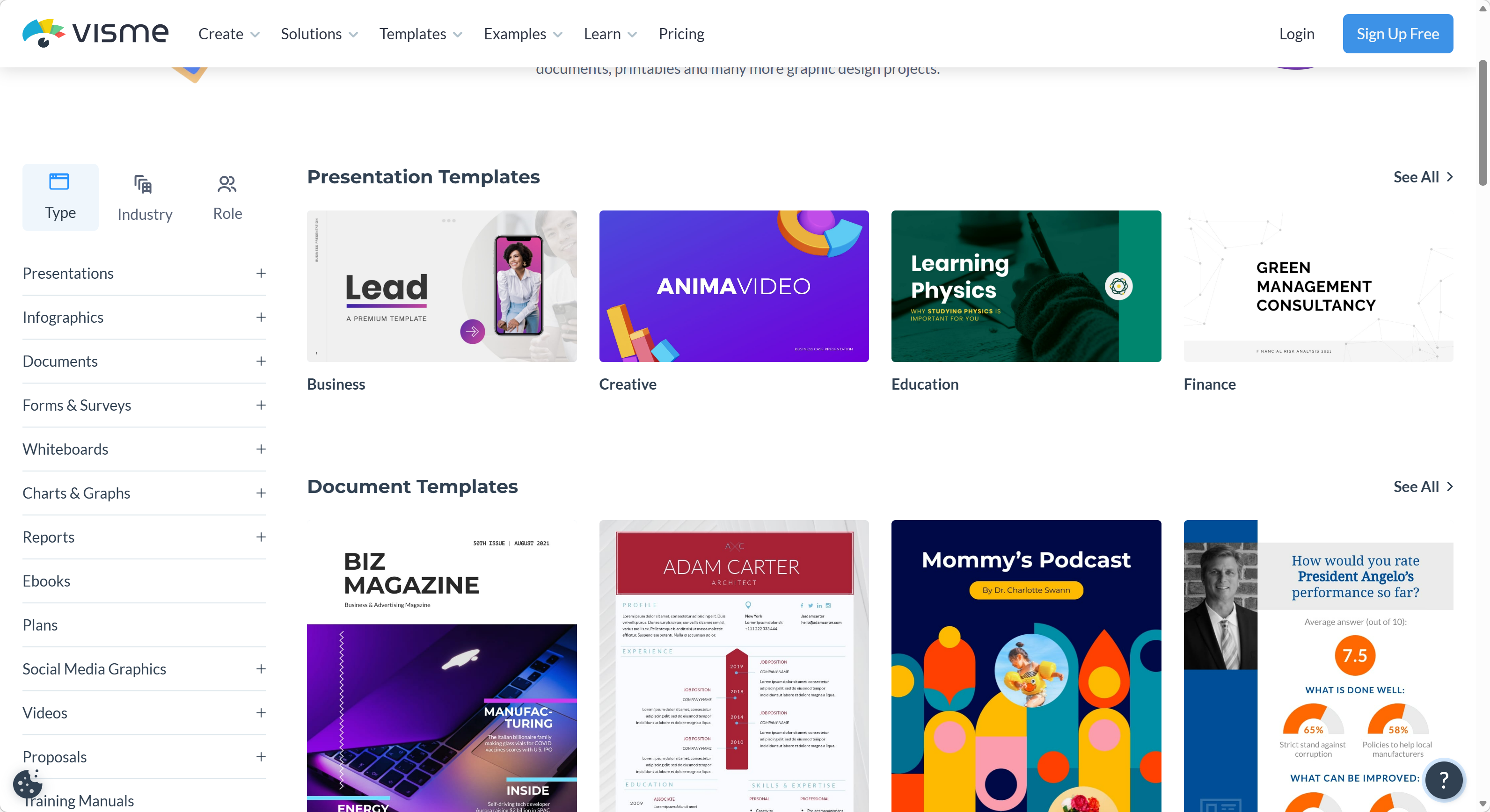
Visme is for the user who wants to go beyond static slides. Their templates are built to support data widgets and interactive elements.
- Data Widgets: Easily turn boring numbers into beautiful radial gauges or progress bars.
- Pitch Deck Experts: Some of the most structurally sound startup pitch decks are found here.
- Visual Assets: Includes a massive library of 3D icons and animated illustrations.
10. 24Slides: Corporate Excellence
24Slides provides the most disciplined and clean templates for those working in high-level management or consultancy.
- Clean Design: No unnecessary decorations. The focus is 100% on the information.
- Logical Flow: Templates are structured to follow business best practices for storytelling.
- Free After Sign-Up: While it requires an email, the quality of the corporate decks is worth the five-second registration.
Comparison of Top Template Sources
| Website | Best For | Sign-up Required |
|---|---|---|
| Slidesgo | Wide variety & AI features | No (for limited use) |
| SlidesCarnival | Creative & hassle-free downloads | No |
| SlidesMania | Educators & interactive lessons | No |
| Canva | All-in-one design & multimedia | Yes |
| PresentationGO | Charts, diagrams, & infographics | No |
| Tosea.ai | Converting complex files to PPT | Yes |
| PPTMON | Quick 25-slide minimalist packs | No |
| LoveSlides | Modern & stylish business themes | No |
| Visme | Data visualization & pitch decks | Yes |
| 24Slides | Corporate & management reporting | Yes |
The Limitation of Traditional Templates: Why Design Isn't Everything
While these websites provide beautiful shells, they cannot solve the most significant hurdle in professional life: the synthesis of information. For more on this challenge, see our article on mastering high-quality presentations with AI.
A template is just a container. You still have to spend hours reading through your 50-page PDF report, your 10,000-word research paper, or your complex financial spreadsheet to decide what goes on which slide. You have to copy-paste, summarize, adjust font sizes, and worry about whether you missed a critical data point. In 2026, the bottleneck isn't the design—it is the manual labor of content transformation.
The Professional Evolution: Tosea.ai
This is where the traditional template model reaches its limit and Tosea.ai begins. Tosea.ai is not just a place to find a template; it is a professional-grade architecture that transforms your complex files into executive presentations using high-level logic. Learn more about how this approach works in our Top 10 Business Presentation Tips guide.
Why Tosea.ai is the Game Changer for Professionals
Instead of searching for a template and manually filling it, Tosea.ai allows you to upload your source files—PDFs, Word docs, Markdown, or even images—and generates a professional deck in seconds.
- Spatial Semantic Perception: Unlike other AI tools that simply scrape text, Tosea.ai understands the spatial and logical relationship of your data. It knows how to turn a complex table into a clear chart and how to maintain the hierarchy of your arguments.
- Absolute Traceability: For researchers and consultants, accuracy is everything. Tosea.ai eliminates AI hallucinations by providing a clear link from every bullet point on your slide back to the specific source in your original document.
- Consulting-Level Aesthetics: Tosea.ai doesn't just give you a random design. It provides 12 master-crafted templates optimized for the standards of elite consulting firms and academic defense.
- Native Compatibility: The output is a standard, fully editable
.pptxfile. You can open it in Google Slides or PowerPoint and find that every element is perfectly aligned and natively editable.
Transform Your Complex Files into Structured Authority
Whether you are a researcher handling a dense scientific paper or a manager dealing with sensitive private data, Tosea.ai is designed to handle the heavy lifting. It removes the friction of manual formatting, allowing you to focus on the strategy and delivery of your message.
Stop wasting your time hunting for the right template only to spend hours copy-pasting text. Experience the future of professional communication where your documents become your presentations through the power of logic-based AI.
Ready to turn your most complex reports into boardroom-ready presentations in seconds? Register for Tosea.ai today and unlock the power of professional file-to-PPT transformation.