100+ Free Academic Poster Template PPT: Complete Guide for Researchers (2026)
A curated guide to 100+ free academic poster templates in PowerPoint. Covers standard and international conference sizes, design conventions, and the fastest way to fill a template with real research.
Before you spend hours searching for the right academic poster template, register for Tosea.ai. Once your template is ready and your research is in hand, Tosea.ai can convert your full paper or thesis chapter into a structured academic presentation — extracting figures, tables, and formulas automatically, with no fabricated content. It handles the slowest part of poster preparation before you sit down to design.
Now, let us get you the templates you need.

Where to Download 100+ Free Academic Poster Templates for PowerPoint
The single best source for free, professionally designed research poster templates is Genigraphics — a scientific and medical poster printing company that has released its full template library for free download to the research community.
👉 Download Free PowerPoint Research Poster Templates from Genigraphics →
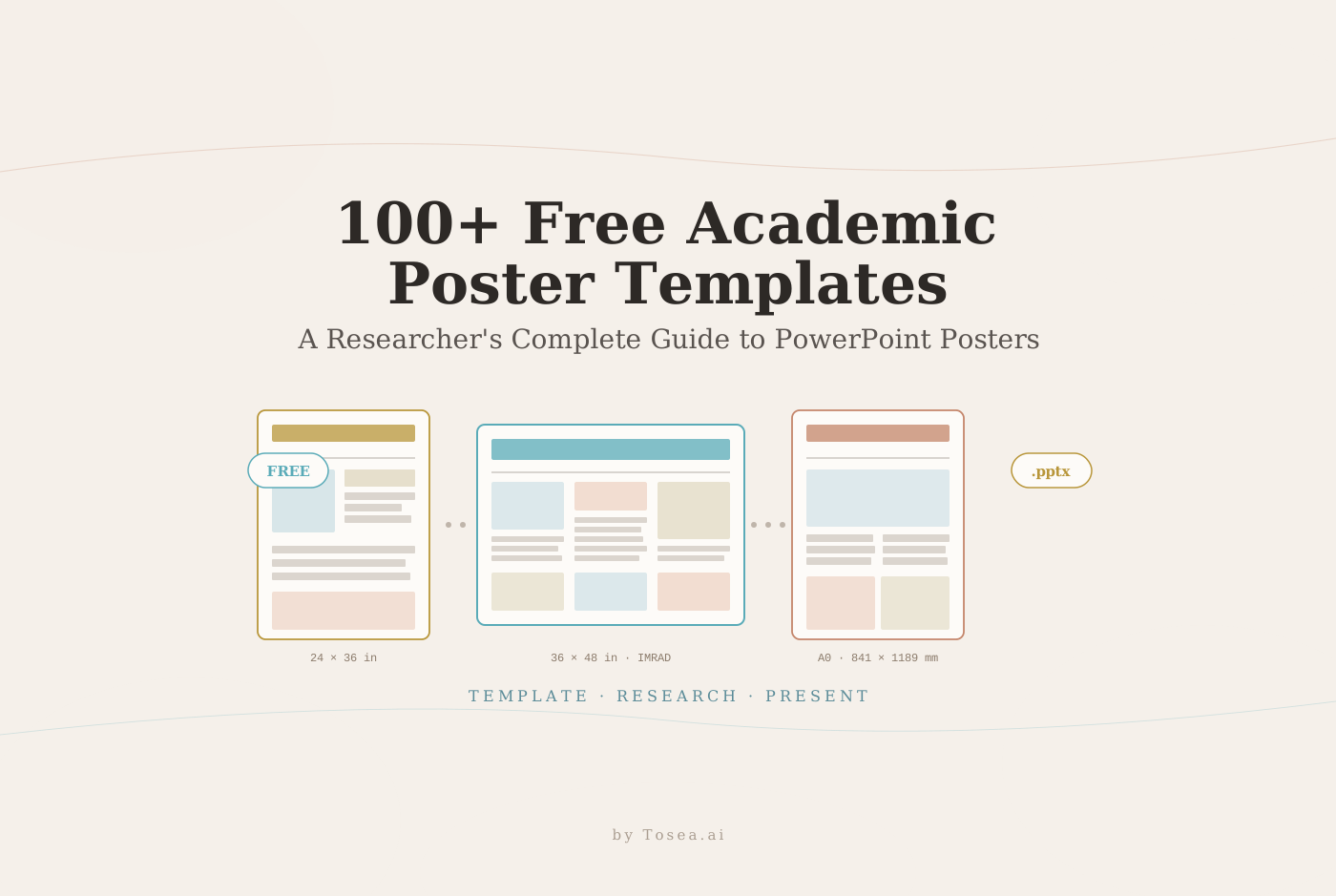
Genigraphics specializes in scientific, medical, and research poster printing. Their templates are built to print standards, cover every common conference size, and are fully editable in PowerPoint. The library includes over 100 layout variations across the following size categories:
Standard US Conference Sizes:
- 24x36 inches — Download directly
- 36x48 inches (most common conference size)
- 36x56 inches
- 36x60 inches — Download directly
- 36x72 inches
- 48x96 inches (largest standard size)
- 36x48 Tri-Fold — Download directly
International Sizes:
- A0 (841 x 1189 mm) — Download directly
- A1 (594 x 841 mm)
- 70 x 100 cm (standard European conference size)
- 1m x 1m — Download directly
- 100 x 140 cm
All templates are provided in native .pptx format, are fully editable, and are free to download. Genigraphics provides these as a service to the research community — no registration required.
Templates sourced from Genigraphics.com/templates. All templates are the property of Genigraphics and are offered freely for academic and research use. This guide provides a curated overview to help researchers find the right template faster.
What Is an Academic Poster Template PPT?
An academic poster template PPT is a pre-structured PowerPoint file designed for research poster presentations at academic conferences, symposia, lab meetings, and research showcases. Rather than building your poster layout from scratch, you download a template that already has the correct dimensions, column structure, placeholder sections, and font hierarchy — then replace the placeholder content with your own research.
According to NYU Libraries' research poster guide, research posters are widely used in academic communities and most conferences include poster presentation sessions in their program. A well-designed academic poster summarizes information concisely and attractively, mixing brief text with tables, graphs, and images to generate discussion with conference attendees.
The academic poster template PPT format is the most accessible starting point for most researchers because it uses the same software — Microsoft PowerPoint — that most academics already have installed and know how to use. For a related workflow on converting full papers into slide decks, see our research paper to slides workflow guide.
What Are Good Examples of Poster Presentations?
Good academic poster presentations share several structural characteristics regardless of discipline or field. The University of South Florida's research poster toolkit identifies the IMRAD framework as the most widely used structure for scientific posters:
Introduction/Background — establishes the research question and why it matters. This section should be brief and immediately comprehensible to someone outside your specific subfield.
Methods — describes how the research was conducted. Use flowcharts or diagrams wherever possible. A visual methods section is significantly easier to absorb than a paragraph of procedural text.
Results — the core of the poster. This section should be dominated by figures, charts, and graphs. Data visualizations communicate findings faster and more memorably than tables or text.
Discussion/Conclusion — interprets the significance of the results and identifies next steps. This section should be readable in under 60 seconds.
Good poster presentations also apply the 10-foot rule: important information must be readable from approximately 10 feet away. This means title text of at least 72 points, section headers of at least 36 points, and body text of at least 24 points. Colin Purrington's comprehensive poster design guide — one of the most widely cited resources in academic poster design — recommends keeping total word count between 800 and 1,200 words for a standard 3x4 foot poster, which means a person can fully read the poster in five to ten minutes.
For researchers looking to apply similar structural discipline to full slide decks rather than posters, our McKinsey way to present research findings article breaks down the same principle applied to narrative slides.
What Is the Best Application for Creating Scientific Posters?
The most practical answer for most researchers is Microsoft PowerPoint, for several reasons:
PowerPoint is pre-installed on most university-affiliated computers, familiar to most researchers, and directly compatible with the free templates available from Genigraphics and other providers. It handles the large canvas sizes required for conference posters (which are set in inches at 72 DPI for print), supports direct placement of figures and tables from research documents, and exports to both PDF and image formats suitable for professional printing.
For researchers who do not have access to PowerPoint, Google Slides and LibreOffice Impress are free alternatives that can open and edit .pptx files, though some formatting may shift between applications.
For researchers who want to go beyond templates — particularly those presenting at international conferences where design quality affects perception of research quality — the current generation of AI-powered tools has shortened the typical preparation timeline significantly. See our ultimate AI slides tool free trial guide for academics for a walk-through of how researchers are using these tools alongside traditional templates.
Where Do I Get Free, Creative and Editable PPT Templates?
Beyond Genigraphics, several other reliable sources provide free academic poster templates:
PosterPresentations.com offers a comprehensive collection of templates for every standard US and international conference poster size, with quick-find navigation by dimensions. The templates include video tutorials and support all major size variations. Templates are free to download and fully customizable.
Colin Purrington's poster design blog provides free horizontal and vertical layout templates alongside the most comprehensive set of poster design guidelines available online. The site is particularly valuable for researchers in the sciences.
PosterNerd offers scientific poster templates optimized for print quality.
For non-print digital posters or visual presentations at lab meetings and seminars, Canva's research poster templates provide browser-based editing with a large design library.
For academic PPT templates beyond posters — including academic presentation PPT template formats, standard lecture decks, and conference talk slides — the University at Buffalo research guide and UNC Graduate School's academic presentation resources both maintain curated lists of institutional templates and design guidance.
How to Choose the Right Academic Poster Template
With over 100 templates available, the selection process should follow this sequence:
Step 1: Confirm your conference requirements first. Before downloading any template, check the poster session guidelines for your conference. The required dimensions vary significantly — a poster sized for the American Geophysical Union annual meeting is different from one sized for a European medical symposium. The wrong size means reprinting at significant expense. The Genigraphics template library at this link covers all common conference sizes with clear dimension labels.
Step 2: Choose your column structure based on content density. A four-column layout works best for IMRAD-format content with multiple figures and moderate text. A three-column layout gives more space per section and works well for research with a primary visual argument — a large map, a complex graph, or an extended data table. A two-column layout suits content with longer narrative sections.
Step 3: Consider your audience's disciplinary expectations. Academic poster design conventions differ across fields. Science and engineering posters are typically more data-dense, with smaller text and more figures. Social science and humanities posters typically use larger text and more narrative structure. The ppt template academic standards in your specific field are worth checking before you finalize your layout choice.
Step 4: Check font and color editability. Genigraphics templates are fully editable, but some institutional templates lock certain elements. Confirm before investing time in a template that its colors, fonts, and layout can be fully adjusted to match your institution's branding or your personal preferences.
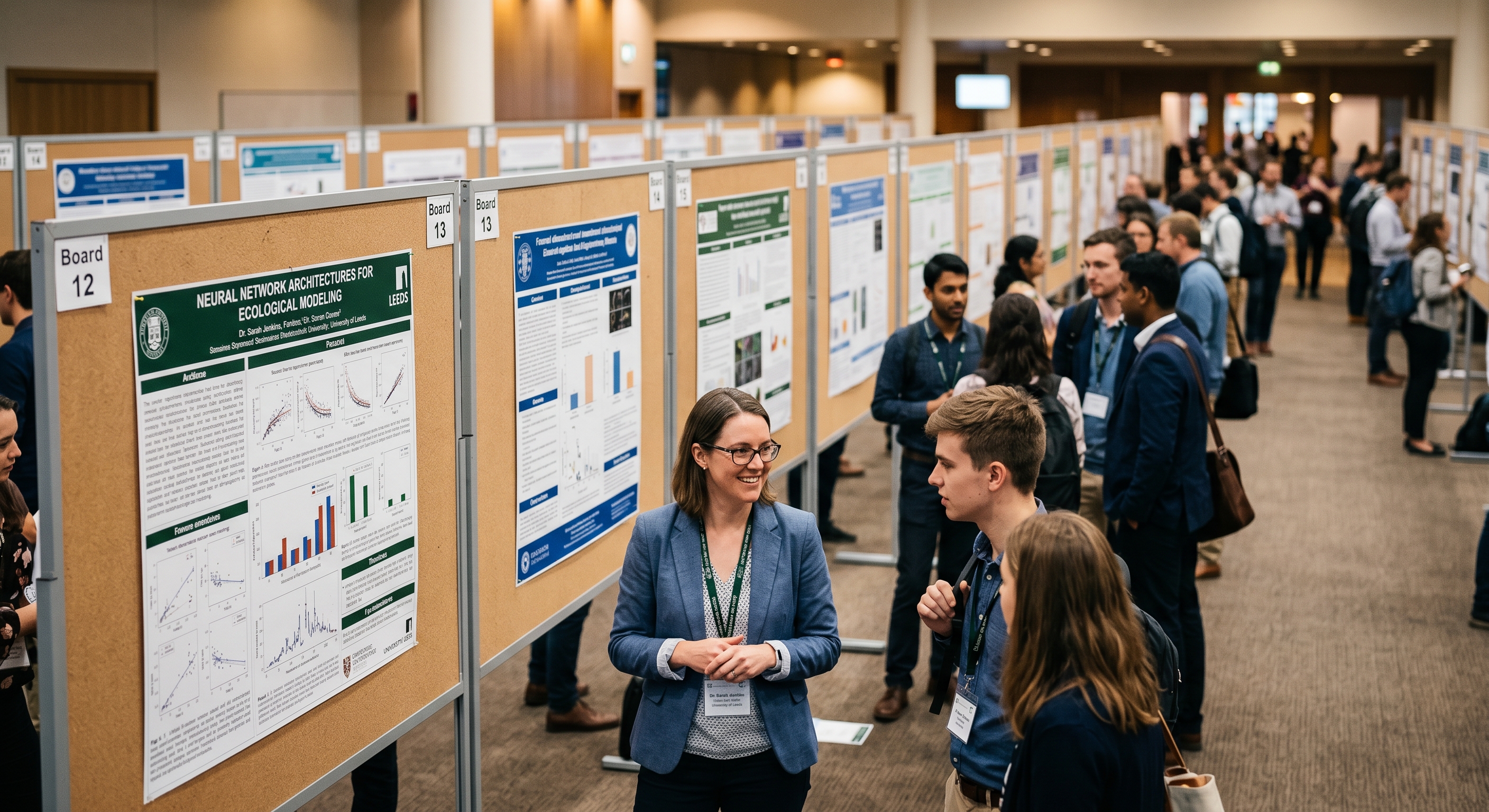
From Template to Finished Poster: Two Approaches
Once you have downloaded your academic poster template PPT, you face the most time-consuming part of the process: populating it with accurate research content.
The traditional approach involves manually reading through your paper, identifying the key findings and figures, reformatting everything to fit the template's placeholder sections, and adjusting typography and layout until the poster is readable and visually balanced. For a first-time poster presenter working from a multi-section research paper, this process typically takes six to twelve hours.
The Tosea.ai approach compresses that process to under ten minutes. Upload your research paper or thesis chapter to Tosea.ai, and the platform's Spatial Semantic Perception engine reads the logical structure of your document — identifying primary findings, extracting figures and tables, locating key conclusions — and generates a structured, formatted academic presentation.
Every figure is extracted directly from the source document. Every data point links back to the specific passage in your paper. The output is a native .pptx file that you can open in PowerPoint, combine with your downloaded Genigraphics template, or present directly. For a deeper comparison with other tools academic users consider, see our best Gamma alternative for academic and research slides breakdown.
Who Is This Guide For?
Graduate students preparing their first poster. If you have never built a research poster before, starting from a blank canvas is slow and error-prone. A Genigraphics template with the right conference size lets you focus on content rather than layout math.
Faculty and postdocs with tight conference deadlines. When the abstract deadline passed months ago and the printing deadline is next week, template reuse is how experienced researchers protect their time. The quick-reference table at the end of this guide is for you.
Lab managers maintaining departmental templates. If your department prints multiple posters per term, standardizing on two or three Genigraphics base templates with your institutional branding applied saves hours per poster across the group.
Clinicians and medical researchers. Medical conferences often have strict poster dimensions and visual density expectations. The scientific-poster-specific Genigraphics and PosterPresentations.com libraries are built around these norms. For adjacent work in converting clinical papers into slide decks, see our academic researchers cutting presentation time with AI piece.
Frequently Asked Questions
Can I print a Genigraphics template at any commercial printer? Yes. The templates are provided at print-ready dimensions and DPI settings. Any commercial print shop that handles large-format printing can accept the .pptx file or a PDF exported from it.
Do I need to credit Genigraphics if I use their template? No attribution is required. Genigraphics releases the templates for free academic and research use. Credit is appreciated but not mandated.
What resolution should figures be at for a 36x48 inch poster? Embedded images should be 150–300 DPI at their final display size on the poster. A figure displayed at 8x6 inches on the poster should be at least 1200x900 pixels.
Can I edit a Genigraphics template in Keynote or Google Slides? Both applications can open .pptx files, but some layout elements may shift. For print-critical posters, we recommend sticking with PowerPoint for final edits and exporting directly to PDF.
Is there a template for vertical / portrait posters? Yes. Genigraphics and PosterPresentations.com both offer portrait orientations (e.g., A0 portrait, 36x48 portrait). Check the conference requirements — many European conferences require portrait orientation.
Quick Reference: Template Download Links
All templates below are sourced from Genigraphics.com/templates and are free to download.
| Size | Format | Download |
|---|---|---|
| 24x36 inches | US Standard | Download .pptx |
| 36x60 inches | US Standard | Download .pptx |
| 36x48 Tri-Fold | Special Format | Download .pptx |
| A0 (841x1189mm) | International | Download .pptx |
| 1m x 1m | International | Download .pptx |
👉 Browse and Download the Full Template Library at Genigraphics →
From Template to Presentation in Under 10 Minutes
Finding the right academic poster template PPT is the first step. Filling it with accurate, well-structured research content is the step that takes most of the time.
Tosea.ai handles that second step automatically — reading your paper, extracting what matters, and structuring it into a presentation that is ready to present or print.