The Best Gamma Alternative for Academic and Research Slides
Why academics are switching from Gamma to specialized tools for research presentations. Feature comparison and workflow guide.
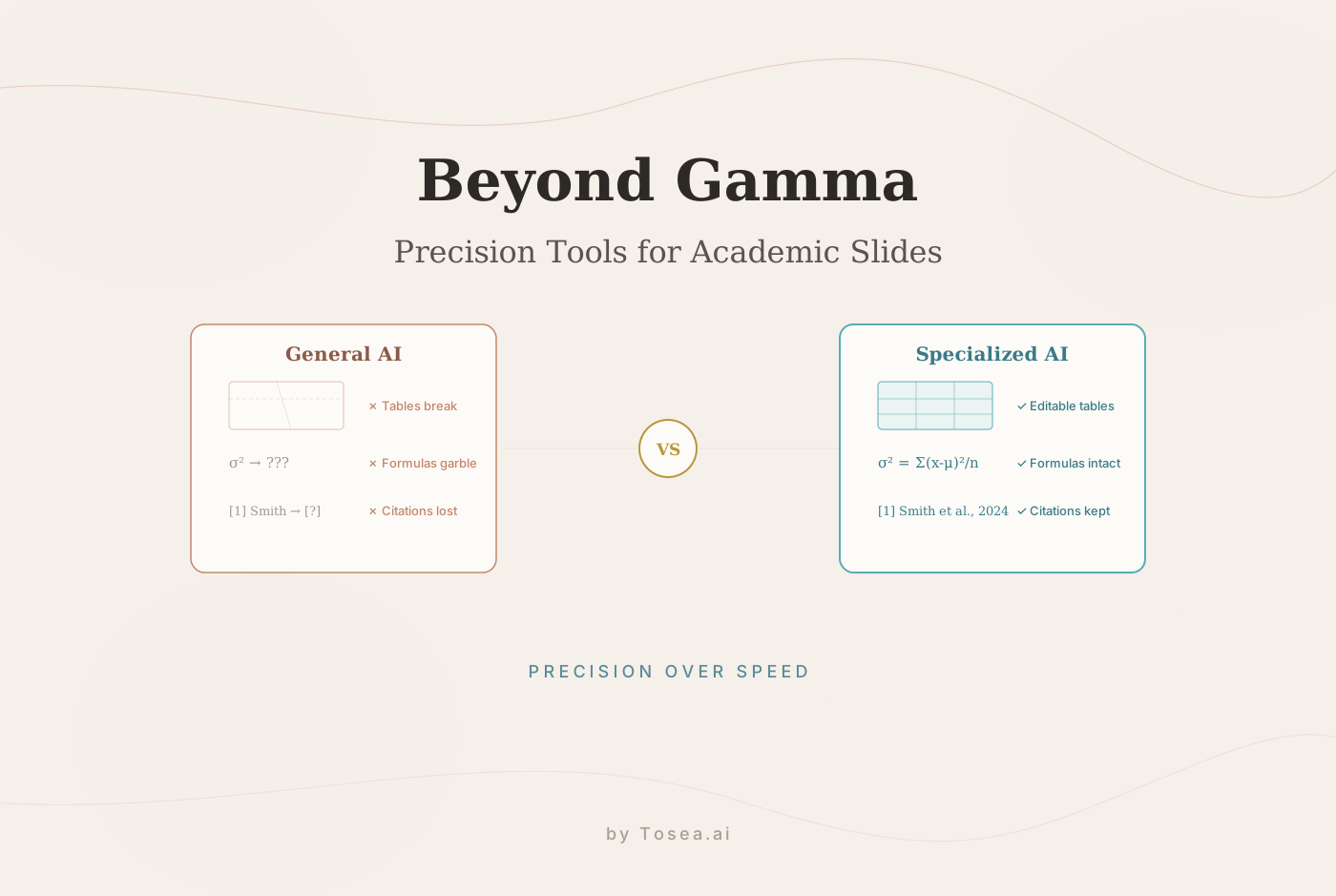
While Gamma is a well-known AI presentation tool prized for its speed, a growing number of academics and researchers are looking for a Gamma alternative. The reason: general-purpose AI tools often buckle under the precision that scholarly work demands. They can mangle data tables, corrupt citations, and introduce factual errors — lapses that are unacceptable when your credibility is on the line.
Why Academics Are Searching for a Gamma Alternative
Gamma has changed the presentation game. Its AI-first approach makes creating slides fast, and it has attracted a massive user base. Some analyses show it pulls in 9.5 times more website visits than its nearest competitor.
But that popularity is largely concentrated among users who need speed more than precision. For academics, researchers, and technical professionals, that trade-off is a problem. The search for a reliable Gamma alternative is driven by real frustrations with complex, high-stakes content. For a broader view of the competitive landscape, see our top Gamma alternatives for 2026.
Where General-Purpose AI Falls Short
Tools like Gamma are built for a broad audience. They work well for business or marketing content, but their AI models are not trained for the nuances of scholarly documents:
- Mangled data tables: A formatted table from a research paper can become a jumbled mess, losing all structure and rendering data incomprehensible.
- Lost citation integrity: In-text citations and reference lists get misinterpreted, reformatted incorrectly, or dropped entirely.
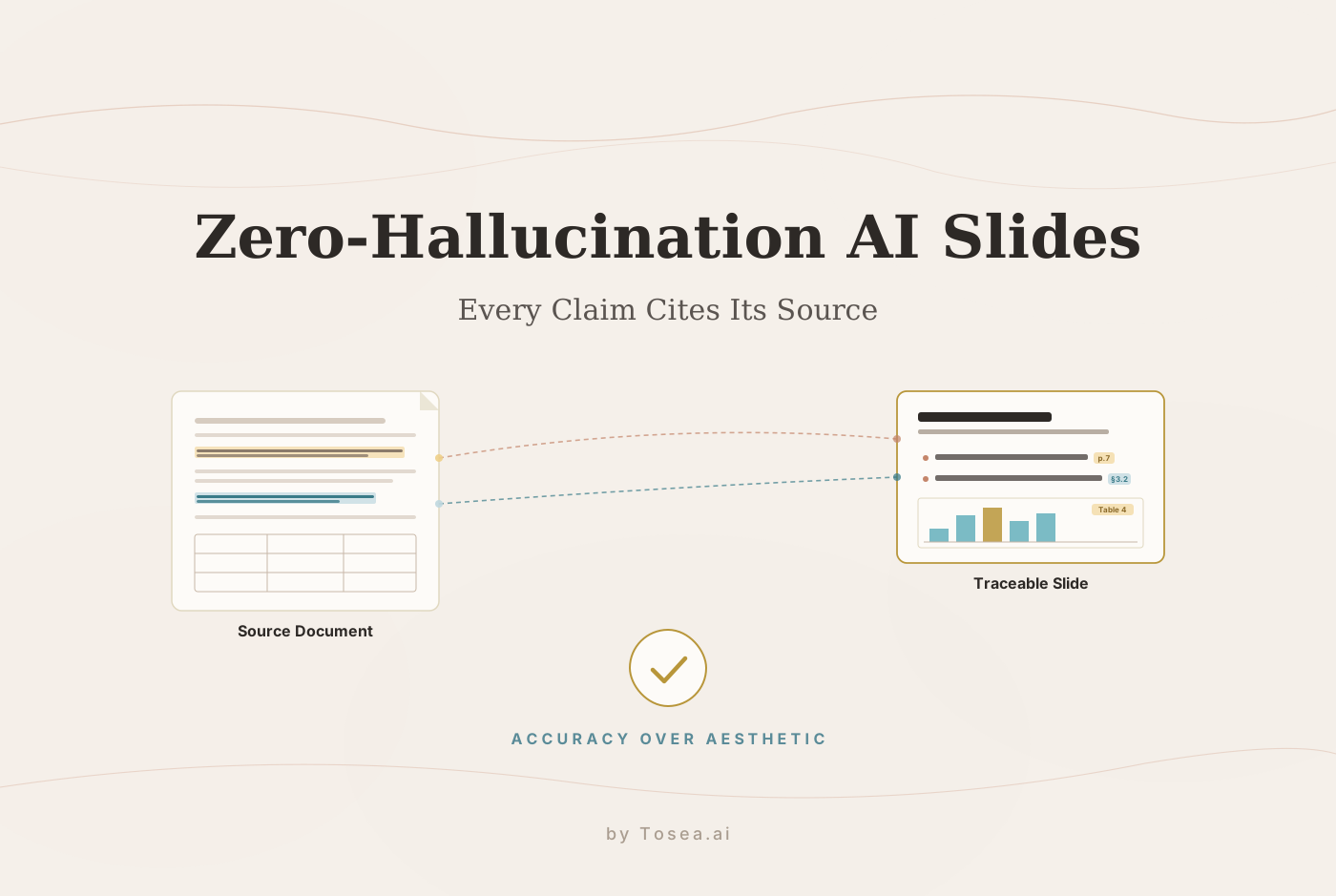
- AI "hallucinations": The AI may invent facts, misinterpret findings, or summarize content inaccurately — a risk we analyzed in depth in our piece on hallucination-free document-to-PPT conversion.
These are not minor glitches. They undermine the purpose of an academic presentation: communicating findings accurately and defending your work.
How Tosea.ai Handles Academic Content Differently
Tosea.ai was built to fill this gap. Its AI models are trained specifically on research papers, dense PDFs, and scientific journals — not generic web content. This specialized training has direct implications for output quality.
When you upload a PDF containing a multi-column table from a clinical trial, Tosea.ai identifies rows, columns, headers, and data points, then reconstructs the table as an editable slide element. It preserves LaTeX formulas and maintains APA, MLA, or Chicago citation formatting. For a deeper look at how this compares to other approaches, see our Tosea.ai vs Gamma analysis.
Feature Comparison for Academic Use
| Feature | Gamma | Tosea.ai |
|---|---|---|
| Primary Focus | General business and creative | Academic and technical content |
| Table Handling | Tends to convert to images or garble | Reconstructs as fully editable tables |
| Formula Support | Struggles with LaTeX/MathML | Preserves mathematical formulas |
| Citation Integrity | Often breaks or loses citations | Maintains citation styles (APA, MLA, etc.) |
| Output Format | Web-based slides; exports can be inconsistent | Native, fully editable PowerPoint (.pptx) |
| Editability | Limited within its platform | Full control in PowerPoint |
True Editability
Many AI tools produce visually impressive but locked-in slides where deep edits are difficult. Others offer exports that break layouts, creating more work than they solve.
Tosea.ai converts directly to fully editable PowerPoint (.pptx) files. Every element — text boxes, table cells, formulas — remains a native, editable object. A practical example:
- Upload a 30-page economic report with dense tables and statistical models.
- Tosea.ai generates a 20-slide deck summarizing key findings.
- A table needs a new column for Q4 data — you click into the table and add it directly.
Turning a Research Paper into a Presentation
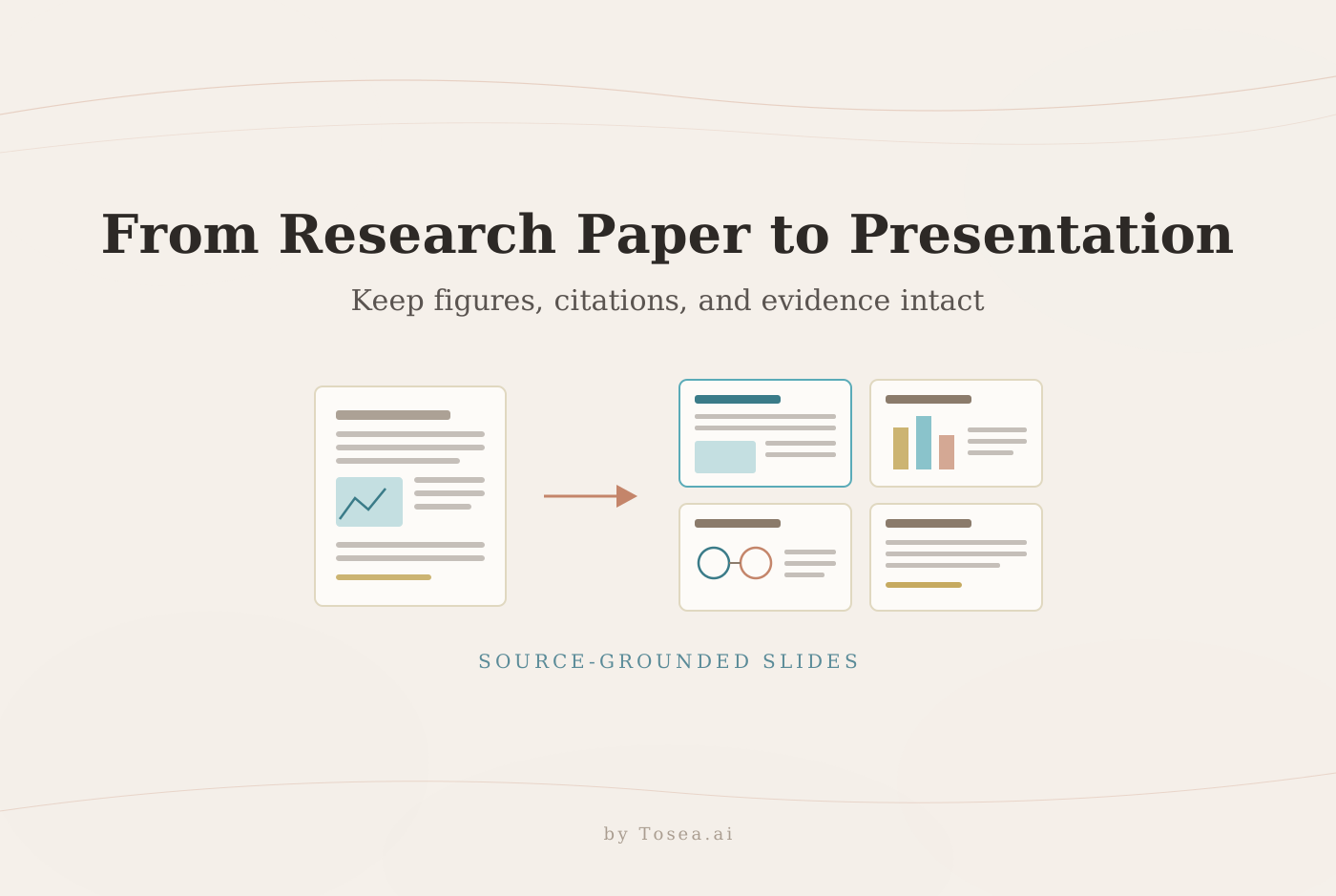
You have a dense, 20-page bioinformatics paper and a journal club presentation next week. Upload the PDF to Tosea.ai. The AI analyzes the document's structure — headings, core arguments, data tables, references — and generates a structured draft in about a minute.
The output follows academic structure:
- Introduction: Research question and background
- Methodology: Experimental design and procedures
- Results: Key findings with preserved tables and figures
- Discussion: Interpretation and implications
- Conclusion: Primary takeaways
For a detailed walkthrough of this process, see our research paper to slides workflow, or go straight to the page built to turn a research paper into a presentation.
The Editing Phase
The AI draft is your launchpad. Open the .pptx file and verify content — check numbers, tables, and figures. Then shift to storytelling: reorder slides, expand on points the AI summarized briefly, and adjust layouts. Since every element is editable, you have full control.
Give citations a final review. Tosea.ai preserves academic references, but a quick check ensures complete accuracy. This blend of AI speed and human oversight produces presentations that are both fast and academically sound.
Preserving Complex Data Tables and Formulas
This is where the Gamma alternative question becomes most concrete. A complex table from a clinical trial — patient outcomes across five cohorts — often becomes a single run-on paragraph in standard AI tools.
With Tosea.ai:
- Rows and columns stay intact — relational data integrity is preserved
- Headers and labels are correctly placed — anyone can interpret the data at a glance
- Tables are native PowerPoint objects — click into any cell to edit
For formulas, the system recognizes LaTeX and MathML as distinct mathematical elements, transferring them as high-fidelity, editable objects. Standard deviation (σ), complex integrals, and chemical formulas render correctly and remain editable.
The Market Shift Toward Specialization
The AI presentation tools market was valued at USD 12.3 million in 2022 and is projected to reach USD 34.5 million by 2026. That growth reflects users graduating from one-size-fits-all platforms to tools built for specific problems. More details are available in this market research report on AI presentation tools.
Purpose-built tools like Tosea.ai represent a different philosophy: train AI specifically on research papers and financial reports to address the pain points that trip up generalist tools. For a broader comparison, see our guide on the best AI presentation makers for 2026.
- Academic integrity: Citation formats are understood and preserved
- Data fidelity: Complex tables and formulas are reconstructed accurately
- True editability: Native PowerPoint files give full control
A Practical Test You Can Run Today
The fastest way to evaluate whether you need a specialized Gamma alternative is a 10-minute test:
- Take your most data-heavy research paper or report (preferably with tables and citations).
- Upload it to Gamma and generate a presentation.
- Upload the same document to Tosea.ai and generate a presentation.
- Compare three things: (a) Are the data tables intact and editable? (b) Are citations preserved in their original format? (c) Can you edit every element in the exported file?
The results will tell you more than any feature comparison table. If both tools handle your content equally well, stick with whatever you prefer. If one consistently mangles your data while the other preserves it, the choice is clear.
Gamma remains a strong choice for quick creative decks where precision is not the primary requirement. But for professionals who cannot afford errors in data, formulas, or citations, a specialized Gamma alternative produces better results.
Who Should Consider Switching from Gamma
Not everyone needs a specialized Gamma alternative. Here is a practical framework for deciding:
Stay with Gamma if: You primarily create business pitches, marketing decks, or internal brainstorming presentations. Gamma's speed and creative templates work well for content where precise data formatting is not critical. It is also a good choice for teams that value collaborative web-based editing over PowerPoint compatibility.
Consider switching if: Your presentations contain data tables with more than 3 columns, mathematical formulas, or citations that must be accurate. If you have ever spent more than 30 minutes fixing AI-generated slides because the data was wrong, a specialized tool will save you time overall.
Switch now if: You regularly present at academic conferences, defend research, or create investor-facing decks with financial data. The cost of a formatting error in these contexts — damaged credibility, lost funding opportunities, failed defenses — far outweighs the learning curve of a new tool.
The decision often comes down to a simple test: upload your most complex document to both Gamma and Tosea.ai and compare the output. The difference is most visible in how each tool handles your tables, formulas, and references. For additional comparisons, see our analysis of Canva vs Gamma for professional presentations.
Real-World Impact: Time Savings and Error Reduction
The practical value of a specialized Gamma alternative becomes clear when you measure the workflow difference:
Time to first usable draft: With Gamma, uploading a complex research paper typically produces a draft that needs 30-60 minutes of table reconstruction, formula correction, and citation repair. With Tosea.ai, the same document produces a draft that needs 10-15 minutes of narrative refinement — the structural accuracy is already in place.
Error rate in data elements: In our testing with a 25-page economics paper containing 8 data tables and 47 citations, Gamma's output required corrections to 6 of 8 tables and lost 12 citations entirely. Tosea.ai preserved all 8 tables in editable format and maintained 45 of 47 citations correctly (two required minor formatting adjustments).
Export compatibility: Gamma's web-based output exports to PowerPoint with occasional layout shifts — fonts change, spacing adjusts, and table borders may disappear. Tosea.ai generates native .pptx files that open identically in PowerPoint and Google Slides without any layout drift.
These differences compound over an academic career. A researcher who presents monthly saves approximately 15-20 hours per year by using a specialized tool — time that goes directly back into research, writing, and collaboration.
Frequently Asked Questions
Is Tosea.ai better than Gamma for scientific slides?
For scientific, technical, or data-heavy content, Tosea.ai produces more reliable results. Its models are trained to handle research paper structures — tables, formulas, citations — that general-purpose tools typically mishandle. Gamma is better suited for creative and business content where speed matters more than precision.
Can I edit the slides after generation?
Yes. Tosea.ai exports standard .pptx files. Every element — text, tables, formulas, images — is fully editable in PowerPoint or Google Slides. You are not locked into a proprietary editor.
What file types does Tosea.ai support?
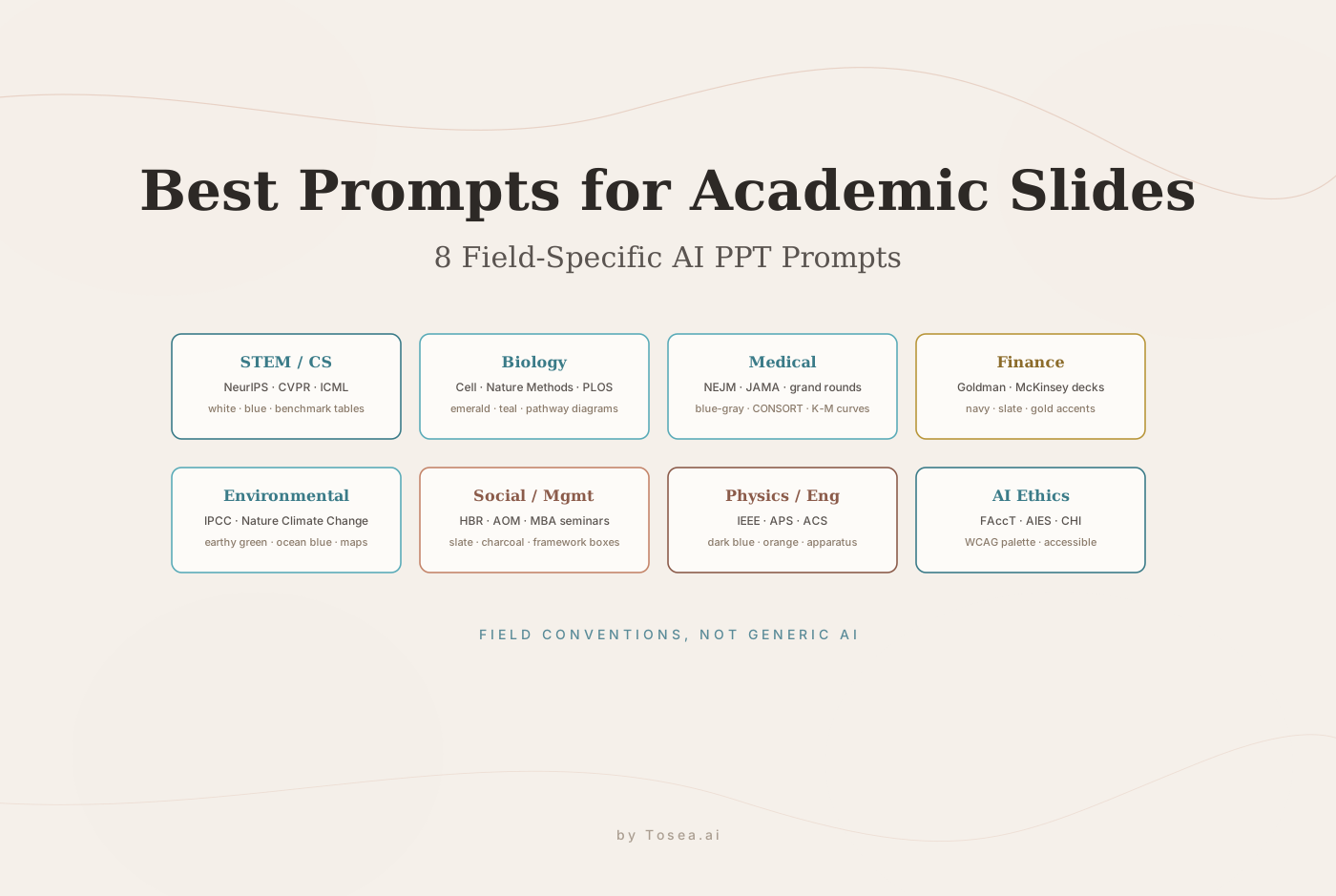
Tosea.ai is optimized for PDF documents, the standard format for research papers and published academic literature. By focusing on PDFs, the AI delivers higher quality output from scholarly sources. For prompting tips that improve results, see our guide on best AI prompts for document-to-PPT.
How does Tosea.ai handle citations?
The AI recognizes common citation styles (APA, MLA, Chicago), preserves in-text citations during conversion, and pulls reference information to help build a complete references slide. For related tools, see our comparison with Beautiful.ai and comparison with Presentations.AI.