How to Scale Global Presentations with AI: A Complete Guide for Distributed Teams
A practical guide to building a presentation system for distributed teams. Learn how AI workflows enforce consistency across global offices, from narrative frameworks to single-source-of-truth data.
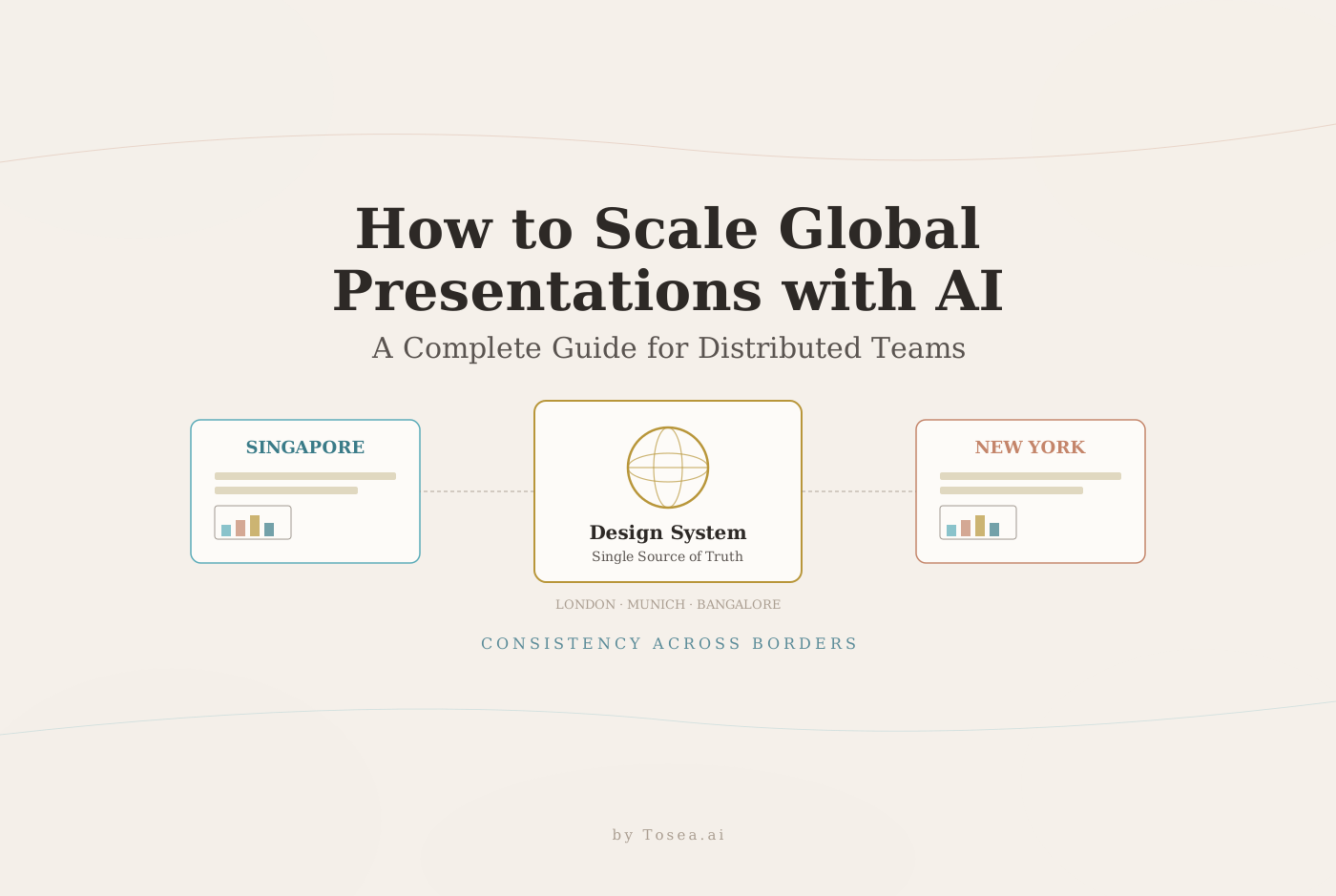
Picture a scenario that every global organization knows intimately. Your company has a major product launch. The marketing team in Singapore builds one version of the launch deck. The sales team in New York builds another. The regional lead in London adapts both into a third. By the time the executive presentation is needed, there are three different stories being told about the same product, in three slightly different visual languages, with three different sets of supporting data.
Nobody did anything wrong. The problem was never individual capability. The problem was the absence of a system.
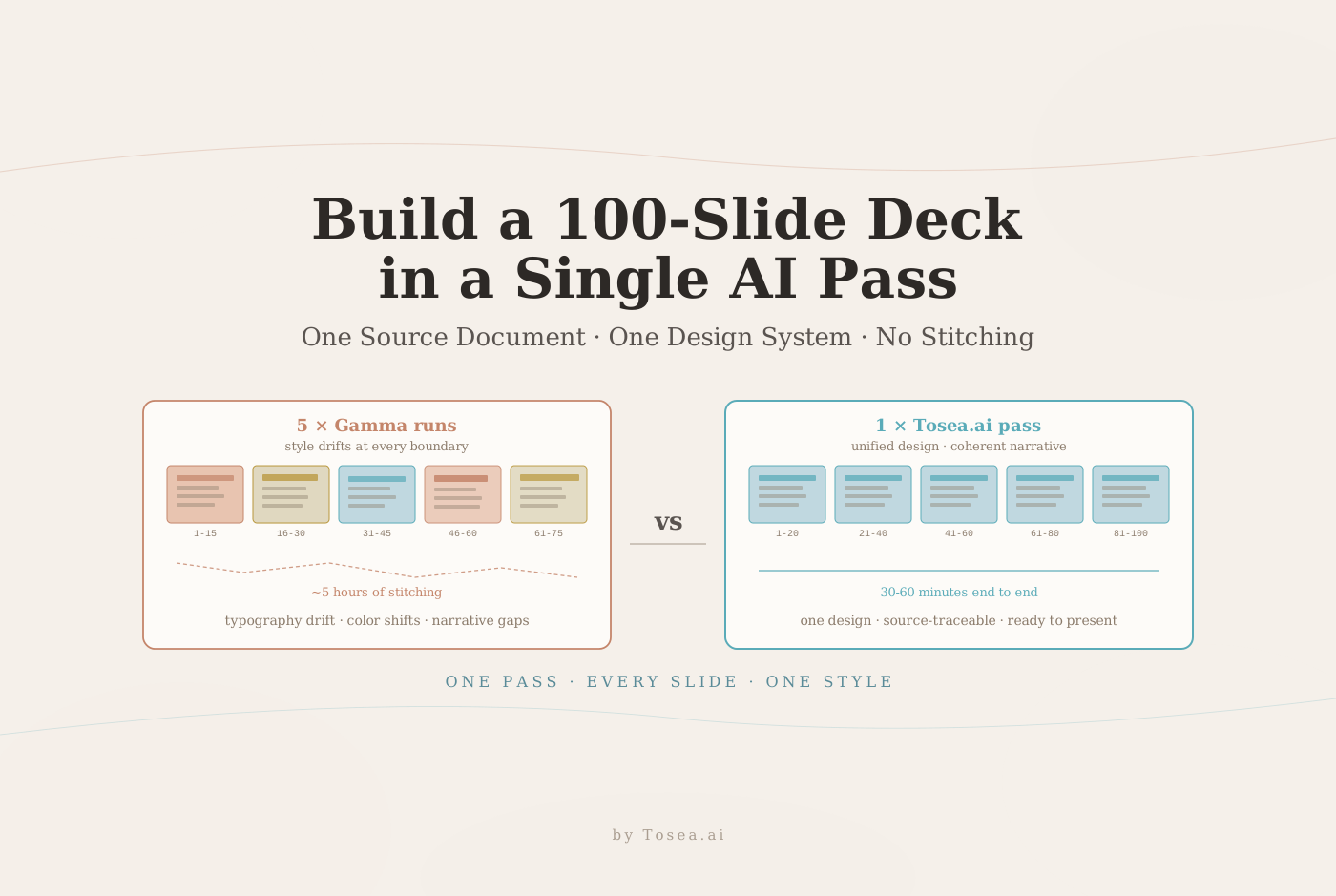
If your organization regularly needs to convert internal research, strategy documents, or quarterly data into professional presentations, Tosea.ai gives any team member a way to produce consulting-grade decks directly from source documents. For a broader view on how distributed organizations handle complex source material, our write-up on turning complex files into executive presentations pairs well with the system described here.

Why Global Teams Struggle With Presentations More Than They Expect
The scale of distributed work in 2026 is striking. According to Gini Talent's analysis of global work trends, 73% of all teams are expected to have remote workers by 2028, and the global collaboration software market is already projected to reach $24.48 billion. Distributed work is not a temporary arrangement — it is the operating model.
And within that operating model, presentations are one of the highest-friction points. They are created constantly, across every function and level, for audiences ranging from internal stakeholders to external investors to customers. They are also inherently local in their creation — one person builds a slide, another revises it, a third adapts it for a different audience — which means they are particularly vulnerable to the compounding drift that distributed creation produces.
The specific failure modes are consistent across organizations.
Narrative drift is the first. A core story — why the company exists, what a product does, why a strategy was chosen — gets retold slightly differently each time it passes through a new pair of hands. The change in any single iteration is small enough to be invisible. Across twelve iterations over six months, the drift is significant. The message that the London office is telling customers no longer exactly matches what the New York office is saying.
Design inconsistency follows naturally. Even organizations with well-documented brand guidelines struggle with consistent execution. Which font size is correct for a body slide? How much padding should surround a chart? When should a dark background be used versus a light one? These are not questions most contributors think to ask, and the answers are rarely enforced by the tools people use to build slides.
Redundant work is the third failure mode. Teams across regions rebuild the same slide types repeatedly — competitive landscapes, onboarding overviews, product capability summaries — because they cannot easily find the existing version, are not sure if it is current, or have been told to adapt it but find adaptation harder than rebuilding from scratch.
Version confusion compounds everything. When there is no single source of truth for which version of a deck is current, contributors waste time reconciling multiple files. The effort spent on version management is effort not spent on the actual content. For organizations dealing with this problem at scale — particularly in regulated industries — our analysis of agentic AI in global banking document workflows examines how autonomous agents are restructuring this exact coordination problem.
What AI Actually Changes — and What It Does Not
AI does not solve the organizational problems that cause inconsistent presentations. Drift, redundancy, and version confusion are fundamentally coordination problems. Technology alone cannot resolve them.
What AI does is remove the manual overhead that makes consistent presentation creation so difficult at scale. And in doing so, it makes consistent systems much easier to sustain.
The critical shift is from individual interpretation to embedded standards. In a traditional workflow, consistency depends on each contributor correctly interpreting and applying brand guidelines, choosing the right template, finding the right data, and making the right editorial decisions about what to include and how to frame it. Every one of those steps is an opportunity for variation.
AI moves the standards from documentation into the creation process itself. When a team member generates a slide using an AI tool configured to your brand system, the layout, typography, and color choices are applied automatically. They do not need to consult a style guide. The output is compliant by default.
This is a meaningful operational shift for global teams. It means that a contributor in Bangalore generating a sales deck and a contributor in Munich generating the same deck type will produce output that is visually and structurally consistent — not because they were both trained on the same guidelines, but because the tool enforced the guidelines on their behalf. Our deeper exploration of this shift lives in how AI agents are redefining professional slides in 2026.
Five Practices for Building a Scalable Presentation System With AI
1. Define a Narrative Framework Before You Define Templates
Most organizations build slide templates and then try to teach teams how to use them. A more effective sequence is the reverse: define the narrative structure first, then build templates that enforce it.
For each major presentation type — customer proposal, executive quarterly review, product launch, investor update — document the logical flow that the audience needs to follow in order to arrive at the intended conclusion. What context do they need first? What problem must be established before the solution lands? What evidence is required before a recommendation is credible?
AI performs best when it has a structural blueprint to work from. A system that specifies not just the visual layout of each slide but the narrative function — this slide establishes urgency, this slide presents options, this slide defines the recommended path — gives AI tools the context needed to generate content that actually advances the story rather than filling space. For the executive summary piece of that blueprint specifically, our master slide guide for executive summaries walks through the mechanics.
2. Build a Living Design System, Not a Static Template Library
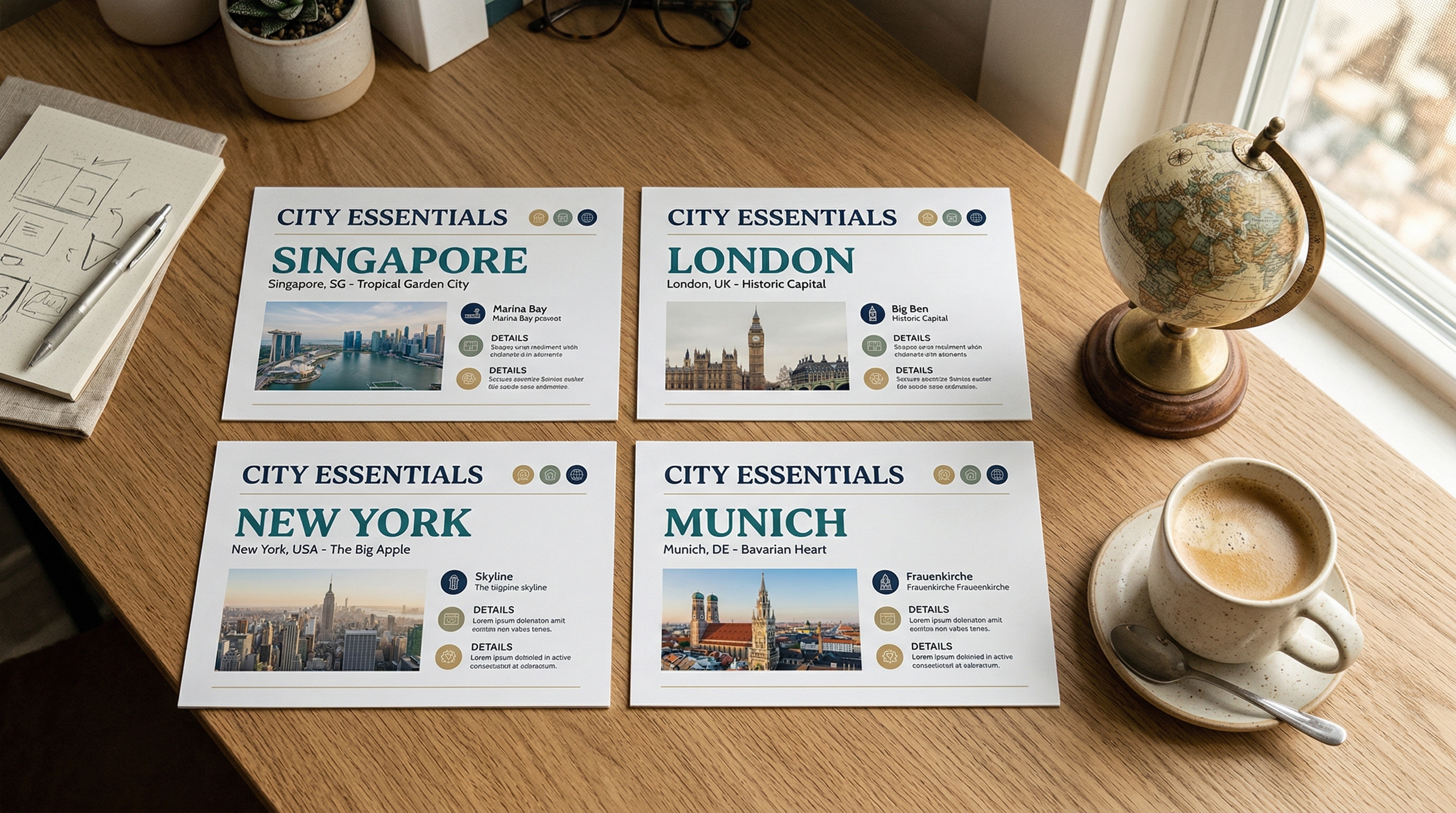
There is a meaningful difference between a folder of PowerPoint templates and a design system. Templates are static files that drift from the standard the moment someone saves a modified version. A design system is a set of maintained, enforced rules for visual output.
For global teams using AI tools, the design system should be built into the tool itself. That means pre-configured layouts with locked proportions, approved font families and sizes, a defined color palette with specific use cases for each color, and chart styles that are consistent across all output. When these rules are embedded in the generation process rather than documented in a separate handbook, compliance is automatic.
Organizations should also establish governance: who owns the design system, how updates are communicated, and how the system is versioned so that older presentations do not silently become non-compliant when standards evolve. For background on the visual quality side of that governance, see our piece on mastering high-quality presentations with AI in 2026.
3. Use AI for Content, Not Just Formatting
A common early mistake with AI presentation tools is using them only for visual formatting — making slides look better without changing how they are built. The more significant productivity opportunity is in content generation itself.
AI can draft a first version of a complex slide based on a data input or a written brief. It can simplify a technical explanation for a non-technical audience. It can identify the three most important points in a ten-page research document and structure them into a clear narrative sequence. It can adapt the tone and framing of a deck for a different audience segment — what works for an engineering audience needs significant adjustment for a board audience.
For global teams, this capability is particularly valuable in localization. Regional contributors understand their local markets, their local customers, and the cultural context that makes certain messages land differently in different places. AI can handle the structural and visual work, freeing regional team members to contribute the local insight that cannot be templated.
4. Design for Asynchronous Collaboration
Global teams cannot rely on real-time meetings to align on presentations. The time zone math alone makes synchronous coordination expensive — a meeting that works for Singapore, London, and New York requires someone to be on a call at an uncomfortable hour.
The practical solution is a presentation workflow designed for asynchronous contribution. This means clear version control so that contributors know which file is current. It means structured review processes where feedback is contextual and addressable rather than delivered in a meeting. It means explicit ownership — one person responsible for each section, with clear handoff points.
AI supports asynchronous work by summarizing what has changed between versions, flagging inconsistencies when new content is added, and helping contributors understand the context for a section they are joining without requiring a briefing call. According to research compiled by Chanty, remote workers report spending significantly more focused time on deep work compared to office-based peers. A presentation workflow that minimizes coordination overhead preserves that time for substantive contribution.
5. Establish a Single Source of Truth for Data and Messaging
The most common cause of inconsistency in global presentations is not design — it is data. Different regions are pulling different numbers from different systems, or pulling the same numbers from the same system but at different points in time. The result is presentations that contradict each other, which undermines credibility when those presentations reach the same audience.
The solution requires both organizational and technical components. Organizationally, someone needs to own the canonical version of key metrics, market data, and core messaging. Technically, AI tools should be connected to those canonical sources wherever possible, so that generated presentations pull from current, approved data rather than from whatever the contributor happened to have on hand. The weekly reporting discipline we describe in our weekly pulse reports guide is one practical way to enforce this at the operational level.
McKinsey's research on post-pandemic work transformation has consistently found that organizations that invested in digital systems and clear information architecture saw the most durable productivity improvements in distributed environments. For presentations specifically, that investment means building the infrastructure that makes accurate, consistent content the path of least resistance.
The Cost of Not Having a System
The aggregate cost of a broken presentation workflow is significant and largely invisible. It shows up as hours spent searching for the right version of a file. It shows up as the meeting that goes off-script because different stakeholders were given different decks. It shows up as the sales cycle that extends because the regional team's materials did not reflect the latest positioning.
Research compiled by Yomly on distributed work trends found that 50% of business leaders are actively concerned about maintaining company culture and alignment in distributed environments. Presentations are one of the primary vehicles through which company narrative, strategy, and culture travel across a distributed organization. When they drift, the drift is not just visual — it is strategic.
Who Is This System For?
Not every team needs this level of infrastructure. A five-person startup with one person building decks does not benefit from a governance layer. The payoff starts when a presentation system has to survive multiple contributors, multiple regions, or multiple product lines. Specifically, this guide is aimed at four profiles.
Global enterprises with regional teams building customer-facing content independently. These are the organizations where narrative drift is most expensive, because the audience often overlaps across regions and notices contradictions.
Consulting and professional services firms where every engagement produces presentation artifacts that clients may compare against prior work. A house style is not optional — it is part of what the client is paying for, and our analysis of McKinsey deck logic shows how rigorously top firms enforce it.
Revenue operations and enablement teams that are responsible for making field teams effective. The consistency of customer-facing material is a direct input to sales productivity.
Product marketing and corporate communications teams that coordinate launches across multiple geographies and languages. Their output is the clearest test of whether a presentation system actually works under distributed conditions.
Closing the System With Tosea.ai
Every practice in this guide depends on one capability: the ability to quickly convert substantive content into a professionally structured presentation.
That is the specific problem Tosea.ai solves. When a regional analyst produces a market research report, a product manager writes a launch brief, or a finance team generates a quarterly summary, those documents contain the substance that needs to reach stakeholders. What they lack is professional presentation structure.
Tosea.ai's Spatial Semantic Perception engine reads the logical hierarchy of any source document — PDF, Word, Markdown — and reconstructs it as a slide sequence that follows the narrative logic of the original content. The output is not a reformatted version of the document. It is a purpose-built presentation that reflects the document's actual argument structure, formatted to consulting-grade visual standards.
The Absolute Traceability feature ensures that every data point and claim in the generated presentation links back to the source document. For global teams where data provenance matters — where an investor or an executive may ask where a specific figure came from — this creates immediate accountability.
The output is a native .pptx file, editable in any standard presentation tool, ready to be customized with local context or sent directly to stakeholders.
A consistent global presentation system requires clear narrative frameworks, maintained design standards, AI-assisted content generation, asynchronous collaboration infrastructure, and a single source of truth. The tooling closes the loop on the last mile — ensuring that the work your teams produce turns into presentations that reflect its quality. For teams comparing options before committing, our Tosea.ai vs Gamma write-up covers how different tools approach the professional workflow problem.