6 Best Manus AI Alternatives in 2026 for Professional Workflows
Comparing the top Manus AI alternatives for 2026, from open-source agents to specialized document-to-PPT tools.
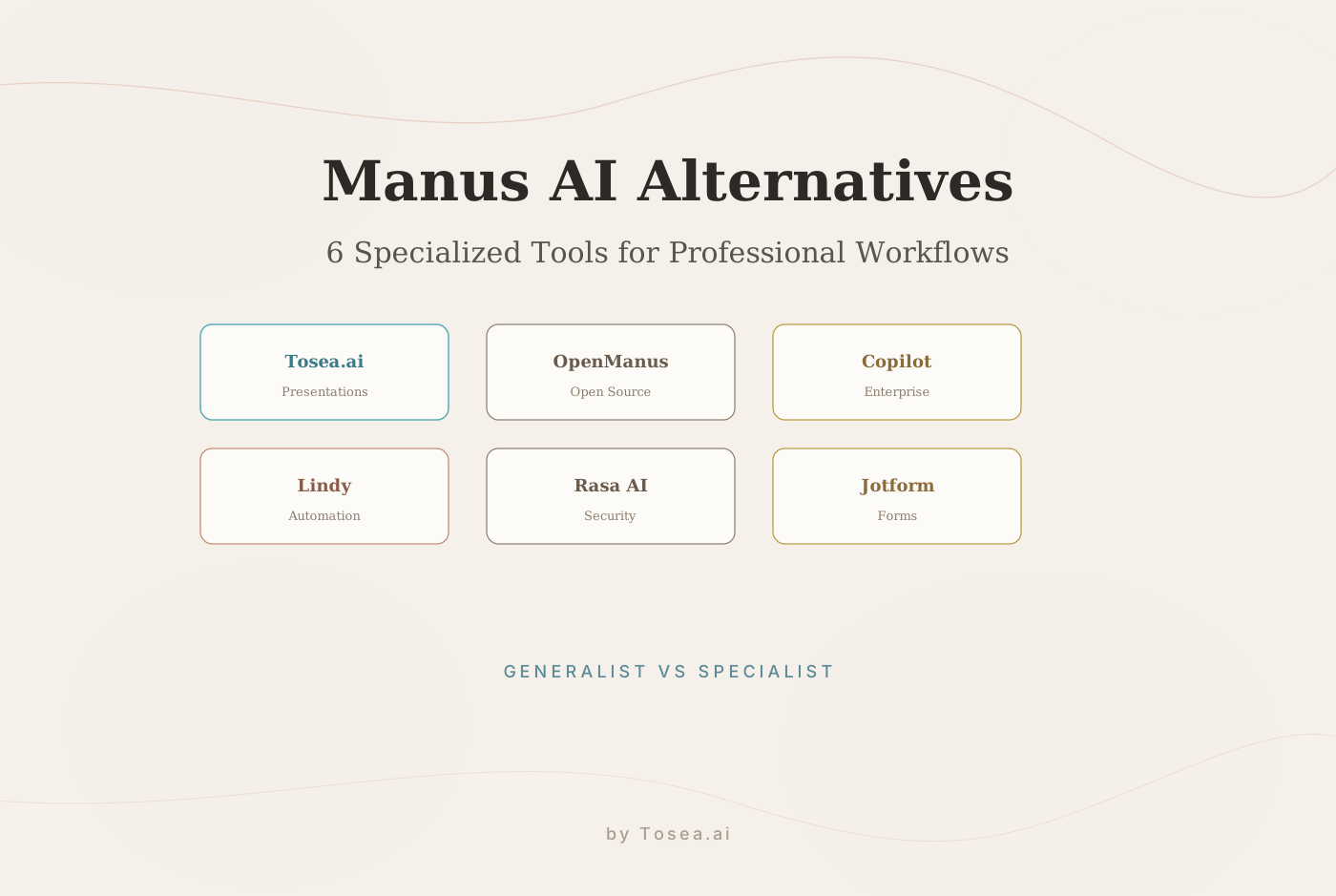
Manus AI has shaped the landscape of autonomous agents in 2026. But as the initial hype settles, many professionals — from startup founders to senior consultants — are discovering that while Manus is a capable generalist, it often falls short on specialized outputs. Restrictive invite-only access, unpredictable credit-based pricing, and a lack of design-centric logic are pushing users toward targeted alternatives.
If your primary goal is to turn dense research, complex business plans, or technical white papers into professional presentations, a general-purpose agent is no longer enough. You need a tool that understands the architecture of a story. This is the same pattern we tracked in the SaaS-pocalypse and the rise of agentic workflows.
How We Evaluated
We tested each alternative against three criteria: (1) quality of professional output for document-to-presentation workflows, (2) total cost of ownership including API fees and setup time, and (3) flexibility — how well the tool adapts to non-standard inputs like mixed-language PDFs or documents with complex tables. Testing was conducted over four weeks in February-March 2026 using a standardized 30-page quarterly business report as the benchmark document.
Quick Comparison: Top Alternatives at a Glance
| Tool | Monthly Pricing (USD) | Best For | Key Advantage |
|---|---|---|---|
| Tosea.ai | Free tier available | Founders & Consultants | Professional file-to-PPT conversion |
| OpenManus | Free (Open Source) | Developers | Full code-level control |
| Microsoft Copilot | 30 | Enterprise 365 Users | Deep Office integration |
| Lindy | $49.99+ | Lean Operators | Multi-step workflow automation |
| Rasa AI | $2,917+ (Growth) | Large Corporations | High security & self-hosting |
| Jotform AI | 99 | Small Businesses | No-code form automation |
1. Tosea.ai: The Specialist for Professional Presentations
While Manus AI tries to do everything, Tosea.ai focuses on one workflow: transforming complex business documents into professional PowerPoint decks.
What Sets It Apart
Tosea.ai's Spatial Semantic Perception engine analyzes the logical hierarchy of your file (PDF, Word, or Markdown). It identifies which points are strategic pillars and which are supporting data, then builds a narrative structure rather than a list of bullet points.
Its source traceability feature is particularly valuable in high-stakes settings. If an investor asks where a specific figure came from, you can trace any slide element back to the exact paragraph in your source document. Combined with consulting-grade templates inspired by firms like McKinsey and BCG, the output carries professional authority. For a detailed comparison, see our Tosea.ai vs Gamma analysis.
Limitations
Tosea.ai is hyper-focused on presentations. It will not write code for your backend or manage your email inbox. If you need a general-purpose agent, pair it with one of the tools below.
2. OpenManus: The Developer's Playground
For those who find Manus AI's proprietary nature too restrictive, OpenManus offers full access to the source code.
What Sets It Apart
Licensed under MIT/Apache, OpenManus allows you to modify and host your own AI agent. It supports GPT-4o, Claude, and local models like Llama 3.3 via Ollama. It excels at web browsing through Playwright and sandboxed code execution. The tool is part of the broader agentic shift in AI tools we've been tracking.
Limitations
It requires significant technical expertise to set up and maintain. There is no polished UI for non-coders, and you are responsible for managing your own API costs.
3. Microsoft Copilot: The Enterprise Workhorse
If your entire workflow lives within Microsoft 365, Copilot is the most natural alternative to Manus AI.
What Sets It Apart
Copilot's native integration with Word, Excel, and PowerPoint means it can tap into your Microsoft Graph — emails, calendars, and files. It can summarize a week of Teams meetings or draft a proposal from an email thread in seconds.
Limitations
While it can generate slides in PowerPoint, the layouts tend to be generic and lack the strategic depth required for high-quality professional presentations. It acts more like an assistant than a dedicated presentation architect.
4. Lindy: The "AI Employee" for Operators
Lindy is designed to replace manual labor in multi-step business processes, functioning as an autonomous operator rather than a chatbot.
What Sets It Apart
Lindy offers a no-code drag-and-drop builder that converts plain-English instructions into automation logic. It connects to over 4,000 apps, including Salesforce, Slack, and Google Calendar. It is particularly strong at email triaging and lead generation workflows.
Limitations
Credit-based pricing can become expensive for high-volume tasks, and it lacks deep document-parsing capabilities. For document-to-presentation workflows, a specialized tool like Tosea.ai delivers better results.
5. Rasa AI: The High-Security Standard
For enterprises in banking or healthcare, Manus AI's cloud-only nature is often a dealbreaker. Rasa AI provides infrastructure-agnostic deployment.
What Sets It Apart
Rasa focuses on CALM (Conversational AI with Language Models), combining LLM fluency with deterministic business logic. It can be deployed on-premises or in air-gapped environments, ensuring the AI never deviates from approved corporate policies.
Limitations
The entry cost is exceptionally high ($35,000+ annually), and implementation usually requires a dedicated engineering team. This is an enterprise-only solution.
6. Jotform AI Agents: Form-Driven Automation
Jotform has evolved from a simple form builder into a no-code AI agent platform focused on customer interaction.
What Sets It Apart
You can deploy agents across web chat, SMS, and WhatsApp to handle lead generation and appointment scheduling. Agents can be trained using document uploads or URL crawling, making it effective for personalized customer support.
Limitations
Strictly limited to form-based and interaction-based tasks. It cannot help with complex strategy or document transformation.
Why Strategic Presentations Require More Than an "Agent"
The primary reason professionals are looking for Manus AI alternatives is the quality gap between summarization and strategy. General agents are good at summarizing, but a summary is not a strategy.
When you use AI for high-stakes work, you need three things that general agents often lack:
- Narrative logic: A strong PPT is not a list of facts; it is an argument. Tosea.ai's engine is designed to follow a narrative structure that mirrors successful business presentations. Our deep dive into McKinsey deck logic explains why structure matters.
- Design authority: A slide with bad margins and clashing colors erodes credibility. Tosea.ai automates layout and typography so the output meets professional standards.
- Editability: General agents often produce static output or messy exports. Tosea.ai provides native
.pptxfiles, giving you full control to make last-minute changes directly in PowerPoint.
For a broader view of how AI tools handle this challenge, see our comparison of the best AI presentation makers for 2026.
How Each Alternative Handles the Presentation Challenge
One practical way to compare these tools is to test them against a common scenario: converting a 30-page quarterly business report into a 15-slide investor presentation.
Tosea.ai produced a structured deck with preserved tables, proper citation formatting, and consulting-grade layouts in under 3 minutes. The output was a native .pptx file requiring only minor narrative adjustments.
OpenManus could be scripted to extract key sections and generate Markdown slides, but the output required significant manual formatting to reach presentation quality. Total time: approximately 45 minutes including scripting.
Microsoft Copilot generated slides within PowerPoint, but the layouts were generic — bullet-heavy with minimal visual hierarchy. Tables from the source document were flattened into text. Time: 10 minutes plus 30 minutes of manual reformatting.
Lindy excelled at extracting data and routing it to the right people, but it has no native presentation capability. It would need to be paired with another tool for the final output.
Rasa AI and Jotform are not designed for document-to-presentation workflows at all. Their strengths lie in conversational AI and form automation respectively.
The takeaway: if presentations are a regular part of your workflow, a specialized tool delivers measurably better results than attempting to stretch a general-purpose agent into a role it was not designed for. This is the same principle behind the multi-agent approach to professional slide generation.
Who Is This Guide For?
- Consultants and founders who need to convert research and reports into investor-ready decks
- Enterprise buyers evaluating Manus AI alternatives for team deployment
- Developers looking for open-source agent frameworks they can customize
- Operations managers seeking automation tools that integrate with existing SaaS stacks
The Cost of Choosing Wrong
Choosing the wrong AI tool is not just about wasted subscription fees — it is about workflow disruption and trust erosion. Migrating from one platform to another costs time, and if your team has built automations or templates around a specific tool, switching carries real organizational friction.
Three criteria can help minimize this risk:
1. Match the tool to your primary output. If your team produces 5+ presentations per month, a specialized presentation tool will deliver more value than a general agent that happens to have a "create slides" feature. If your primary need is email automation, Lindy is a better fit than Tosea.ai.
2. Test with your actual documents. Demo videos show ideal scenarios. Upload your own messy, 40-page PDF with complex tables and see what comes back. The gap between demo performance and real-world performance is where most tools disappoint.
3. Evaluate vendor stability. Open-source tools (OpenManus) give you control but require maintenance. Enterprise SaaS tools (Copilot, Rasa) offer stability but at higher cost. Specialized tools like Tosea.ai sit between these extremes — focused enough to deliver quality, sustainable enough to maintain service.
For a broader perspective on how AI tools are reshaping professional workflows, our analysis of AI agents redefining professional slides explores the structural shifts underway.
Frequently Asked Questions
Is Manus AI still invite-only?
As of March 2026, Manus AI has expanded access beyond its initial waitlist, but credit-based pricing and usage caps remain in place. Alternatives like OpenManus offer unrestricted access.
Can I use multiple alternatives together?
Yes. Many users pair a general-purpose agent (Lindy or OpenManus) with a specialized output tool (Tosea.ai) to handle the full pipeline from research to professional delivery.
Which alternative is best for a small team?
For teams under 10, Lindy offers the best balance of automation breadth and cost. For document-heavy teams that produce frequent presentations, Tosea.ai's free tier covers most use cases.
Do any of these alternatives work offline?
OpenManus and Rasa AI can be self-hosted and run entirely on-premises. All other tools require an internet connection.
How does Tosea.ai compare to using Copilot for presentations?
Copilot generates generic slide layouts from within PowerPoint. Tosea.ai performs deep structural analysis of your source documents, building presentations with narrative flow and consulting-grade design. The difference is most noticeable with complex, data-heavy documents. See our detailed analysis of hallucination-free conversion for the technical details.