

1. Open the sidebar
Click the button at the top left of the page to open the sidebar, then go to My Files.
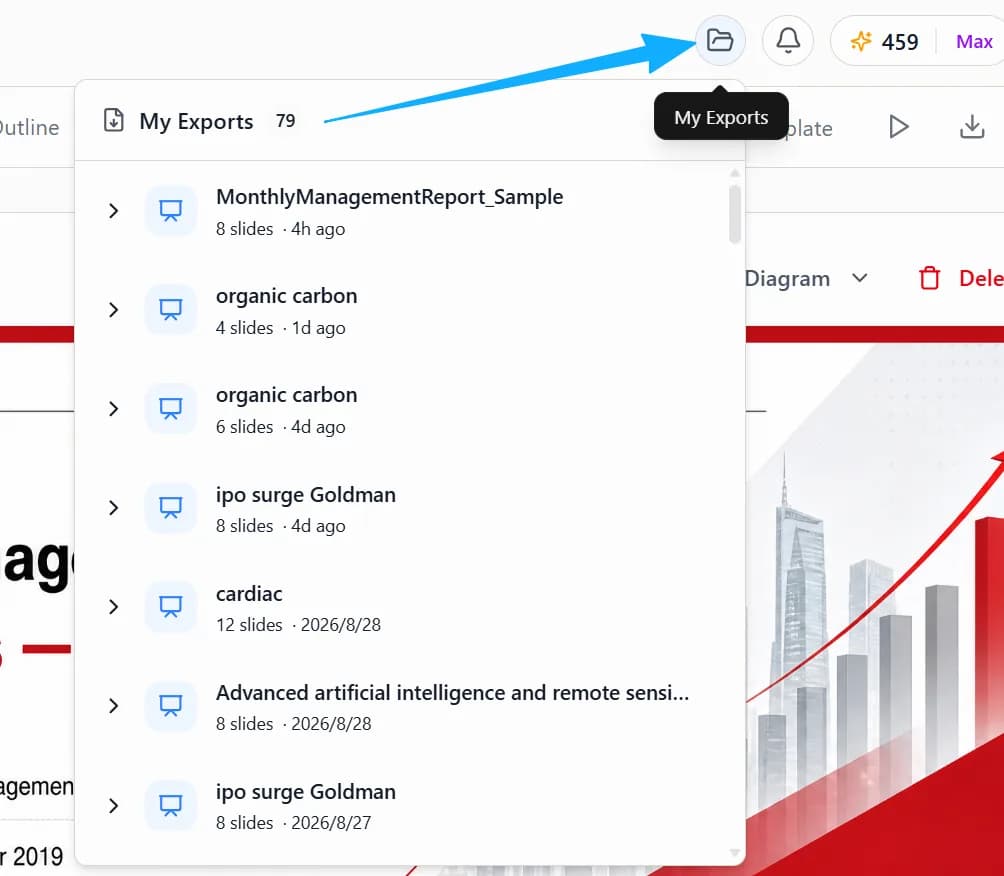
2. Find the export
Browse the export history in My Files and locate the file you need.
Help Center › Export & share
Open the sidebar at the top left and browse your export history in My Files.
Click the button at the top left of the page to open the sidebar, then go to My Files.
Browse the export history in My Files and locate the file you need.