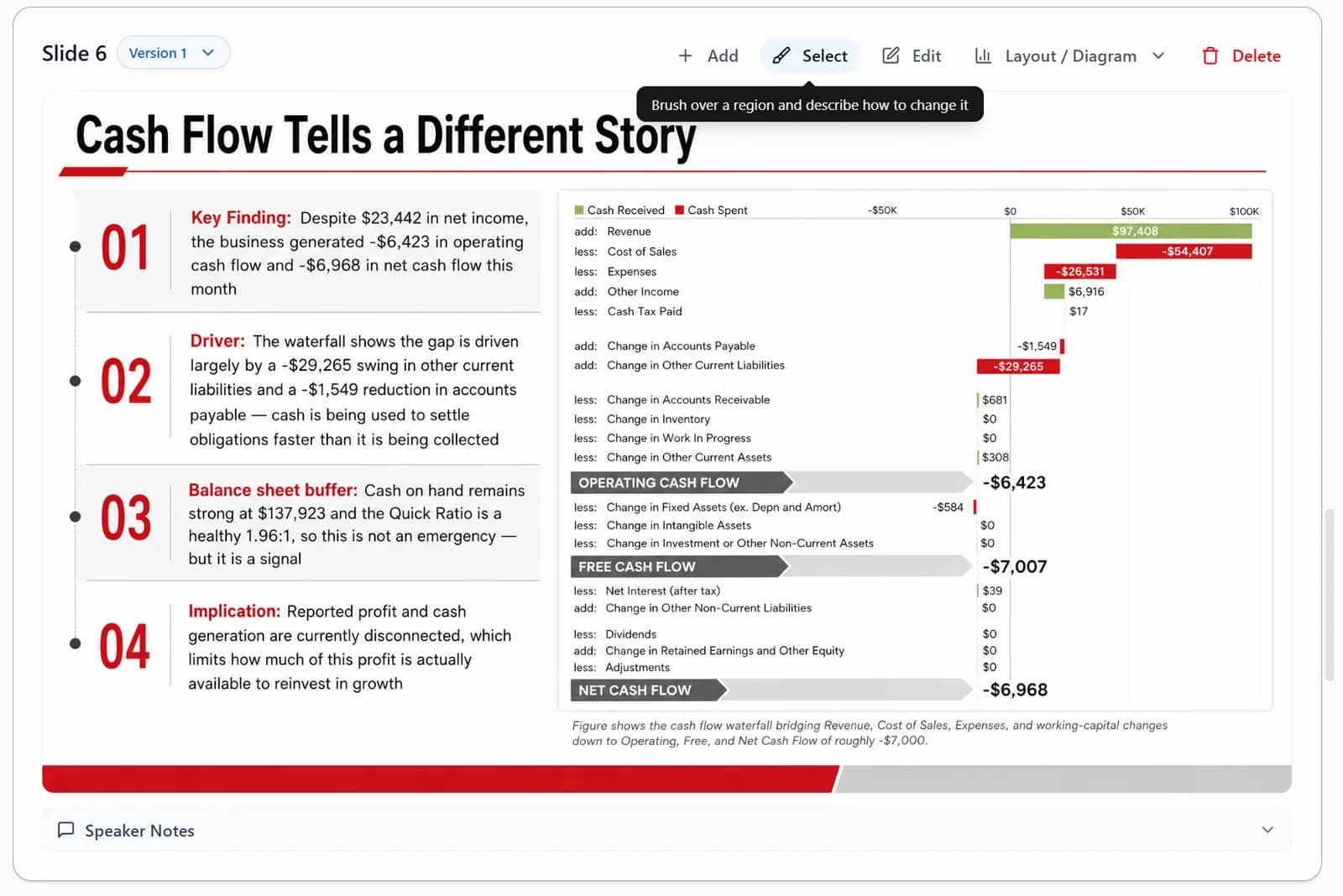
Paint over an area of a single slide and describe the change you want — Image mode only.
Select edits a specific area of a single slide. Once you reach the Slides stage, click Select, paint over the area you want to change, then type what you want changed. It suits local fixes, such as replacing an image area, adjusting one visual element, or asking for changes to a single block.
In the Slides stage, use Select to paint over an area, then describe the change you want.