Skip to content
Tosea.aiHelp CenterDashboard

Help CenterGetting started

Set the page count

Choose a slide count on the create page, or state the number you need in your prompt.

1. Choose a slide count on the create page

Click the slide count option at the bottom left of the chat box and pick how many slides you want.
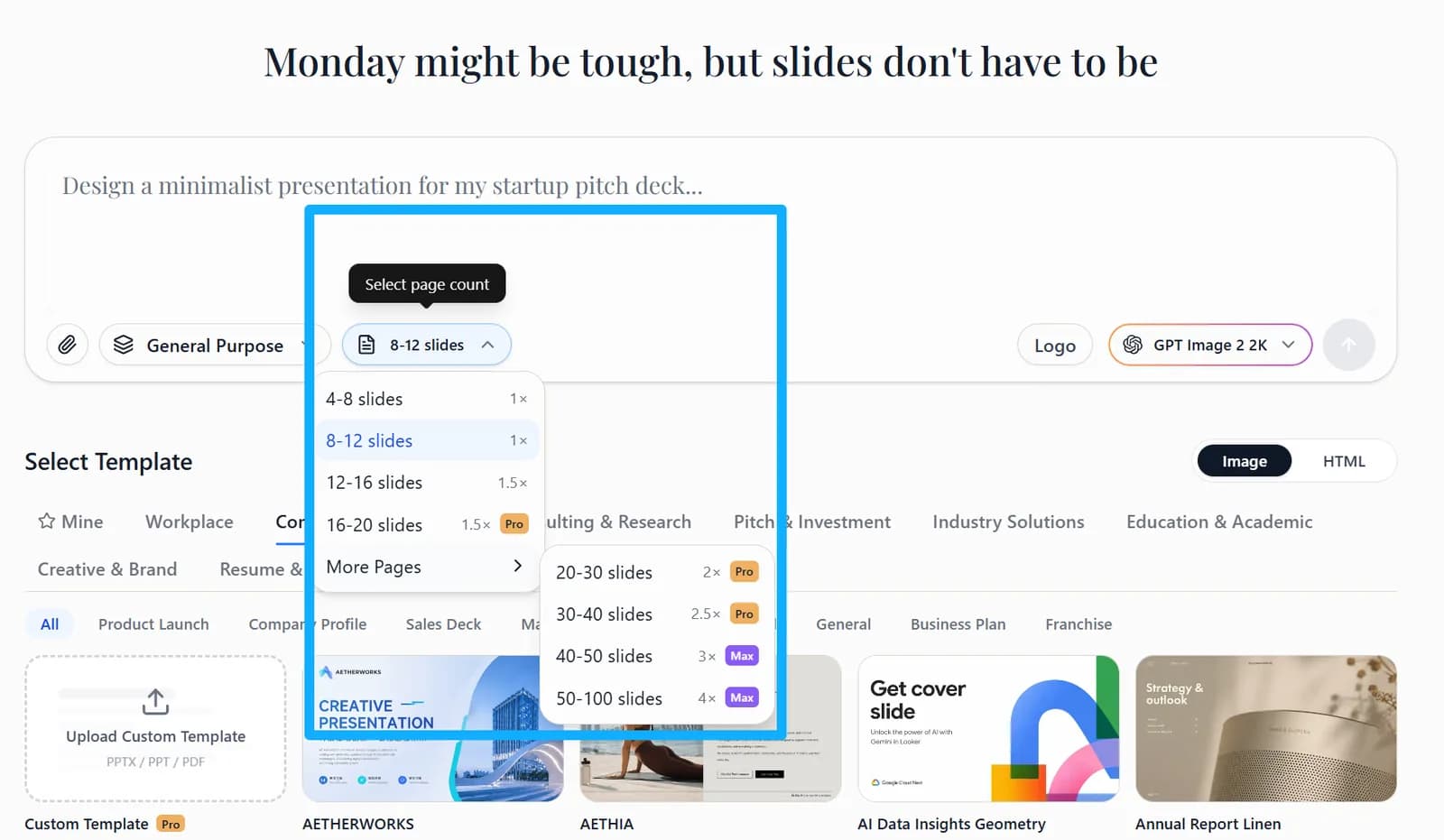
Slide count option at the bottom left of the chat box on the create page
Choose the number of slides on the create page — you can also state the count directly in your prompt.

2. State the count in your prompt

You can also simply write “generate a 10-slide deck” or “keep it to 8 to 10 slides”.