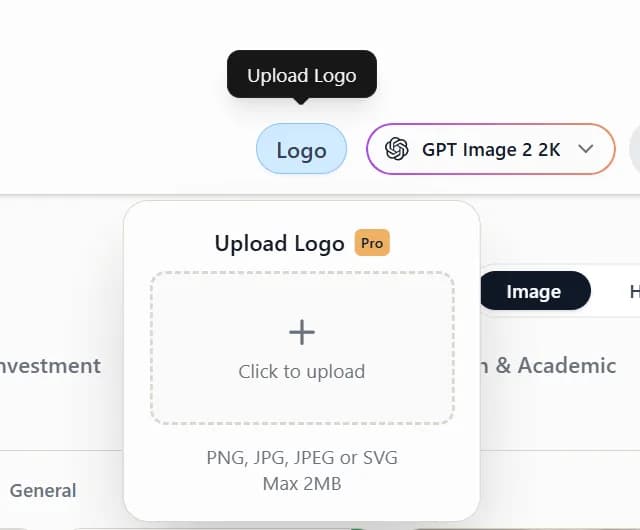
1. Upload your logo from the chat box
On the create page, click the Logo icon (Upload Logo) at the bottom left of the chat box, then choose a file to upload.
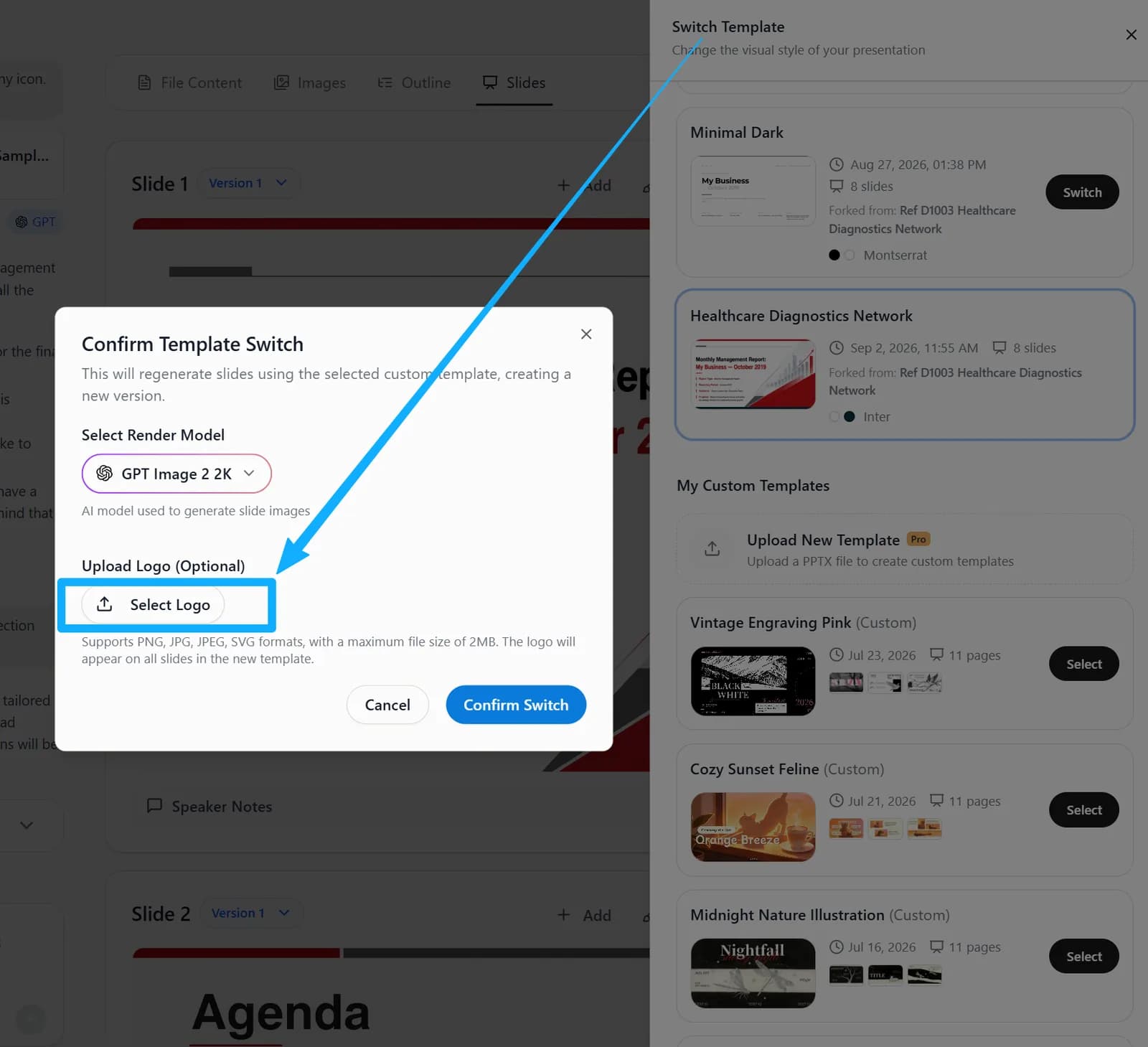
2. Upload your logo from Switch Template
After your slides are generated, open Switch Template, pick a template, click Advanced options, upload a file in the Logo settings, then confirm the switch.