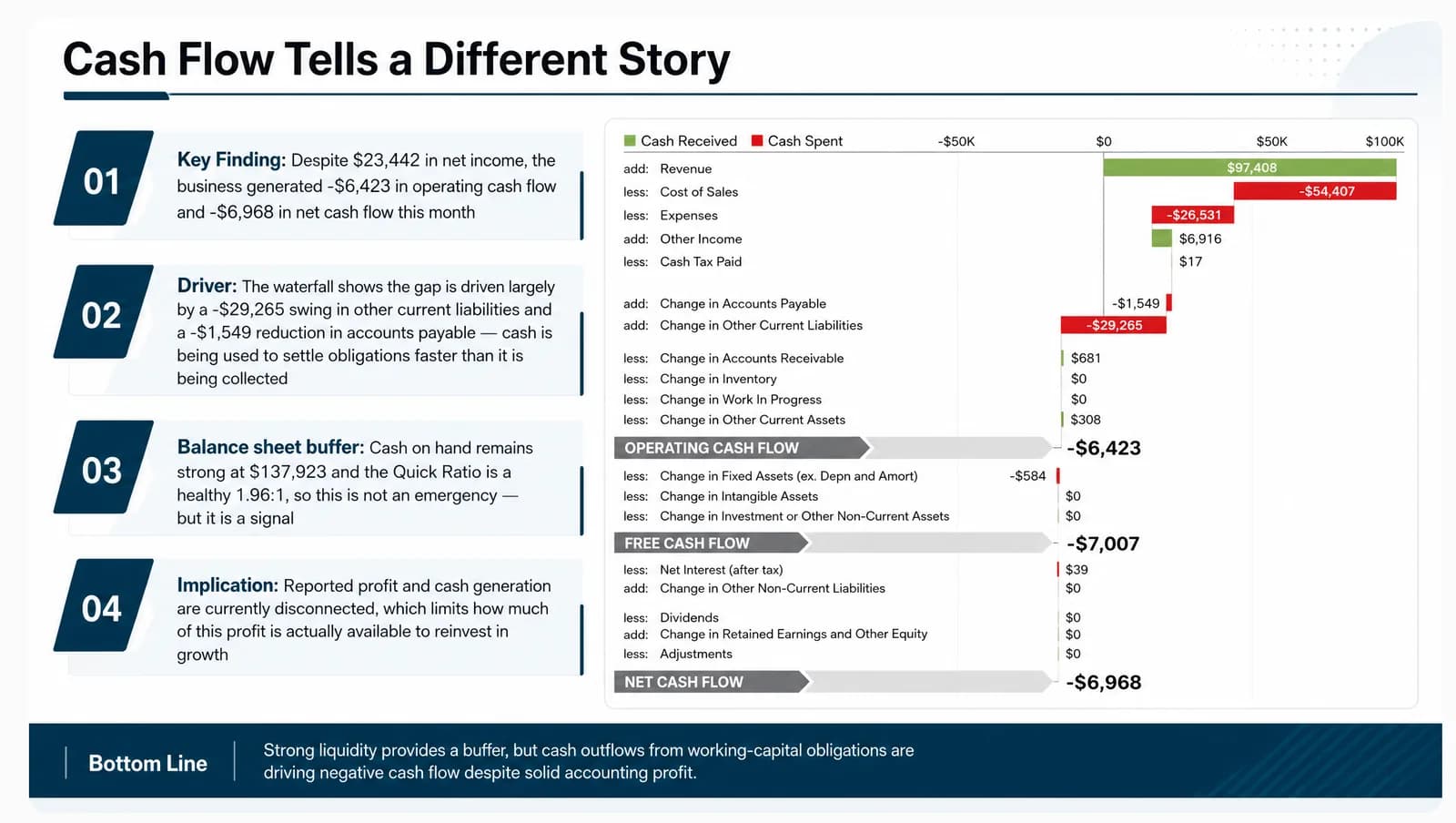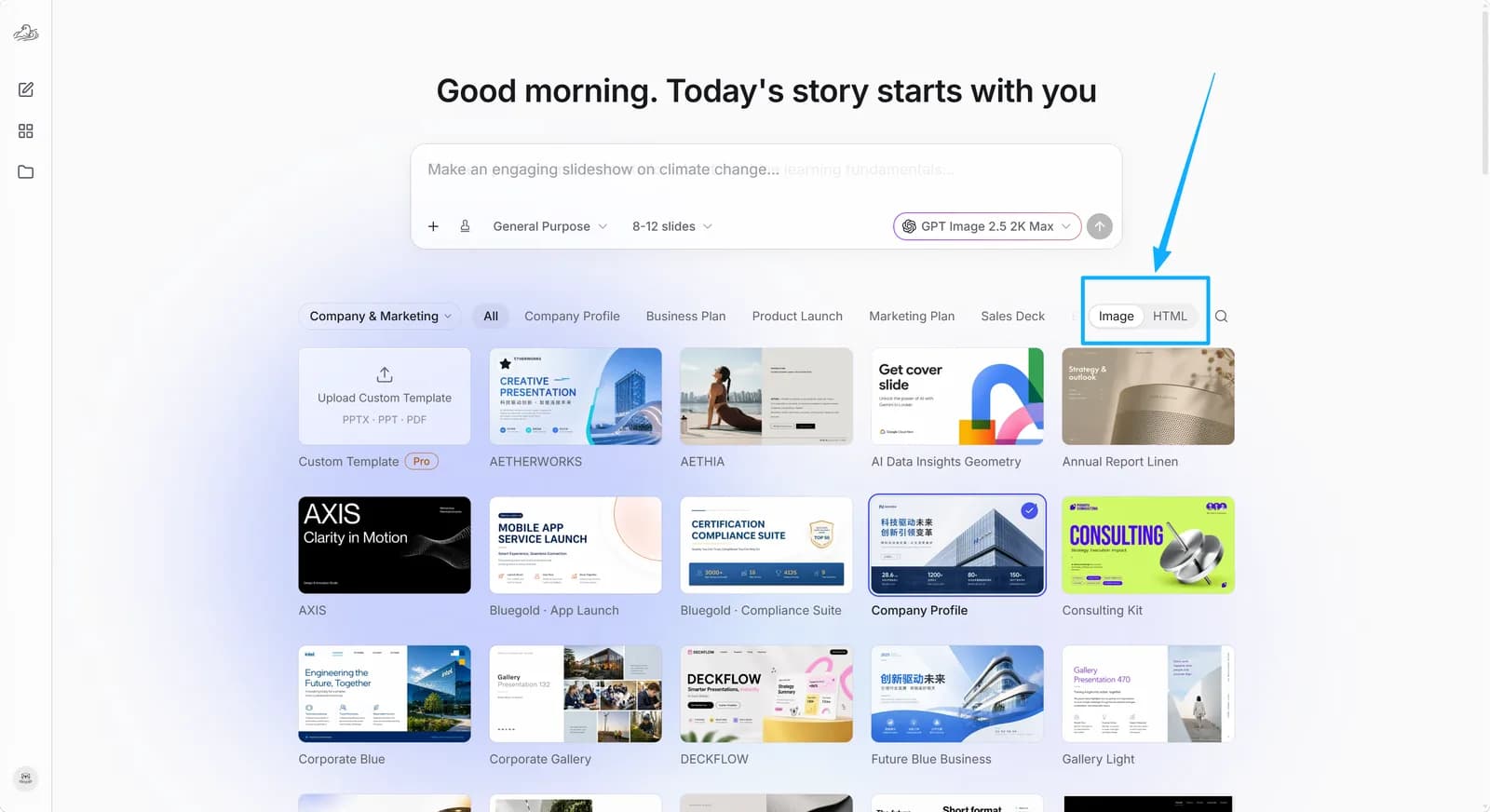
Image mode renders each page visually through image generation, which suits decks where visual polish, imagery and overall look matter most. It supports custom template uploads, and it lets you use Select in the Slides stage to repaint a specific area of a page.
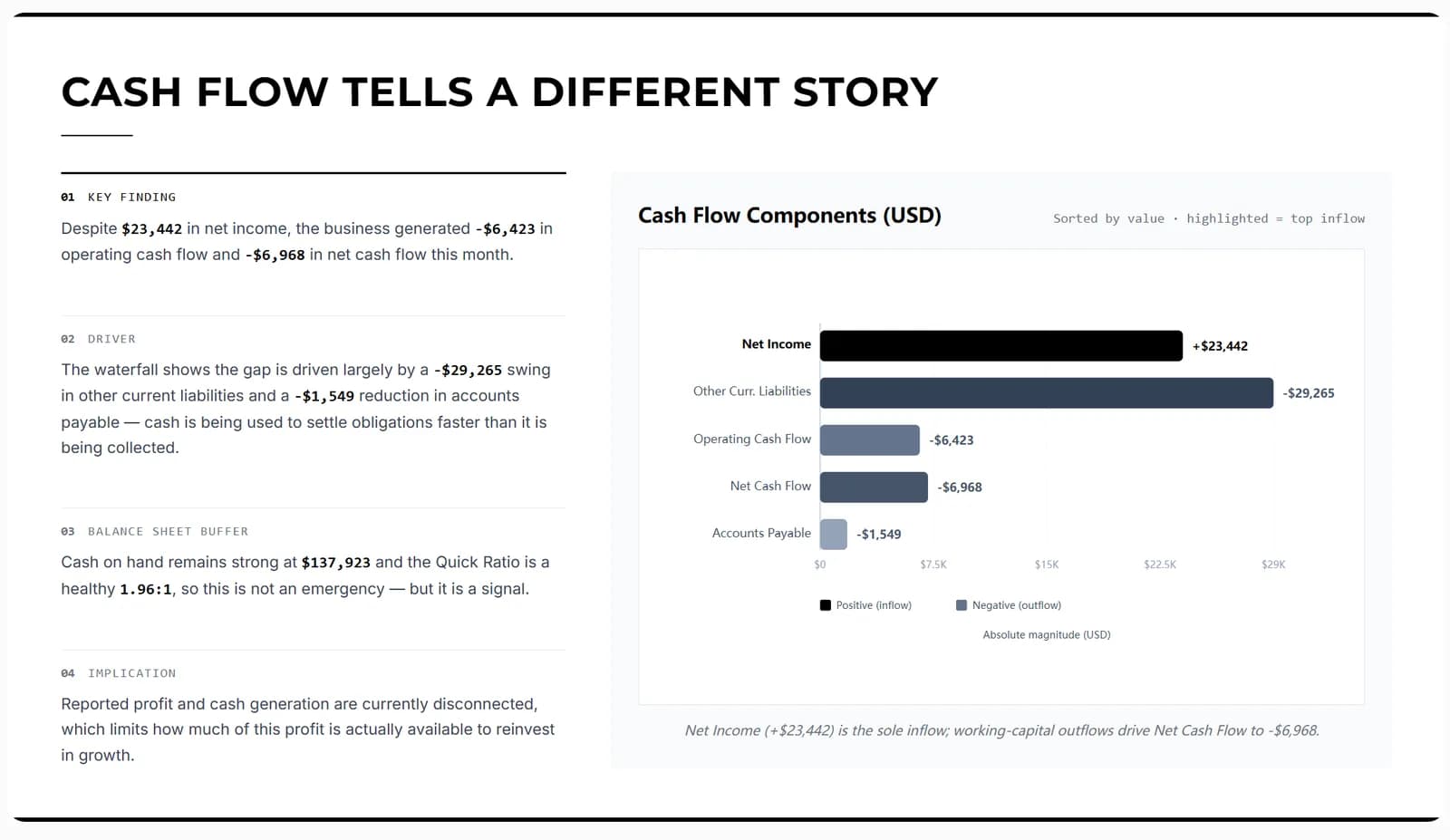
HTML mode builds each page as HTML. Its editing capabilities are not identical to Image mode: partial repainting with Select currently works in Image mode only. If your workflow needs custom template uploads or targeted edits to part of a page, choose Image mode.