

Batch Edit adjusts several slides at once. Click Batch at the bottom left of the chat box, choose the pages that need a new layout or a consistent adjustment, type one shared instruction and send it — the system applies the same requirement to all of those pages.
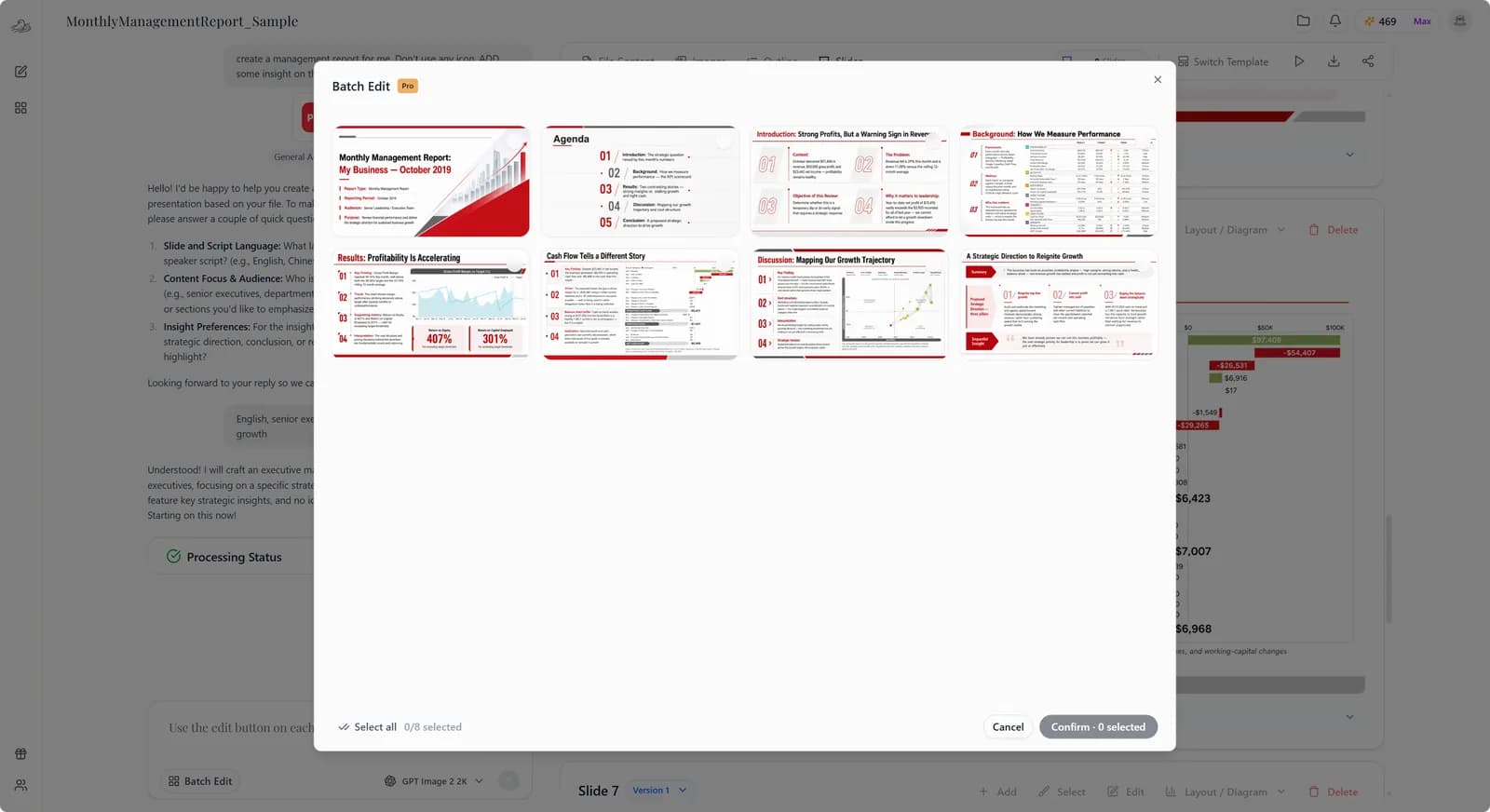
1. Click Batch Edit
Open the slide selection view of Batch Edit.
2. Select the slides
Check the pages that need the same adjustment.
3. Type one shared instruction
For example: cut the body text on every page, strengthen the heading hierarchy, and keep the same left and right margins throughout.
4. Send it and check the result
Once the batch edit finishes, go through the pages and confirm that the important figures, headings and content are still accurate.