

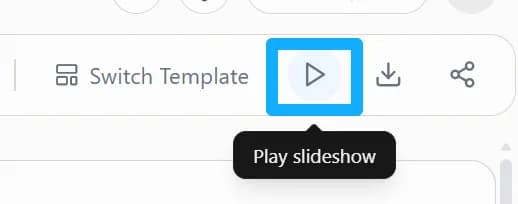
Click the play button to preview how the current deck presents, right in your browser.
1. Click play
Click the play button at the top right of the editor.
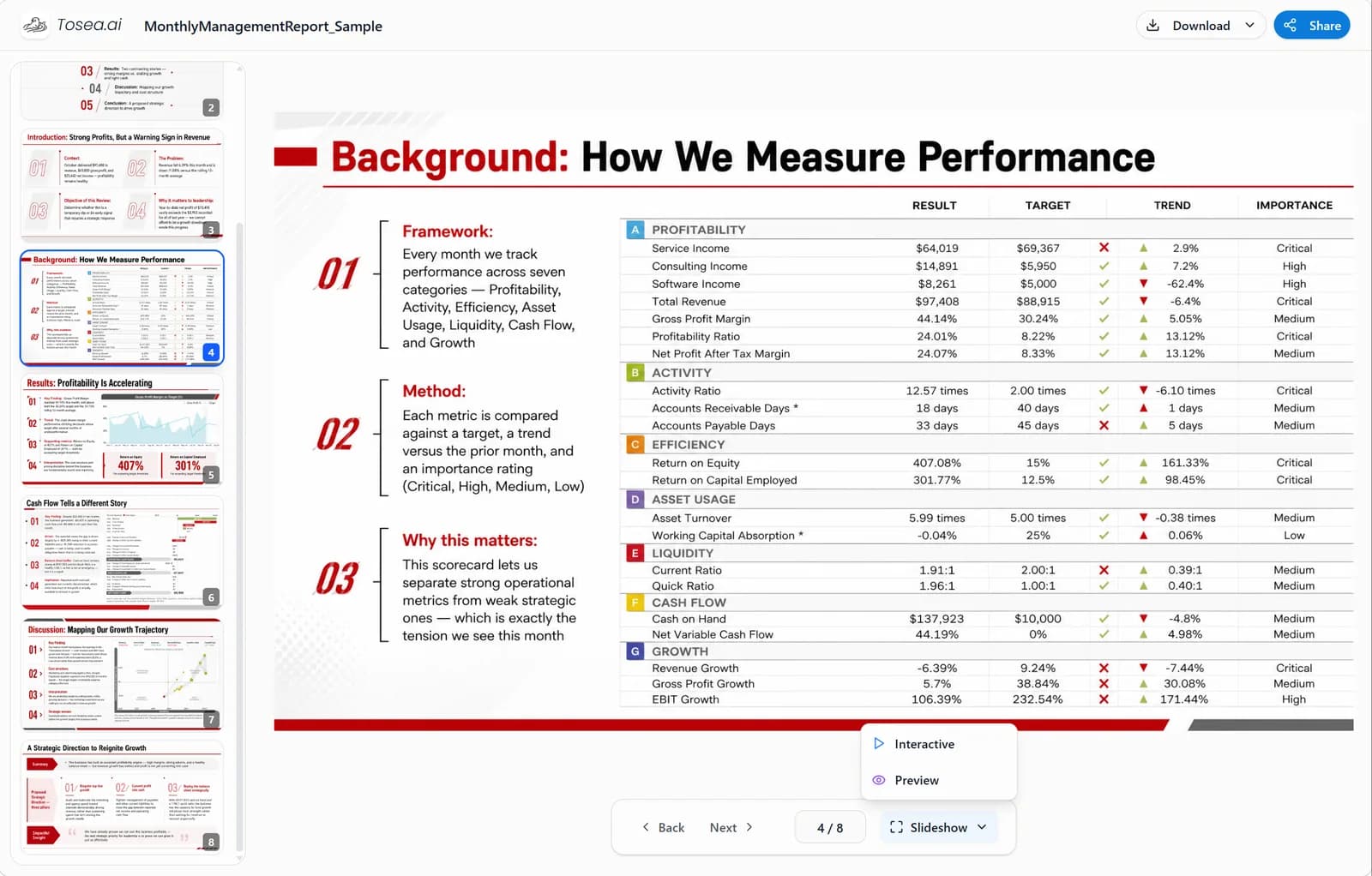
2. Preview online
Enter the presentation preview to check page transitions and playback.
Help Center › Slides
Preview your deck online to check page transitions and how it presents.
Click the play button to preview how the current deck presents, right in your browser.
Click the play button at the top right of the editor.
Enter the presentation preview to check page transitions and playback.