

Custom template uploads live in the template picker in Image mode. Open the create page, switch to Image mode (or confirm you are already in it), then upload your own template file in the template picker. Once it is uploaded, you can use that template for the decks you generate next.
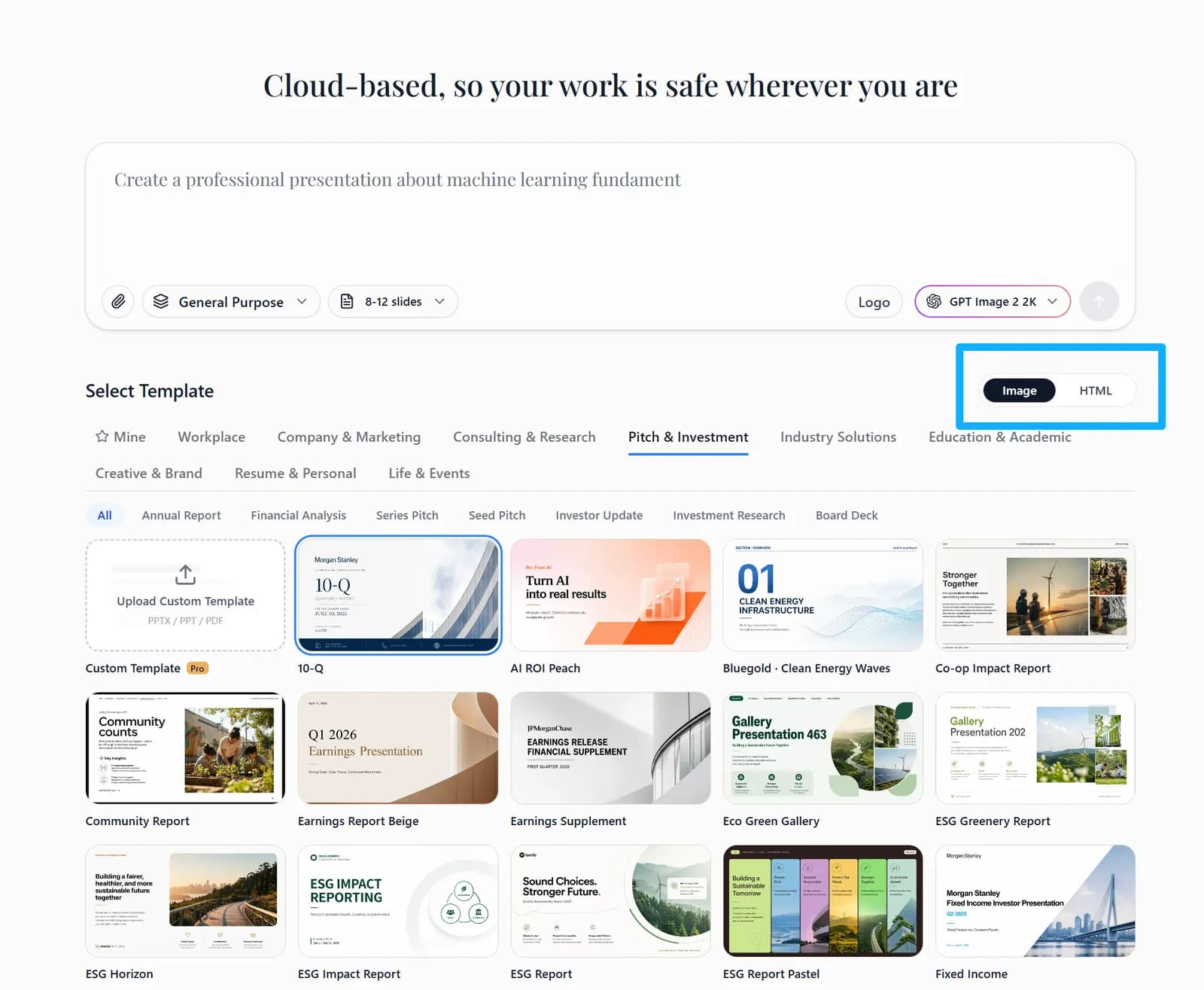
1. Open the create page
Start a new presentation and confirm you are in Image mode.
2. Open the template picker
Find the custom template upload entry in the template list.
3. Upload and confirm
Upload the template you need, confirm it is selected, then continue generating your deck.