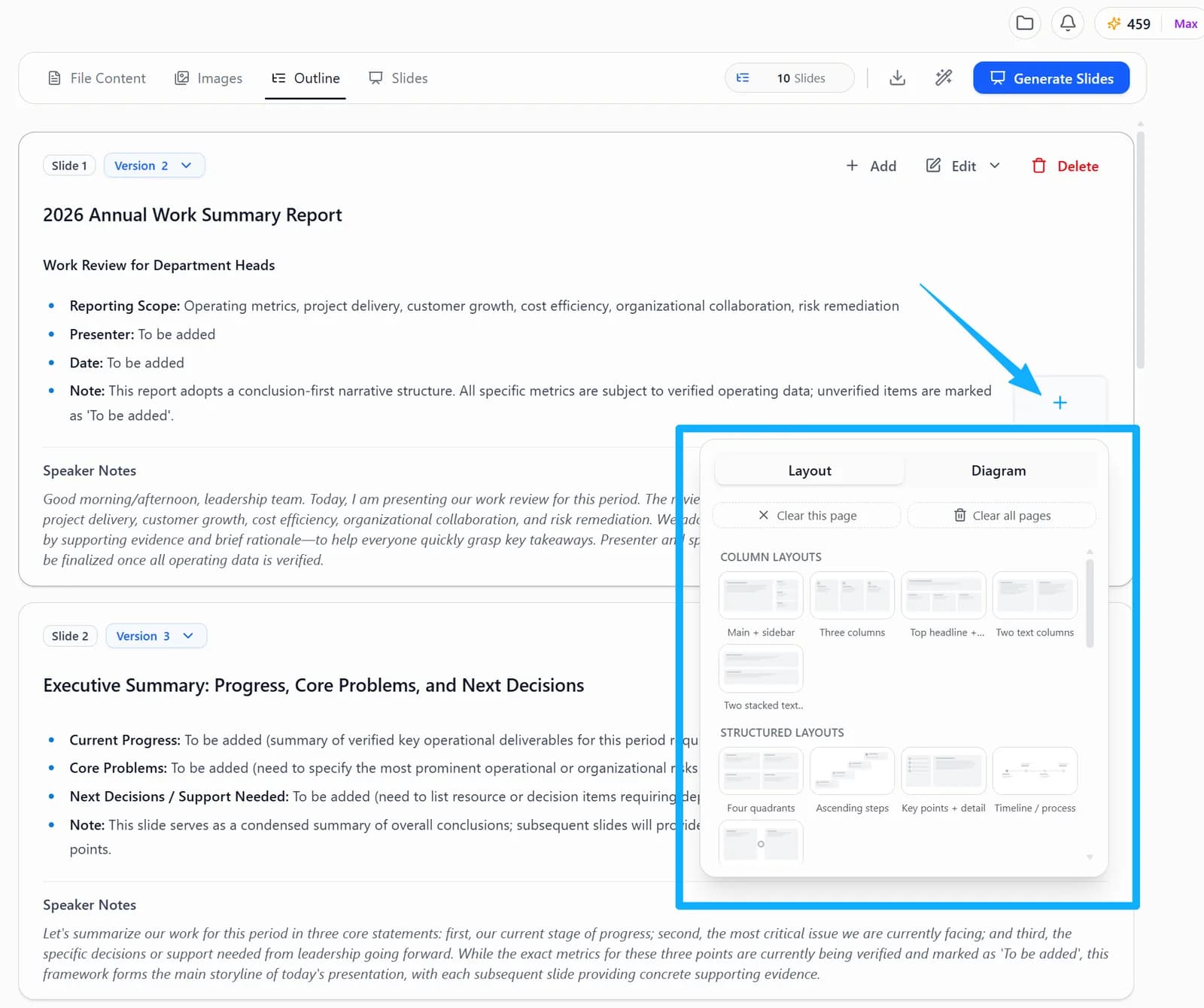
Outline is the stage where you confirm the structure of your content before the deck is generated. Based on what each page needs to convey, you can assign a suitable Layout or Diagram so the system builds a page structure that fits the content.
- Layout defines the overall arrangement of a page, such as split columns, side-by-side comparison, text combined with images, or data display.
- Diagram defines how a page is visualized, which suits processes, hierarchies, relationships, timelines and anything else that needs a visual explanation.
- Choosing before generation cuts down the work of reorganizing layouts afterwards.
Consulting charts (HTML mode)
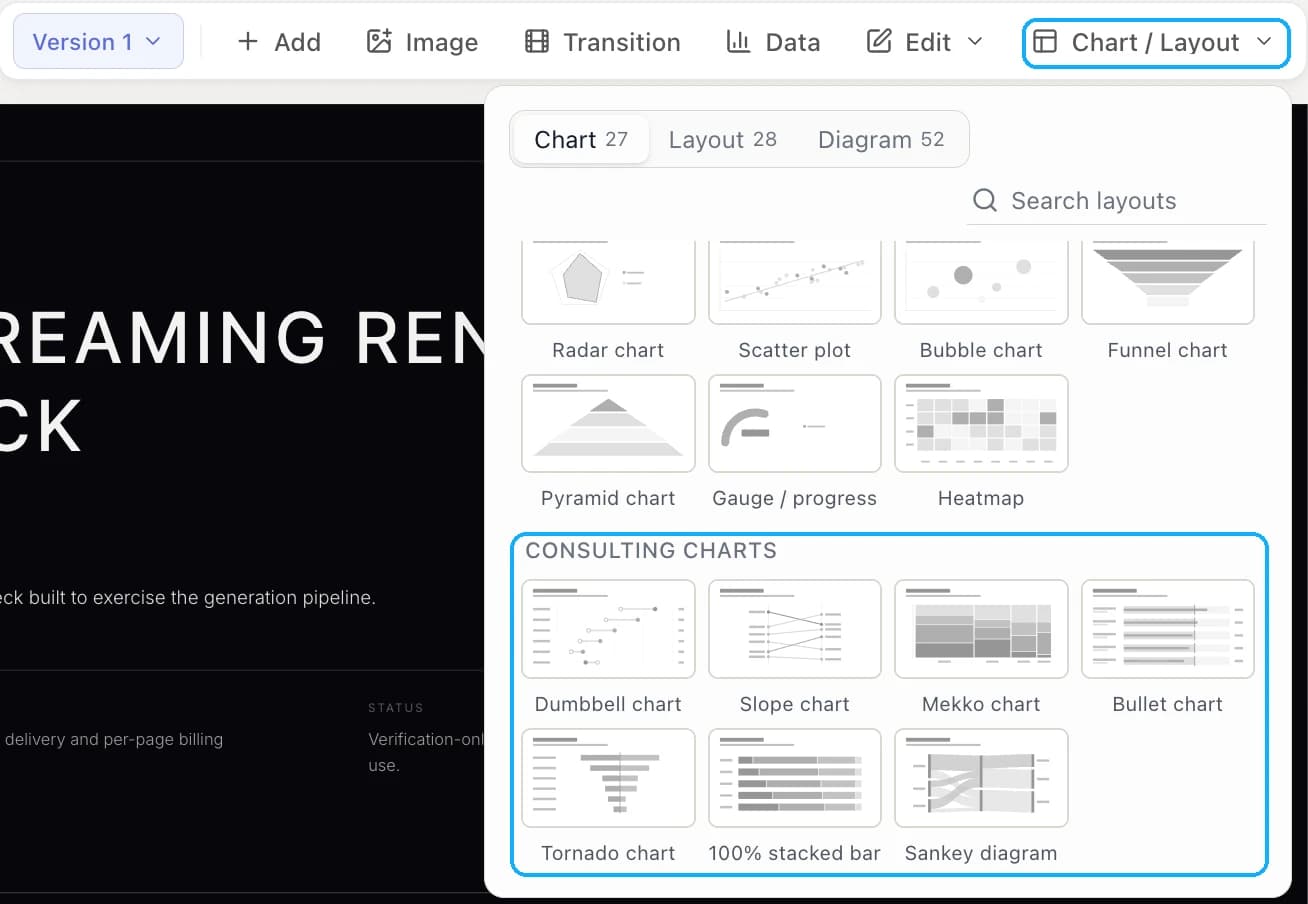
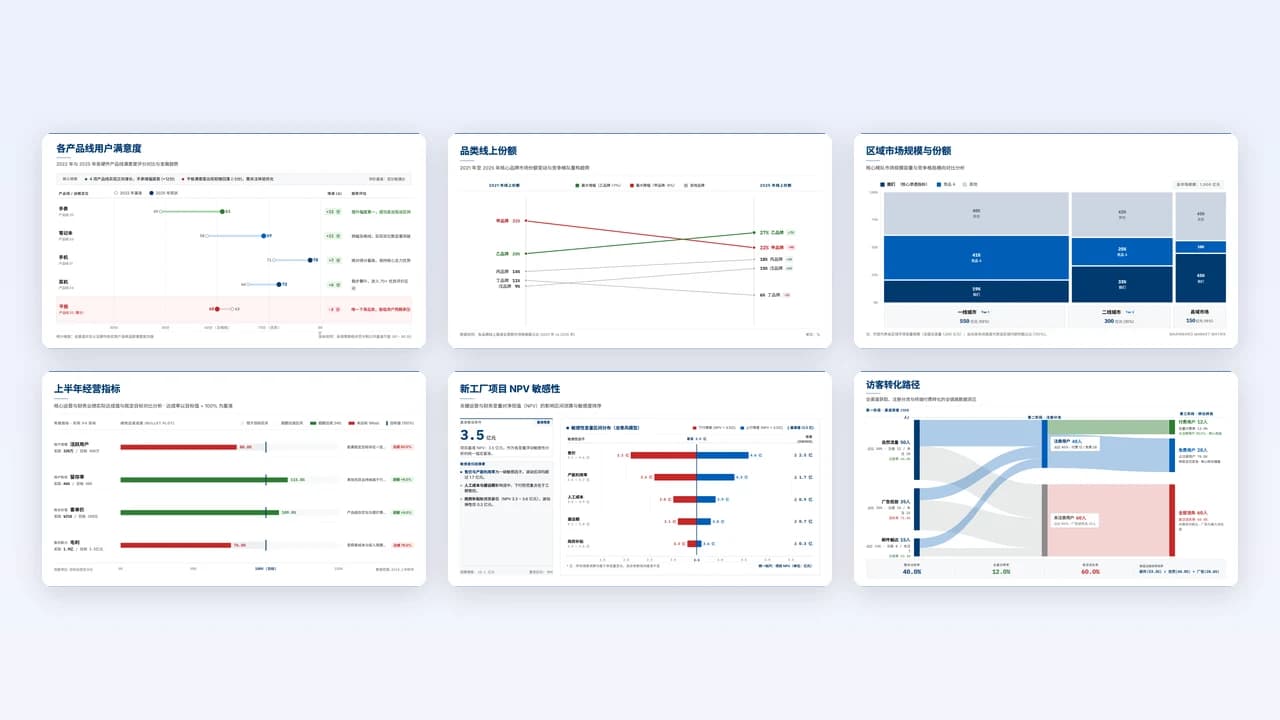
HTML mode includes 7 consulting-style charts under Chart → Consulting charts. They suit data that ordinary bar and line charts explain poorly:
| Chart | Best for |
|---|---|
| Dumbbell chart | Two values per item on one scale, such as two periods or plan vs actual |
| Slope chart | Rank or value change between two points |
| Mekko chart | Segment size and share in one view |
| Bullet chart | KPIs against target with ranges |
| Tornado chart | Sensitivity of one result to each driver |
| 100% stacked bar | Mix shift across periods or items |
| Sankey diagram | Flows between stages, with width showing volume |
In the Outline stage, pick one from Layout below a page. On generated slides, pick one from Chart / Layout in the toolbar above the slide. The chart is drawn from the data on that page.